Neon Portrait Studio

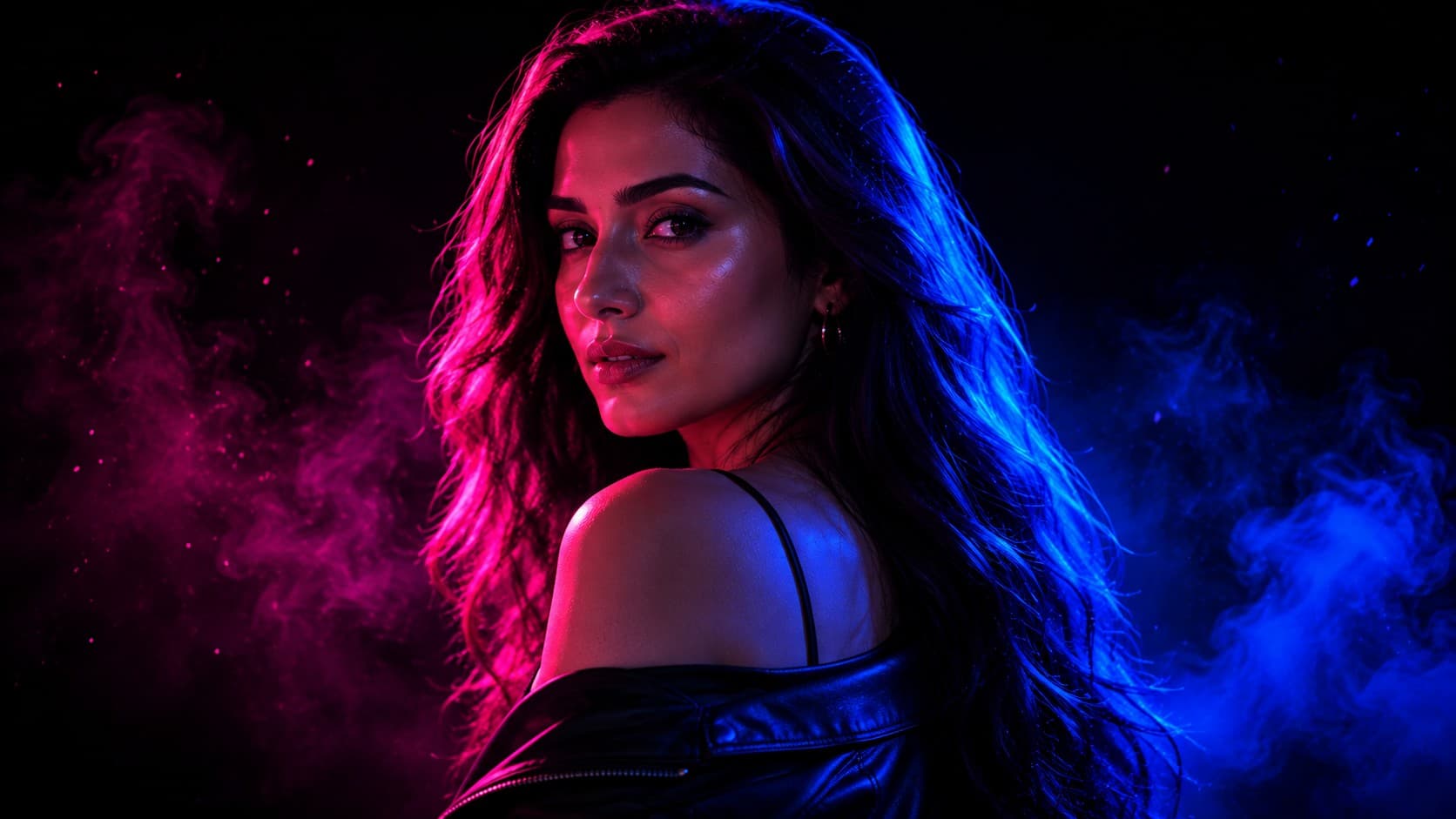
Hot Pink + Electric Blue Neon Portrait

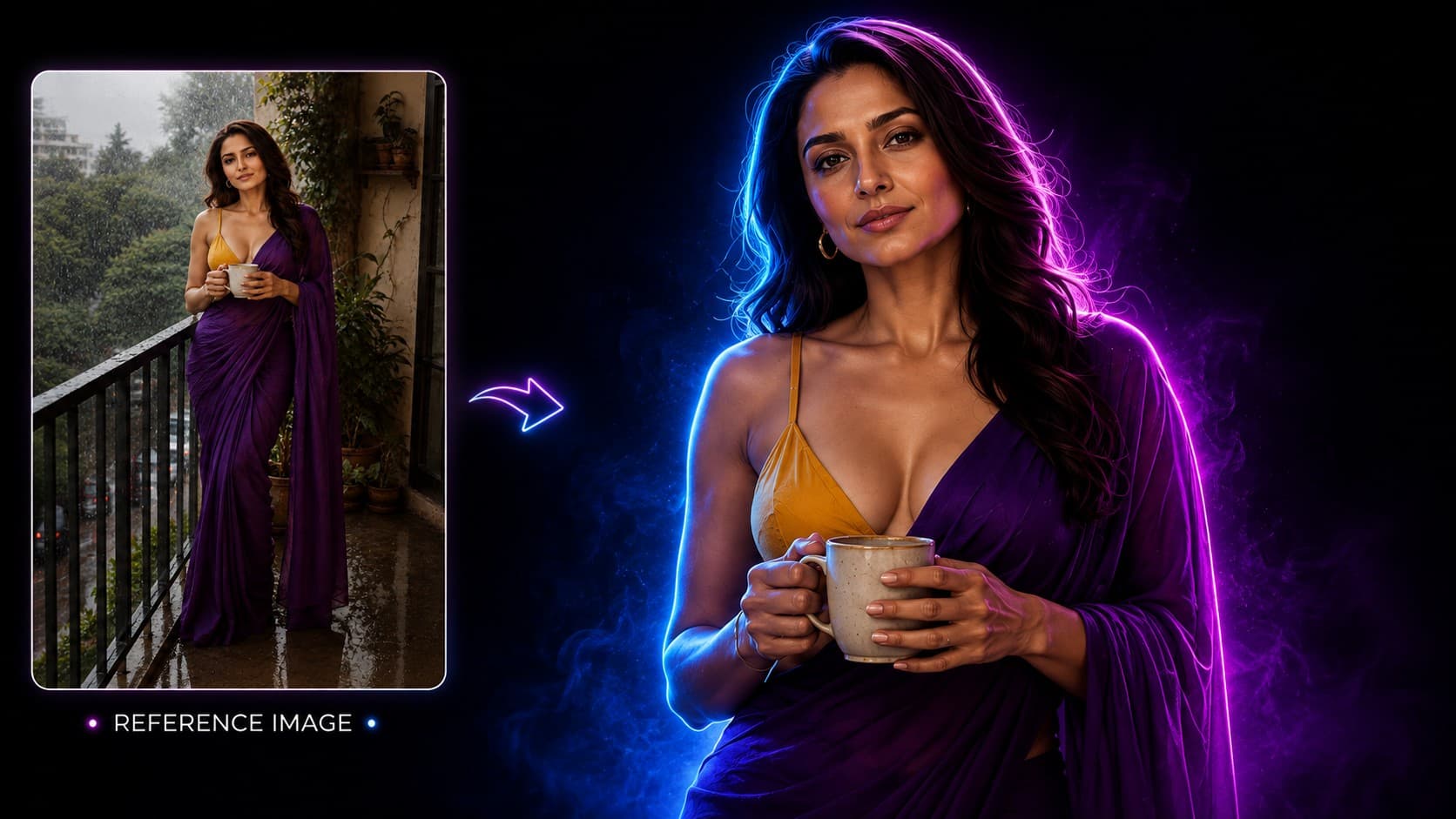
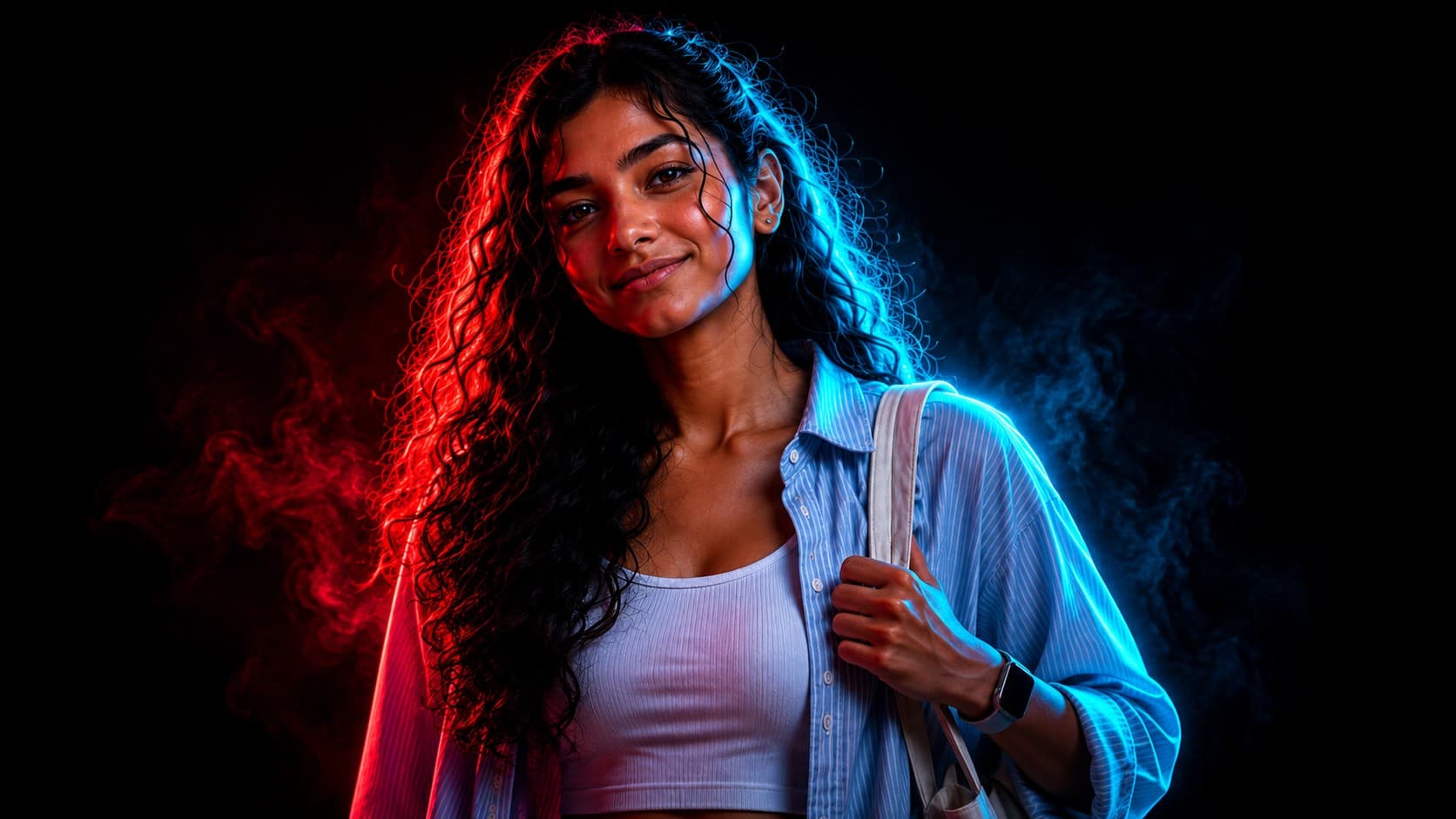
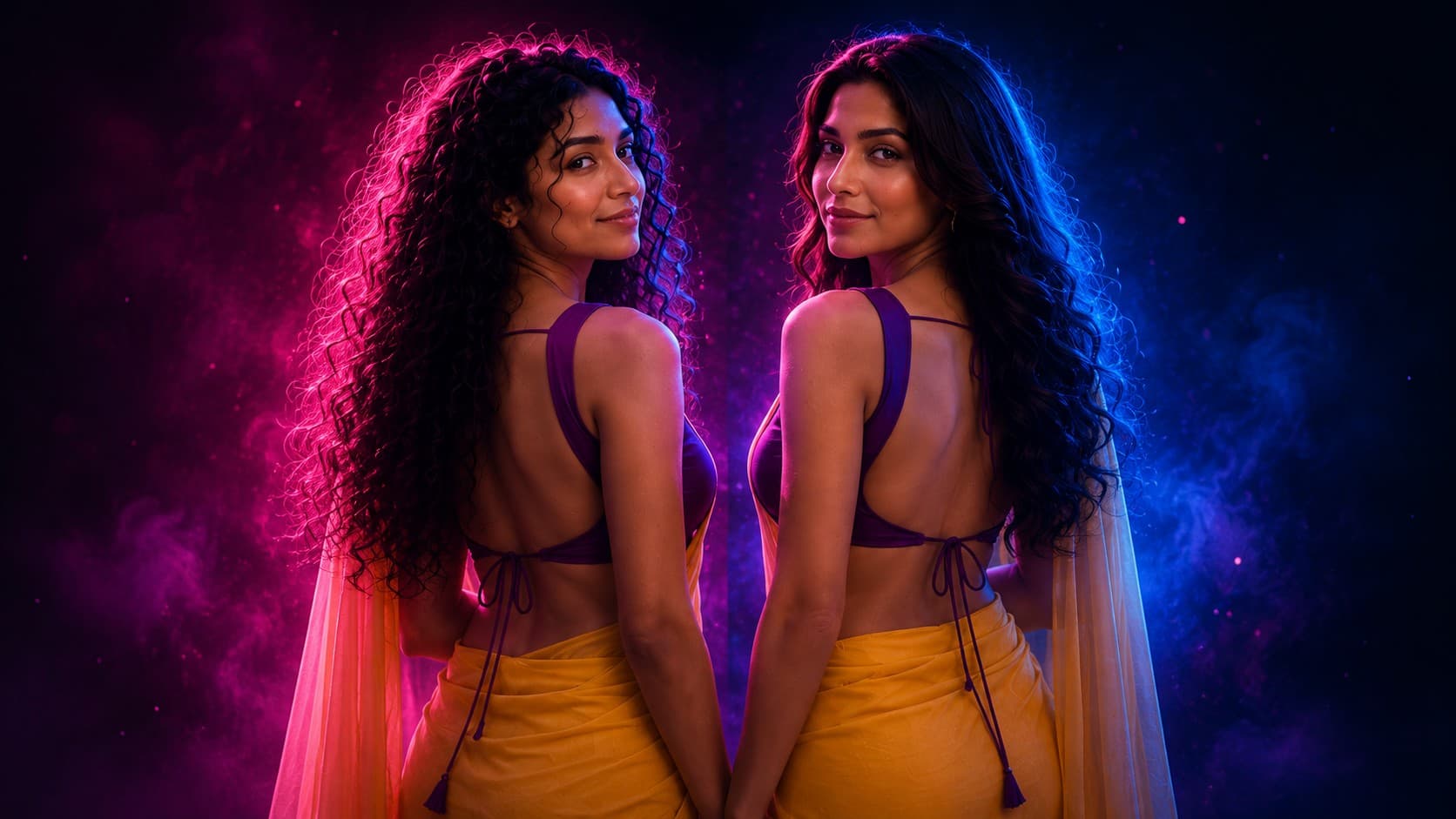
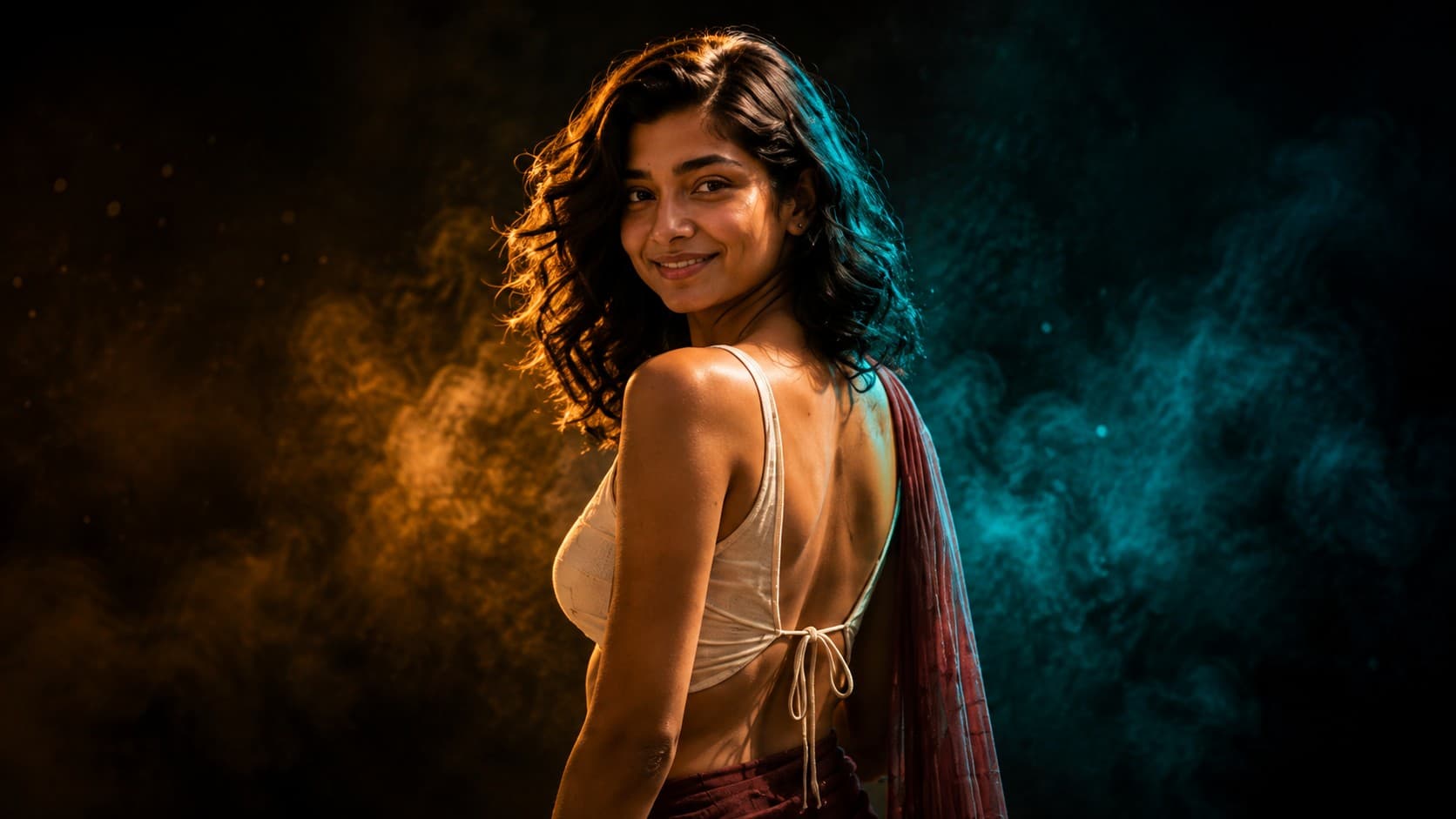
Transform your photo into a striking futuristic neon portrait using hot pink and electric blue lighting, an over-the-shoulder fashion pose, dramatic split lighting, glowing hair highlights, and a deep black cinematic background.

Hot Pink + Electric Blue Neon Portrait

✨ AI Image Prompt

Review the prompt below before copying it into your preferred AI image generator.

If reference image(s) are provided, preserve the person's facial features, hairstyle, facial structure, skin tone, body proportions, expression, and overall identity naturally while transforming the image into a dramatic futuristic neon portrait. Do not change the person's identity. Create a premium cinematic portrait of the person in a stylish over-the-shoulder pose. Turn the person's body slightly away from the camera while having the face look back toward the camera with a confident, natural, and captivating expression. Frame the composition from approximately the chest or shoulders upward, keeping the face and upper silhouette as the primary visual focus. Use a powerful hot pink neon key light from the camera-left side to illuminate one side of the face, cheekbone, jawline, neck, hair strands, and shoulder. Add an intense electric blue neon light from the camera-right side as a contrasting rim and edge light, creating a vivid blue outline around the opposite side of the face, hair, neck, and shoulder. Create a controlled split-lighting effect where the hot pink and electric blue remain visually distinct and do not merge into muddy colors. Allow parts of the face and clothing to naturally fall into deep cinematic shadows while preserving realistic facial structure, natural skin texture, detailed eyes, realistic pores, individual hair strands, and subtle skin highlights. Keep the background almost completely black and minimal. Add subtle hot pink and electric blue atmospheric haze behind the subject, with a few tiny floating particles and soft light diffusion. Do not create a futuristic city, neon signs, holographic screens, cyberpunk buildings, busy technology, or a detailed environment. Use dramatic high-contrast studio photography, precise light falloff, deep blacks, controlled exposure, cinematic shadows, subtle bloom, realistic reflections, sharp eye catchlights, atmospheric depth, premium futuristic fashion editorial aesthetics, sophisticated color grading, photorealistic skin texture, detailed hair, professional portrait photography, ultra-realistic quality, and cinematic 8K detail. The final image should feel bold, fashionable, futuristic, mysterious, energetic, and premium, combining a confident over-the-shoulder fashion pose with striking hot pink and electric blue neon illumination. The composition should work beautifully as a social media profile image, fashion editorial, music artwork, gaming profile, poster, or premium AI portrait inspiration.

πŸ“˜ How to Use This Prompt

Follow these simple steps to generate the best possible AI image.

1

Select a Clear Over-the-Shoulder Reference

Upload a sharp, high-resolution portrait or upper-body reference where the person's face, eyes, hairstyle, neck, and shoulders are clearly visible. A clean original background makes it easier to establish the intended dark studio environment.

2

Establish the Over-the-Shoulder Pose

Use the prompt as written and maintain the over-the-shoulder composition: turn the person's body slightly away from the camera while directing the face back toward the viewer with a confident and natural expression.

3

Set the Hot Pink and Electric Blue Lights

Keep the lighting placement consistent by using the hot pink neon key light from the camera-left side and the electric blue neon rim light from the camera-right side. This helps preserve the intended two-color separation.

4

Highlight the Hair and Silhouette

Select a reference with clearly visible hair and shoulder contours so the electric blue edge light can trace individual strands, the jawline, neck, and outer silhouette while the pink key light shapes the opposite side.

5

Control Neon Intensity

If the generated portrait loses the split-light effect or becomes excessively saturated, regenerate while emphasizing distinct hot pink and electric blue lighting, realistic skin tones, deep shadows, controlled exposure, and subtle atmospheric haze.

⭐ Tips for Best Results

Follow these best practices to create higher-quality AI images with better consistency and realism.

βœ“

Use a Readable Over-the-Shoulder Angle

Choose a reference with a naturally readable over-the-shoulder angle or enough visible upper body to make the requested pose easier for the model to interpret without distorting the person's proportions.

βœ“

Keep the Face Clearly Visible

Use photographs where the face remains unobstructed and the person is looking naturally toward the camera. Clear eye visibility helps preserve both identity and the intended captivating expression.

βœ“

Choose Dark or Neutral Clothing

Dark or neutral clothing provides the strongest foundation for this lighting setup because the neon colors can define the shoulder and silhouette without competing with bright garment colors.

βœ“

Start With Neutral Lighting

Avoid references with strong existing pink, blue, or multicolored lighting. Neutral lighting gives the model greater control over recreating the intended hot pink key light and electric blue rim light.

βœ“

Keep the Neon Glow Controlled

For a polished futuristic fashion result, keep the neon glow concentrated around the face, hair, and shoulders. Deep black surroundings and restrained haze will make the colored edges appear brighter without sacrificing facial detail.

Frequently Asked Questions❓

Find answers to the most common questions about using this AI image prompt.

Use a clear portrait or upper-body photo with the person's face visible. Good facial detail, sufficient lighting, and a relatively simple background usually produce better results.

πŸ€–Recommended AI Models

This futuristic portrait style works best with image models that can understand pose instructions, preserve reference-image identity, and maintain separate directional lighting across the subject. The recommended models are particularly useful for combining the over-the-shoulder fashion pose with controlled hot pink illumination, electric blue edge lighting, detailed hair highlights, realistic skin texture, and a minimal black studio background.

ChatGPT

Great for Over-Shoulder Portrait Control

A strong option for interpreting the turned-body, look-back pose while maintaining recognizable facial features, natural proportions, realistic skin texture, detailed hair, and distinct hot pink and electric blue lighting across the portrait.

Gemini

Great for Futuristic Fashion Variations

Useful for exploring different intensities of hot pink and electric blue illumination, glowing hair edges, dramatic shadow placement, atmospheric haze, and polished futuristic fashion-editorial compositions.

More Related Prompts

Discover more prompts from this category.

Electric Blue + Violet Portrait

Electric Blue + Violet Portrait

Transform your photo into a dramatic cinematic neon portrait using electric blue and violet lighting against a deep black background. Create striking studio portraits with glowing hair edges, sculpted facial highlights, deep shadows, and premium editorial aesthetics.

Crimson + Cyan Cyber Portrait

Crimson + Cyan Cyber Portrait

Transform your photo into a dramatic cyber-inspired portrait using intense crimson and electric cyan lighting against a deep black background. Create futuristic portraits with split-color illumination, glowing hair edges, deep shadows, realistic skin texture, and cinematic cyber aesthetics.

Magenta + Deep Blue Dream Portrait

Magenta + Deep Blue Dream Portrait

Transform your photo into a dreamy cinematic neon portrait using vibrant magenta and deep blue lighting against a dark studio background. Create an elegant atmospheric portrait with glowing hair edges, soft color transitions, deep shadows, and premium fashion-editorial aesthetics.

Amber + Teal Cinematic Portrait

Amber + Teal Cinematic Portrait

Transform your photo into a cinematic portrait using warm amber and cool teal lighting against a deep black background. Create premium movie-style portraits with warm facial highlights, cool rim lighting, dramatic shadows, realistic skin texture, and sophisticated cinematic color grading.

Emerald + Purple Mystic Portrait

Emerald + Purple Mystic Portrait

Transform your photo into a mysterious cinematic neon portrait using emerald green and deep purple lighting against a dark studio background. Create an enchanting portrait with glowing hair edges, atmospheric haze, deep shadows, and premium fantasy-inspired lighting.

Gold + Purple Luxury Portrait

Gold + Purple Luxury Portrait

Transform your photo into a luxurious cinematic portrait using warm golden light and rich purple rim lighting against a deep black background. Create sophisticated editorial portraits with glowing hair edges, dramatic shadows, elegant highlights, and premium luxury aesthetics.

Discover More AI Prompts

Explore hundreds of free AI prompts across different categories. Whether you're creating realistic images, cinematic scenes, anime artwork, seasonal content, sports visuals, or social media graphics, PromptGenz has prompts designed to help you get better AI-generated results.