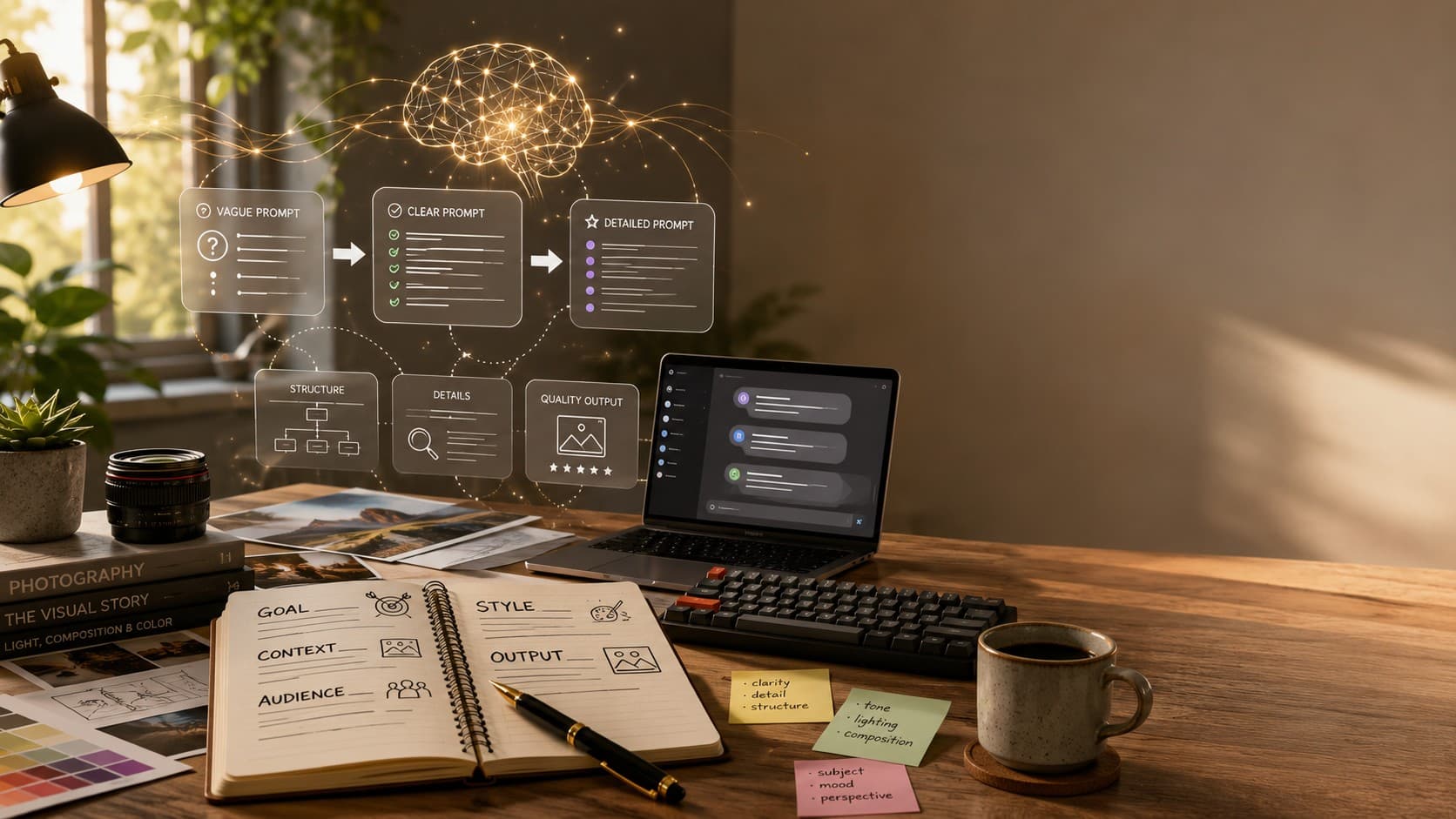
15 Common AI Prompt Mistakes (And How to Fix Them)
Learn the 15 most common AI prompt mistakes that lead to poor results. Discover practical fixes, real examples, and proven prompt engineering techniques for ChatGPT, Gemini, Claude, Midjourney, Flux, Leonardo AI, and other AI tools.
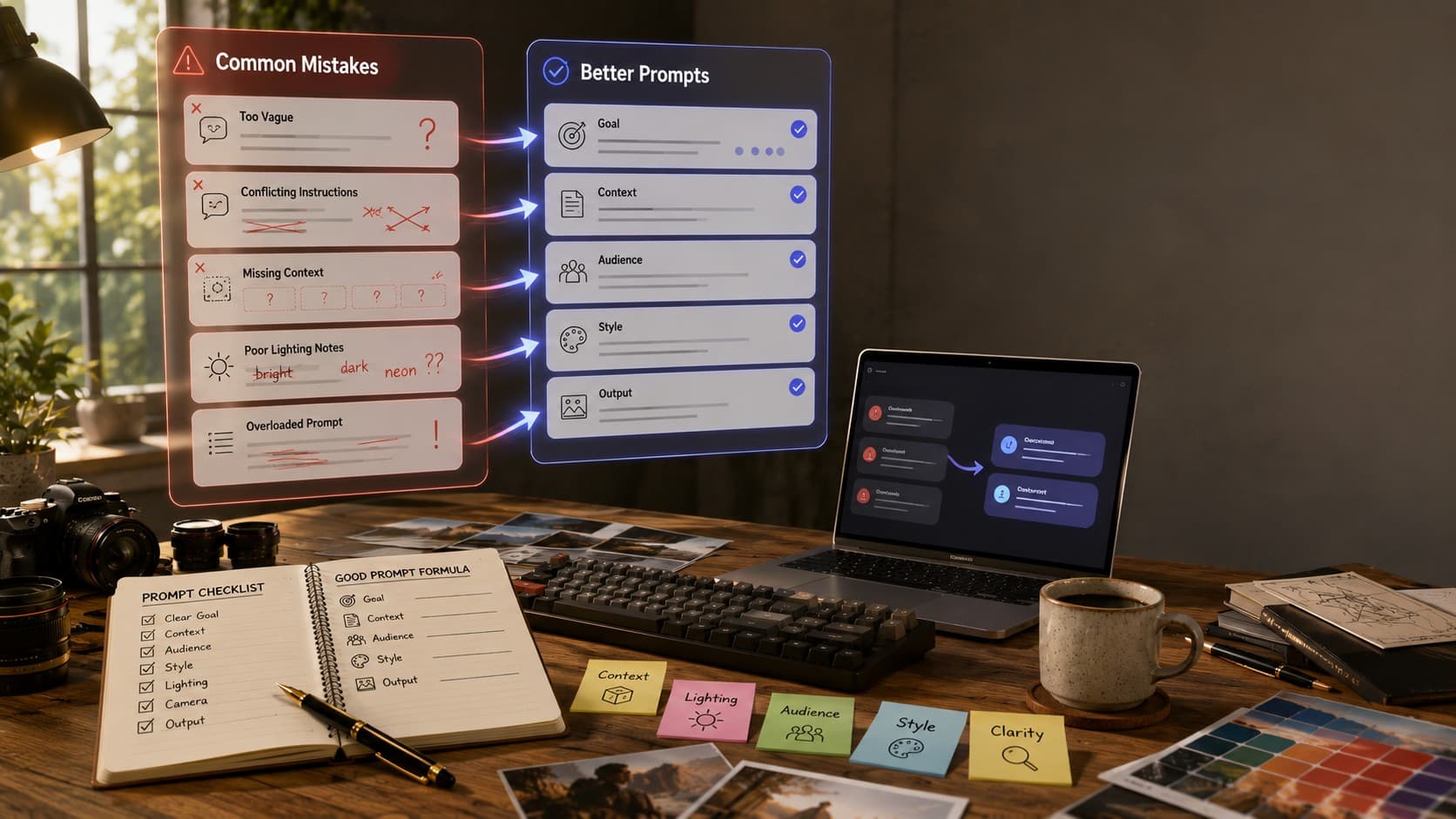
15 Common AI Prompt Mistakes (And How to Fix Them)
I keep a running collection of prompts that people send me whenever they're frustrated with AI. The question is almost always the same: 'Why did it give me this?' After reviewing hundreds of prompts, I noticed something interesting. In most cases, the problem wasn't that the AI was incapable—it was that the prompt never clearly communicated what the user actually wanted.
Whether you're using ChatGPT, Gemini, Claude, Midjourney, Flux, Leonardo AI, or another AI tool, the quality of the response depends heavily on the quality of your instructions. Even small mistakes like missing context, vague wording, or conflicting directions can lead to disappointing results.
The good news is that these mistakes are easy to fix once you know what to look for. In this guide, we'll go through the fifteen most common AI prompt mistakes I see repeatedly, explain why they happen, and show simple ways to improve your prompts without making them unnecessarily complicated.
What You'll Learn
- The 15 most common AI prompt mistakes people make.
- Why these mistakes lead to poor AI responses.
- Practical examples of weak prompts versus better prompts.
- Simple fixes you can apply immediately.
- How to consistently get more accurate AI results with clearer prompts.
Why Do AI Prompts Fail?
Most AI prompt failures have very little to do with the AI itself. Modern AI models are incredibly capable, but they can only work with the information you provide. If your prompt is vague, incomplete, or contradictory, the AI fills in the missing pieces by making assumptions—and those assumptions aren't always what you had in mind.
As you read through the following mistakes, you'll notice a common pattern. Almost every improvement comes down to the same principle: provide more clarity, more context, and more direction. Once you understand that pattern, writing effective prompts becomes much easier.
Mistake #1: Being Too Vague
This is by far the most common mistake I see. Prompts like 'Write something about marketing' or 'Make a nice picture' aren't really prompts—they're topics. The AI has to guess everything else, including the audience, tone, format, and purpose. More often than not, those guesses lead to generic results.
❌ Weak Prompt Write something about marketing.
✅ Better Prompt Write an 800-word beginner-friendly blog explaining digital marketing for small business owners. Use simple language, practical examples, and finish with five actionable tips.
Adding just one or two extra sentences of context gives the AI enough information to produce a far more useful response. Whenever possible, explain who the content is for, what the goal is, and what kind of outcome you're expecting.
Mistake #2: Assuming the AI Remembers Everything
Many people reference something from several messages earlier and assume the AI still understands exactly what they're talking about. While AI conversations do maintain context, long chats or changing topics can cause important details to become less prominent. If something is essential, don't hesitate to mention it again.
❌ Weak Prompt Continue the previous idea but make it shorter.
✅ Better Prompt Using the email draft we created for the product launch, rewrite it in under 120 words while keeping the same friendly tone and call-to-action.
Repeating an important detail only takes a few seconds, but it dramatically reduces misunderstandings and unnecessary revisions.
Mistake #3: Trying to Do Everything in One Prompt
AI is incredibly capable, but asking it to complete five different tasks at once usually reduces the quality of every result. Long prompts that combine writing, summarizing, translating, rewriting, and formatting into a single request often produce inconsistent outputs because the AI has to divide its attention across multiple objectives.
❌ Weak Prompt Write a blog post, summarize it, create five social media captions, translate everything into Spanish, and generate an email campaign.
✅ Better Prompt First, write the blog post. Once it's finished, we'll create social media captions. After that, we'll translate the final content into Spanish.
Think of AI as a collaborative teammate rather than an instant task machine. Breaking large requests into smaller steps almost always produces higher-quality results and makes it much easier to refine each stage before moving to the next.
Mistake #4: Using Hype Words Instead of Real Descriptions
This mistake appears most often in AI image prompts. Words like 'beautiful', 'epic', 'stunning', or 'amazing' sound impressive, but they don't actually describe anything visual. They're opinions, not instructions. The AI can't convert compliments into concrete image details.
❌ Weak Prompt Create a stunning, beautiful landscape.
✅ Better Prompt Create a peaceful mountain landscape during golden hour with warm sunlight, a crystal-clear lake, pine trees reflected in the water, soft mist, and cinematic composition.
Whenever possible, replace subjective words with visual descriptions. Instead of saying an image should be 'beautiful,' explain what actually makes it beautiful through lighting, composition, colors, textures, or atmosphere.
Mistake #5: Forgetting to Mention the Audience
A response written for complete beginners should sound very different from one written for experienced professionals. If you don't tell the AI who the content is for, it often settles somewhere in the middle—which usually satisfies nobody.
❌ Weak Prompt Explain prompt engineering.
✅ Better Prompt Explain prompt engineering to someone who has never used AI before. Use simple language, everyday examples, and avoid technical jargon.
Adding a single sentence about your audience immediately helps the AI choose the right vocabulary, level of detail, tone, and examples.
Mistake #6: Never Defining What Success Looks Like
Many people become frustrated when the AI produces responses that are too long, too short, too formal, or completely different from what they imagined. In most cases, they never actually told the AI what the finished result should look like.
❌ Weak Prompt Write an email announcing our new product.
✅ Better Prompt Write a friendly product launch email under 150 words. Keep the tone conversational, highlight three key benefits, and finish with a clear call-to-action encouraging readers to visit our website.
Think beyond the topic itself. Tell the AI about the desired length, format, writing style, tone, and overall objective. A few extra instructions often eliminate multiple rounds of editing later.
Mistake #7: Giving Up After the First Response
This is one of the biggest mindset mistakes people make. They receive one average response, assume the AI isn't capable of doing the task, and move on. In reality, the first response is rarely the final one. The best AI users treat prompting as a conversation, not a one-time command.
❌ Common Reaction 'This isn't what I wanted.'
✅ Better Approach 'Make it shorter.' 'Rewrite it in a friendlier tone.' 'Use simpler language.' 'Add three real-world examples.'
Small follow-up instructions often improve the response dramatically. Instead of starting over with a brand-new prompt, continue the conversation and guide the AI toward the result you're looking for.
Mistake #8: Mixing Too Many Art Styles
This is one of the most common mistakes in AI image prompting. People try to combine multiple artistic styles in a single prompt, hoping to get the best of everything. Instead, the AI receives conflicting instructions and produces an image that feels inconsistent or confused.
❌ Weak Prompt A photorealistic anime watercolor Pixar-style portrait.
✅ Better Prompt A photorealistic editorial portrait with natural lighting, realistic skin texture, shallow depth of field, and cinematic color grading.
Choose one clear artistic direction and let the other prompt elements support it. A consistent style almost always produces cleaner and more professional results than trying to blend several unrelated styles together.
Mistake #9: Ignoring Lighting in AI Image Prompts
Lighting is one of the most overlooked parts of an AI image prompt, yet it has one of the biggest impacts on the final image. Without lighting instructions, the AI usually defaults to flat, generic illumination that lacks depth and atmosphere.
❌ Weak Prompt A portrait of a young woman.
✅ Better Prompt A realistic portrait of a young woman illuminated by soft golden hour sunlight, warm cinematic lighting, natural shadows, shallow depth of field, editorial photography.
You don't need complicated photography knowledge. Simple lighting descriptions such as 'soft window light,' 'golden hour,' 'overcast daylight,' or 'warm candlelight' are enough to transform an average AI image into one that feels polished and professional.
Mistake #10: Writing Negative Instructions Instead of Positive Ones
Many people tell the AI what they don't want instead of clearly describing what they do want. Instructions like 'don't make it boring' or 'don't write too much' leave too much room for interpretation. Positive instructions are almost always clearer and easier for the AI to follow.
❌ Weak Prompt Don't make it too long and don't make it boring.
✅ Better Prompt Write a concise, engaging article under 200 words using a friendly and conversational tone.
Instead of focusing on what the AI should avoid, describe the result you actually want. Clear, positive instructions reduce ambiguity and usually produce better responses.
Mistake #11: Copy-Pasting Prompts Without Customizing Them
The internet is full of prompt libraries, downloadable prompt packs, and viral 'copy this exact prompt' posts. While these can be useful for inspiration, copying them word for word rarely produces the best results because they weren't written for your specific goal, audience, or project.
❌ Weak Approach Copy a random prompt from the internet and expect it to perfectly fit your project.
✅ Better Approach Use existing prompts as a starting framework, then replace the subject, audience, style, tone, and context with details that match your own requirements.
Think of online prompts as templates rather than finished solutions. The more you personalize them, the more useful the AI's response becomes.
Mistake #12: Not Providing Examples When You Already Have Them
One of the easiest ways to improve AI output is to show the AI an example of what you like. If you already have a writing style, design reference, email, or image that matches your expectations, sharing it gives the AI a much clearer target than trying to describe it from scratch.
❌ Weak Prompt Write something similar.
✅ Better Prompt Here's an example of the writing style I like. Create a new article using the same conversational tone, short paragraphs, and practical examples while keeping all content original.
Examples reduce guesswork. Whether you're creating blog posts, marketing emails, presentations, or AI-generated images, showing the AI what success looks like is often more effective than trying to explain it with words alone.
Mistake #13: Treating AI Like a Search Engine
Many people still interact with AI the same way they use Google. They type a few keywords, press Enter, and expect a personalized answer. While search engines are designed to find existing information, AI is designed to generate new content based on the context you provide. The more information you give it, the better it can help you.
❌ Weak Prompt Marketing strategy.
✅ Better Prompt Create a beginner-friendly digital marketing strategy for a local coffee shop with a limited monthly advertising budget. Include social media, SEO, and email marketing recommendations.
Instead of typing keywords, write complete instructions. Imagine you're explaining the task to a knowledgeable colleague who wants enough information to do the job properly.
Mistake #14: Ignoring Camera and Composition in AI Image Prompts
Many AI image prompts describe the subject perfectly but completely ignore how the image should be captured. Without camera or composition details, AI often defaults to a centered, eye-level image that feels ordinary. Small photography instructions can dramatically improve the visual impact.
❌ Weak Prompt A chef preparing food in a restaurant.
✅ Better Prompt A professional chef preparing gourmet food in an open kitchen, photographed with an 85mm portrait lens, shallow depth of field, eye-level perspective, subject positioned using the rule of thirds, warm restaurant lighting.
You don't need professional photography knowledge. Simple phrases like 'close-up portrait', 'wide-angle shot', 'low-angle perspective', or 'shallow depth of field' instantly make AI images feel more intentional and cinematic.
Mistake #15: Never Revising Your Prompt
The final and perhaps most important mistake isn't about wording—it's about mindset. Many people expect their first prompt to produce a perfect result. Experienced AI users know that's rarely how great outputs are created. The best prompts are refined through conversation, not written perfectly on the first attempt.
❌ First Attempt Write the prompt once and immediately accept the result.
✅ Better Workflow Generate the first result → review it → improve one specific detail → generate again. Repeat until the output matches your expectations.
Rather than rewriting everything from scratch, change one element at a time. Adjust the tone, add more context, improve the lighting, simplify the wording, or refine the composition. Small improvements are easier to evaluate and usually produce better results than making dozens of changes all at once.
Great AI prompts aren't written—they're refined. Every revision teaches the AI a little more about the result you're trying to create.
Why These Mistakes Keep Happening
If you look back at all fifteen mistakes, you'll notice they share a common theme. They aren't really caused by AI—they're caused by the way we communicate. Many of us still treat AI like a search engine, a chatbot, or a magic tool that automatically understands what we're thinking. In reality, AI can only work with the information we provide.
Whether you're writing articles with ChatGPT, creating presentations with Gemini, generating code with Claude, or producing AI images with Midjourney, Flux, or Leonardo AI, the same principle applies: clearer instructions produce better results. The more context, direction, and intent you provide, the less the AI has to guess.
A Quick Checklist Before You Press Generate
- Is my objective clearly defined?
- Did I provide enough context?
- Did I mention the target audience?
- Did I specify the desired tone and format?
- For image prompts, did I include the subject, setting, lighting, style, camera, and mood?
- Am I asking for one task instead of five different tasks?
- Can I improve this prompt with one more revision before generating?
The Bottom Line
Writing effective AI prompts isn't about discovering secret keywords or memorizing complicated frameworks. It's about communicating your ideas clearly. Every mistake in this guide can be fixed by adding a little more clarity, a little more context, and a little more intention to your prompts.
The more you practice, the easier this becomes. Eventually, you'll stop wondering why the AI produced a disappointing response because you'll already know which part of your prompt needs improvement. That's the real goal of prompt engineering—not perfection on the first attempt, but consistently getting better results through better communication.
Great AI prompts aren't built on secret tricks. They're built on clarity, context, and continuous improvement.
What's Next?
Now that you know the most common prompt mistakes, the next step is learning how to write prompts that consistently produce outstanding results. Explore more PromptGenz guides to master prompt engineering, discover proven AI image prompt frameworks, and practice with real-world prompt examples.