Prompt Engineering for Video: A Practical Guide to Sora, Veo & Runway
Learn how to write effective AI video prompts for Sora, Veo, and Runway. Discover prompt structure, camera directions, audio cues, common mistakes, and practical examples to create better AI-generated videos.
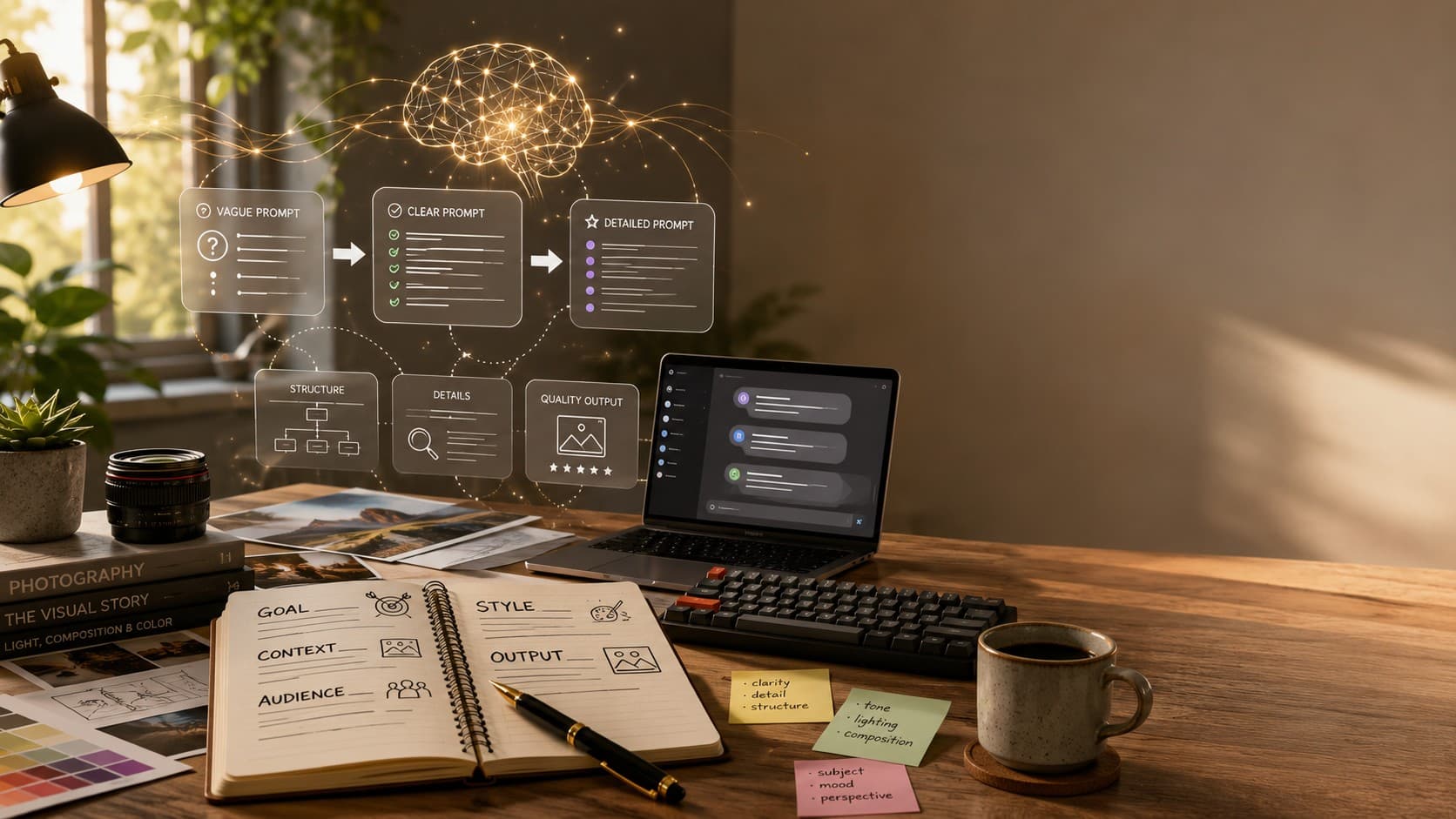
If you've spent time writing prompts for Midjourney or Flux, you already know the basics of describing a subject, choosing a style, and refining details. Video prompting follows many of the same principles, but it introduces three additional elements that image prompting doesn't have to consider—time, motion, and sound. Instead of generating a single moment, AI video models must understand how a scene unfolds from beginning to end.
This guide explores how to write better prompts for three of today's most popular AI video generation tools: OpenAI's Sora, Google's Veo, and Runway. You'll learn why video prompts require a different approach, discover a reusable prompt structure, review practical examples, and avoid the common mistakes that often lead to inconsistent or unrealistic results.
Although every AI video model has its own strengths and capabilities, the core principles remain the same. Once you understand how to describe actions, camera movement, lighting, atmosphere, and audio with clarity, you'll be able to create stronger prompts regardless of which platform you choose.
Why Video Prompts Are a Different Skill
Image prompts describe a single frozen moment, while video prompts describe a sequence of events. Instead of asking an AI model to generate one frame, you're asking it to understand what happens first, what happens next, how the camera moves, how the lighting changes, and sometimes even what the audience should hear. This additional complexity makes prompt writing much more important for AI video generation.
A vague image prompt might still produce an acceptable result because the model only has to interpret one scene. In video generation, however, vague instructions often lead to inconsistent movement, awkward camera transitions, or actions that don't match your original idea. The more clearly you describe the scene, the more predictable the generated video becomes.
Consider the difference between these two prompts:
"A woman in a garden looking at flowers."
"A woman walks slowly through a sunlit botanical garden, pausing to admire a cluster of blooming red flowers. The camera follows her from the side with a slow tracking shot, using a shallow depth of field. Warm golden-hour lighting creates a peaceful atmosphere while birds chirp softly in the background."
The first prompt leaves almost everything to the AI's imagination. The second acts more like a director's shot list, clearly describing the subject, action, camera movement, lighting, and atmosphere. This level of detail gives AI video models much better guidance and typically produces more natural, cinematic results.
The Prompt Formula That Works Across Most AI Video Models
Although Sora, Veo, and Runway each have their own capabilities, one prompt structure consistently works across all of them. Instead of writing a long paragraph without direction, break your prompt into clear layers that describe the scene from beginning to end.
A practical formula that works for most AI video generators is:
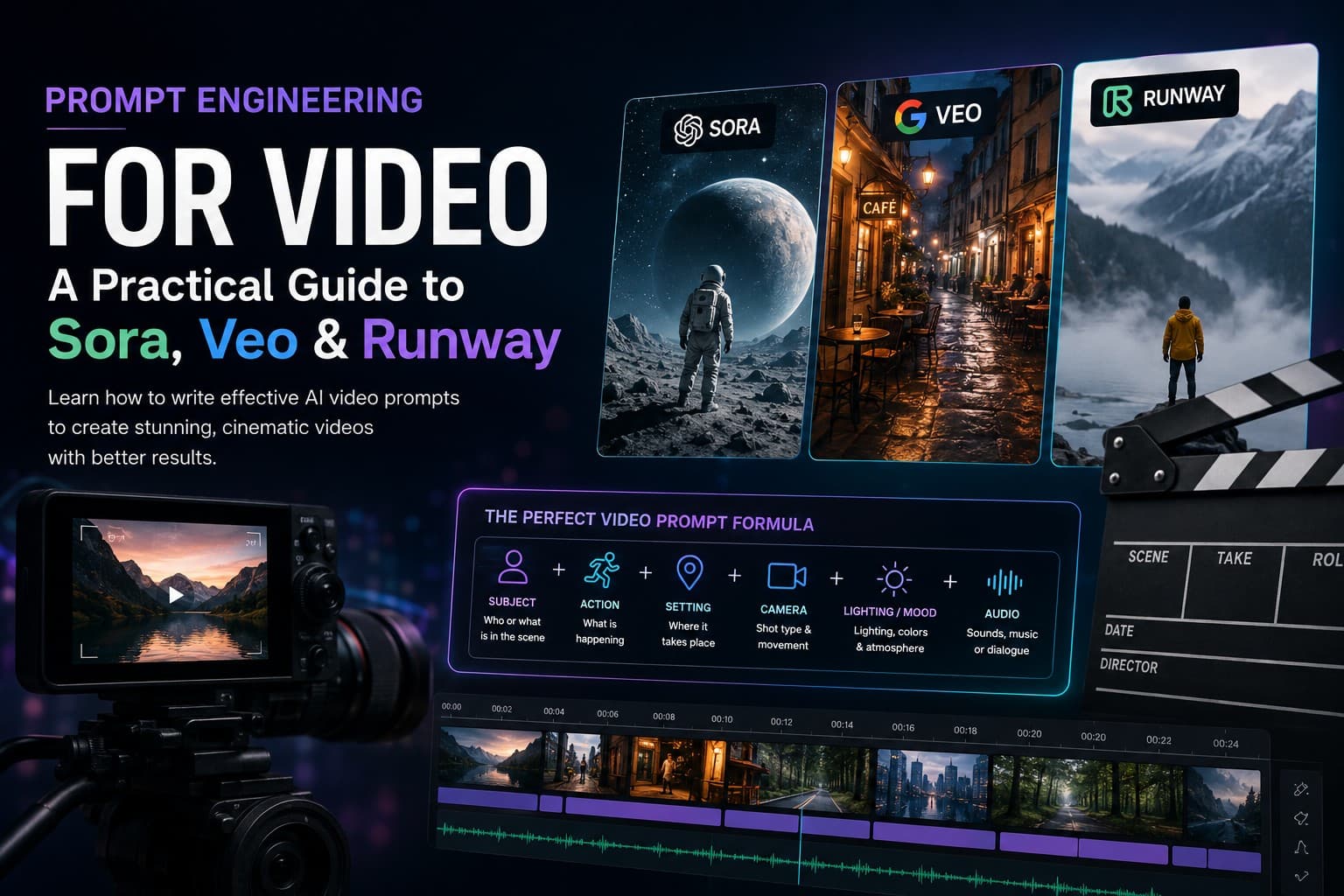
Subject + Action + Setting + Camera + Lighting/Mood + Audio (if supported)
You don't always need every element, but understanding the purpose of each one helps you write prompts that are more structured, descriptive, and easier for AI models to interpret.
- **Subject** — Clearly describe who or what appears in the scene. Instead of writing 'a person,' use a more specific description such as 'a barista wearing a green apron' or 'a golden retriever puppy playing on the beach.'
- **Action** — Explain exactly what happens using descriptive verbs. Words like walks, pours, glides, turns, smiles, or reaches create more natural motion than vague instructions.
- **Setting** — Describe where the scene takes place and include important environmental details that establish context and atmosphere.
- **Camera** — Specify the shot type and movement, such as close-up, wide shot, tracking shot, dolly in, pan, crane shot, or aerial view.
- **Lighting & Mood** — Define the visual style using lighting conditions, colors, and emotional tone such as golden hour, cinematic, moody blue tones, soft daylight, or dramatic shadows.
- **Audio** — If the model supports sound generation, describe dialogue, ambient sounds, music, or environmental effects separately from the visual description.
Treat each layer as part of a director's shot plan rather than a simple description. The clearer and more organized your prompt is, the easier it becomes for AI video models to generate consistent and cinematic results.
Sora: Built for Storytelling and Natural Audio
OpenAI's Sora is designed to generate realistic videos that combine visual storytelling with synchronized audio. Rather than focusing only on how a scene looks, Sora responds well to prompts that describe how the story unfolds over time, making it an excellent choice for cinematic sequences, narrative content, and character-driven scenes.
A useful way to think about Sora is to write prompts like a film director preparing a shot list. Instead of listing random visual details, organize your prompt into clear sections that describe the subject, action, environment, camera movement, lighting, and audio. This structured approach gives the model stronger guidance and often produces more consistent results.
Sora also supports longer video sequences and improved character consistency, making it easier to maintain the same appearance and style across multiple scenes. When appropriate, describe audio separately from the visuals so ambient sounds, dialogue, and background music complement the action instead of competing with it.
"A barista wearing a green apron prepares latte art inside a cozy coffee shop during the afternoon. Warm sunlight streams through the windows while the camera slowly pushes toward the cup as milk is poured into the coffee. Audio: the soft hiss of the espresso machine, quiet conversations, and gentle background music."
Notice how the visual description and audio cues are separated into distinct parts of the prompt. This simple structure makes the instructions easier for the AI model to interpret while producing a more natural and cinematic video.
Veo: Built for Natural Dialogue and Audio
Google's Veo stands out for its ability to combine realistic visuals with natural-sounding dialogue and ambient audio. While it can generate impressive cinematic scenes, it performs especially well when prompts clearly describe both what the audience should see and what they should hear.
Instead of focusing only on visual details, include audio cues such as dialogue, environmental sounds, background music, or silence where appropriate. Separating these elements helps the AI understand the intended atmosphere and improves the overall quality of the generated video.
Camera movement also plays an important role in Veo. Rather than writing generic instructions like 'show the city,' use precise cinematic terms such as 'crane shot,' 'tracking shot,' 'slow dolly in,' or 'aerial drone view.' Small changes in camera direction can significantly affect the final output.
"A man stands inside a small independent bookstore and speaks directly to the camera: 'Every book here has a story before the story.' Warm, dim lighting illuminates the shelves behind him with a soft depth of field. Audio: natural conversational voice, quiet page-turning sounds, and subtle bookstore ambience."
If your Veo results feel generic or lifeless, the solution is often to provide more detailed audio instructions alongside the visual description. Clear dialogue, ambient sounds, and camera directions work together to create videos that feel more immersive and realistic.
Runway: Built for Precise Camera Control
Even the most advanced AI video models can produce inconsistent results when prompts are vague or overloaded with information. Most problems come from unclear instructions rather than limitations of the model itself. By avoiding a few common mistakes, you can significantly improve the quality and consistency of your generated videos.
- **Being too vague** — Generic prompts like 'a beautiful landscape' leave too much room for interpretation. Include specific details about the subject, action, environment, lighting, and camera movement.
- **Adding too many actions at once** — Asking multiple characters to perform several actions simultaneously often produces unnatural motion. Focus on one clear sequence of events per scene.
- **Ignoring camera direction** — Camera movement has a major impact on the final video. Mention whether you want a close-up, wide shot, tracking shot, pan, dolly, or aerial view whenever it supports the scene.
- **Forgetting the environment** — Describe the location, weather, time of day, and atmosphere to help the AI create a believable setting.
- **Mixing different visual styles** — Combining conflicting styles such as 'realistic, anime, watercolor, and cyberpunk' in a single prompt can confuse the model. Choose one consistent visual direction.
- **Skipping audio instructions** — If the AI model supports audio generation, include dialogue, ambient sounds, music, or silence to create a richer and more immersive scene.
Think like a filmmaker rather than simply describing an image. Every prompt should clearly communicate what the viewer sees, how the scene unfolds, how the camera behaves, and what kind of atmosphere the final video should create.
Final Thoughts
Writing effective AI video prompts is less about using complicated words and more about giving clear creative direction. The best prompts describe not only what appears on screen, but also how the scene unfolds, how the camera moves, what the atmosphere feels like, and, when supported, what the audience should hear. As AI video generation continues to evolve, these core prompt engineering principles will remain valuable regardless of which platform you use.
Whether you're experimenting with OpenAI Sora, Google Veo, Runway, or future AI video models, treating every prompt like a director's shot plan will help you create more cinematic, consistent, and engaging videos. Start with simple scenes, refine your prompts through experimentation, and build on each successful result to improve your workflow over time.
Keep Improving Your AI Prompting Skills
Great AI results start with better prompts. Whether you're creating images today or exploring video generation in the future, understanding prompt structure, clarity, and descriptive language will consistently improve your outputs.
Explore more AI prompting guides, practical tutorials, and ready-to-use prompt collections on PromptGenz to continue building your prompting skills.