1980s Studio Portrait
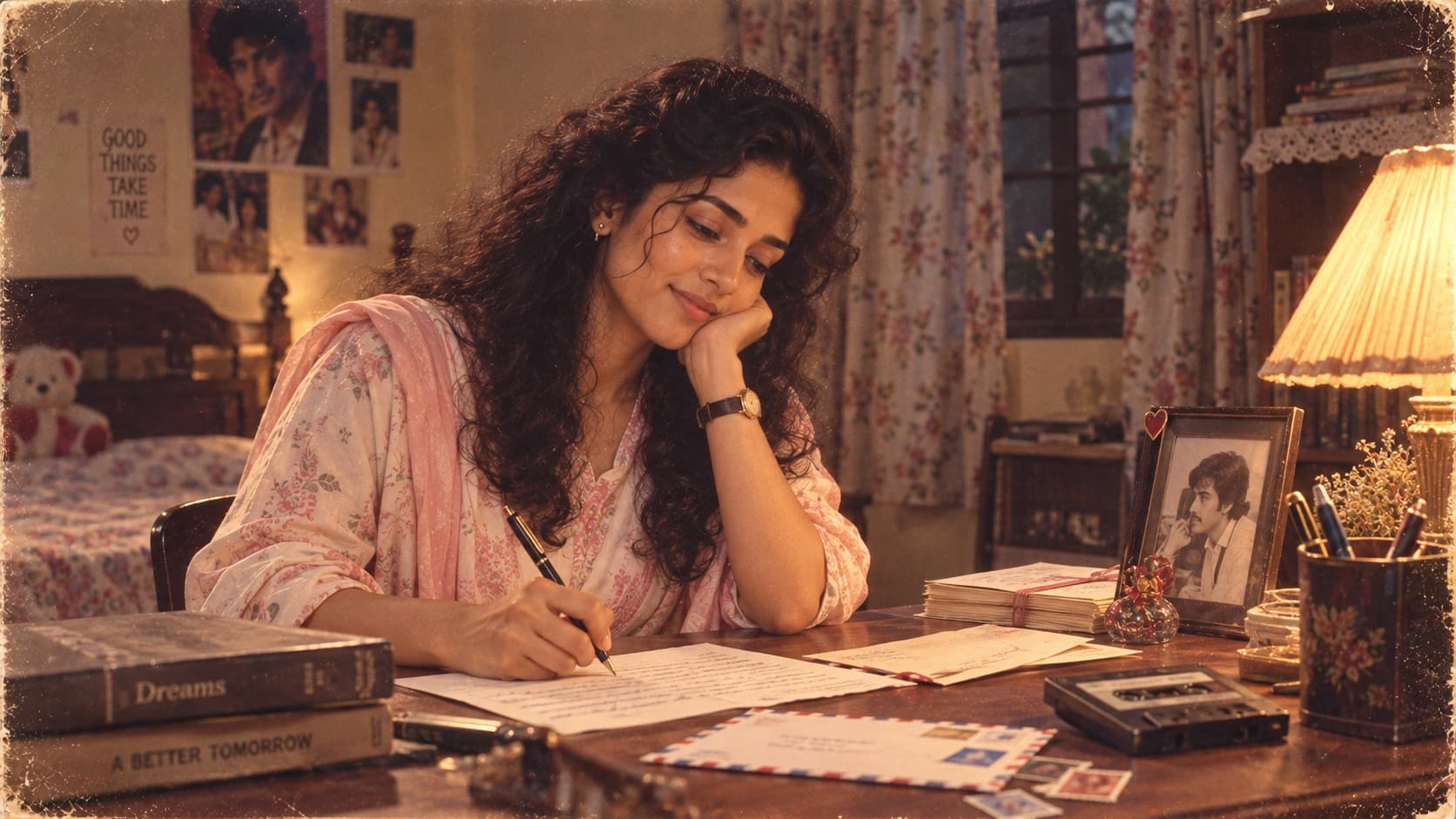
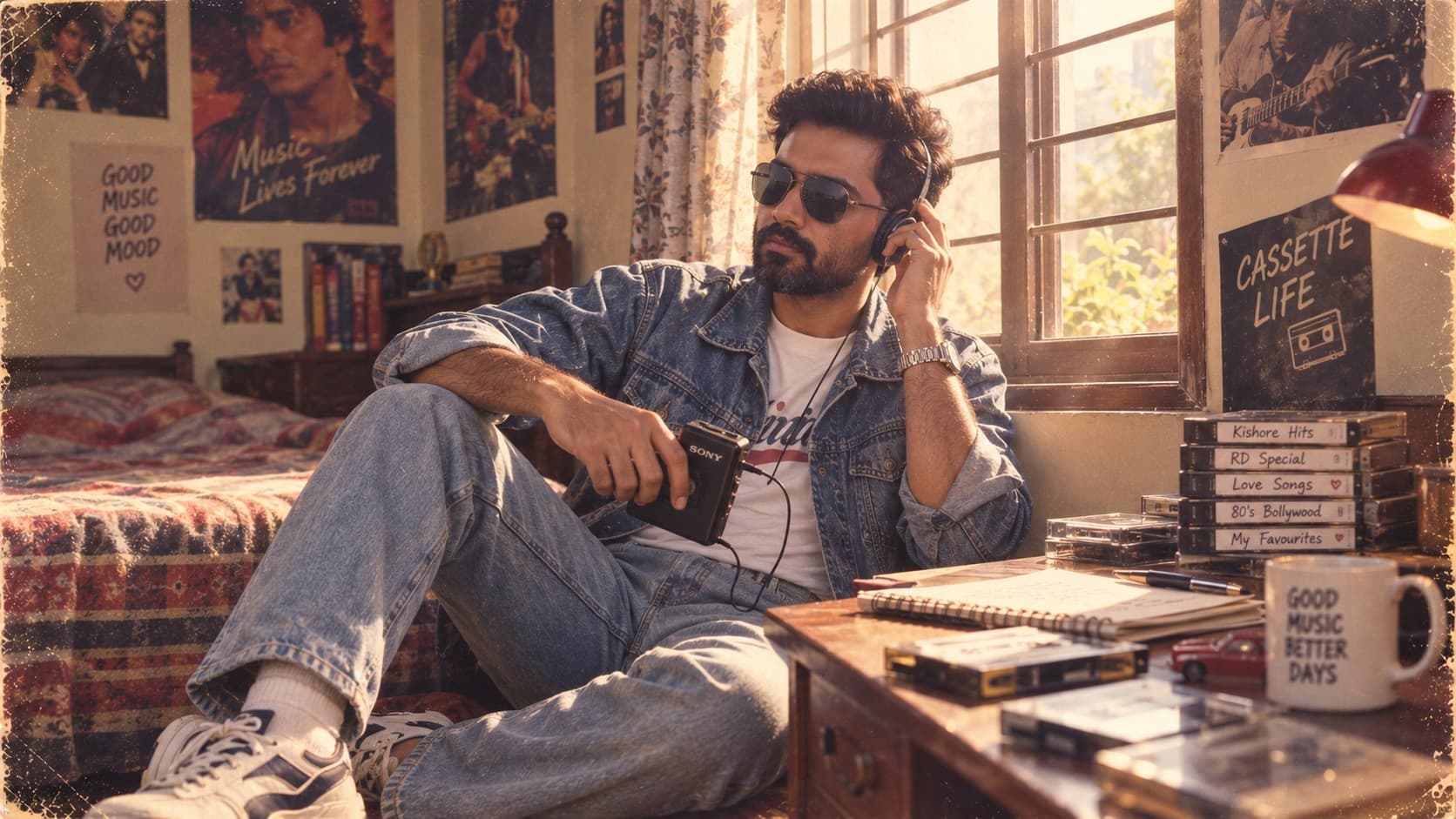
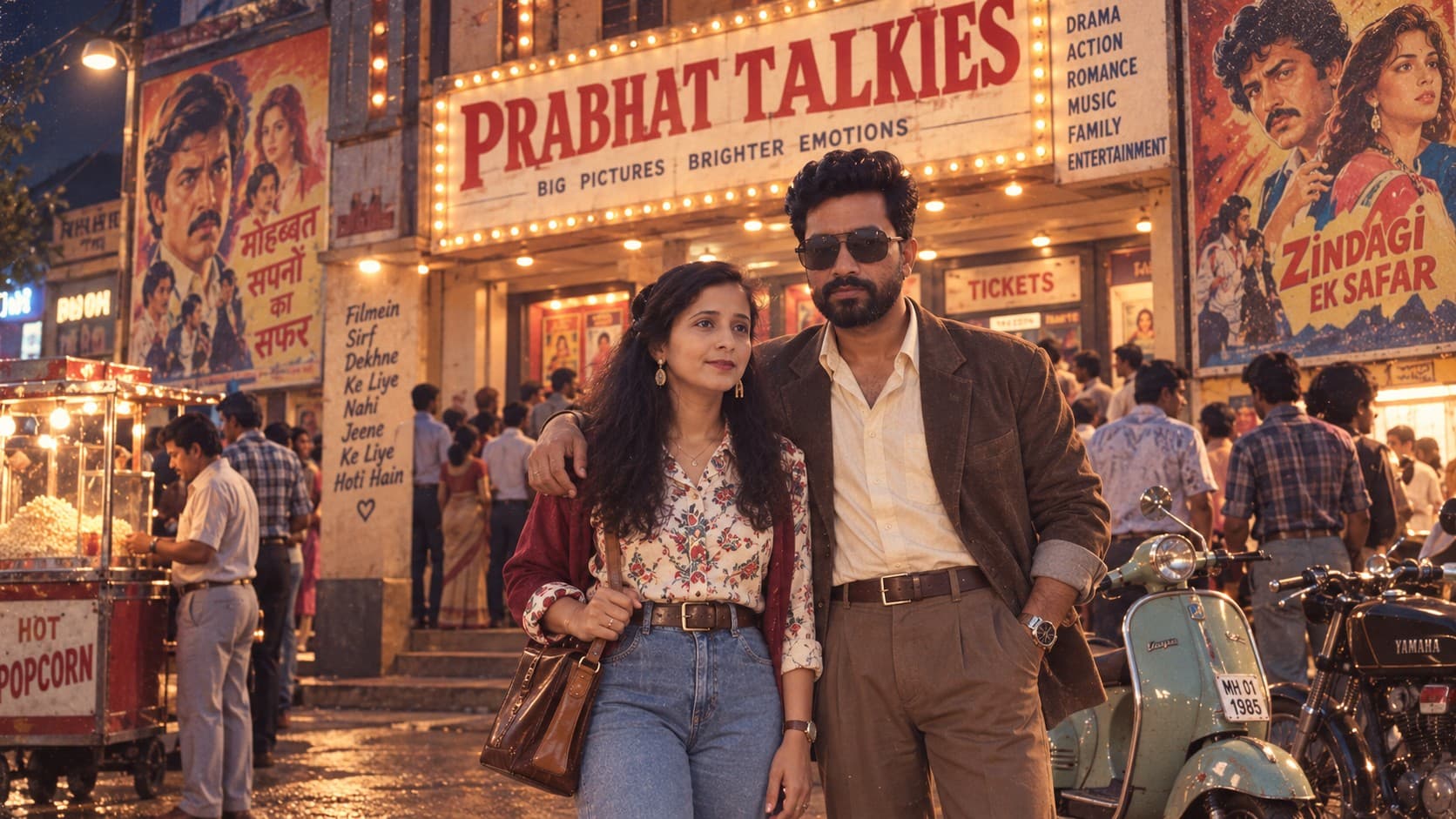
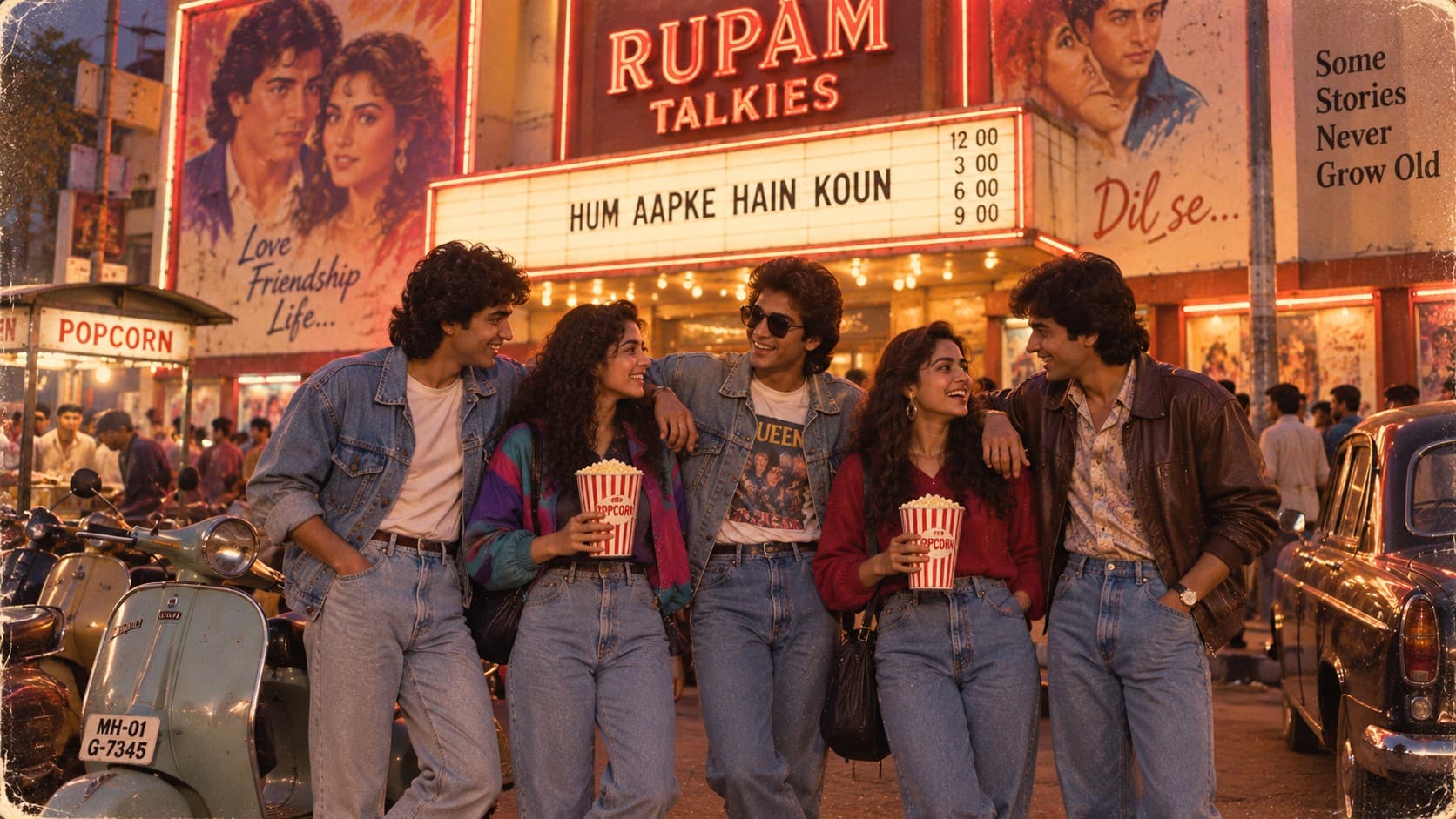
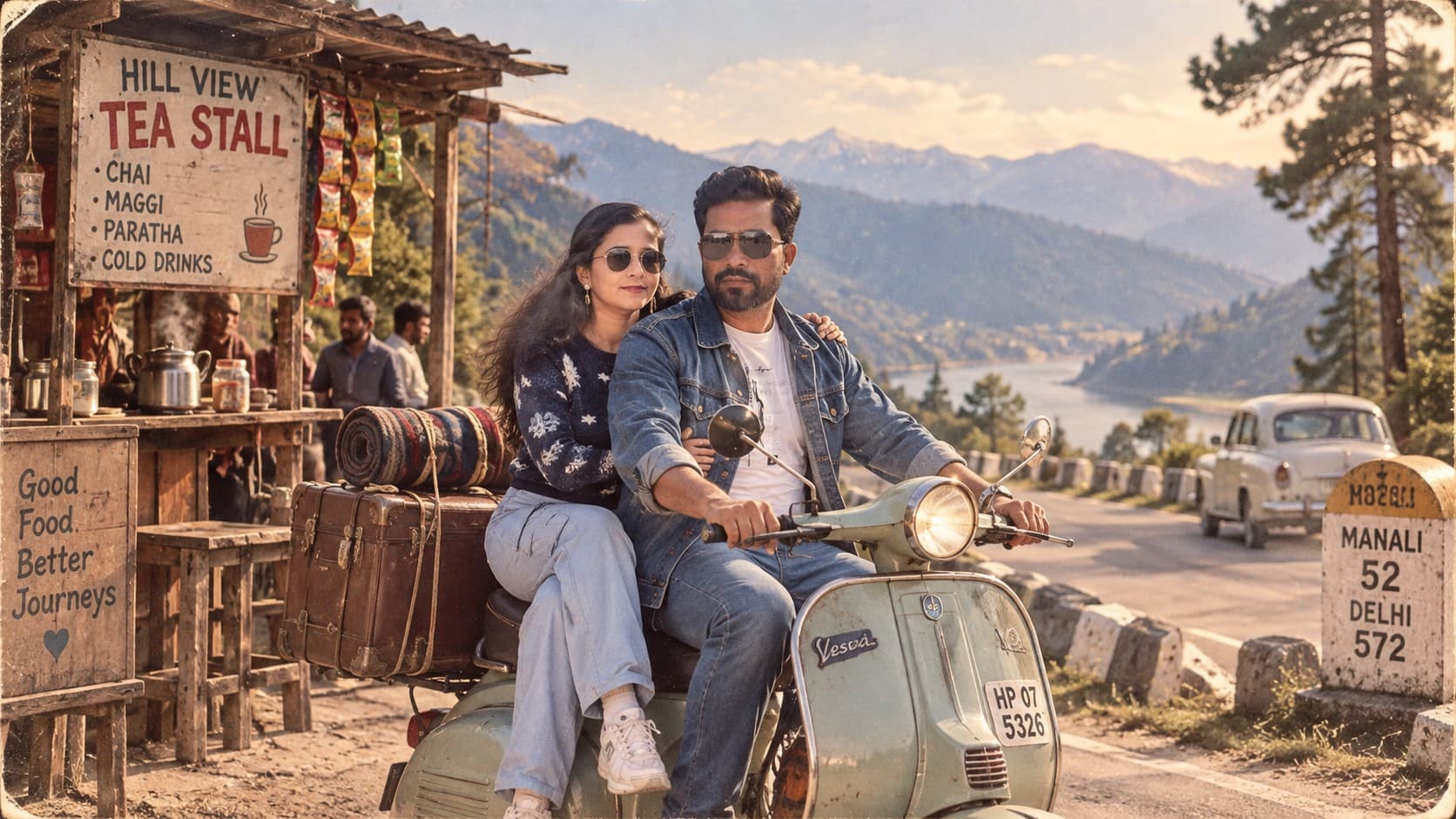
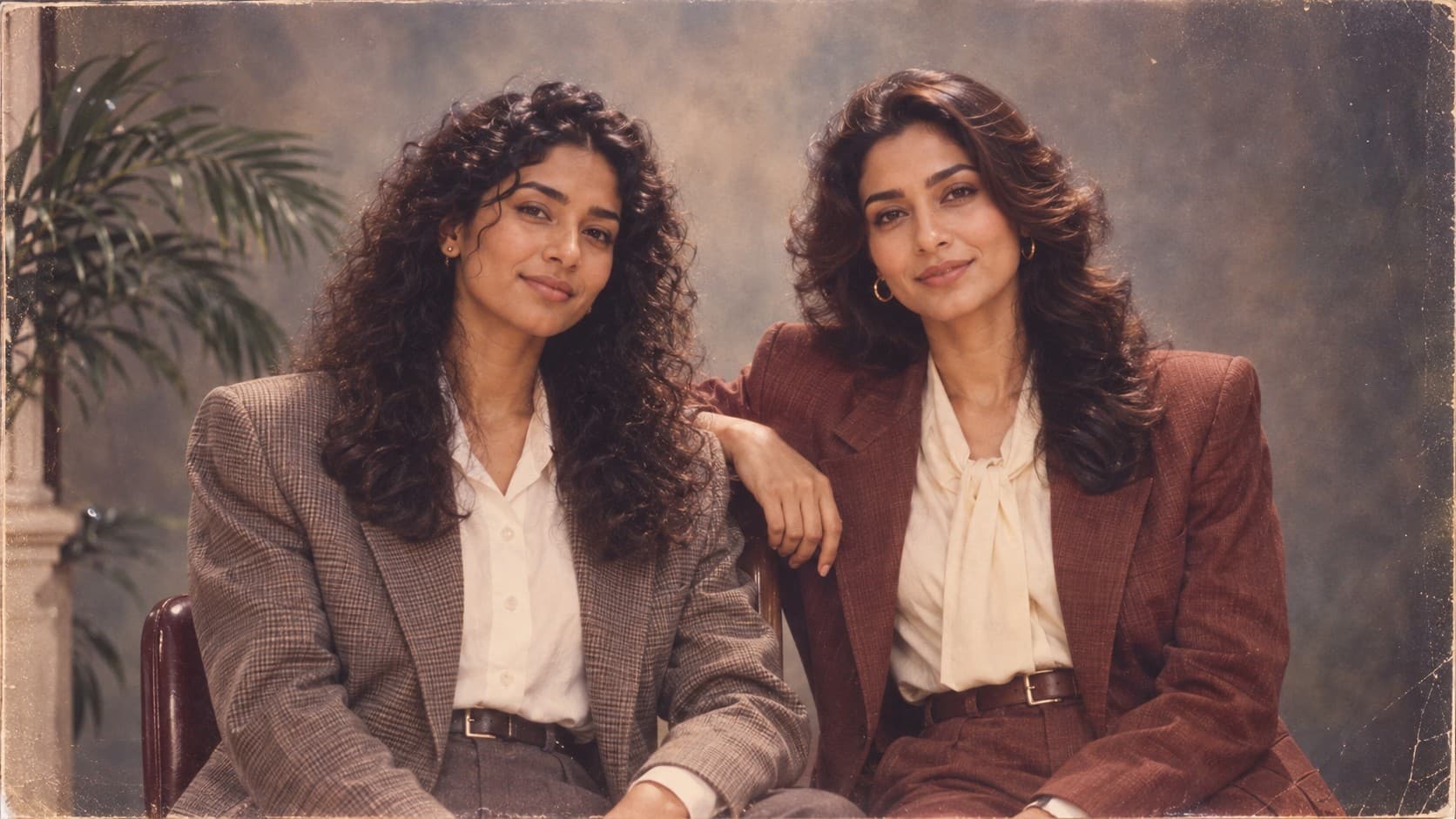
Transform your photo into an authentic 1980s Indian studio portrait with era-accurate fashion, voluminous hairstyles, painted backdrops, soft flash, analog film grain, and nostalgic family-album photography.

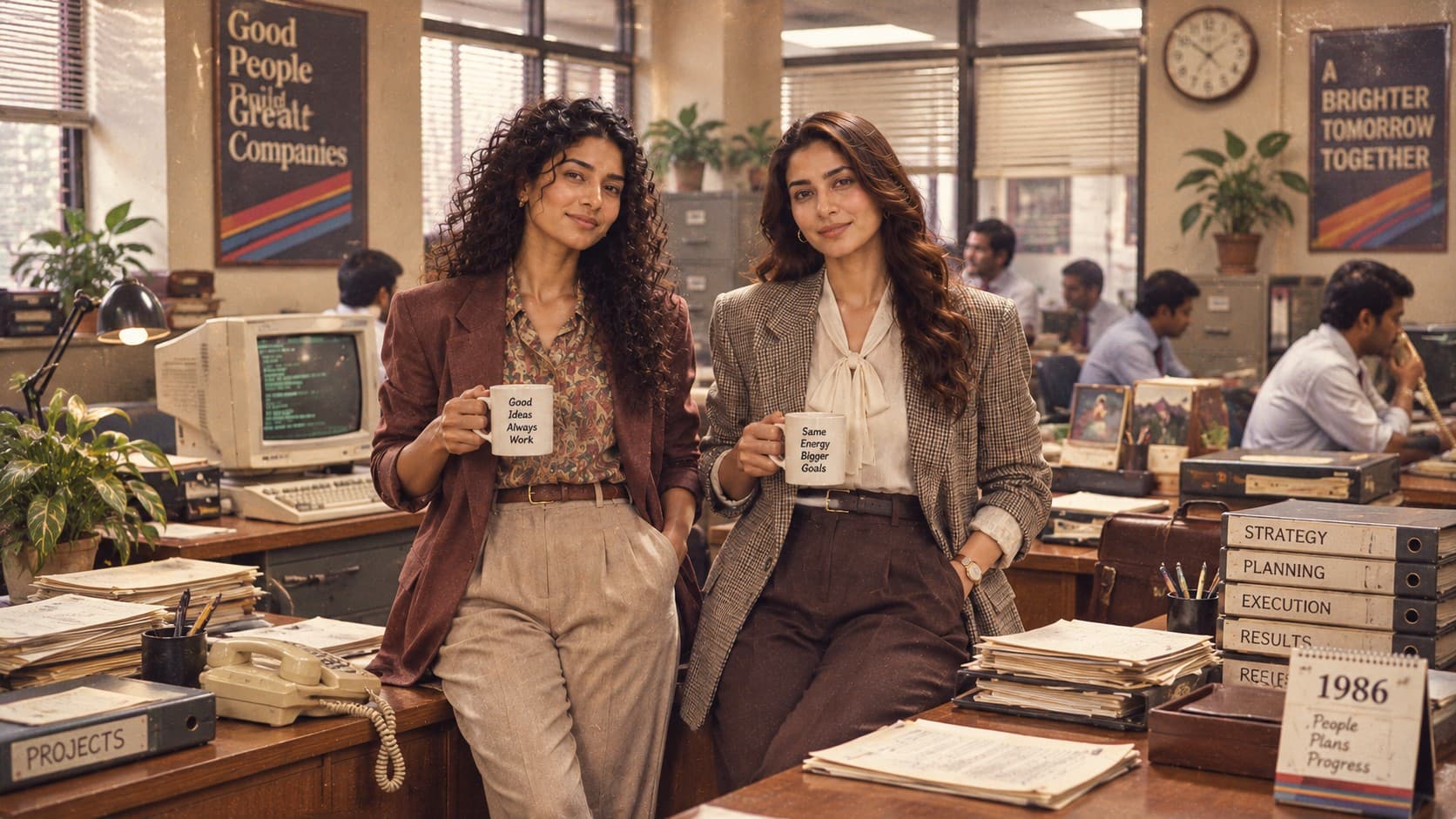
Transform your photo into an authentic mid-1980s corporate-office flashback with era-accurate fashion, hairstyles, vintage workplace technology, and cinematic analog photography.
Review the prompt below before copying it into your preferred AI image generator.
Follow these simple steps to generate the best possible AI image.
Choose a photo where your face is unobstructed and reasonably well lit. The office environment and clothing will be built entirely by the prompt, so the reference only needs to carry your facial identity.
Generate one version exactly as written before making any edits. This gives you a baseline to compare against if you need to fix specific details afterward.
Inspect the monitor, telephone, and any visible electronics closely — these are the elements most likely to accidentally render as modern equivalents. This is the single most common issue with this prompt.
If something looks off, add one specific correction (e.g. 'curved CRT screen, not flat') rather than rewriting the whole prompt. Small, targeted additions tend to work better than broad rephrasing.
Follow these best practices to create higher-quality AI images with better consistency and realism.
Because CRT monitors are visually unfamiliar to many models now, this is the detail most likely to fail. If it keeps rendering as flat, describe the physical depth: 'monitor is as deep as it is wide.'
Real 1980s office fluorescent lighting was even and a little harsh — not moody or cinematic. If the result looks too warm or dramatic, that's a sign the lighting has drifted toward a modern editorial look.
The 'slightly oversized structured blazer' detail is easy to lose. If the jacket reads as fitted and modern, regenerate emphasizing squared shoulders and a boxier silhouette.
Some models render 'film grain' as an obvious digital noise overlay rather than authentic analog texture. If it looks pasted-on, ask for 'fine, natural grain consistent with the lighting' instead.
Find answers to the most common questions about using this AI image prompt.
This is the most common failure with this prompt. Some models default to a modern monitor shape even when 'CRT' is specified. Regenerate and add 'thick beige plastic monitor with a curved glass screen, no flat panel' directly after the CRT mention, or try a different model — ChatGPT tends to hold onto this detail more reliably than others.
This 1980s corporate flashback prompt works well with image models that can interpret reference images, preserve recognizable facial features, and generate detailed environments with specific historical styling.
Handles the CRT monitor and wired-telephone details more reliably than most models, and does a better job holding facial identity while restyling clothing and hair.
Useful for experimenting with different desk layouts, lighting warmth, and office clutter once you've settled on the core look you want.
Discover more prompts from this category.
Explore hundreds of free AI prompts across different categories. Whether you're creating realistic images, cinematic scenes, anime artwork, seasonal content, sports visuals, or social media graphics, PromptGenz has prompts designed to help you get better AI-generated results.