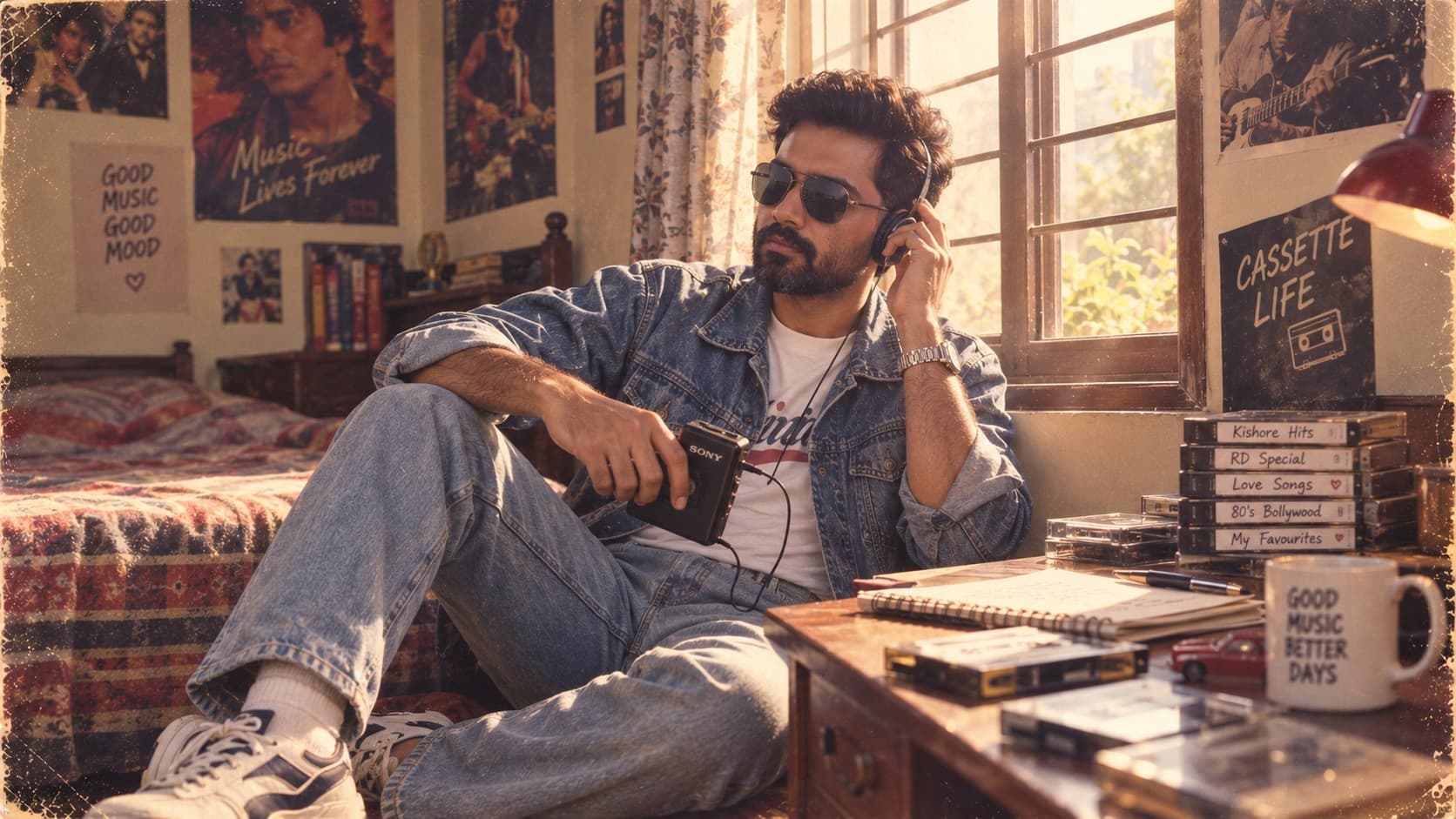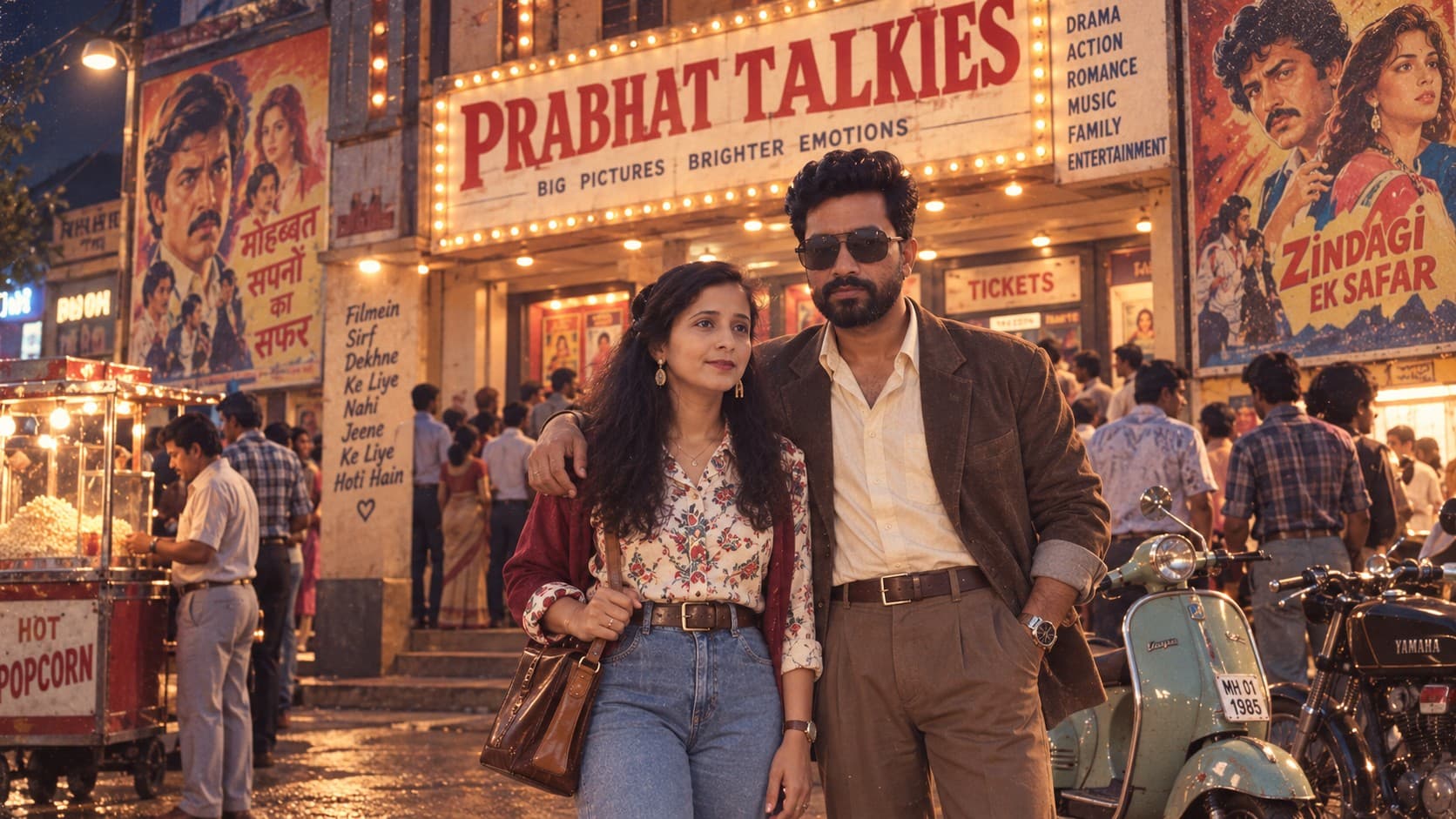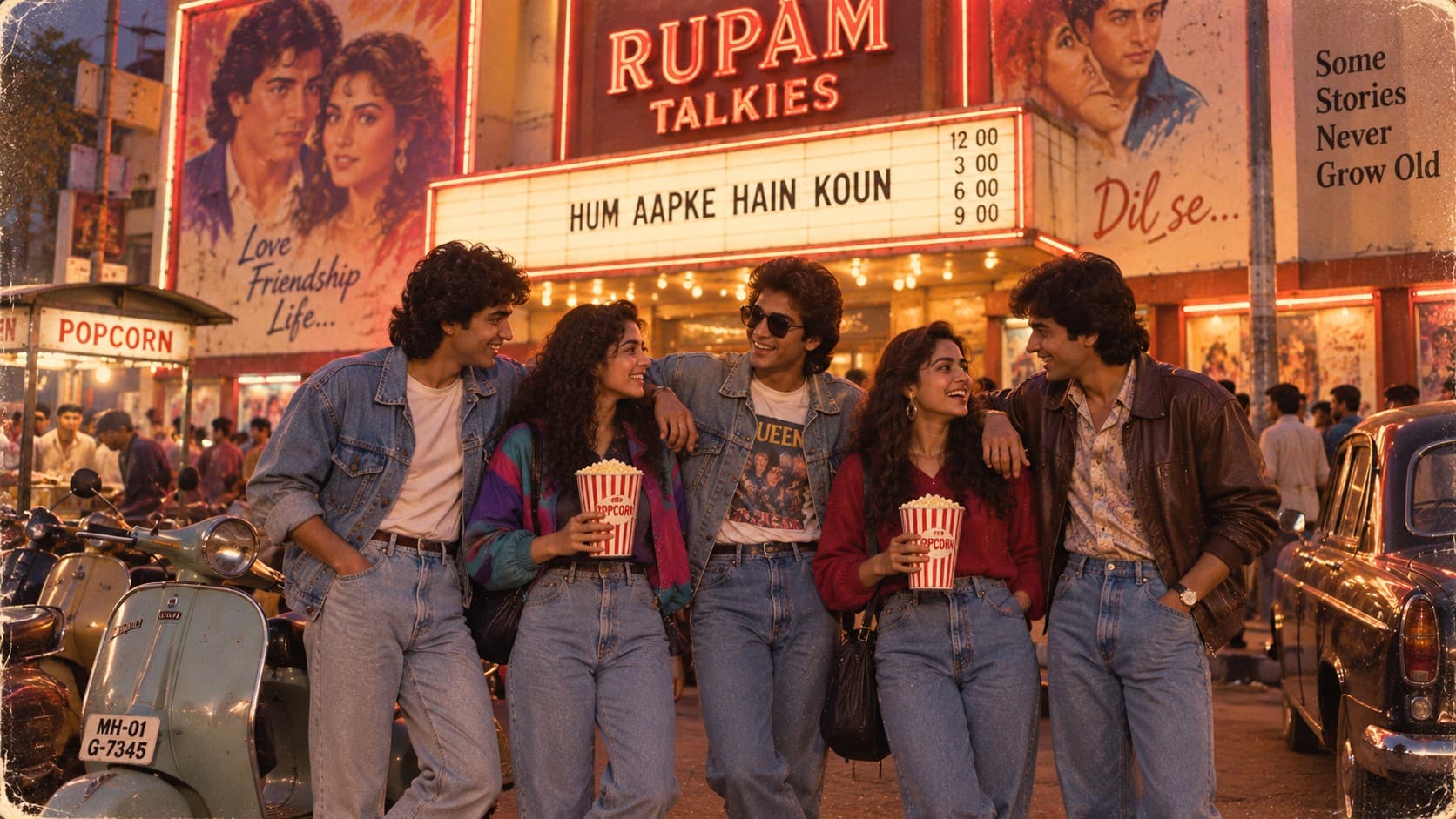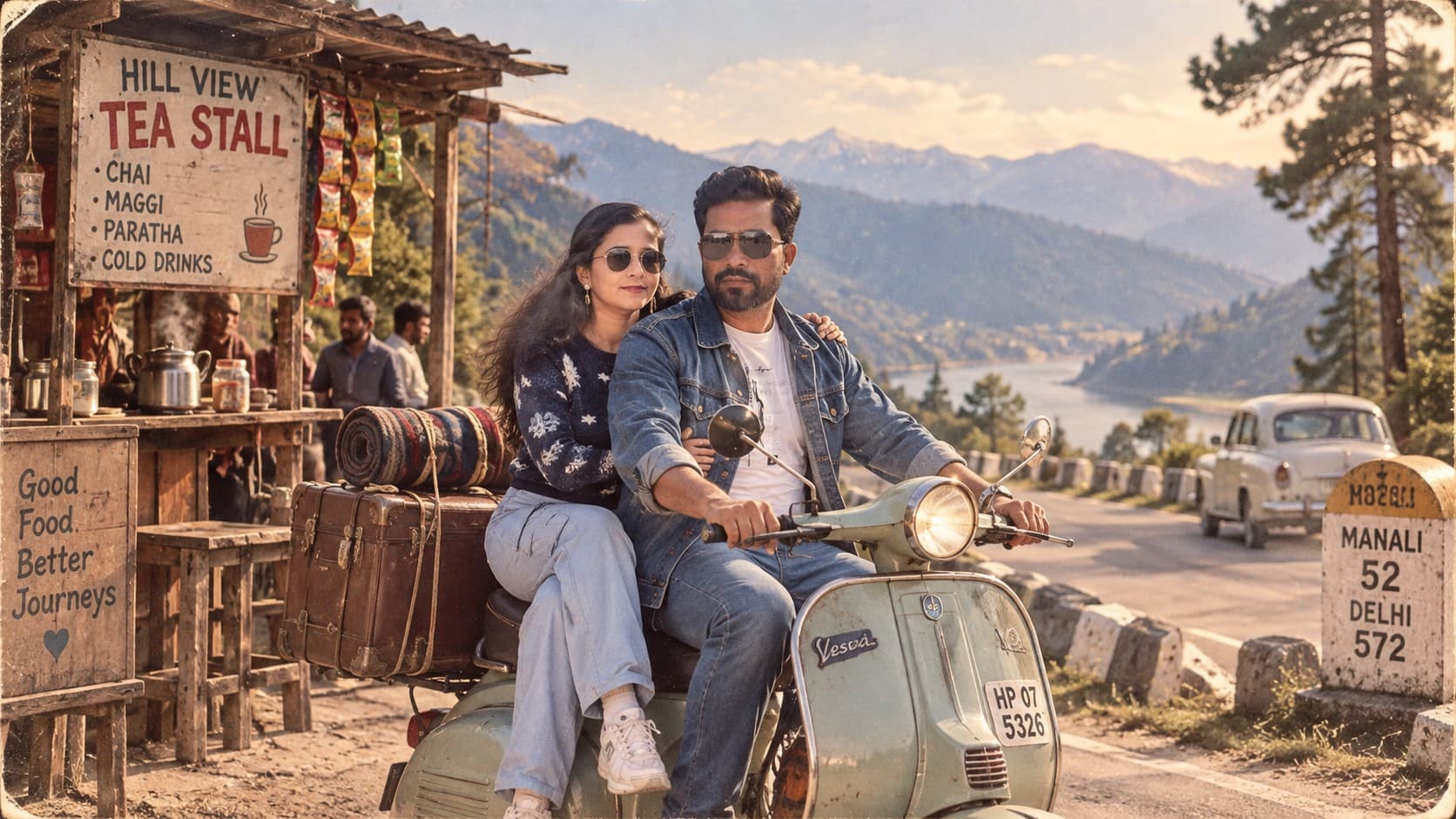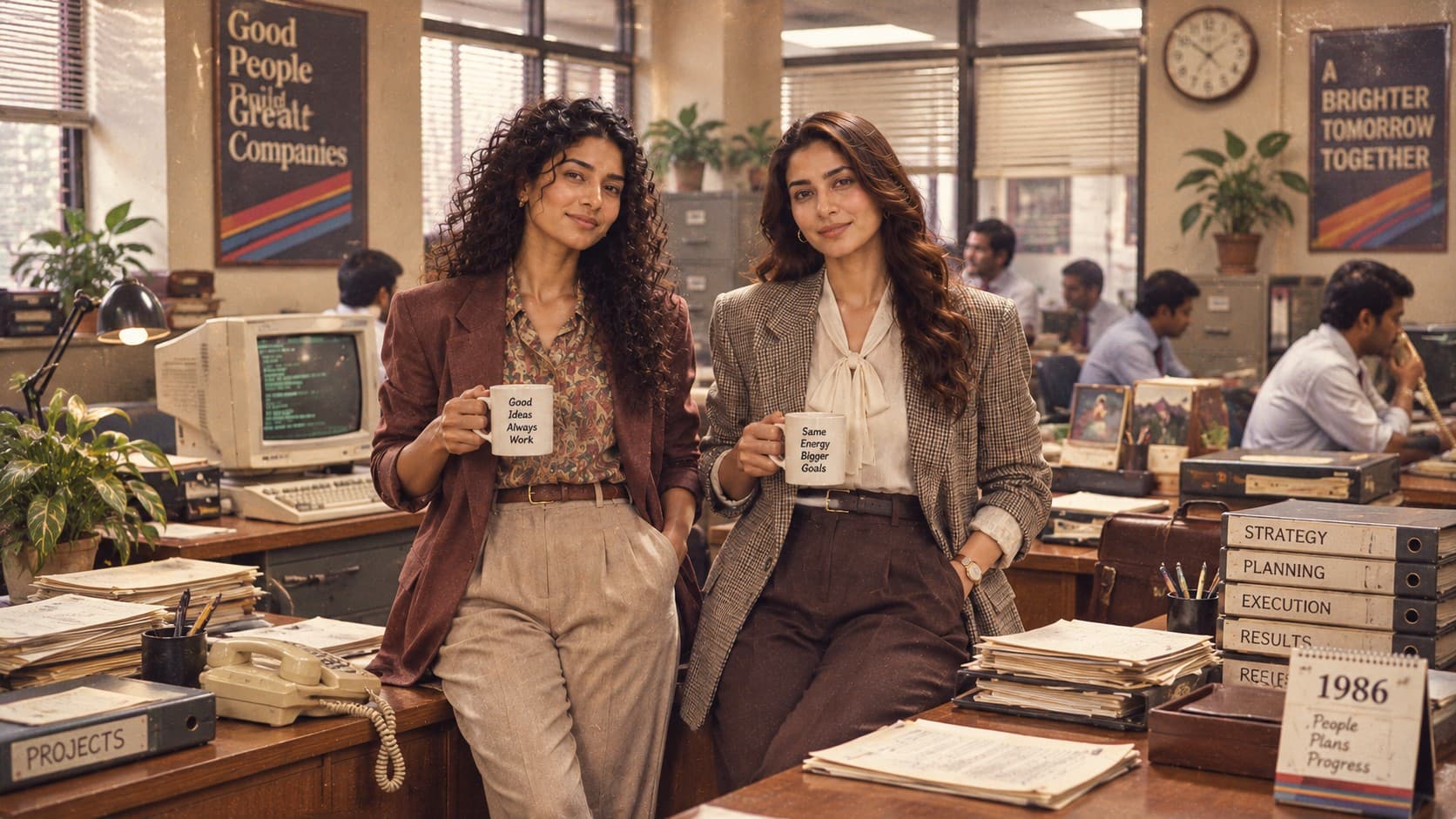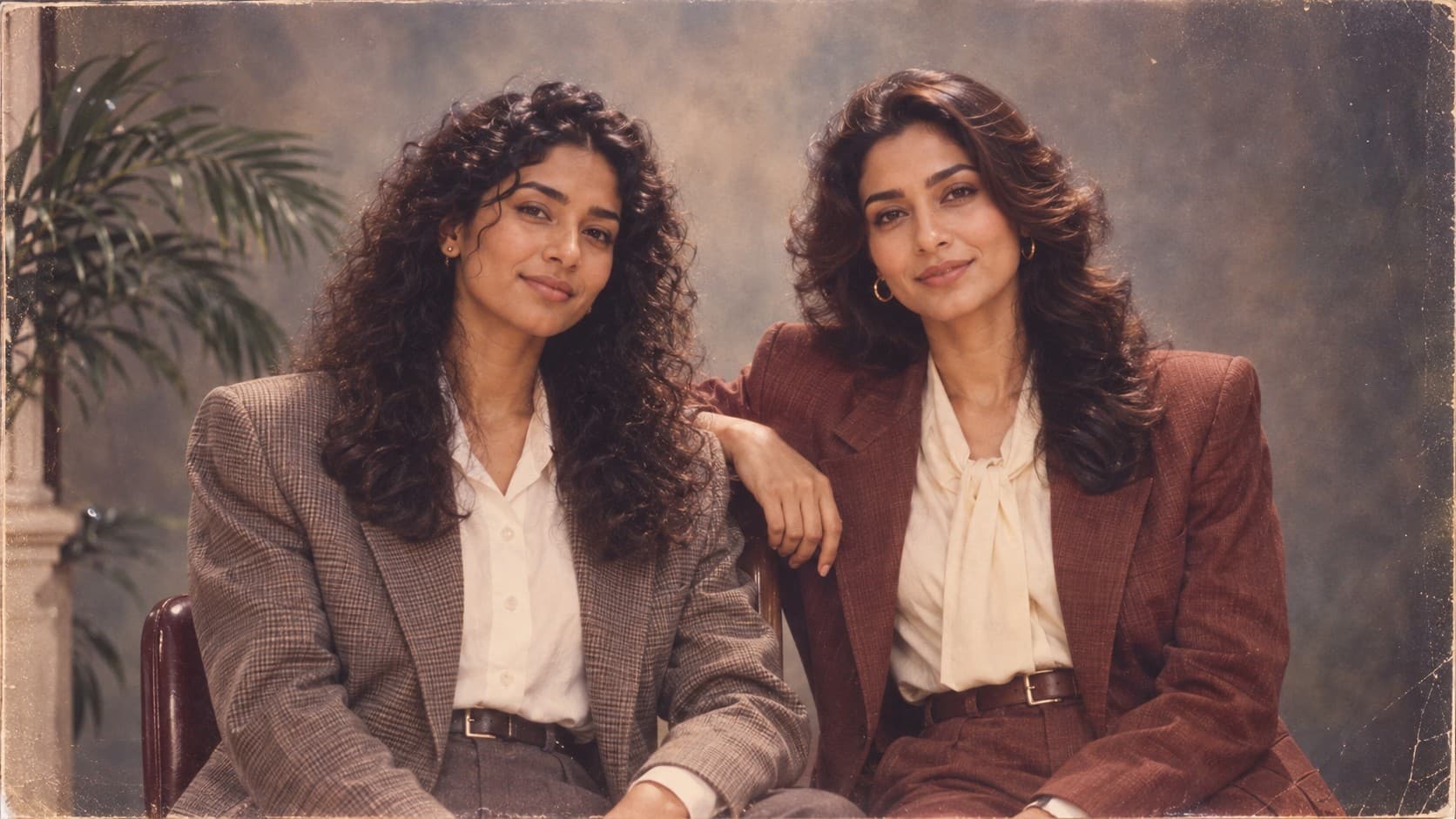
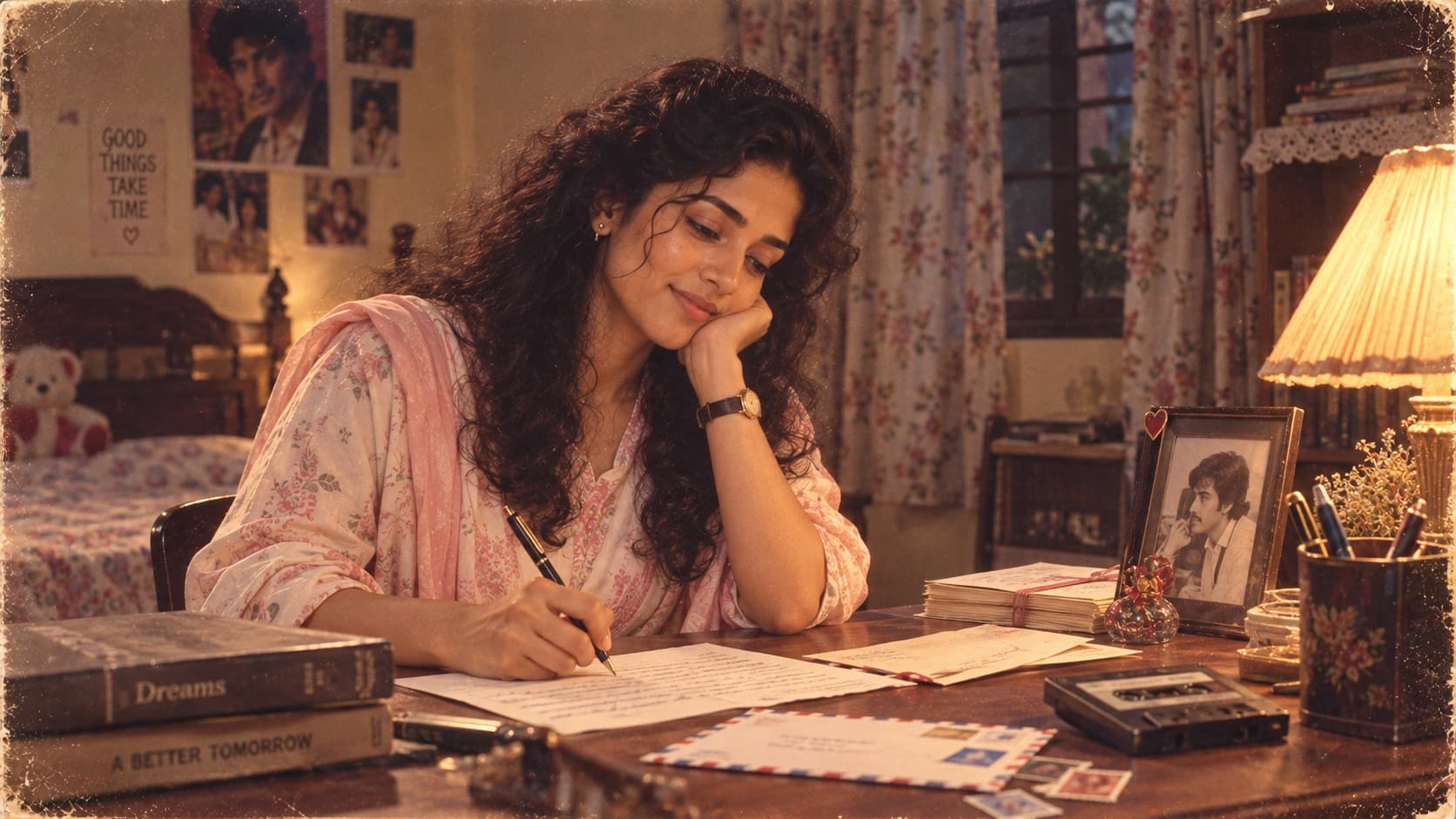
How You Would Look If You Were Born in the 1980s

1980s Studio Portrait

Transform your photo into an authentic 1980s Indian studio portrait with era-accurate fashion, voluminous hairstyles, painted backdrops, soft flash, analog film grain, and nostalgic family-album photography.

1980s Studio Portrait

✨ AI Image Prompt

Review the prompt below before copying it into your preferred AI image generator.

If a reference image is provided, use it as the primary subject and preserve the person's recognizable facial identity, facial structure, skin tone, eye shape, facial proportions, hairstyle characteristics, body proportions, natural expression, and overall appearance with high accuracy. Naturally adapt the person to the described 1980s styling without changing their identity. If no reference image is provided, intelligently generate a realistic person who naturally fits the 1980s Indian studio portrait style, with authentic period appearance, realistic skin texture, natural proportions, and photorealistic quality. Transform the subject into an authentic Indian 1980s professional studio portrait. Style the person in era-accurate 1980s fashion with a tucked-in shirt, structured blazer, classic accessories, and an authentic period hairstyle featuring natural volume and styling appropriate to the decade. Avoid modern hairstyles, contemporary clothing, or modern fashion details. Place the subject against a simple painted studio backdrop inspired by traditional Indian photo studios of the 1980s. Use a subtle backdrop gradient with soft tonal transitions and gentle shadows behind the subject. Keep the studio environment simple and uncluttered, with no modern objects or contemporary photography equipment visible. Create the distinctive visual character of an Indian 1980s studio photograph using slightly warm skin tones, soft direct flash, mild overexposure, gentle highlight roll-off, subtle color shifts, analog film grain, realistic photographic imperfections, slight softness, and authentic 35mm film texture. Use a classic vintage portrait composition with the subject naturally centered or slightly positioned within the frame. Maintain realistic facial detail while allowing the image to retain the subtle softness and imperfections associated with archival studio photography. The final image should feel like a genuine photograph discovered inside an old Indian family album from the 1980s rather than a modern photograph with a vintage filter. Prioritize authentic period clothing, hairstyle, studio backdrop, lighting, film characteristics, natural expression, realistic skin texture, and believable photographic imperfections. No modern objects, no smartphones, no laptops, no contemporary studio equipment, no modern hairstyle, no contemporary clothing, no futuristic elements, no excessive digital sharpness, no artificial HDR effect. Photorealistic nostalgic archival photograph, authentic Indian 1980s studio photography, vintage family-album aesthetic, 35mm film texture, analog film grain, soft flash photography, mild overexposure, subtle color shifts, realistic skin texture, natural facial detail, classic portrait composition, authentic period styling, sophisticated nostalgia.

πŸ“˜ How to Use This Prompt

Follow these simple steps to generate the best possible AI image.

1

Choose a Portrait With a Simple Background

A reference where you're already against a plain wall or uncluttered space gives the model an easier starting point for replacing it with the painted studio backdrop.

2

Generate and Check the Backdrop First

The painted gradient backdrop is the detail most likely to be skipped in favor of a flat color. Check this before evaluating anything else.

3

Evaluate the Flash Character

Look at how the highlights fall across the face. If they look crisp and even rather than slightly blown out, the archival flash look hasn't fully come through β€” this is worth a second pass.

4

Adjust Hairstyle Volume if Needed

If the hairstyle reads as too contemporary, regenerate with more specific direction on volume and shape rather than relying on '1980s hairstyle' alone.

5

Finish With Film Texture

Once the backdrop, lighting, and styling look right, do a final pass emphasizing 35mm grain and slight color shift if the image still reads as too digitally clean.

⭐ Tips for Best Results

Follow these best practices to create higher-quality AI images with better consistency and realism.

βœ“

Push Back Against 'Too Clean' Results

If the first generation looks like a polished modern portrait, that's expected β€” most models default to flattering, high-clarity rendering. This prompt actively works against that default, so plan on at least one refinement pass.

βœ“

The Backdrop Gradient Is Easy to Lose

Watch for the model defaulting to a flat gray or white studio background. Reinforce the painted, slightly mottled quality explicitly if it disappears.

βœ“

Avoid Over-Describing the Pose

Simple, centered, front-facing poses are more period-accurate than dynamic or candid framing. Studio portraits from this era were formal and static by design.

Frequently Asked Questions❓

Find answers to the most common questions about using this AI image prompt.

Be explicit about the gradient: 'subtle brown-to-tan painted canvas backdrop with visible soft mottling, not a solid flat color.' Plain single-color backgrounds are the model's default, so this detail needs reinforcing if the first result comes back too clean.

πŸ€–Recommended AI Models

This nostalgic studio portrait prompt works well with image models that can preserve reference-image identity while following detailed instructions for period fashion, hairstyle, lighting, backdrop, and analog photography characteristics.

ChatGPT

Great for Reference-Based Portraits

Tends to hold the painted backdrop and flash characteristics better than most alternatives, especially when the first result comes back looking too modern and clean.

Gemini

Great for Vintage Portrait Variations

Useful for trying different backdrop gradients, hairstyle shapes, and warm-tone color grading once the core studio look is established.

More Related Prompts

Discover more prompts from this category.

Discover More AI Prompts

Explore hundreds of free AI prompts across different categories. Whether you're creating realistic images, cinematic scenes, anime artwork, seasonal content, sports visuals, or social media graphics, PromptGenz has prompts designed to help you get better AI-generated results.