Office Mini Me
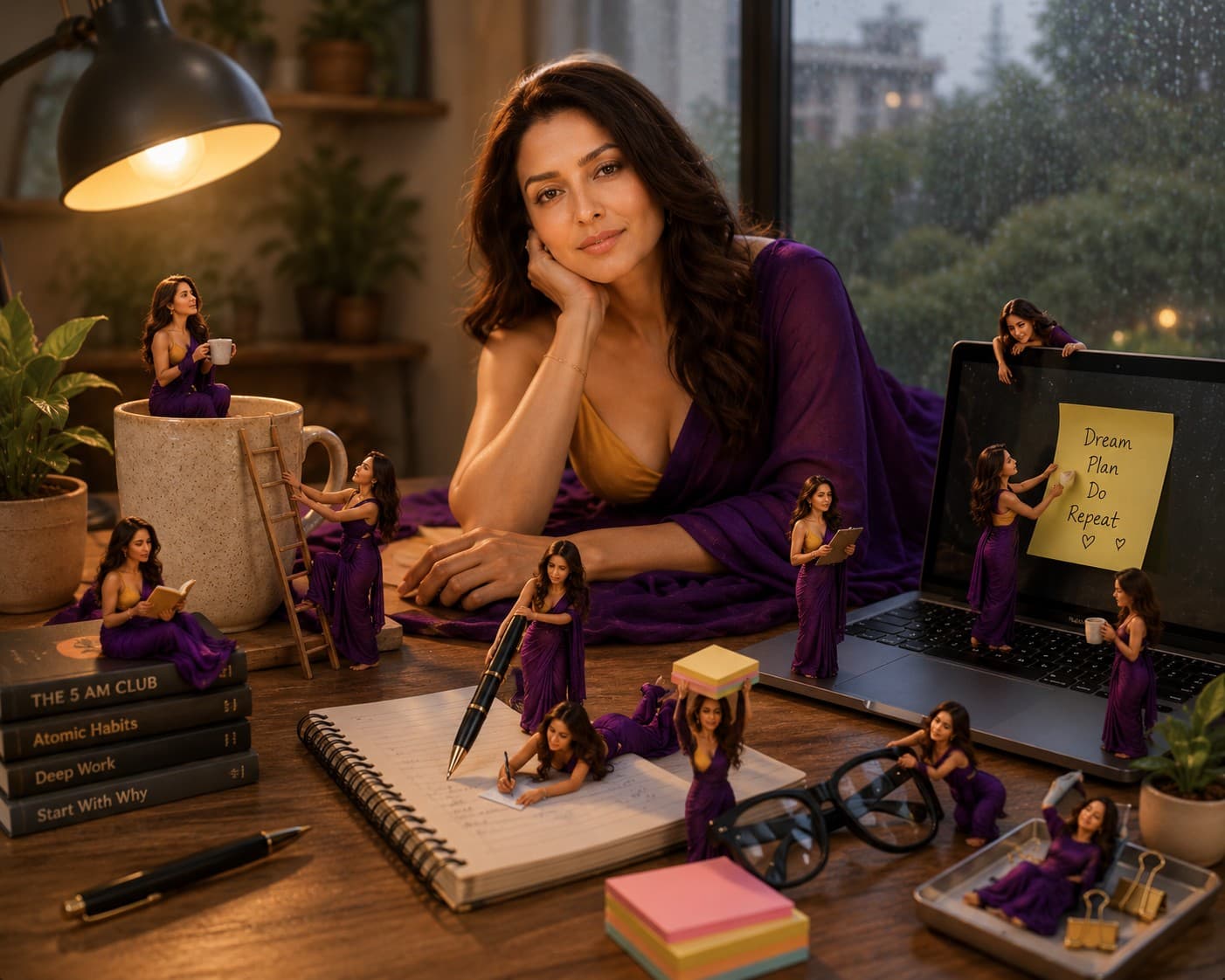
Transform yourself into an adorable Mini Me office professional working in a charming tiny workspace filled with realistic miniature office accessories and Pixar-inspired 3D details.

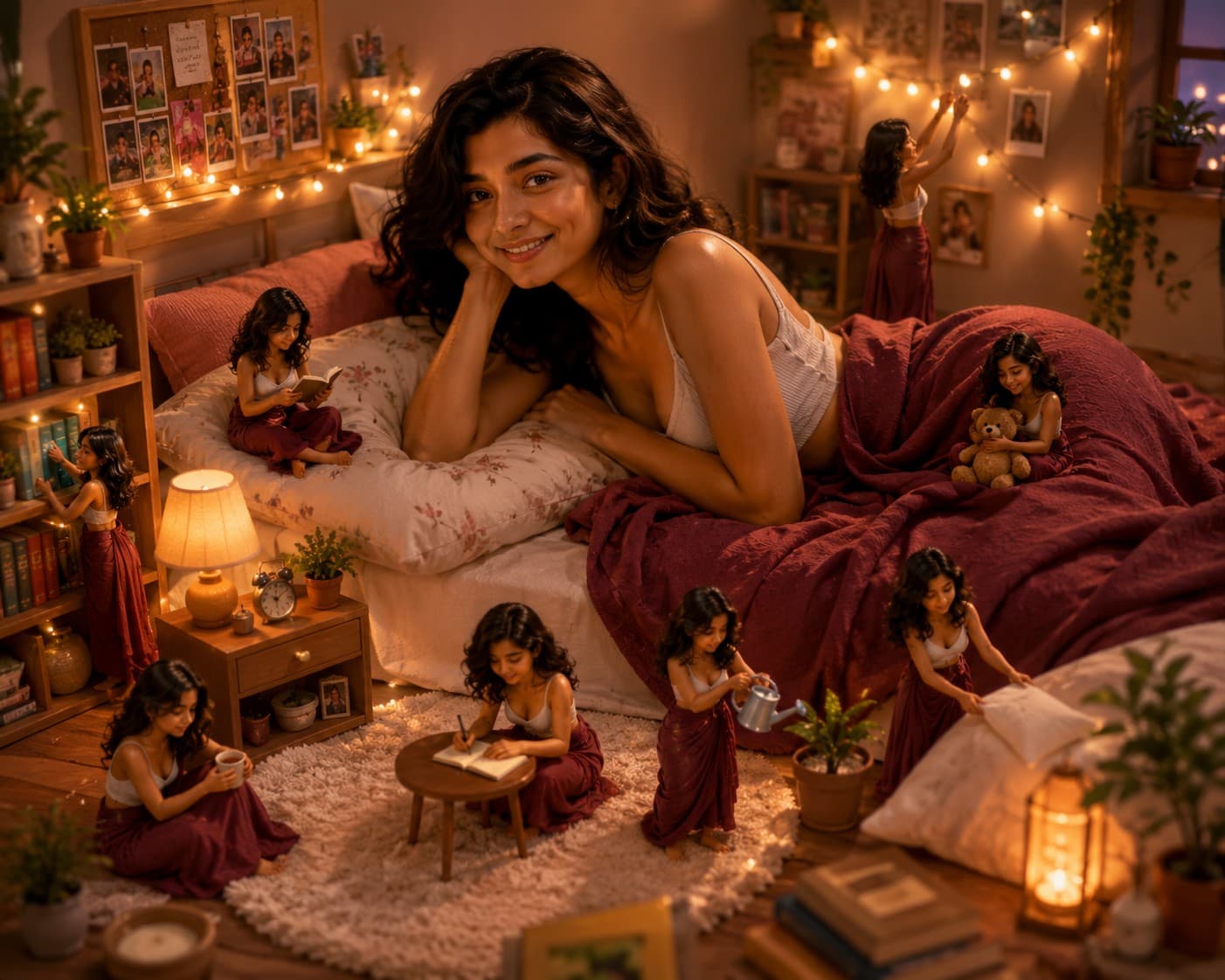
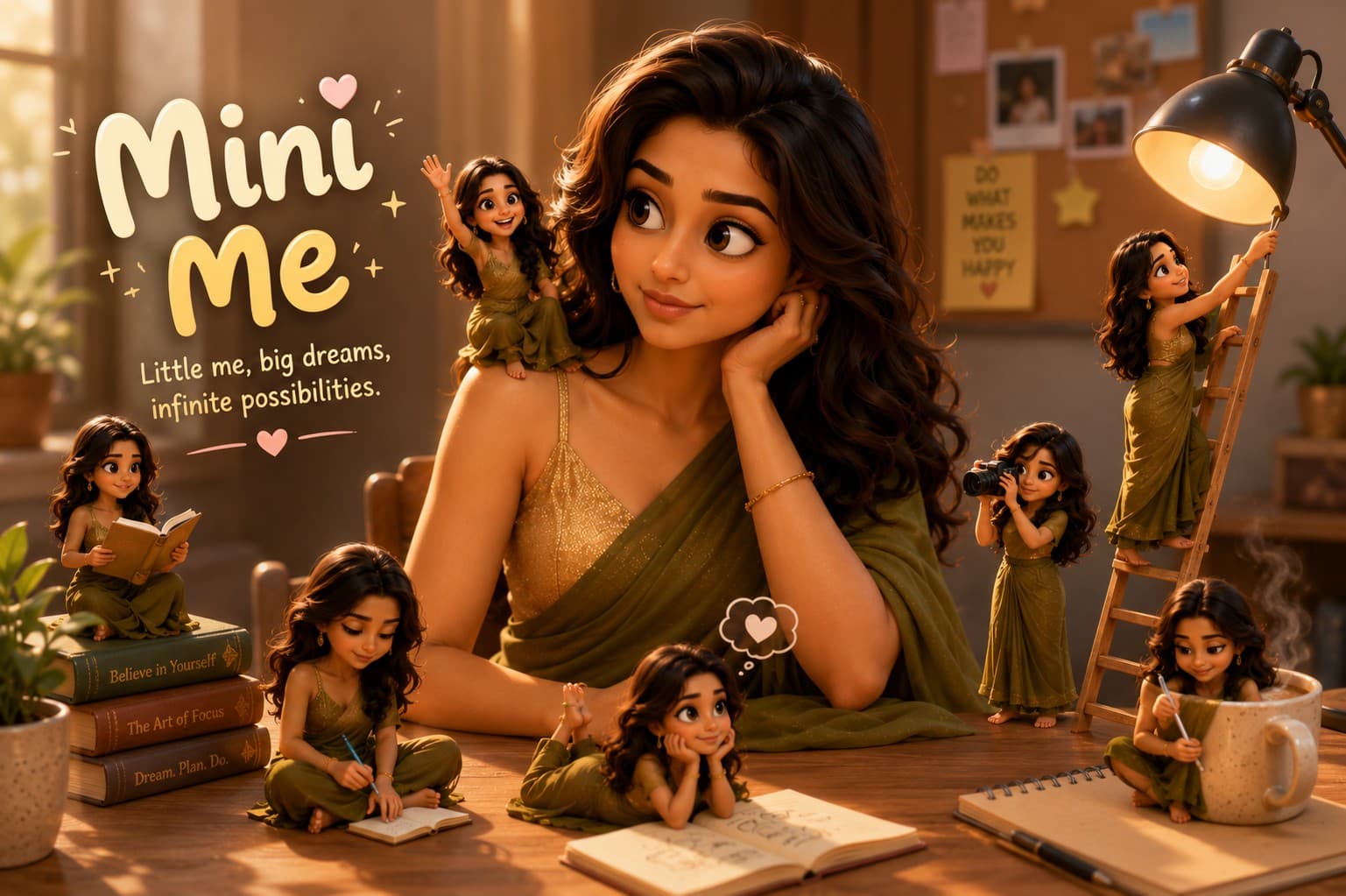
Transform yourself into a magical Mini Me scene where adorable tiny versions of you interact with everyday objects in a whimsical Pixar-inspired cinematic world.
Review the prompt below before copying it into your preferred AI image generator.
Follow these simple steps to generate the best possible AI image.
Use a clear, well-lit reference image where the subject's face, hairstyle, clothing, and overall appearance are easy to recognize. This provides a strong foundation for creating consistent Mini Me versions.
Keep the reference image attached so the life-sized subject and miniature versions retain recognizable facial features, hairstyle, skin tone, clothing style, and overall appearance.
Generate several tiny versions of the subject around the main character, giving each Mini Me a different expression and playful activity while maintaining consistent facial identity.
Use books, coffee mugs, notebooks, cameras, plants, canvases, and other familiar objects at an exaggerated scale to clearly communicate the tiny size of the Mini Me characters.
Generate multiple variations and select the result with the most consistent identity, believable scale relationships, natural character interactions, detailed miniature environment, and balanced cinematic composition.
Follow these best practices to create higher-quality AI images with better consistency and realism.
A high-quality reference with clearly visible facial features helps maintain recognizable identity across the life-sized subject and multiple miniature characters.
Inspect each tiny character individually to ensure the facial structure, hairstyle, skin tone, and recognizable appearance remain consistent with the main subject.
Place the miniature characters beside oversized objects such as coffee cups, books, notebooks, and plants so the dramatic size difference is immediately visible.
Use varied activities such as reading, painting, photographing, sketching, watering plants, and exploring objects to make the scene feel more lively and story-driven.
Check hands, feet, limbs, facial proportions, object interactions, shadows, and contact points carefully. Believable miniature anatomy and interaction make the whimsical concept feel more realistic.
This prompt benefits from an image model that can maintain consistent subject identity across multiple miniature characters while handling dramatic scale differences, detailed everyday environments, playful interactions, and polished cinematic 3D realism.
A strong option for maintaining the subject's recognizable appearance while creating multiple miniature versions, playful interactions, oversized objects, and a polished whimsical composition.
Useful for experimenting with miniature environments, imaginative character activities, dramatic scale relationships, colorful 3D styling, and detailed everyday object interactions.
Discover more prompts from this category.
Explore hundreds of free AI prompts across different categories. Whether you're creating realistic images, cinematic scenes, anime artwork, seasonal content, sports visuals, or social media graphics, PromptGenz has prompts designed to help you get better AI-generated results.