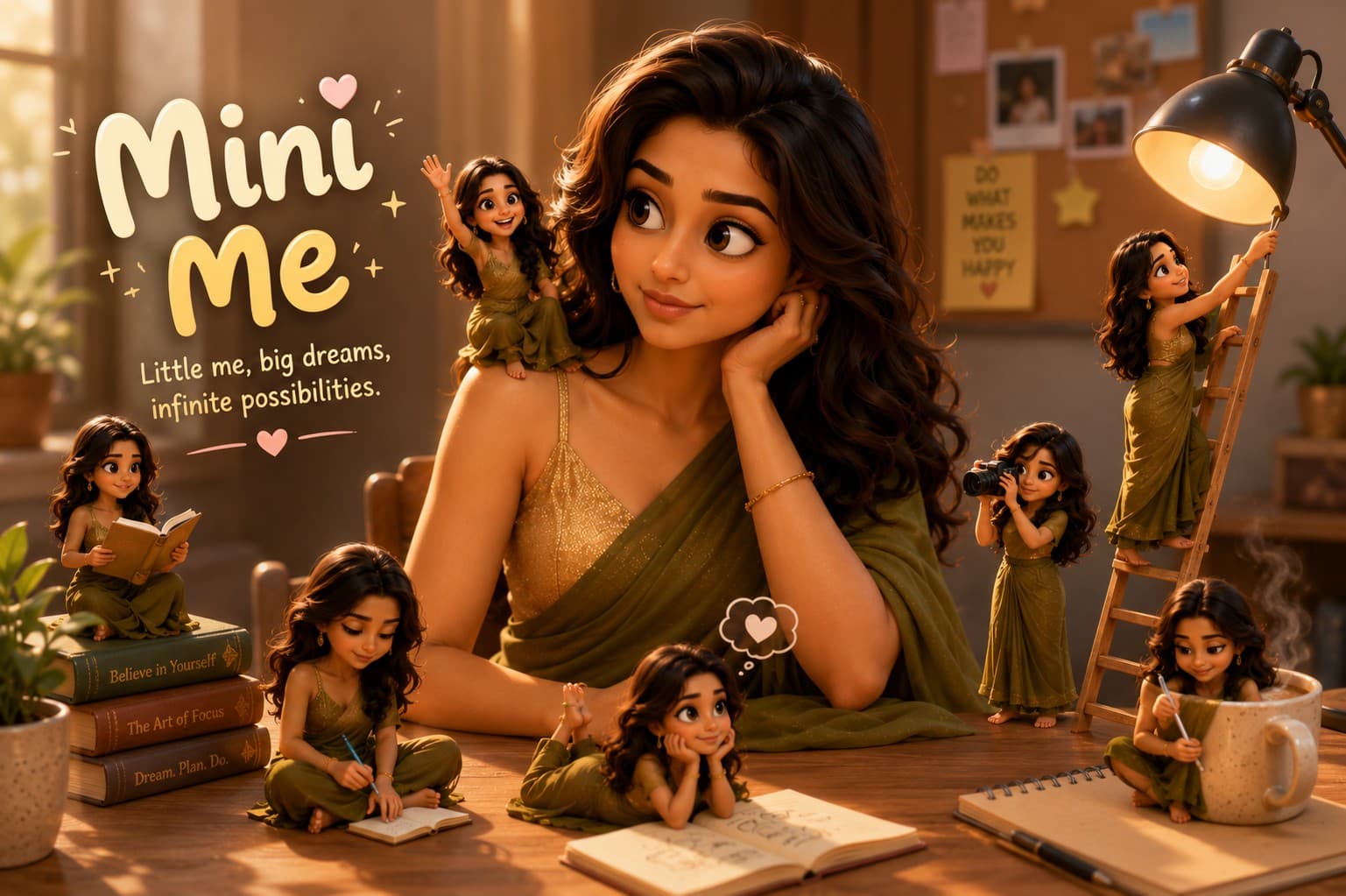

Coffee Shop Mini Me
Transform yourself into a charming Mini Me coffee shop scene where adorable tiny versions of you run a cozy café filled with oversized coffee cups, pastries, and magical storytelling details.

Transform yourself into an adorable Mini Me office professional working in a charming tiny workspace filled with realistic miniature office accessories and Pixar-inspired 3D details.
Review the prompt below before copying it into your preferred AI image generator.
Follow these simple steps to generate the best possible AI image.
Use a clear reference image with the subject's face visible and enough detail to help the model preserve recognizable facial features while transforming the person into a miniature office character.
Keep the reference image attached so the Mini Me character retains recognizable facial features, hairstyle, skin tone, and overall appearance while adopting charming chibi-inspired proportions.
Generate a tiny professional office environment with a miniature desk, laptop, coffee mug, keyboard, notebooks, stationery, chair, desk lamp, and other realistic workspace accessories.
Add miniature plants, bookshelves, framed artwork, sticky notes, and elegant office decorations to make the tiny workspace feel detailed, believable, warm, and productive.
Generate multiple variations and select the result with the most natural facial resemblance, appealing chibi proportions, convincing hand placement, and believable interaction with the miniature office environment.
Follow these best practices to create higher-quality AI images with better consistency and realism.
A sharp reference image with the face clearly visible helps maintain recognizable identity while the model adapts the subject into a charming miniature character.
Keep the character's head, body, hands, and limbs proportionally stylized without making the figure look distorted. The miniature appearance should remain cute while preserving recognizable features.
Include small realistic objects such as laptops, notebooks, keyboards, stationery, coffee mugs, and desk lamps to strengthen the miniature scale and storytelling.
Arrange the miniature office elements naturally around the character so the scene feels like a believable professional workspace rather than a random collection of tiny objects.
Make the character and office accessories clearly miniature while maintaining realistic textures, lighting, shadows, and depth to create a convincing Pixar-inspired 3D world.
This prompt benefits from an image model that can preserve recognizable identity while creating chibi-inspired proportions, detailed miniature office environments, realistic accessories, and polished Pixar-inspired 3D rendering.
A strong option for maintaining the subject's recognizable appearance while refining the chibi character design, professional styling, miniature proportions, and office storytelling details.
Useful for experimenting with miniature office environments, detailed accessories, playful character interactions, colorful 3D rendering, and whimsical workspace compositions.
Discover more prompts from this category.
Explore hundreds of free AI prompts across different categories. Whether you're creating realistic images, cinematic scenes, anime artwork, seasonal content, sports visuals, or social media graphics, PromptGenz has prompts designed to help you get better AI-generated results.