Luxury Gym Aesthetic
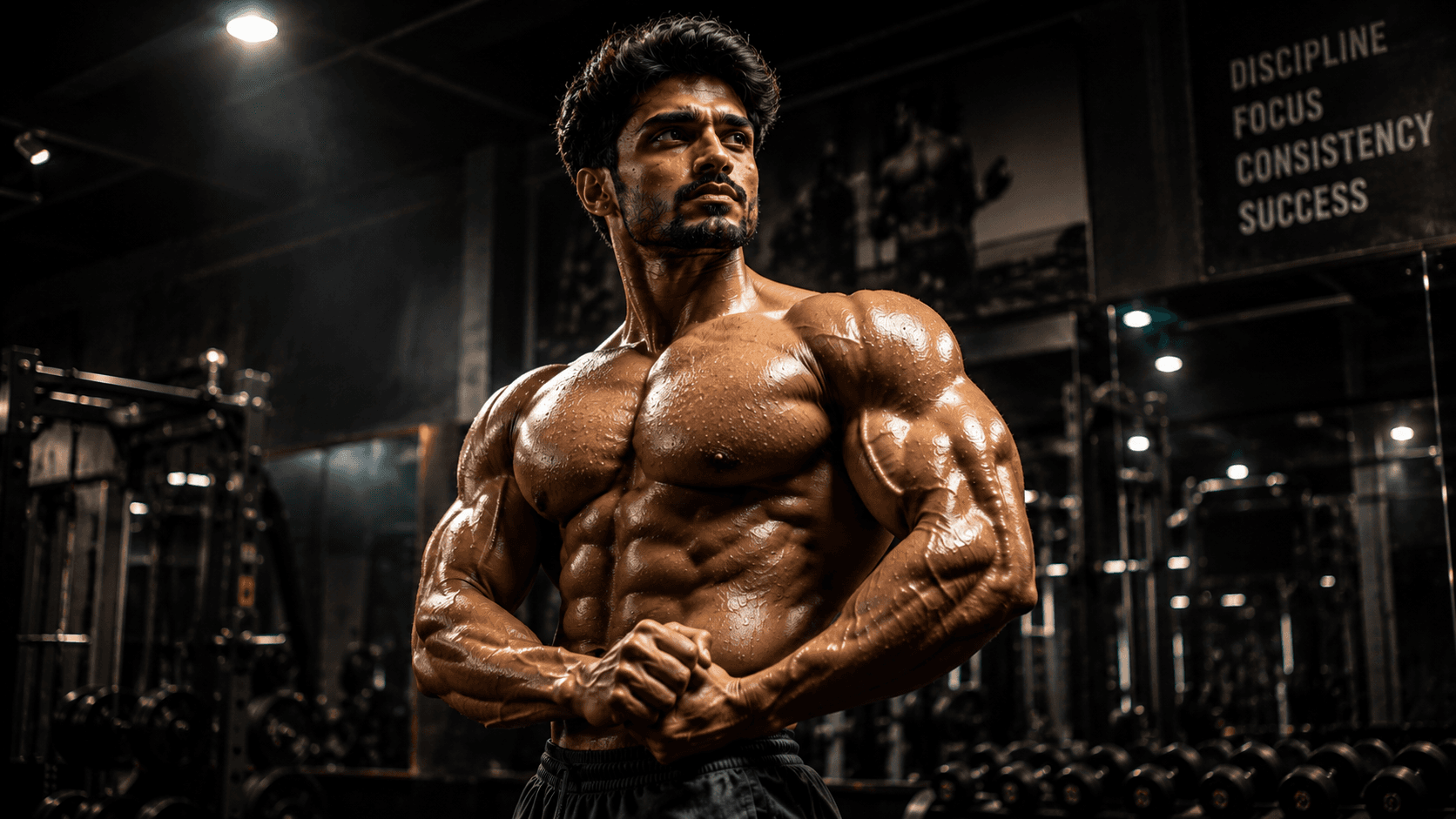
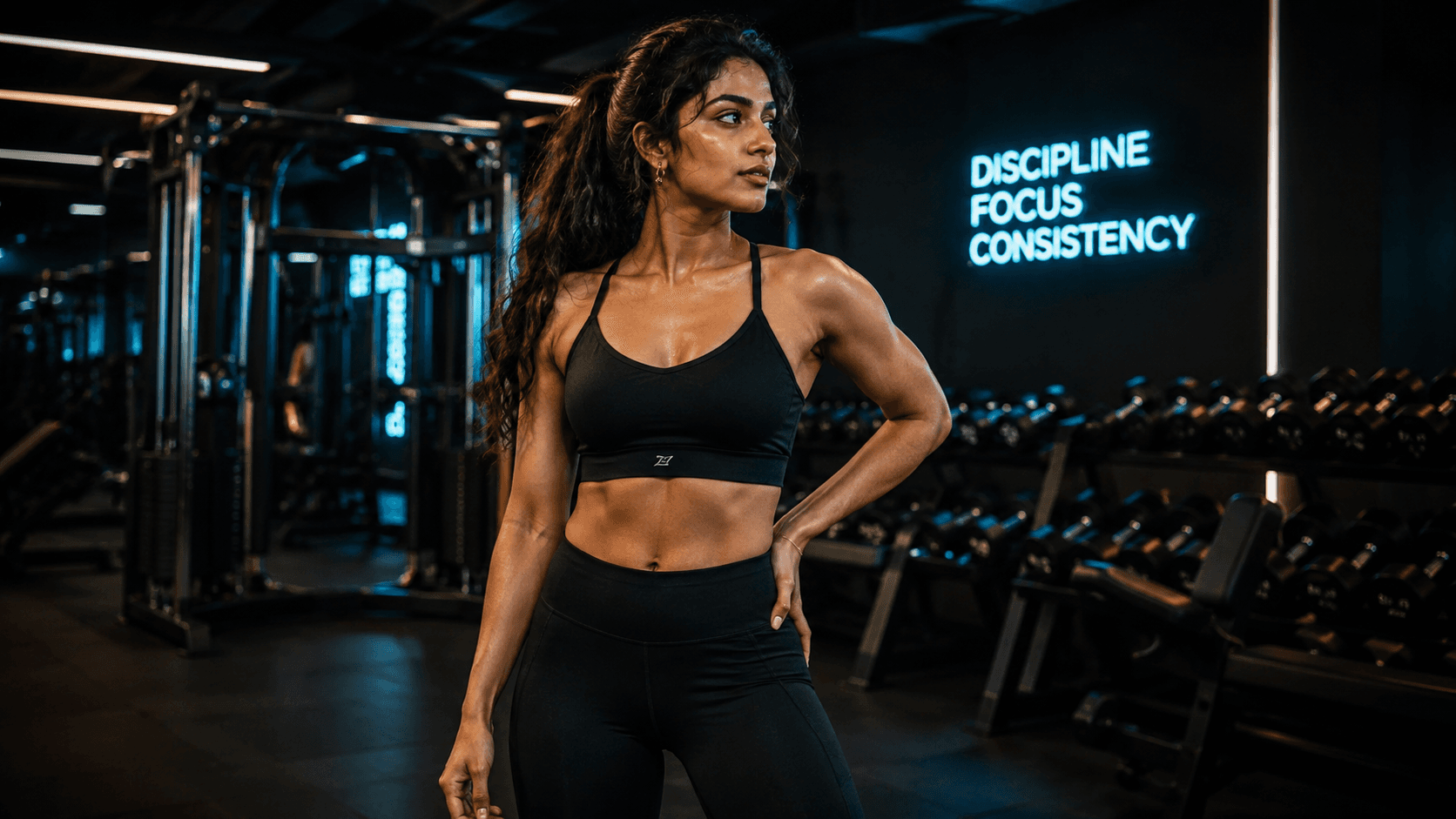
Create a premium luxury gym portrait featuring elite fitness aesthetics, cinematic lighting, high-end workout equipment, and a powerful editorial magazine look.

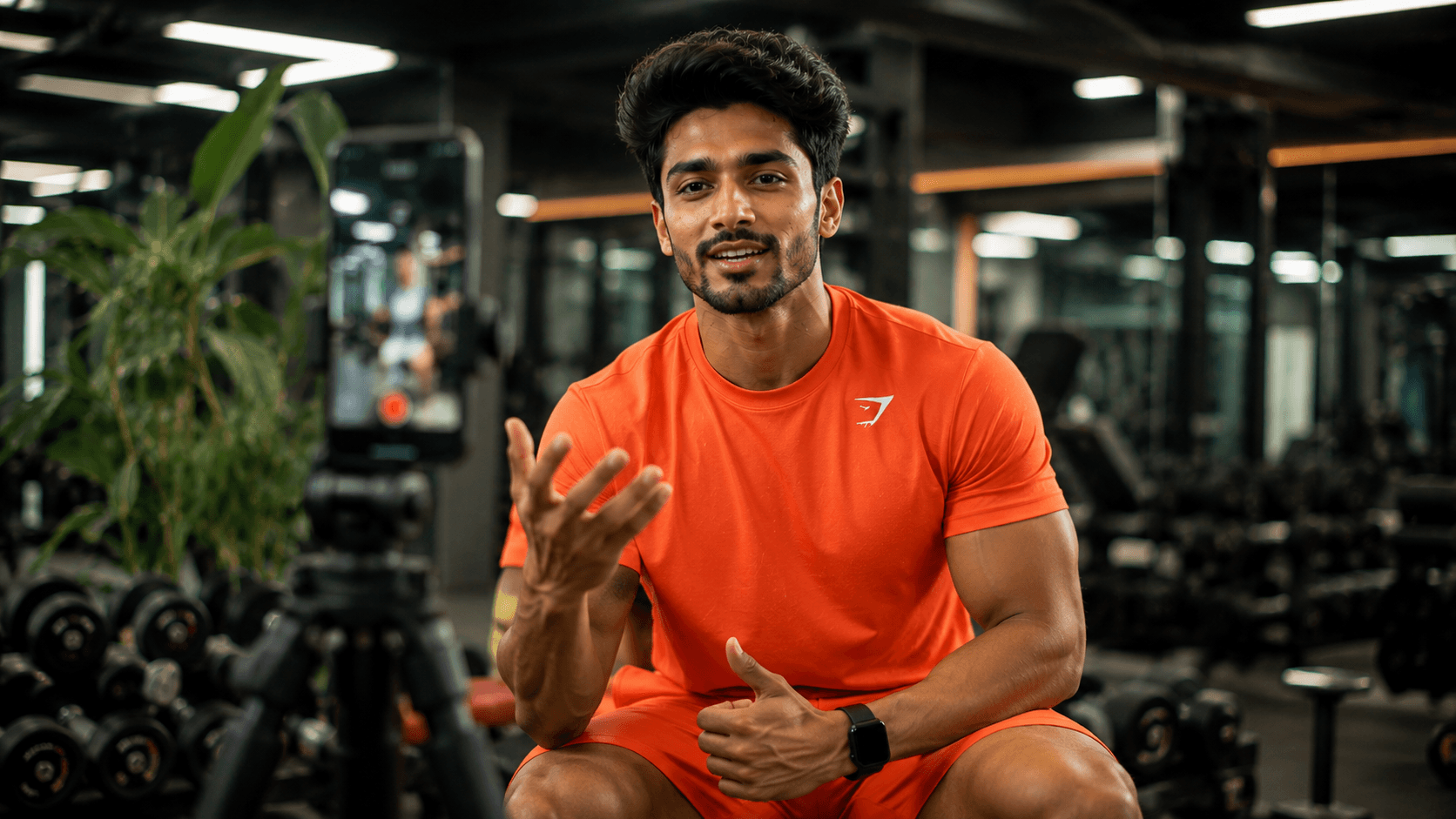
Create an Instagram-ready fitness creator portrait inside a premium gym, featuring modern content creator aesthetics, professional lighting, and a vibrant social media lifestyle vibe.
Review the prompt below before copying it into your preferred AI image generator.
Follow these simple steps to generate the best possible AI image.
Since the creator is looking directly at the camera, a reference where your face is clearly visible and forward-facing gives the model the clearest identity information.
Mirror reflections are the highest-risk detail in this prompt. Look closely for distortion or mismatched reflections before evaluating anything else.
Confirm the phone screen doesn't have garbled or unreadable content rendered on it — if it does, regenerate asking for a blank or blurred screen.
Check that the 'brightly colored coordinated' outfit looks like an intentional set rather than mismatched pieces.
Once the composition is solid, verify the bright professional lighting doesn't wash out facial detail or overexpose the skin.
Follow these best practices to create higher-quality AI images with better consistency and realism.
More than any other detail, gym mirrors can produce visibly wrong reflections. If they keep causing problems, push them further into a blurred background rather than a sharp focal element.
Don't expect readable interface elements on the smartphone screen — treat it as a soft, out-of-focus detail rather than something the model needs to render accurately.
The 'bright professional studio lighting' direction can occasionally overexpose the skin. If facial detail looks washed out, ask for 'bright but controlled, facial detail fully retained.'
Find answers to the most common questions about using this AI image prompt.
Mirrors are consistently one of the hardest elements for image models to render correctly — reflections often don't match the subject accurately. If this happens, try reducing the mirror's visual prominence: 'mirrors visible but heavily blurred in the deep background' rather than a sharp, detailed reflection.
This prompt benefits from image models that handle small reflective and screen-based objects with fewer distortions, since gym mirrors and the smartphone screen are the two most failure-prone details here.
Generally produces cleaner mirror reflections and fewer distorted small objects like the tripod-mounted phone, which are the main risk points in this composition.
Useful for experimenting with different gym layouts, outfit colors, and lighting warmth once the mirrors and phone are rendering cleanly.
Discover more prompts from this category.
Explore hundreds of free AI prompts across different categories. Whether you're creating realistic images, cinematic scenes, anime artwork, seasonal content, sports visuals, or social media graphics, PromptGenz has prompts designed to help you get better AI-generated results.