Outdoor Calisthenics
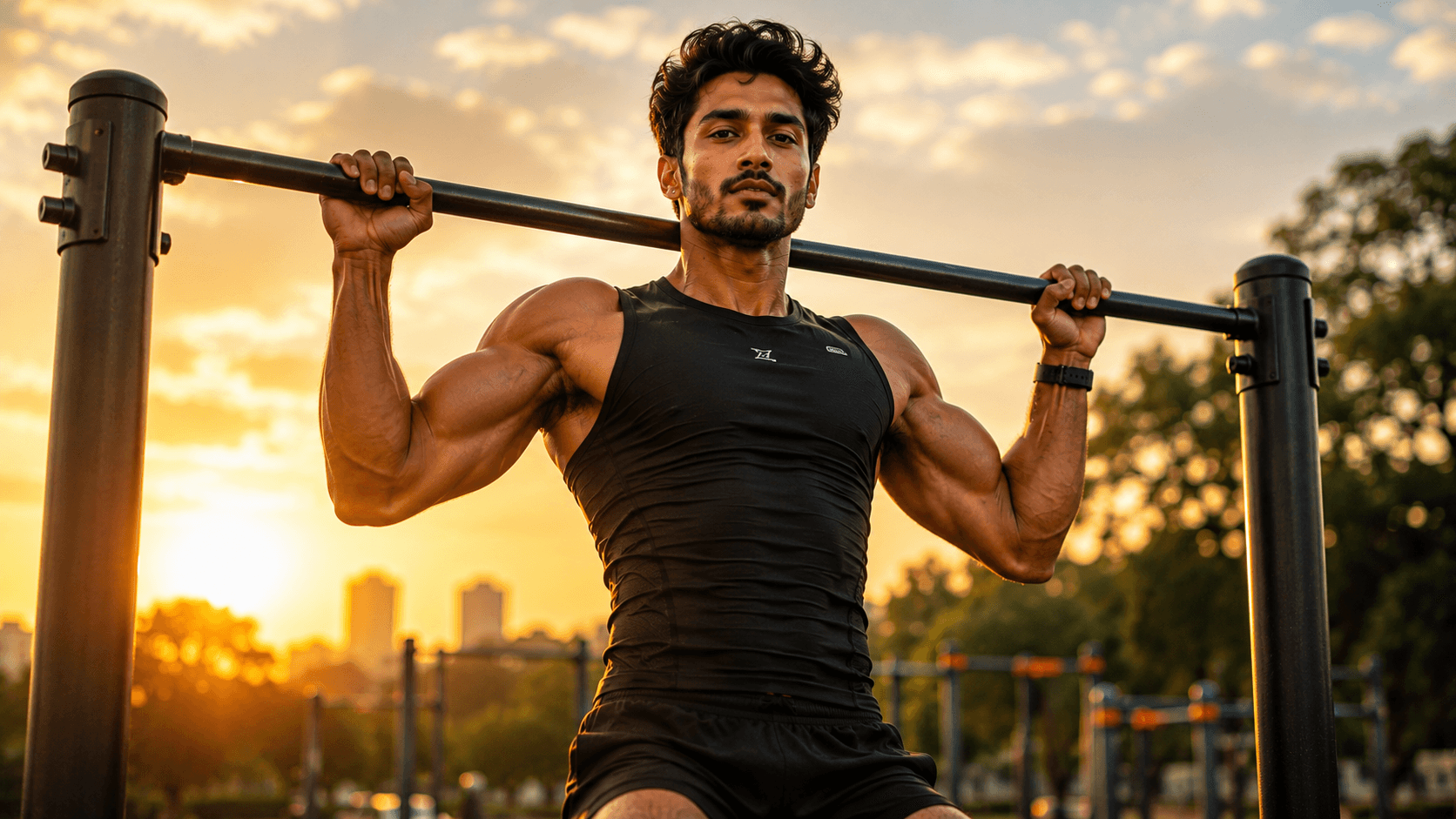
Create a cinematic outdoor calisthenics portrait featuring an athletic pull-up at golden sunrise, powerful physique, warm rim lighting, and a premium sports editorial aesthetic.

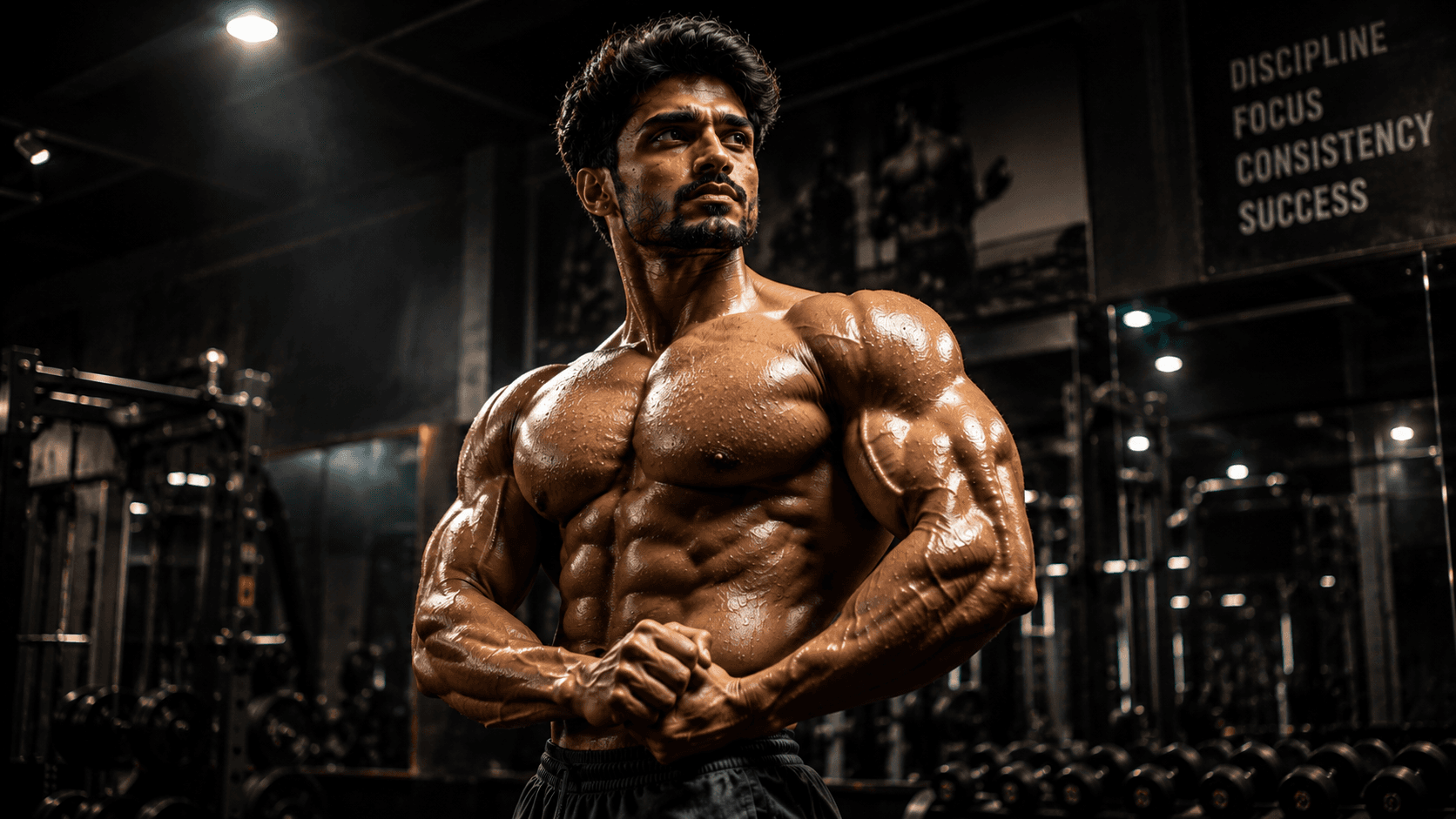
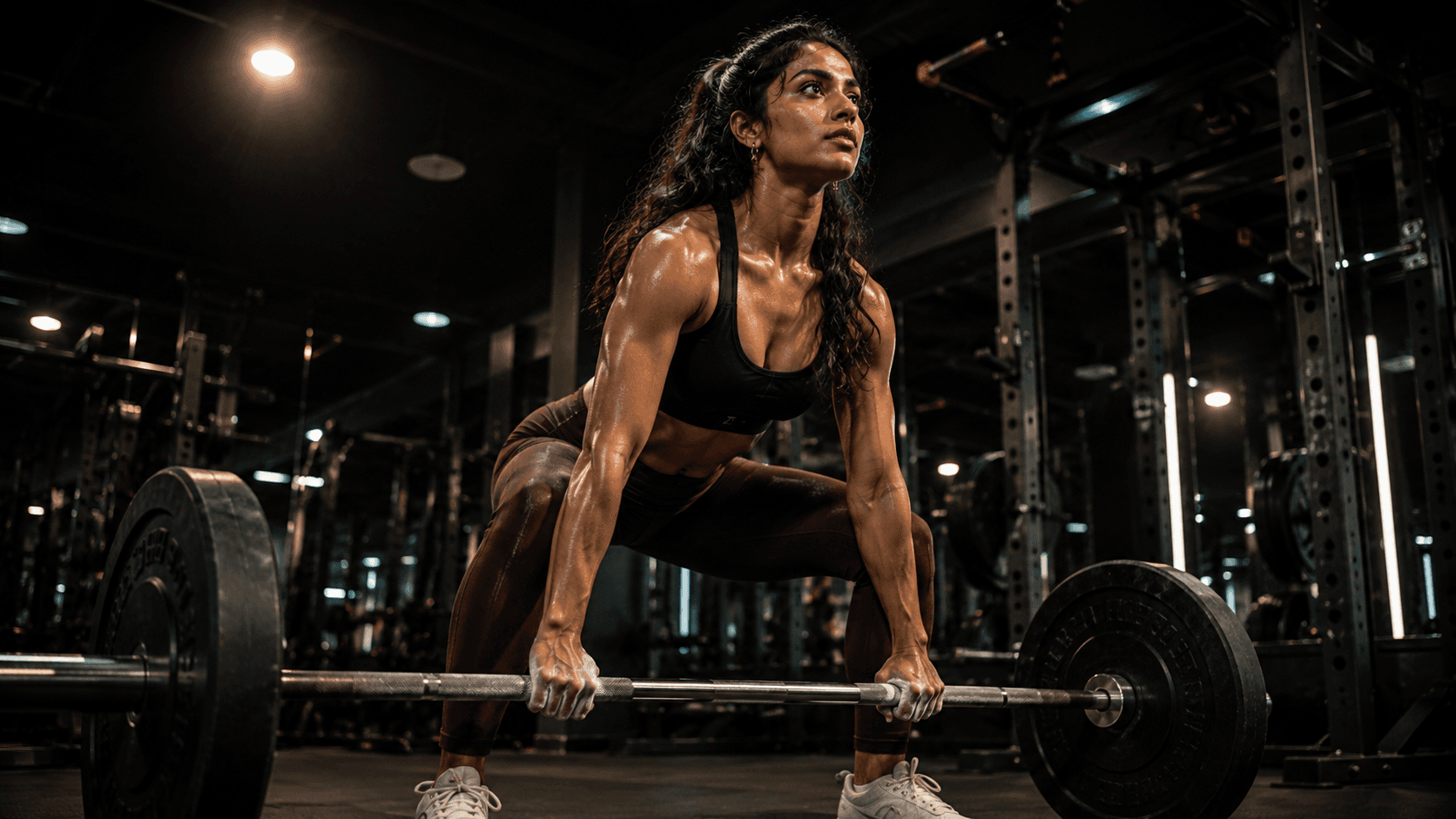
Create a powerful cinematic fitness portrait showcasing strength, determination, and confidence during an intense deadlift session inside a premium luxury gym.
Review the prompt below before copying it into your preferred AI image generator.
Follow these simple steps to generate the best possible AI image.
Since the overhead spotlight can create shadow across the face, start with a reference that has good facial visibility to give the model the strongest possible foundation.
Hand and barbell interaction is the highest-risk detail in this prompt. Inspect the fingers and grip before evaluating the rest of the image.
Look at the back position and hip hinge — a rounded back or unnatural weight distribution is a sign the deadlift form needs reinforcement in the next generation.
Confirm the overhead light isn't casting harsh shadows across the eyes. If it is, ask for softer falloff in a follow-up generation.
Once the pose and lighting are right, do a final check on the chalk dust and perspiration — these should look subtle and realistic rather than overdone.
Follow these best practices to create higher-quality AI images with better consistency and realism.
More than any other element in this prompt, barbell grip is where things go wrong. Give it extra scrutiny before finalizing.
Don't assume 'deadlift' alone will produce correct biomechanics. Describing the straight back and hip hinge directly improves the odds of a believable stance.
A dramatic single light source is central to the mood, but it shouldn't come at the cost of visible facial detail — ask for gentler falloff if shadows get too harsh.
Find answers to the most common questions about using this AI image prompt.
Hands gripping a bar are one of the hardest details for image models to get right. Ask specifically for 'both hands wrapped fully around the bar with visible knuckles, standard overhand grip' — leaving grip style unspecified increases the chance of distorted fingers.
This prompt benefits from image models that handle hand-and-object interaction reliably, since barbell grip and lifting form are the two most failure-prone details here.
Generally more consistent with barbell grip anatomy, which is the single riskiest element in this composition.
Useful for adjusting spotlight intensity and shadow falloff once the grip and lifting form look correct.
Discover more prompts from this category.
Explore hundreds of free AI prompts across different categories. Whether you're creating realistic images, cinematic scenes, anime artwork, seasonal content, sports visuals, or social media graphics, PromptGenz has prompts designed to help you get better AI-generated results.