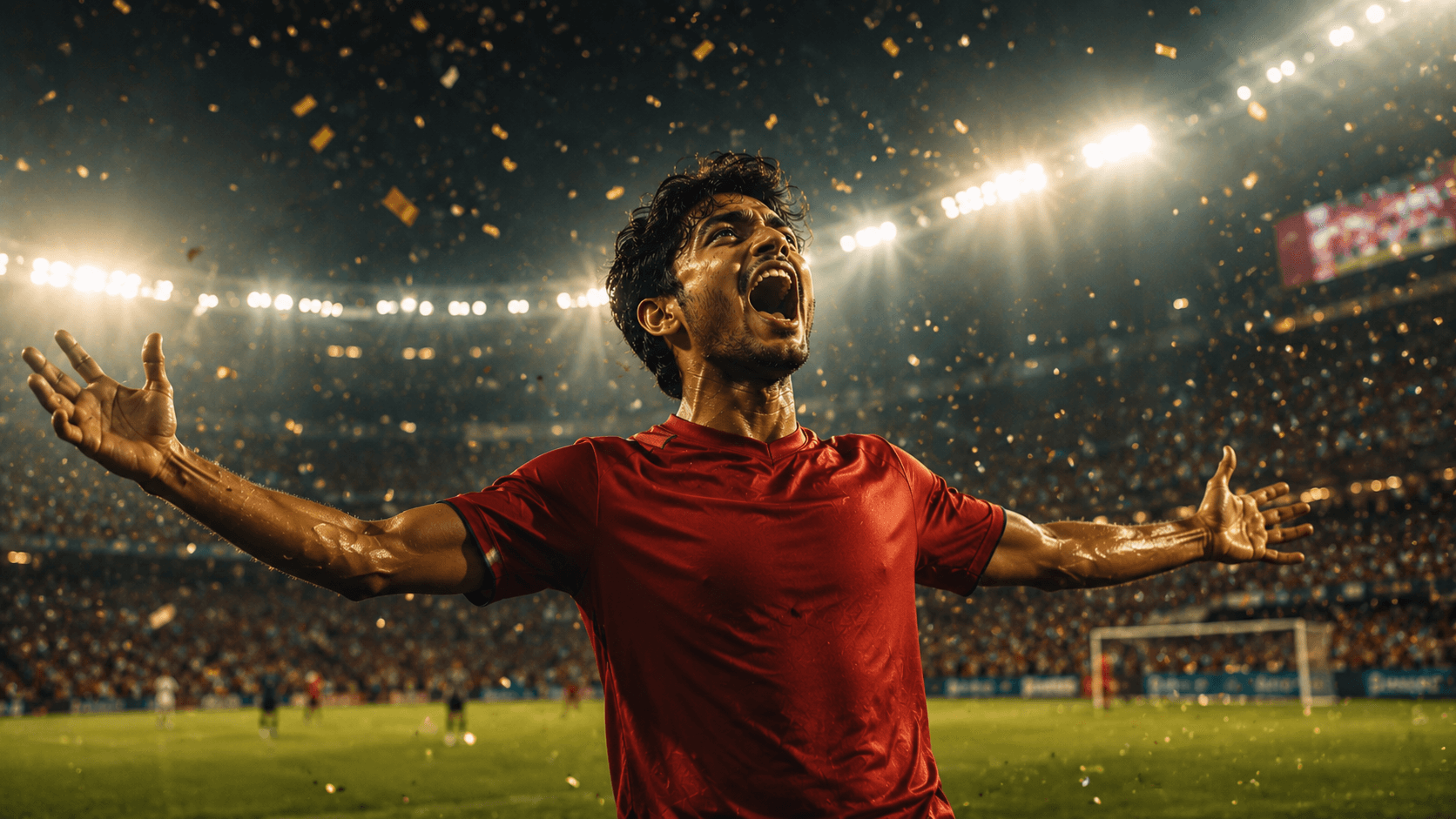
Golden Boot Moment
Create an epic cinematic football goal celebration portrait featuring dramatic stadium lights, falling confetti, and the unforgettable emotion of a championship-winning moment.

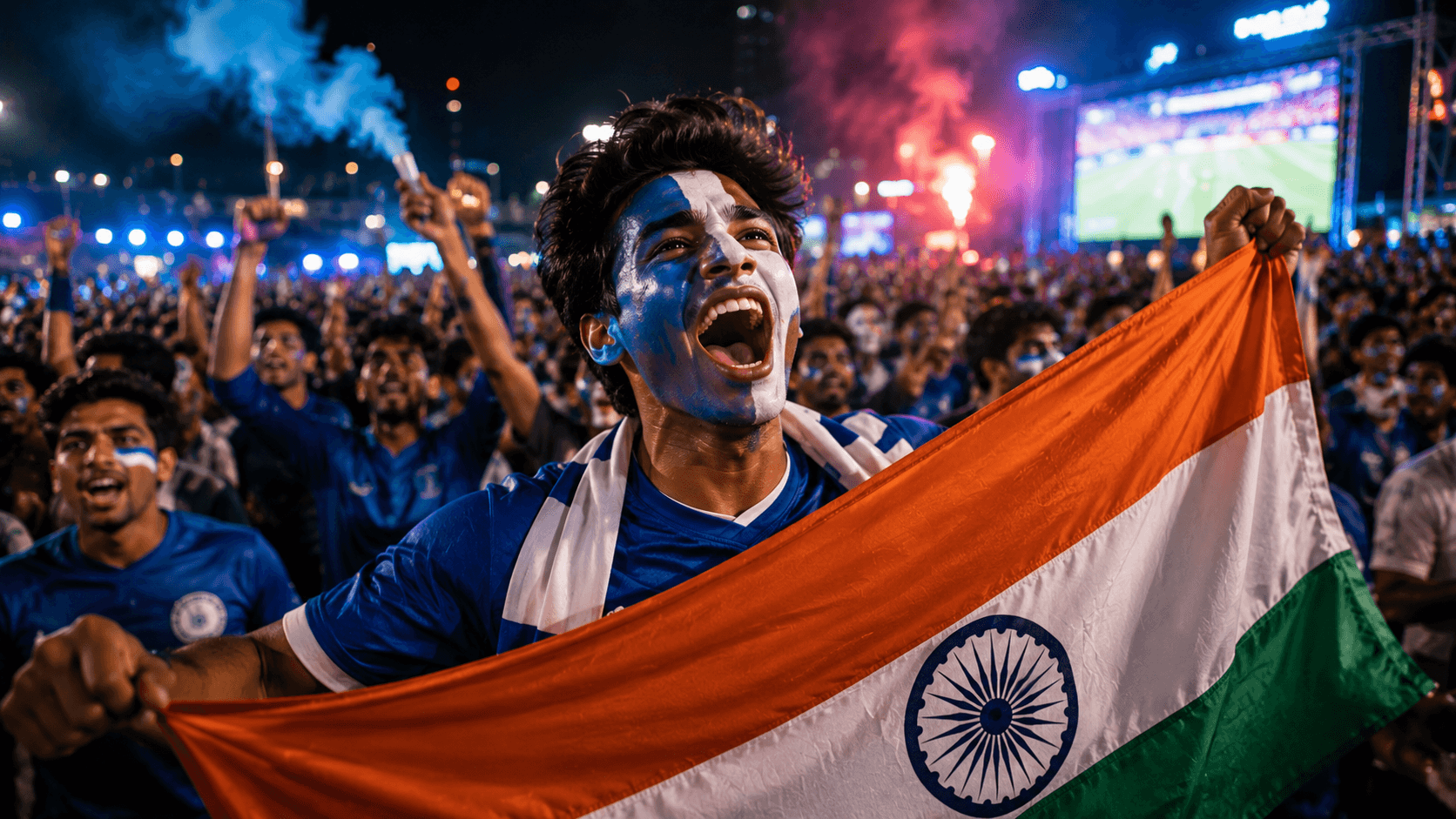
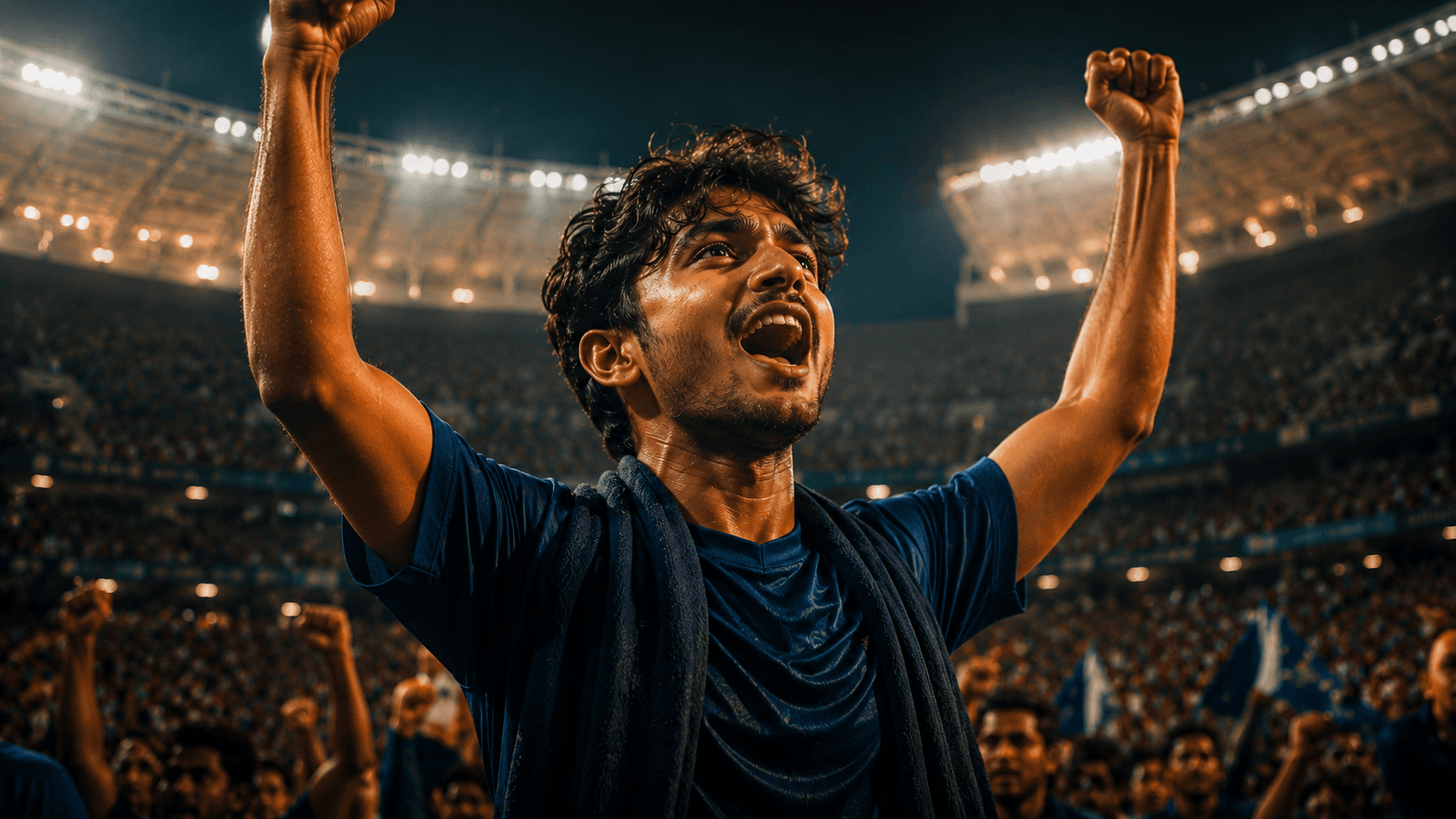
Create an epic cinematic football fan portrait inside a packed floodlit stadium, capturing the excitement, energy, and passion of an unforgettable match night.
Review the prompt below before copying it into your preferred AI image generator.
Follow these simple steps to generate the best possible AI image.
Use a clear reference image with the subject's face visible and unobstructed. A well-lit reference helps maintain recognizable facial features while placing the person naturally inside the stadium environment.
Keep the reference image attached so the generated portrait maintains the subject's facial features, hairstyle, body type, and skin tone while introducing the football fan styling.
Generate the subject with both arms raised naturally in celebration. Pay attention to shoulder position, arm proportions, hand placement, and the overall body posture so the victory moment feels authentic.
Let the model create the massive floodlit stadium, packed supporters, and match-night environment while keeping the background softly blurred so the main subject remains visually dominant.
Generate multiple variations and select the result with the strongest low-angle perspective, convincing stadium lighting, natural facial expression, balanced crowd placement, and realistic depth of field.
Follow these best practices to create higher-quality AI images with better consistency and realism.
A front-facing or slightly angled reference with good facial visibility helps preserve recognizable features while the model adapts the subject to the energetic stadium celebration.
Use a plain navy blue football jersey without team or brand logos. This keeps the generated outfit clean and reduces unwanted branding artifacts.
The strongest results combine warm golden highlights from the stadium floodlights with cool blue ambient light across the arena, creating the intended cinematic match-night contrast.
The large supporter crowd should remain softly blurred behind the subject. This preserves the feeling of a huge stadium without allowing background faces to compete with the main portrait.
Inspect the hands and arms carefully after generation. Both arms should appear naturally connected to the body with believable proportions and anatomically correct hands.
This prompt benefits from an image model that can preserve a recognizable subject while combining realistic football-fan emotion, a massive stadium environment, complex floodlight interactions, shallow depth of field, and cinematic sports photography.
A strong option for maintaining the subject's recognizable appearance while refining the celebration pose, stadium lighting, football styling, and cinematic portrait composition.
Useful for exploring large-scale stadium environments, energetic supporter crowds, dramatic floodlights, atmospheric depth, and cinematic match-night compositions.
Discover more prompts from this category.
Explore hundreds of free AI prompts across different categories. Whether you're creating realistic images, cinematic scenes, anime artwork, seasonal content, sports visuals, or social media graphics, PromptGenz has prompts designed to help you get better AI-generated results.