Childhood Friends
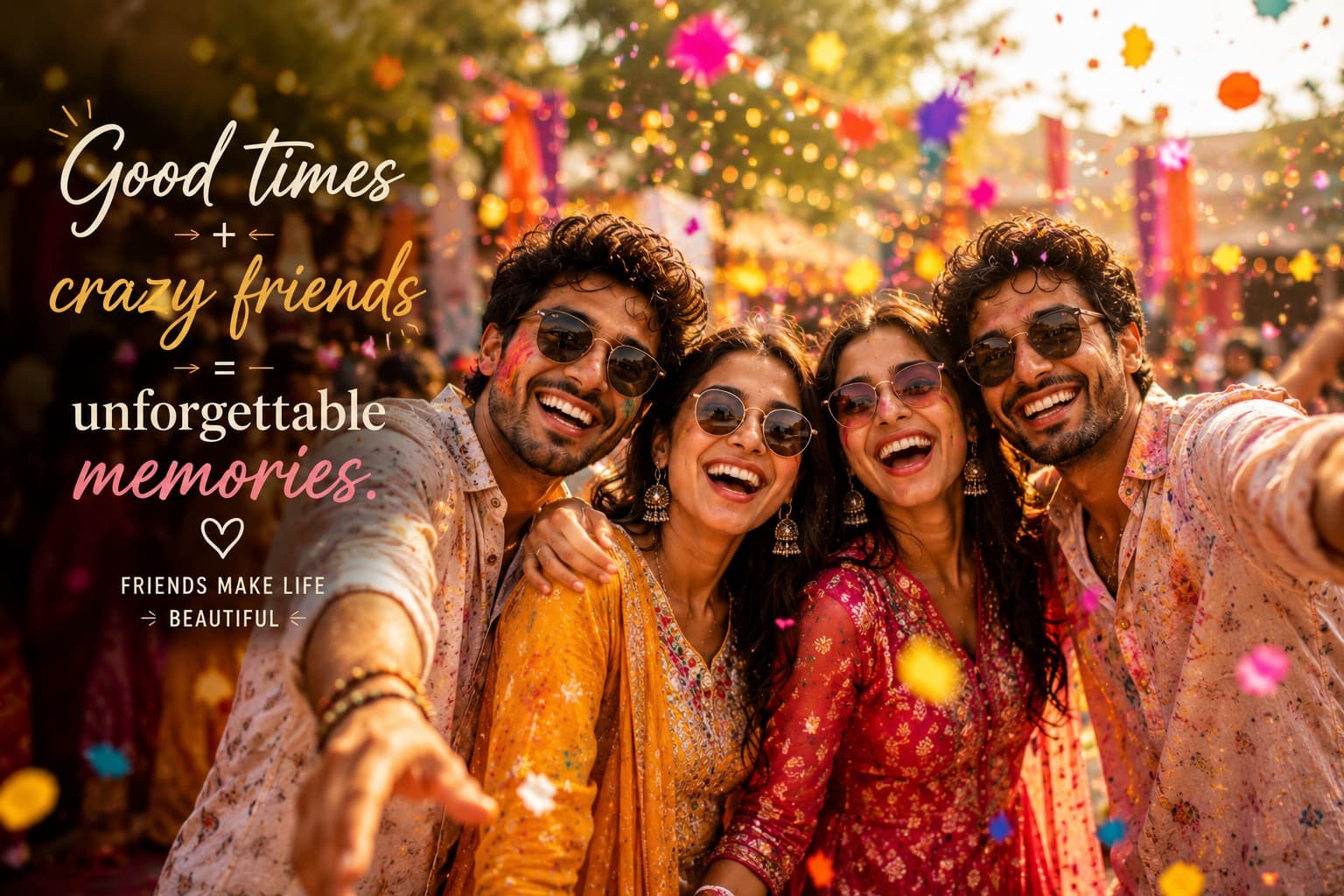
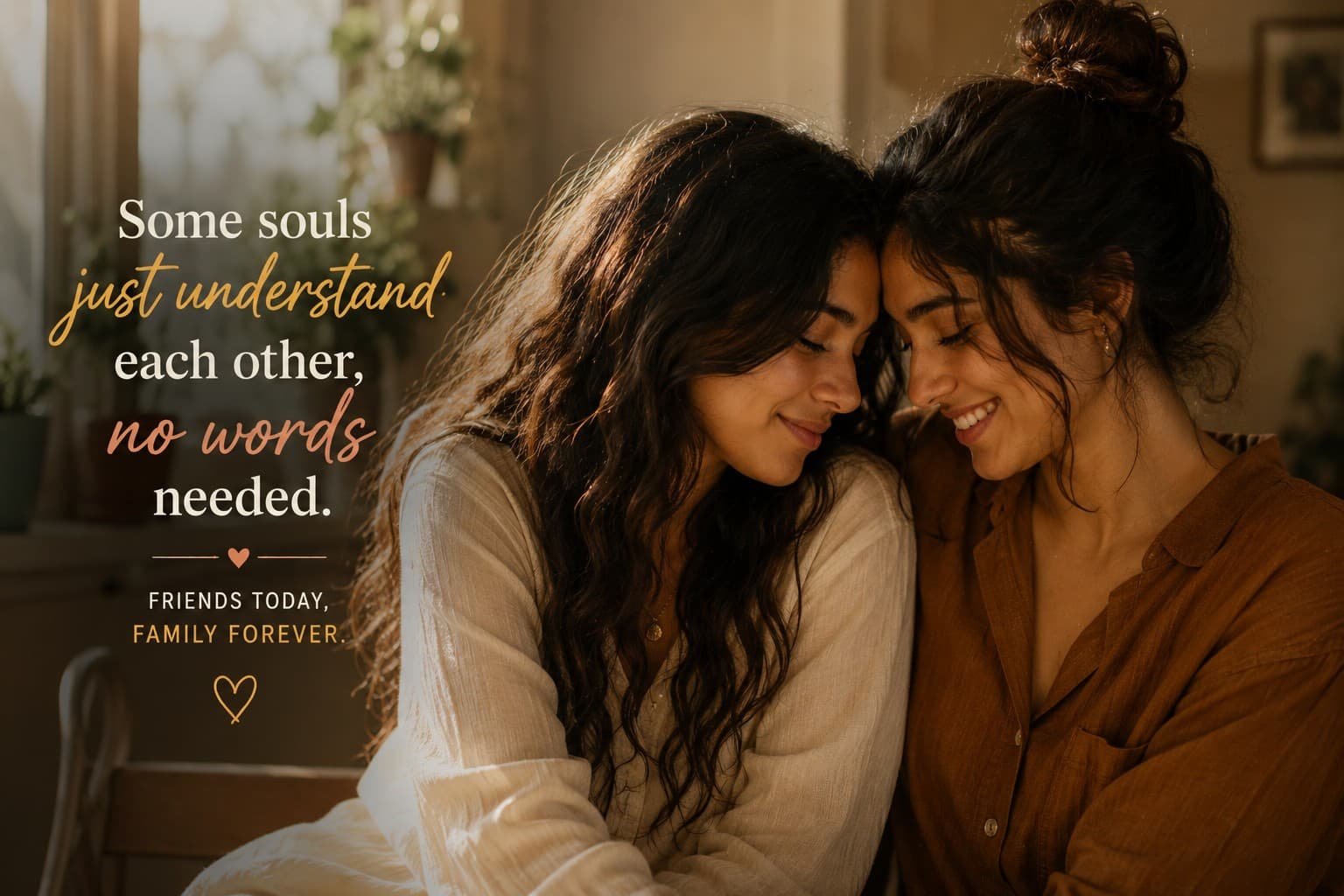
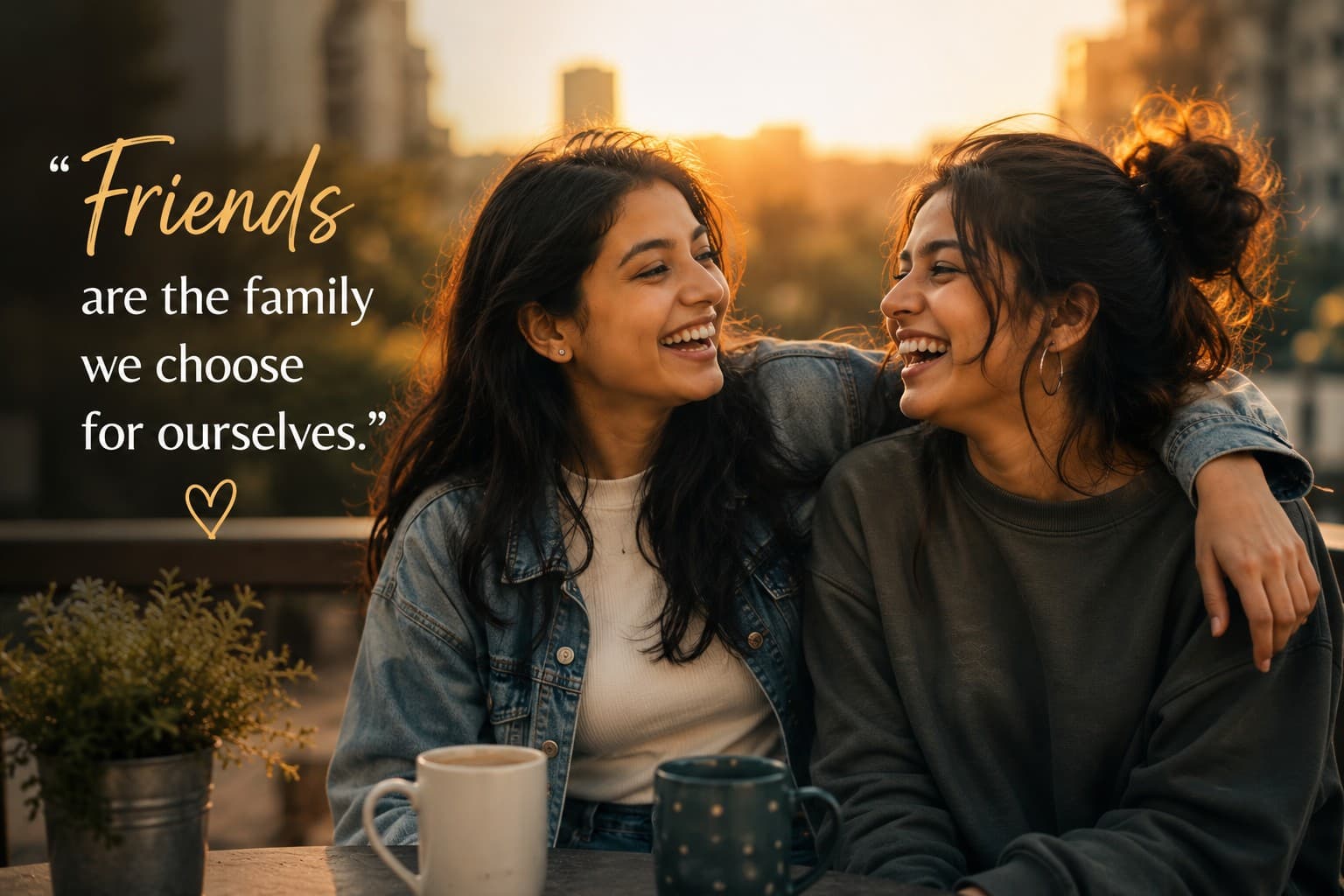
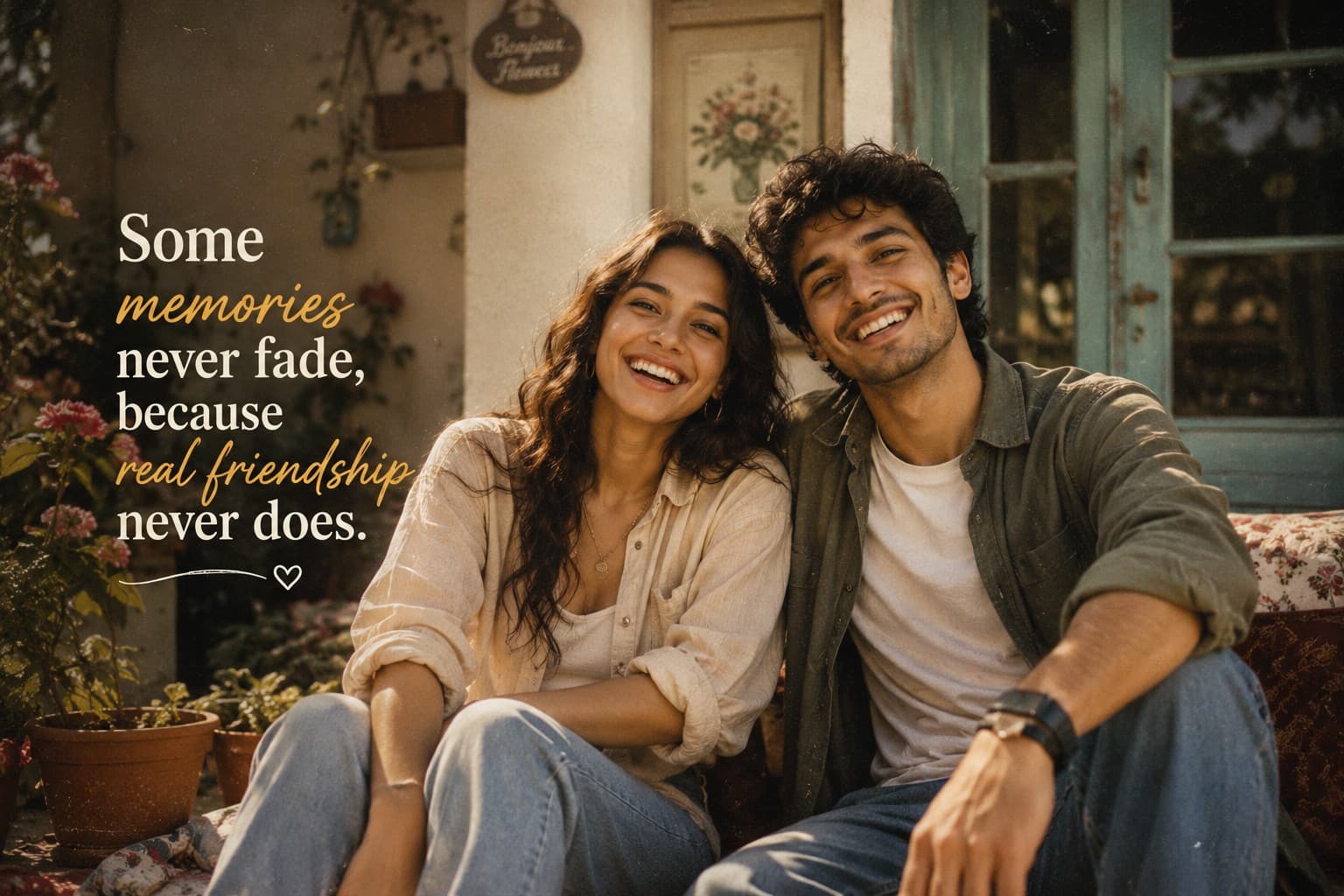
Create a nostalgic cinematic friendship portrait celebrating lifelong memories with a warm vintage film aesthetic, timeless emotions, and heartfelt storytelling.

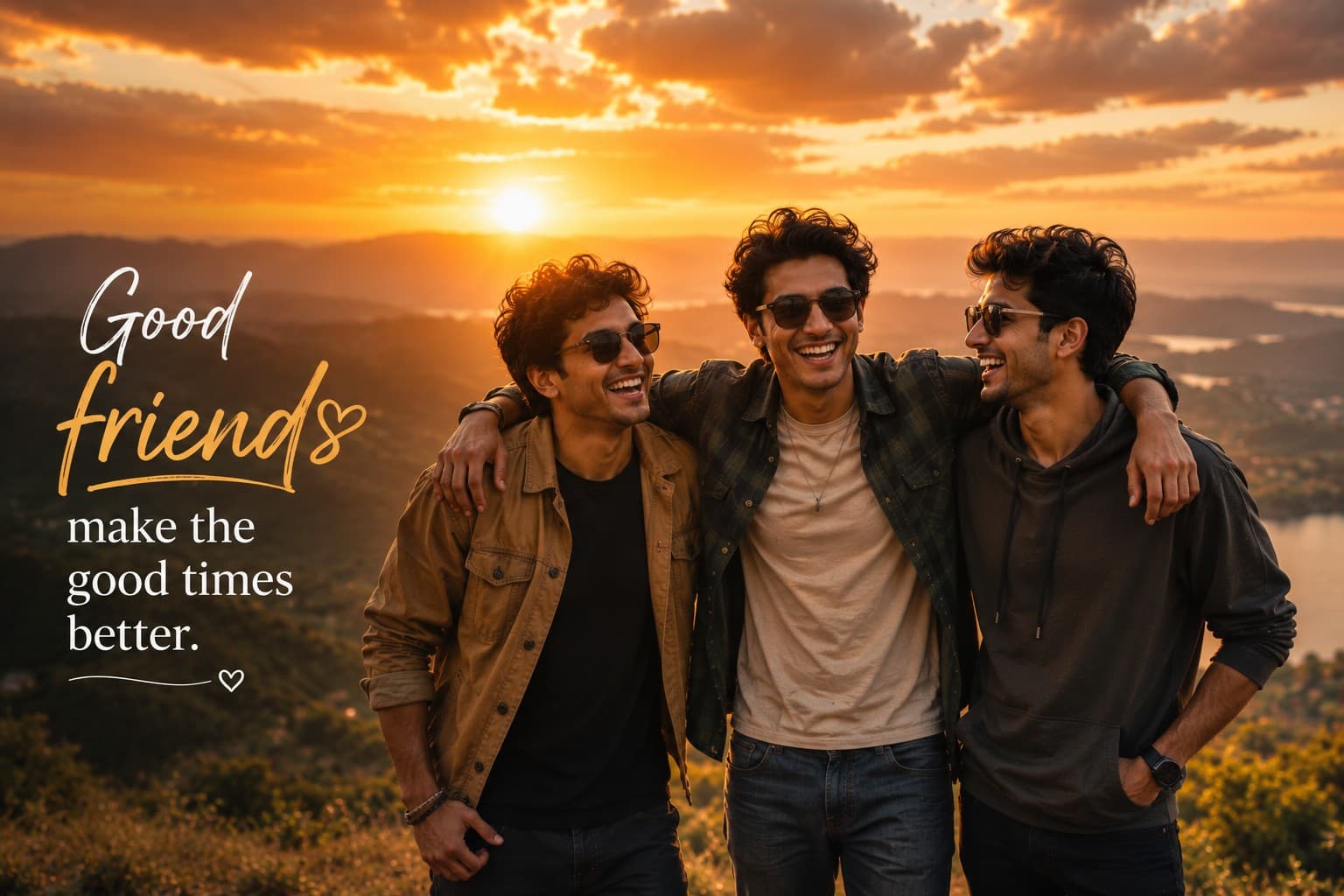
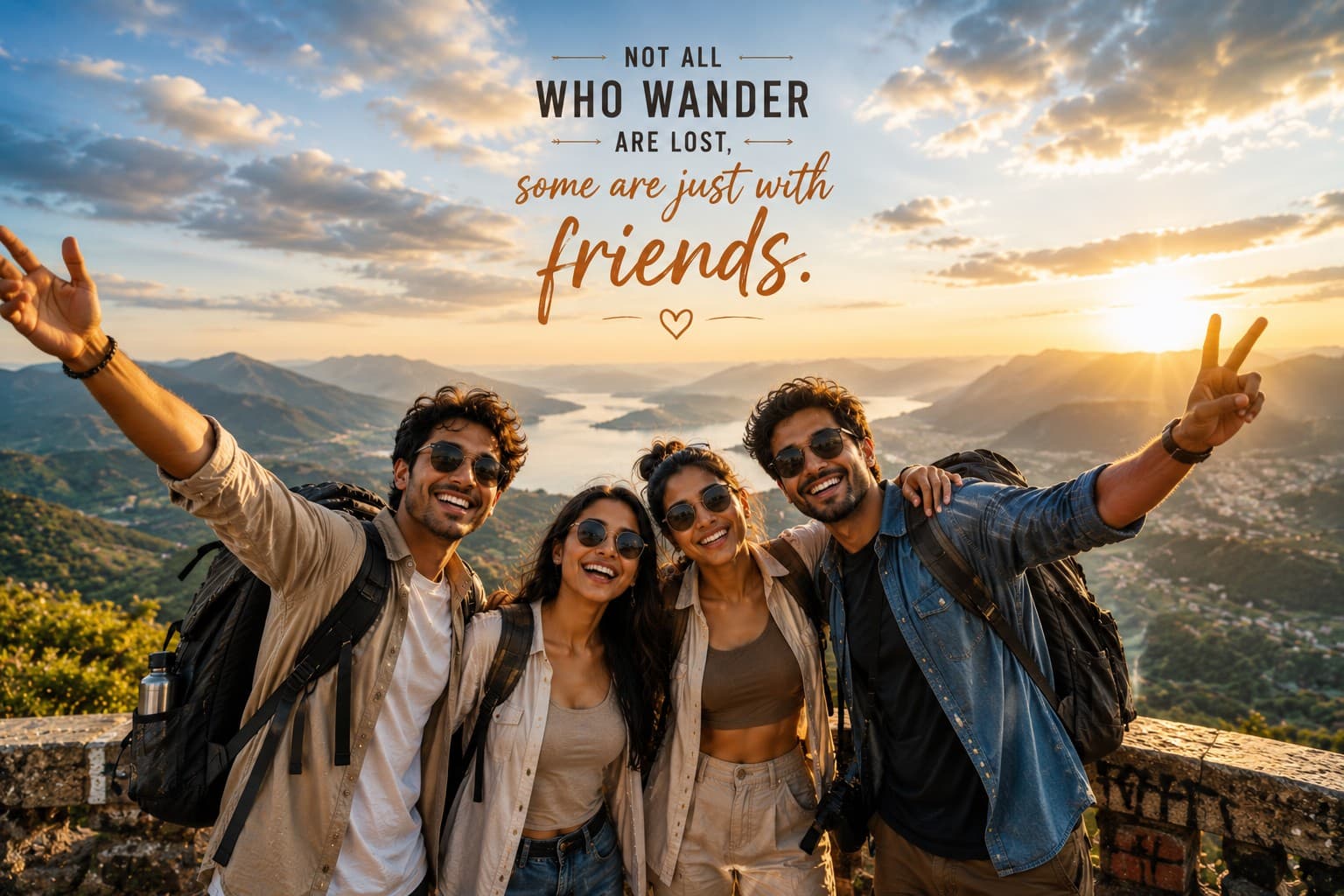
Create an epic cinematic friendship travel portrait capturing unforgettable adventures, breathtaking landscapes, and the joy of exploring the world together.
Review the prompt below before copying it into your preferred AI image generator.
Follow these simple steps to generate the best possible AI image.
Use a clear reference image showing all friends whose facial features, hairstyles, body types, and overall appearance should be preserved. A well-framed group reference helps maintain recognizable identities throughout the travel portrait.
Keep the reference image attached so the generated scene maintains the natural facial features, hairstyles, skin tones, and individual appearance of each friend while placing them in an adventurous travel environment.
Generate relaxed interactions such as friends standing together, smiling toward the camera, admiring the landscape, or naturally sharing the travel experience. Avoid stiff or overly posed body language.
Choose a scenic location such as a mountain viewpoint, alpine lake, cliffside, rooftop terrace, or dramatic overlook and add realistic travel elements like backpacks, winding roads, valleys, and expansive landscapes.
Generate multiple variations and select the result with clearly visible faces, natural body proportions, convincing lighting, and a balanced relationship between the friends and the surrounding landscape.
Follow these best practices to create higher-quality AI images with better consistency and realism.
A high-quality reference showing all friends clearly helps preserve their individual facial characteristics, hairstyles, skin tones, and overall appearance in the generated travel scene.
Check that each friend's face remains unobstructed and naturally positioned. Clear facial visibility helps maintain recognizable identities and makes the final group portrait more emotionally engaging.
Natural smiles, relaxed body language, shared glances, and genuine interaction make the adventure feel like a real friendship memory rather than a staged travel advertisement.
Use a wide composition that gives the surrounding mountains, valleys, lakes, roads, or scenic viewpoints enough visual presence while keeping the friends as the primary subjects.
Golden hour or soft natural daylight should illuminate the friends naturally while creating atmospheric depth across the landscape. Avoid excessive lens flare or harsh highlights that obscure facial details.
This prompt benefits from an image model that can preserve multiple people's identities while generating natural friendship interactions, expansive travel landscapes, realistic outdoor lighting, and cinematic adventure photography.
A strong option for maintaining the appearance of multiple friends while refining natural poses, facial visibility, travel styling, outdoor lighting, and the overall cinematic adventure composition.
Useful for experimenting with dramatic landscapes, scenic viewpoints, outdoor atmosphere, travel accessories, and wide cinematic friendship compositions.
Discover more prompts from this category.
Explore hundreds of free AI prompts across different categories. Whether you're creating realistic images, cinematic scenes, anime artwork, seasonal content, sports visuals, or social media graphics, PromptGenz has prompts designed to help you get better AI-generated results.