Festival of Friendship
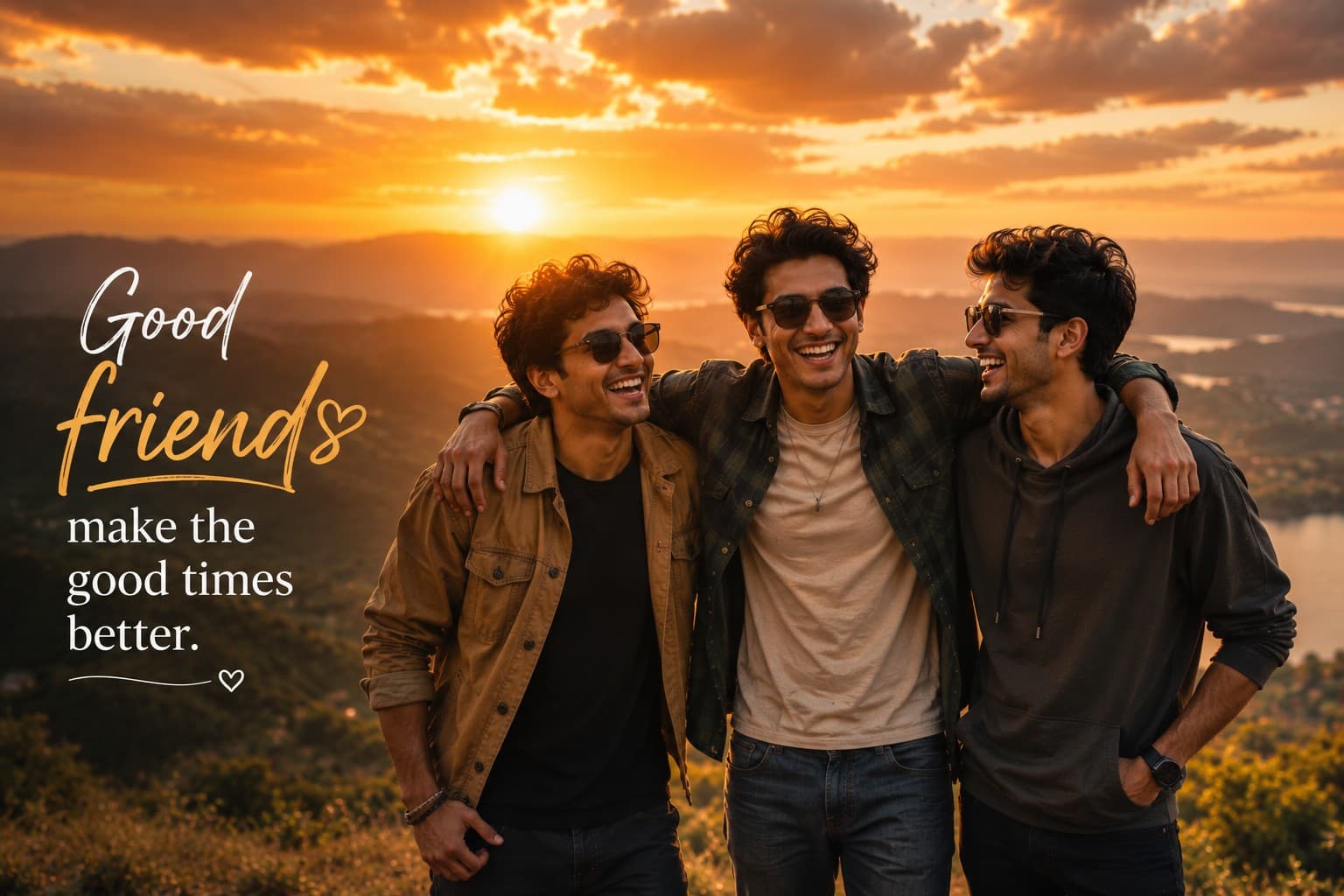
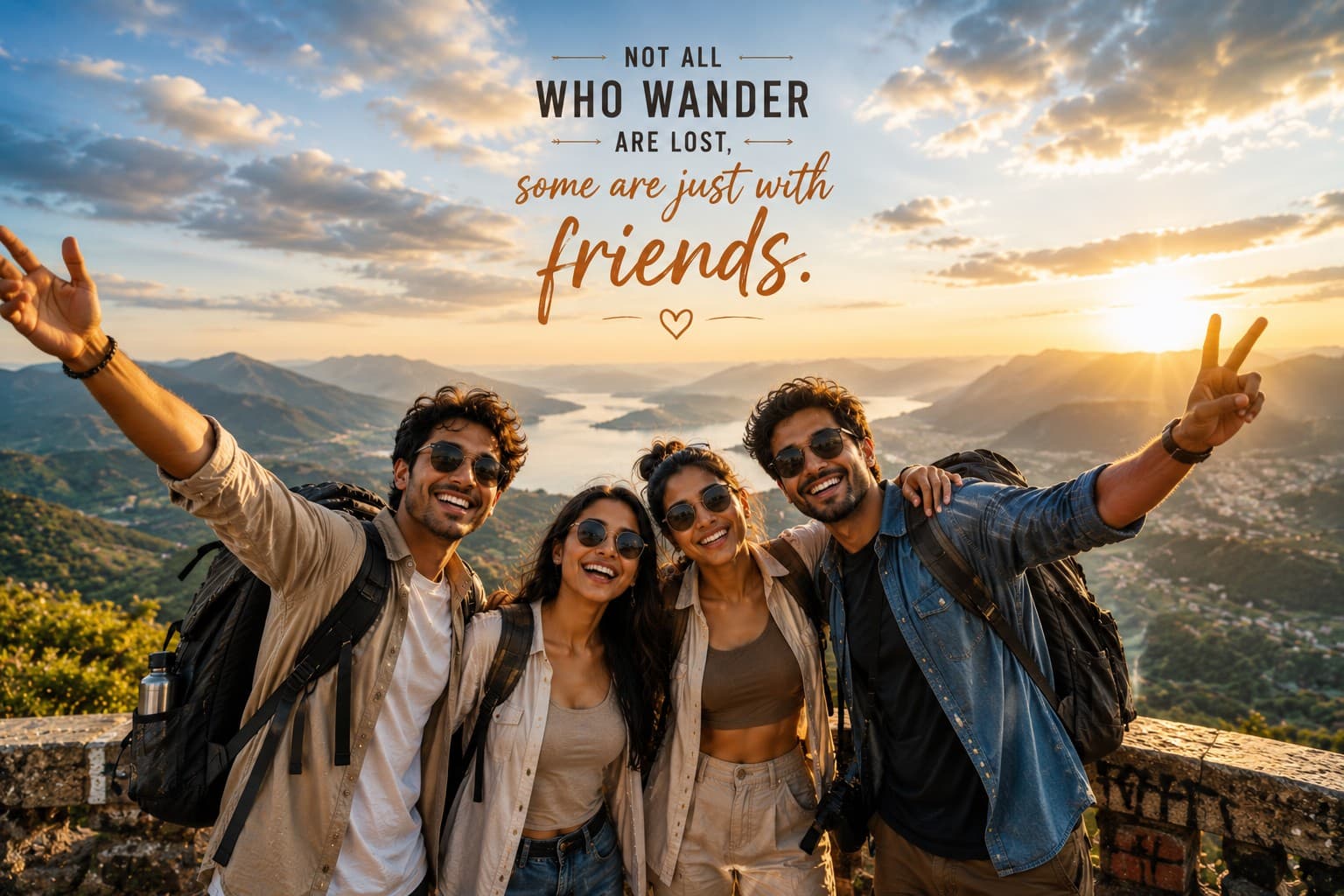
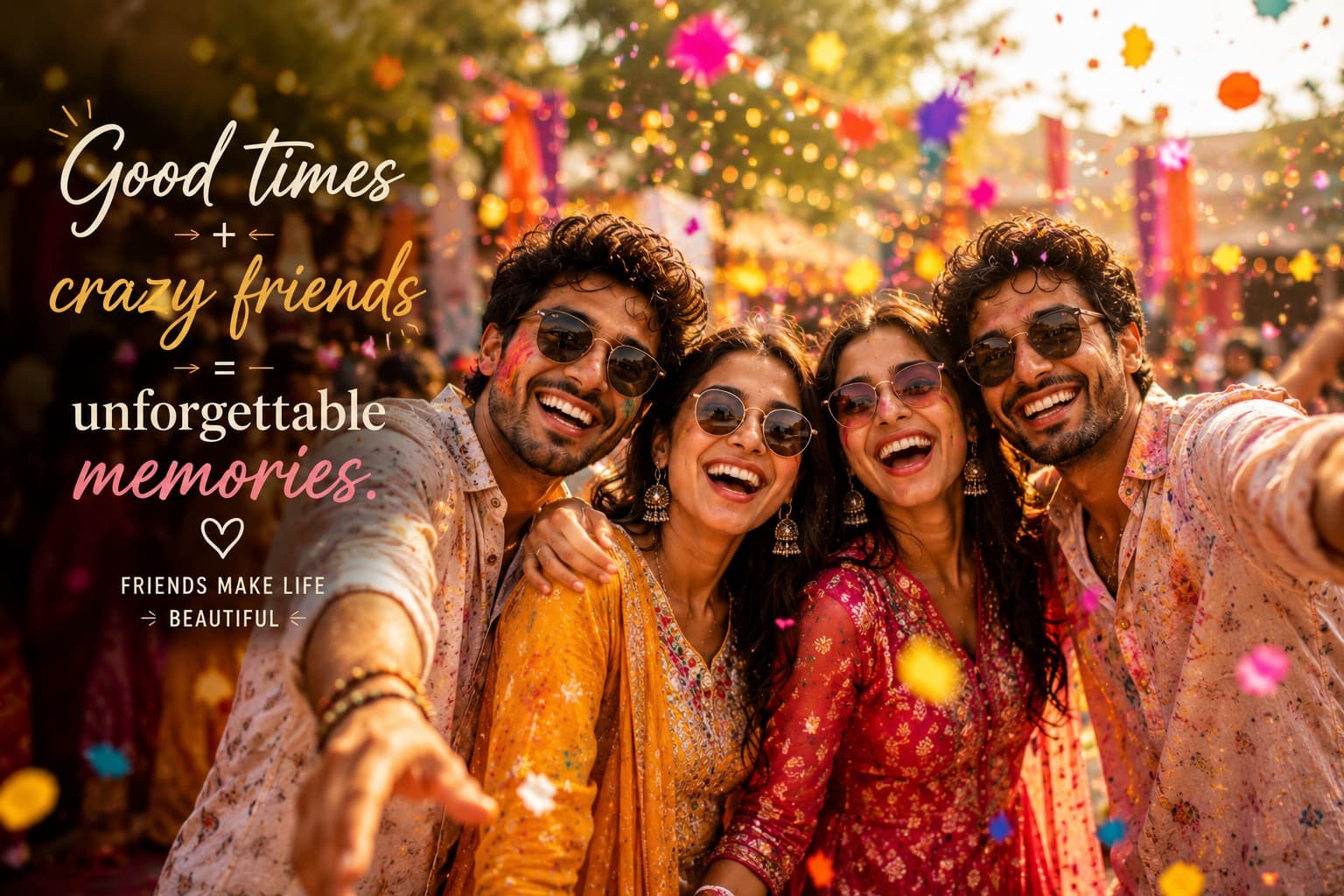
Create a vibrant cinematic friendship portrait celebrating colorful festivals, joyful laughter, and unforgettable moments shared with your closest friends.

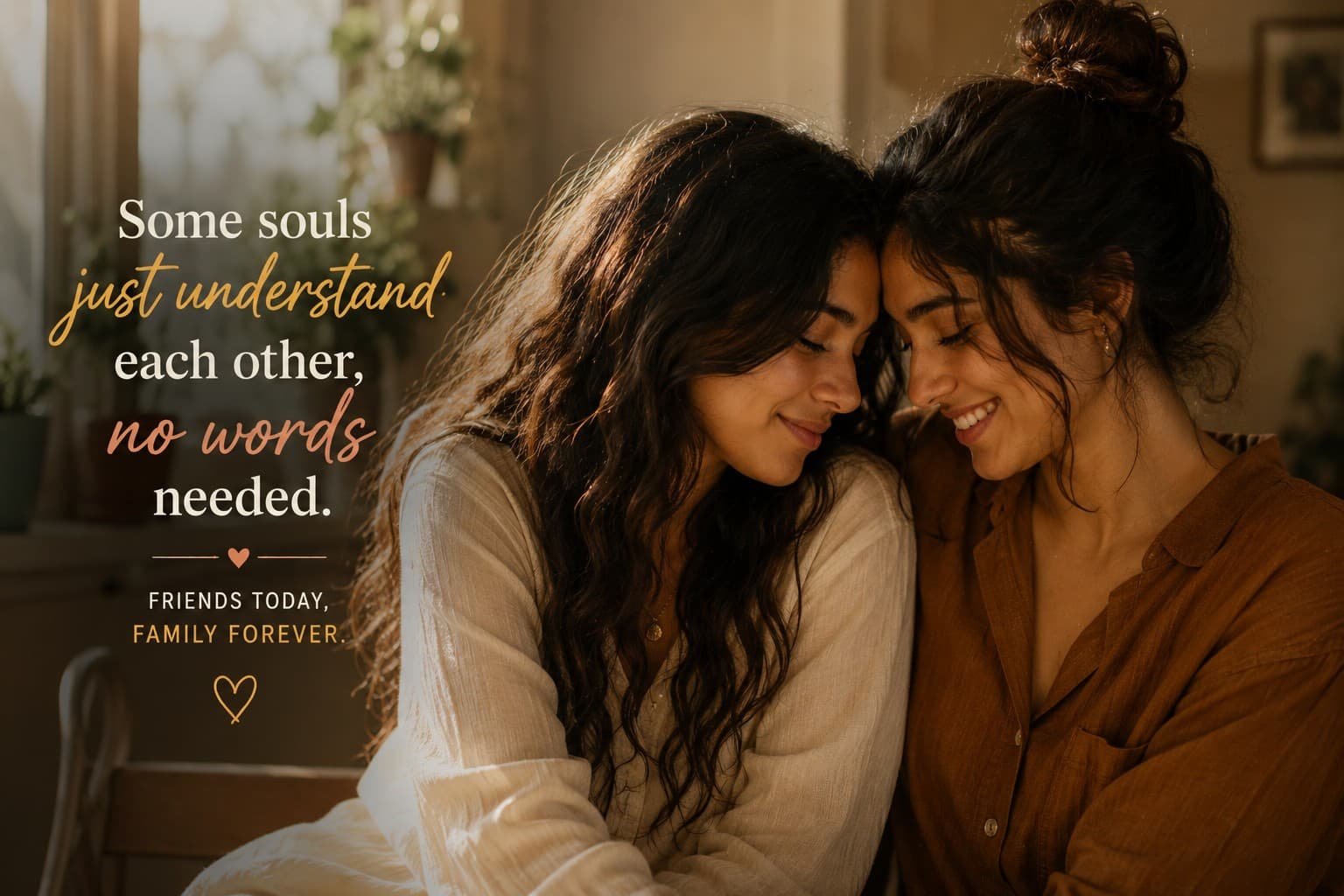
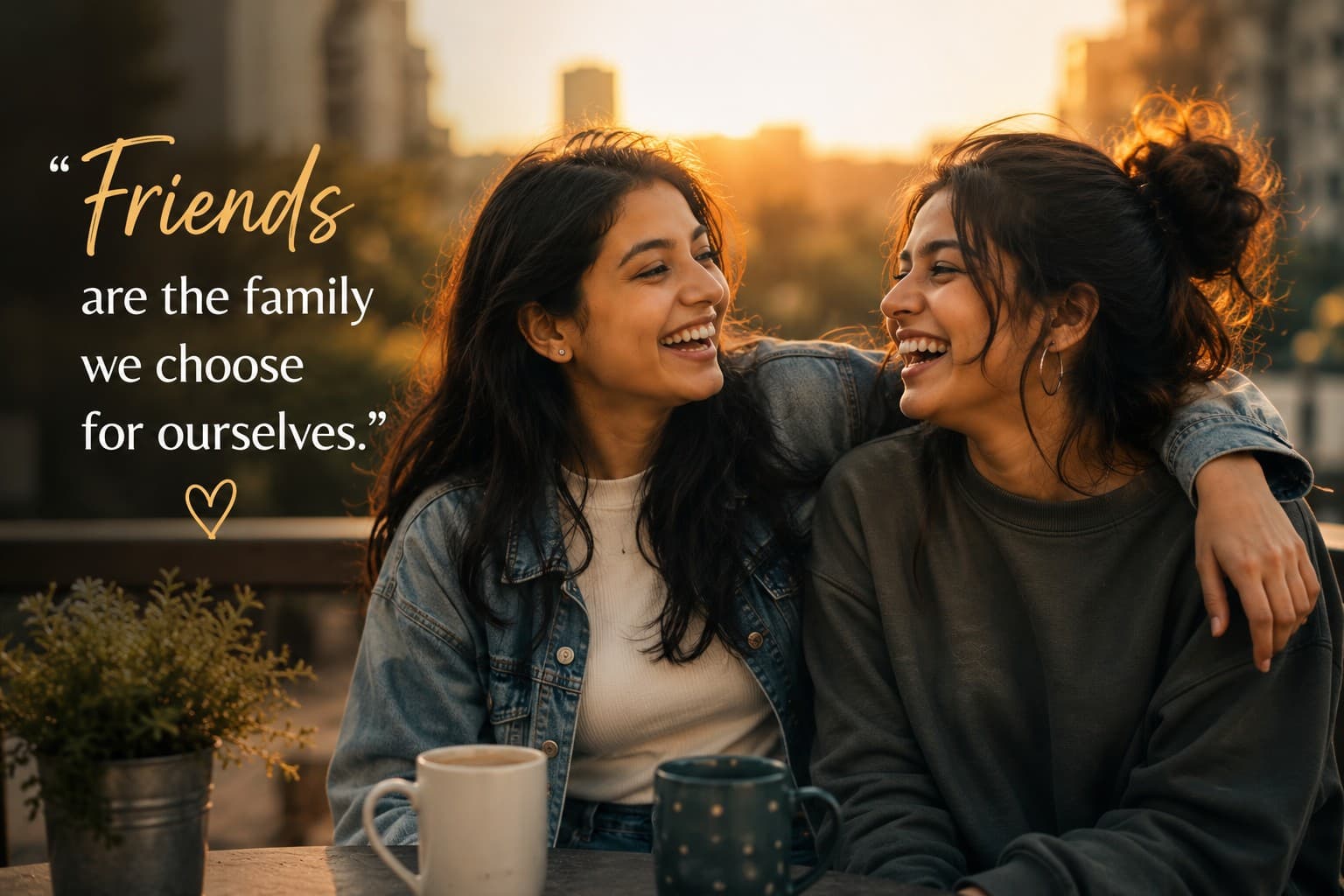
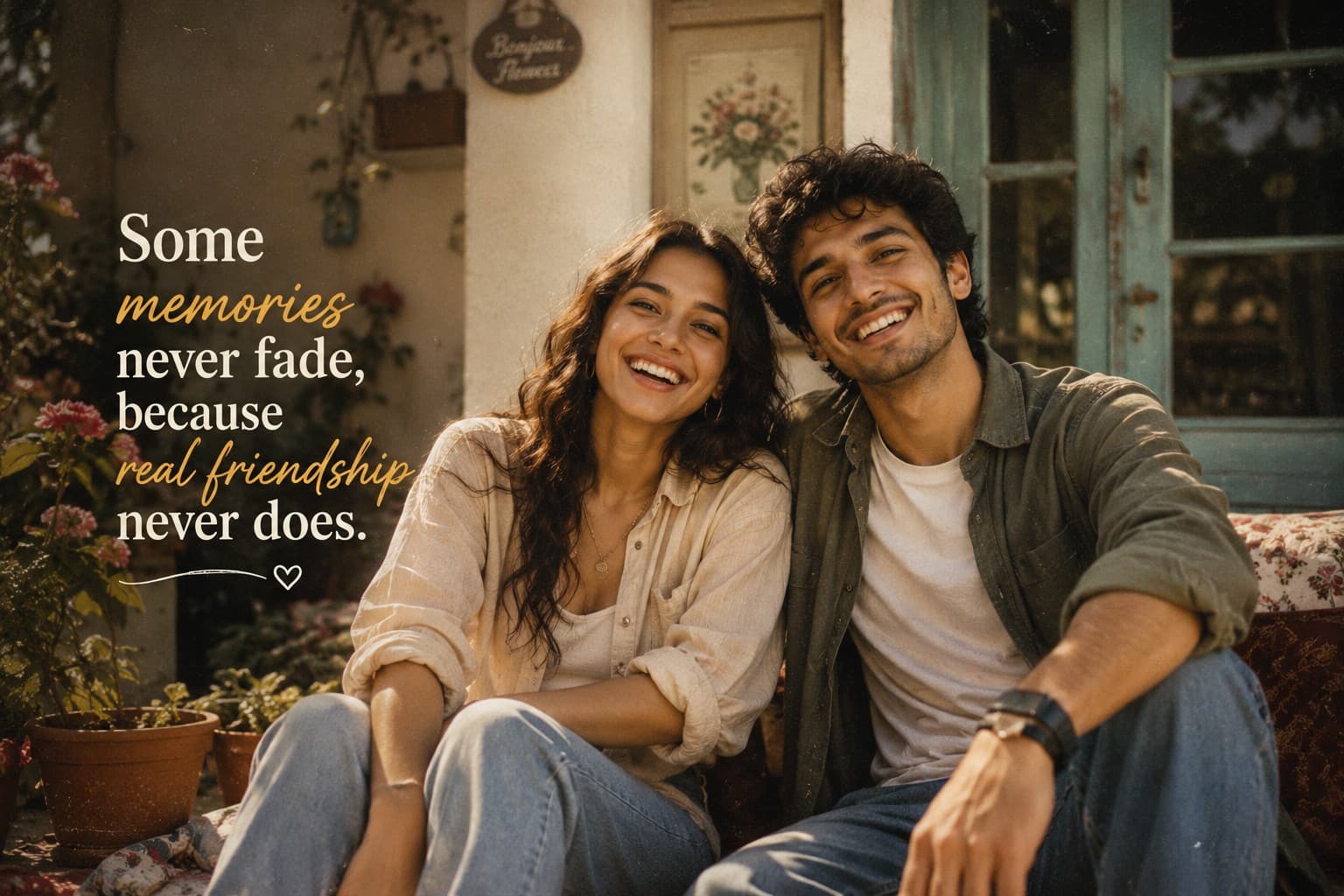
Create a nostalgic cinematic friendship portrait celebrating lifelong memories with a warm vintage film aesthetic, timeless emotions, and heartfelt storytelling.
Review the prompt below before copying it into your preferred AI image generator.
Follow these simple steps to generate the best possible AI image.
Use a clear reference image showing all childhood friends whose facial features, hairstyles, body types, skin tones, and overall appearance should be preserved. A well-framed group reference helps maintain recognizable identities in the nostalgic portrait.
Keep the reference image attached so the generated portrait maintains the natural appearance of each friend while introducing the warm nostalgic setting and vintage photography aesthetic.
Generate relaxed interactions such as sitting together, walking side-by-side, laughing, talking, or sharing a quiet memory. Natural body language should communicate the familiarity of a lifelong friendship.
Choose a cozy home, peaceful garden, neighborhood street, school playground, or meaningful outdoor location that supports the feeling of childhood memories and emotional storytelling.
Generate multiple variations and select the result with natural expressions, clear faces, balanced group positioning, warm afternoon light, subtle film grain, and a vintage aesthetic that enhances rather than overwhelms the subjects.
Follow these best practices to create higher-quality AI images with better consistency and realism.
A clear group reference helps preserve the individual facial characteristics, hairstyles, skin tones, and overall appearance of each friend while creating the nostalgic scene.
Natural smiles, genuine laughter, relaxed posture, and subtle interactions help communicate the comfort and emotional connection of friends who have known each other for years.
A familiar-looking home, garden, neighborhood, playground, or outdoor location can strengthen the childhood-memory feeling and make the portrait more emotionally meaningful.
Keep the Kodachrome-inspired treatment subtle, with slightly faded warm tones, soft contrast, natural colors, and restrained 35mm film grain while maintaining realistic skin tones.
The quote should complement the nostalgic storytelling without competing with the friends. Place it in clean negative space and avoid covering faces or important visual details.
This prompt benefits from an image model that can preserve multiple people's identities while creating authentic friendship interactions, nostalgic environments, vintage film characteristics, warm natural lighting, and emotional lifestyle photography.
A strong option for maintaining the appearance of multiple friends while refining natural expressions, emotional interactions, vintage styling, warm lighting, and the overall nostalgic composition.
Useful for experimenting with nostalgic environments, childhood-inspired settings, warm afternoon lighting, vintage film aesthetics, and heartfelt friendship storytelling.
Discover more prompts from this category.
Explore hundreds of free AI prompts across different categories. Whether you're creating realistic images, cinematic scenes, anime artwork, seasonal content, sports visuals, or social media graphics, PromptGenz has prompts designed to help you get better AI-generated results.