Cricket Stadium Floodlights
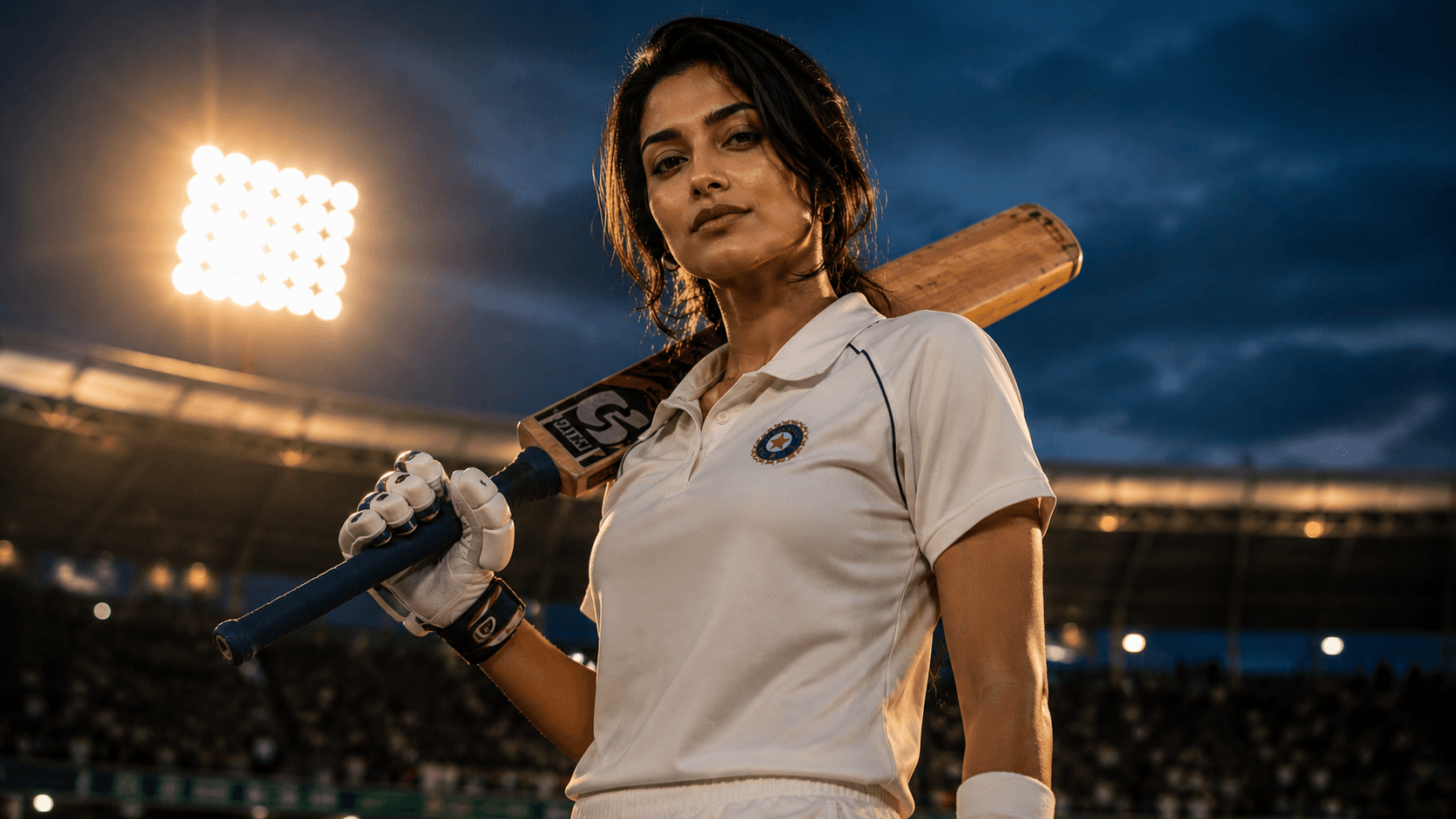
Create a dramatic cinematic cricket portrait under glowing stadium floodlights at dusk, featuring a confident athlete, powerful low-angle composition, and premium sports editorial photography.

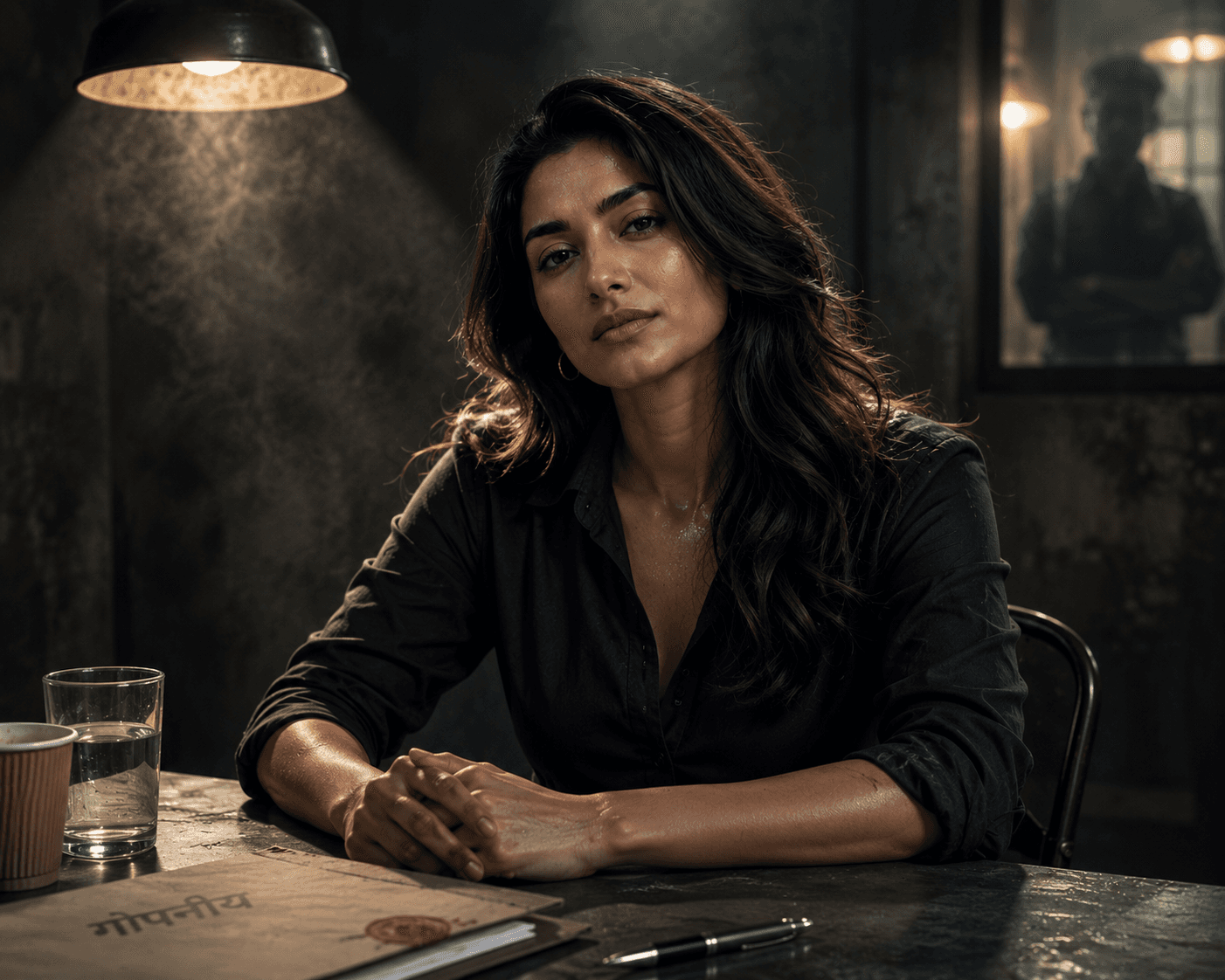
Create a high-contrast cinematic interrogation room portrait inspired by Indian crime thrillers, featuring dramatic overhead lighting, smoky atmosphere, and an intense psychological mood.
Review the prompt below before copying it into your preferred AI image generator.
Follow these simple steps to generate the best possible AI image.
Use a reference portrait where the face and natural expression are easy to see. A neutral or serious expression gives the model room to introduce the restrained tension this scene calls for.
Run the prompt as written first and evaluate how much of the face remains visible under the dramatic overhead lighting.
This is the highest-risk detail — if too much of the face is obscured, identity preservation and emotional readability both suffer.
Confirm the drifting smoke enhances the mood without covering the face or hands.
If hands are visible, check them for natural positioning before finalizing the image.
Follow these best practices to create higher-quality AI images with better consistency and realism.
The dramatic single-source lighting is central to the mood, but it shouldn't cost the image the subject's recognizable facial identity — the eyes and upper face need to stay legible.
Smoke works best as an atmospheric layer around the edges of the frame rather than drifting directly across the face.
In a seated composition like this, visible hands on the table are a common source of anatomical distortion — always check them before finalizing.
Find answers to the most common questions about using this AI image prompt.
Add 'shadows fall across the lower face and neck, but the eyes and upper face remain clearly lit and recognizable' — without this balance, a strong single overhead source can obscure enough of the face to weaken identity preservation.
This concept benefits from image models that can handle controlled dramatic lighting without sacrificing facial identity, while also managing smoke and hand-on-table anatomy convincingly.
Tends to keep enough facial detail visible under dramatic single-source lighting, which is the central risk in this composition.
Useful for exploring different levels of shadow, smoke density, and room darkness once facial visibility and hand anatomy look correct.
Discover more prompts from this category.
Explore hundreds of free AI prompts across different categories. Whether you're creating realistic images, cinematic scenes, anime artwork, seasonal content, sports visuals, or social media graphics, PromptGenz has prompts designed to help you get better AI-generated results.