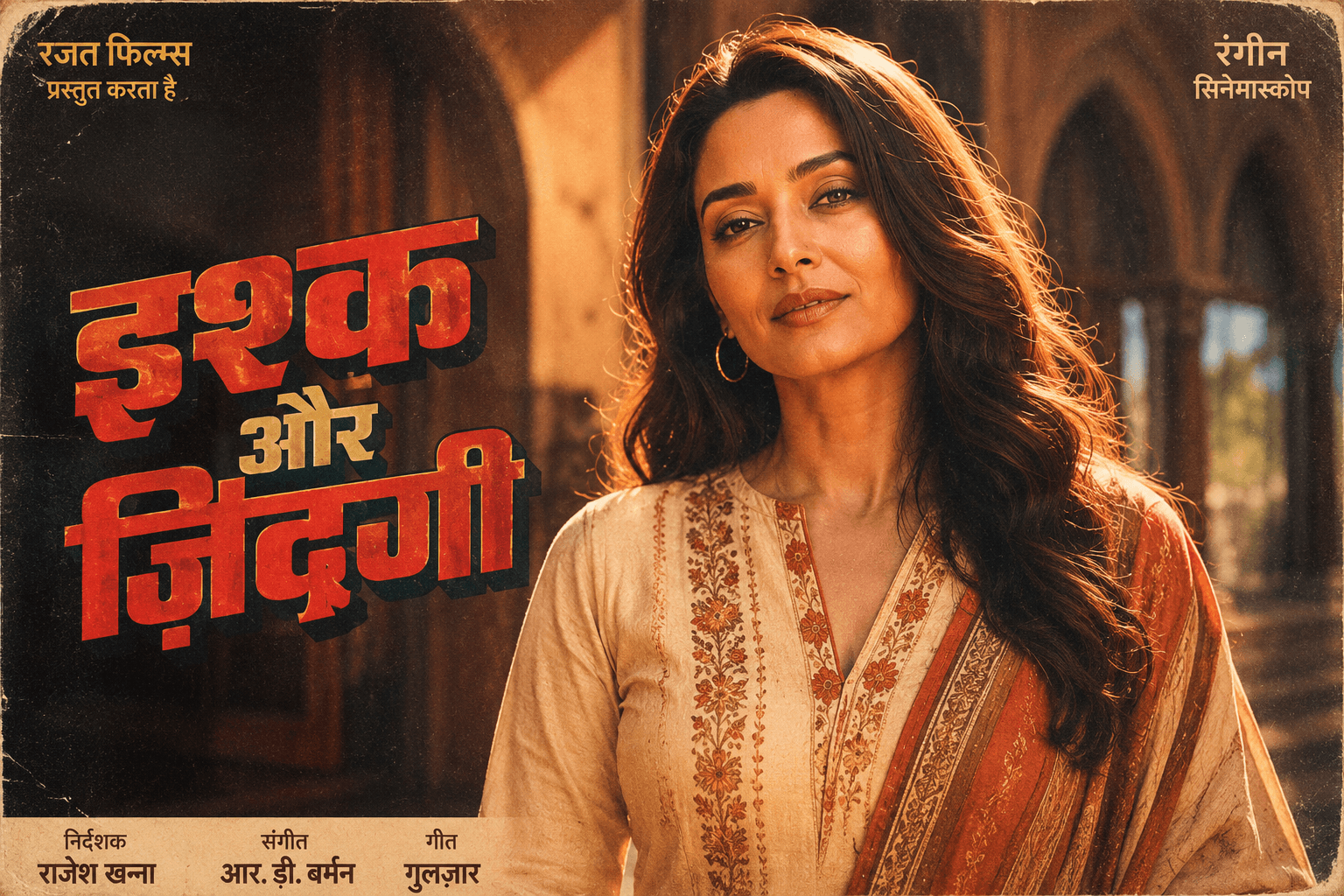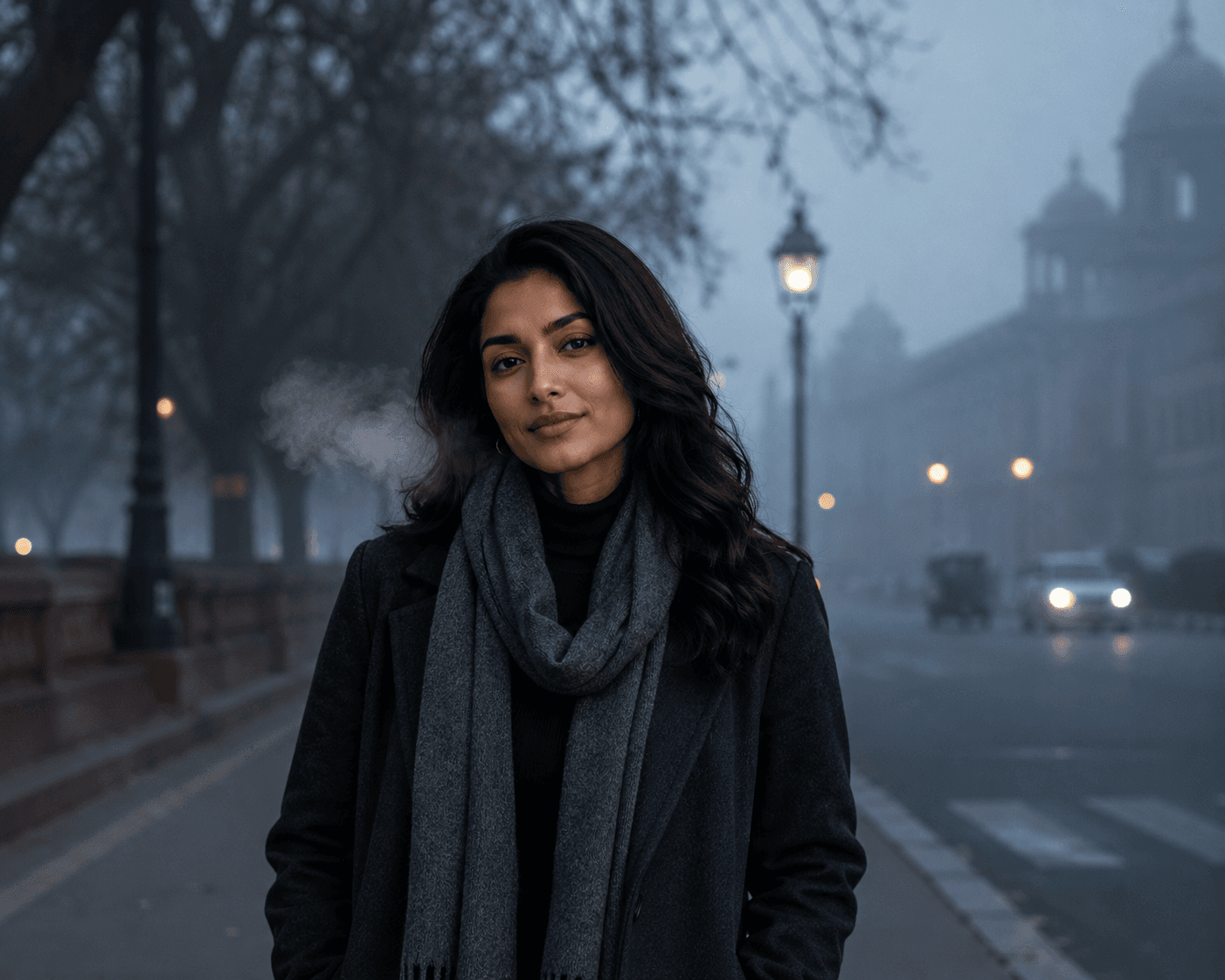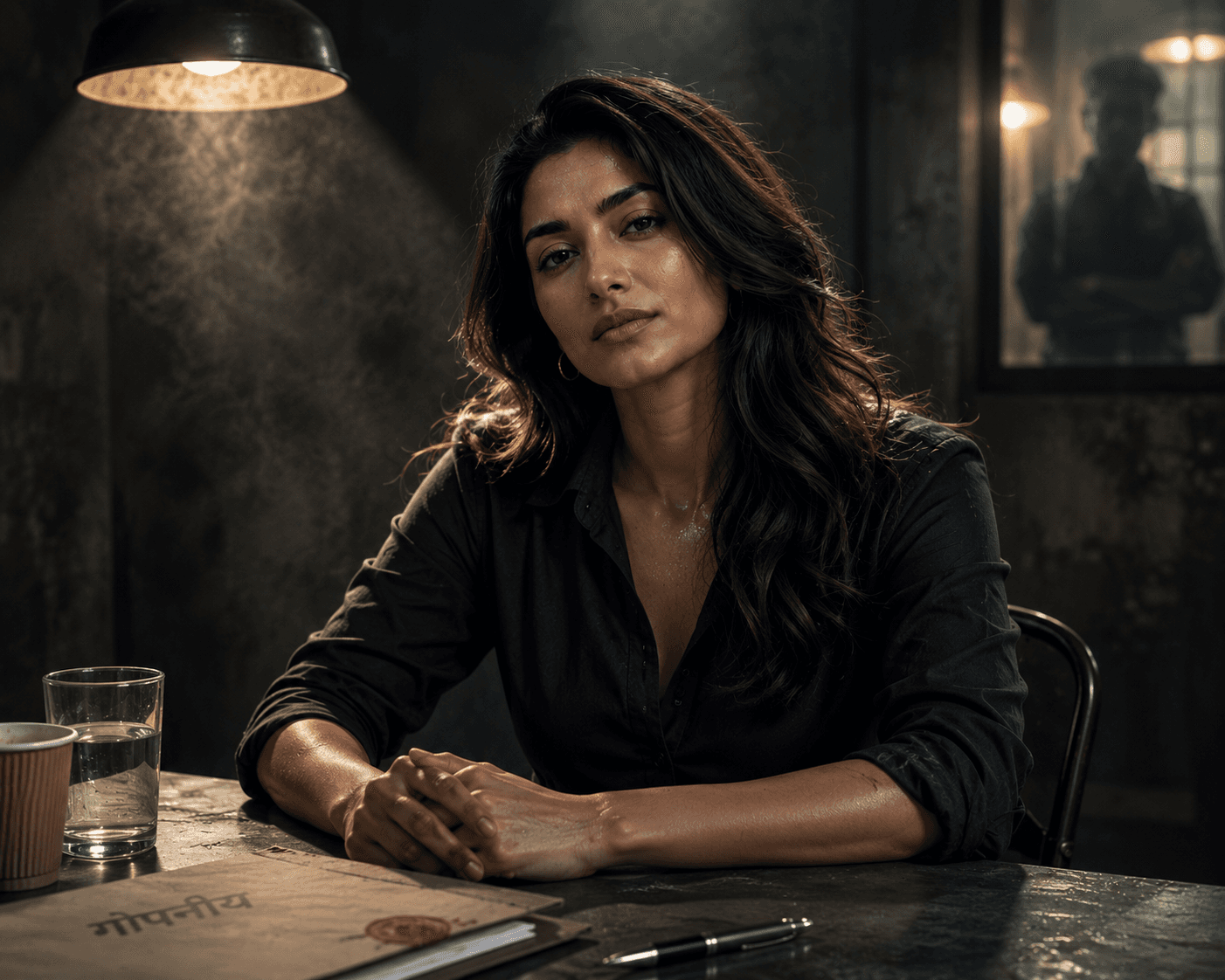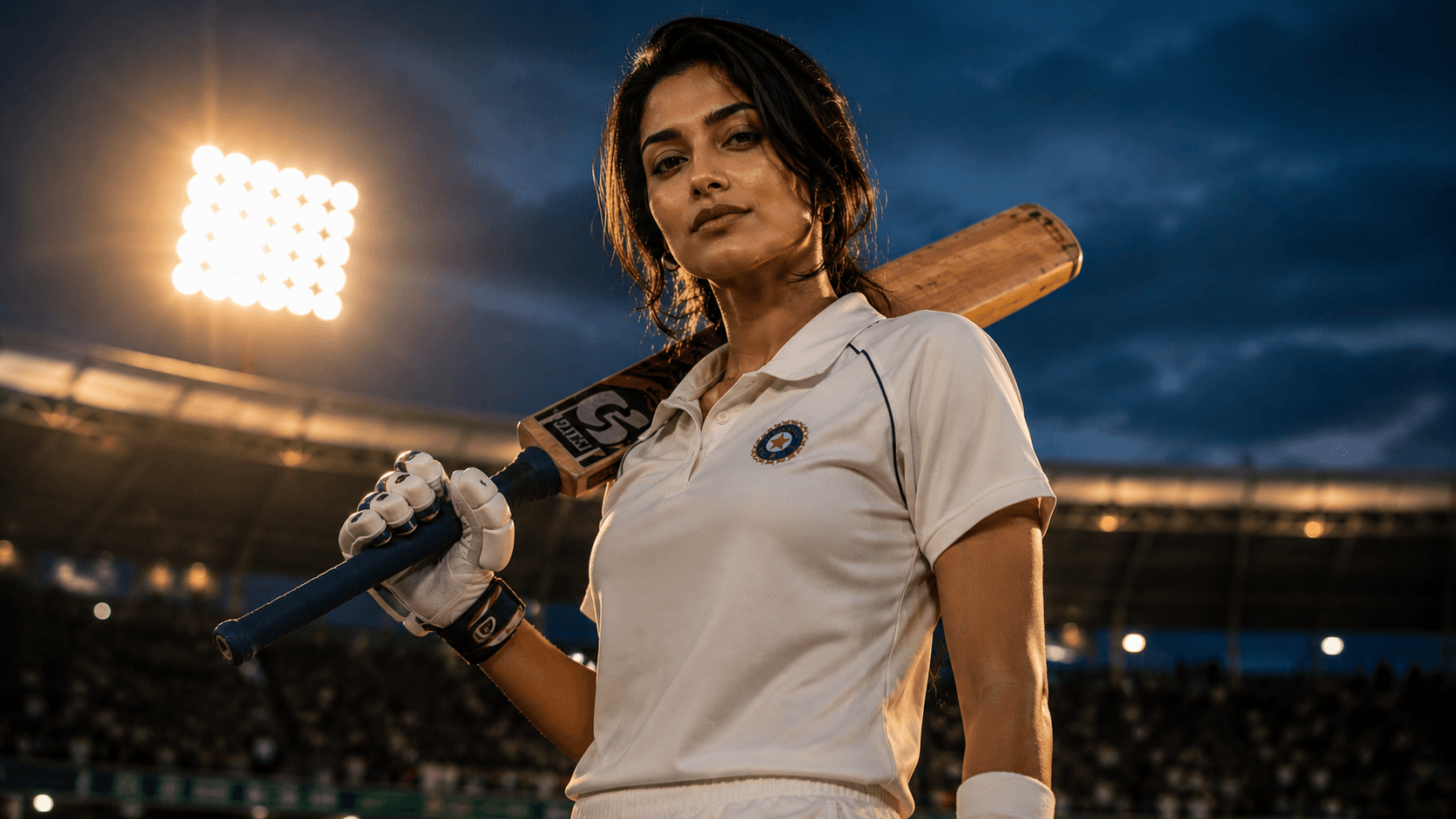
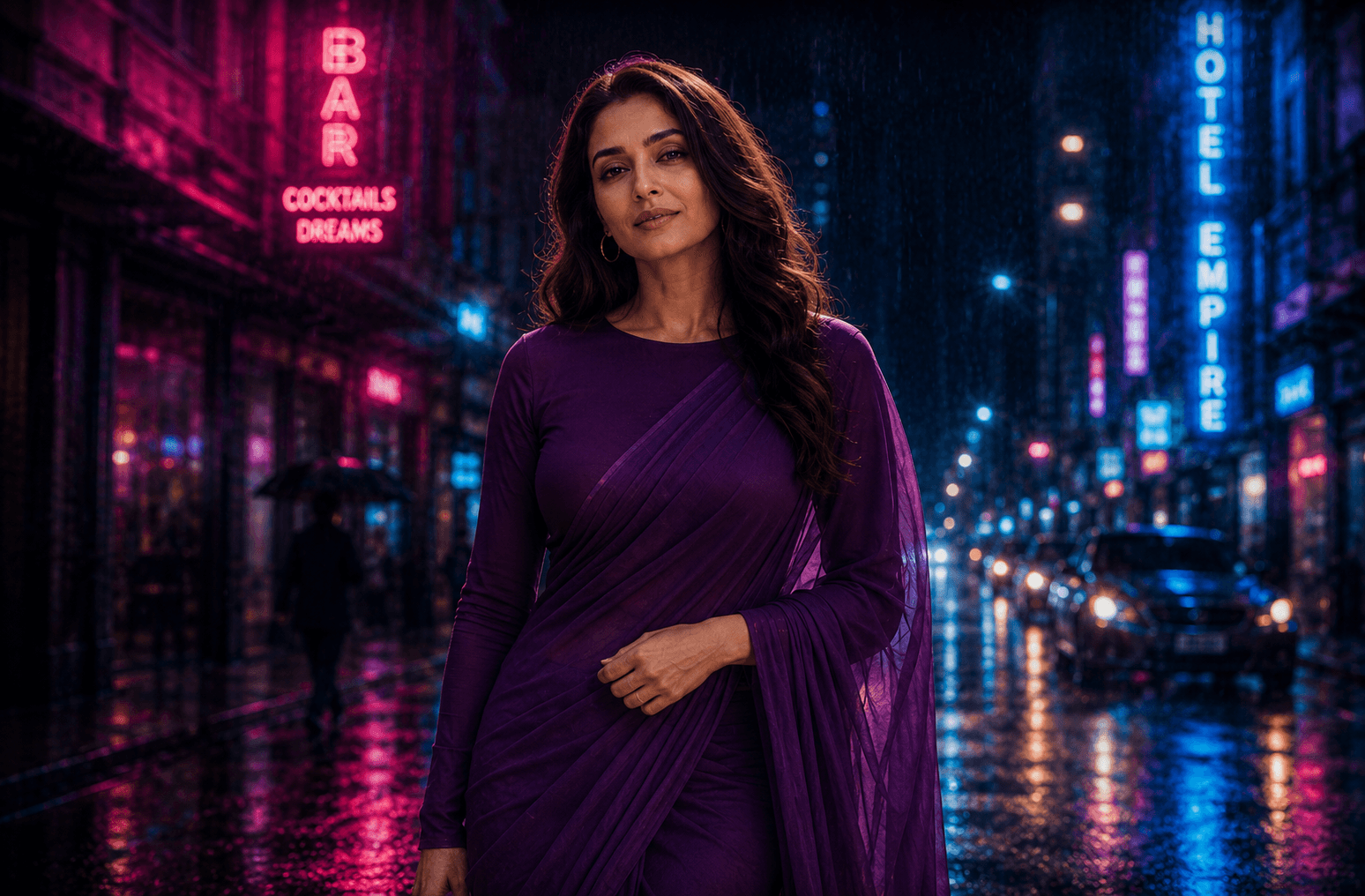
Neon Rain Night
Create a moody cinematic rainy street portrait illuminated by vibrant pink and blue neon lights, featuring dramatic reflections, atmospheric rain, and a Bollywood-inspired urban night aesthetic.

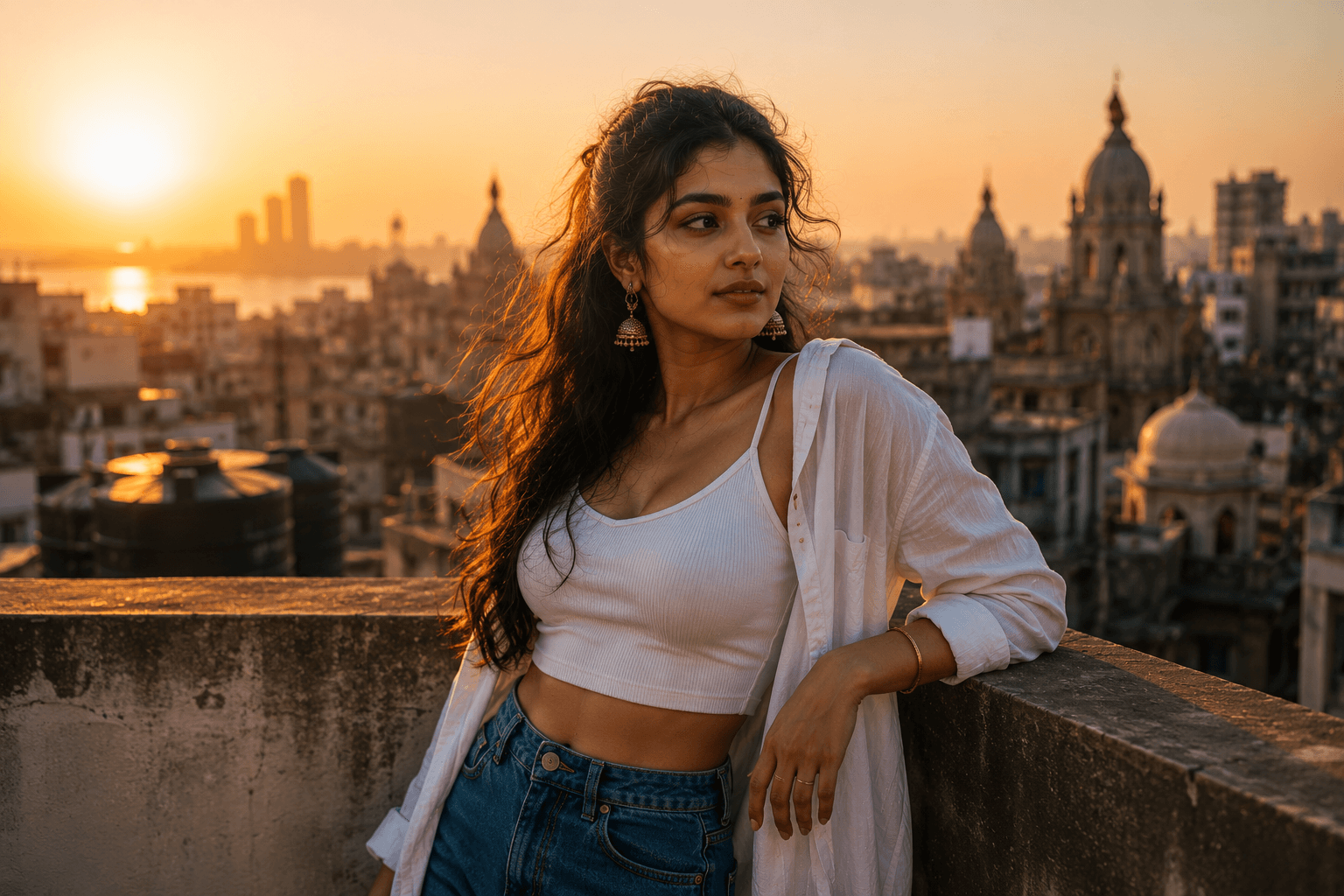
Create a cinematic golden hour rooftop portrait of a young Indian man overlooking the Mumbai skyline, featuring warm sunlight, atmospheric haze, and a premium editorial photography style.
Review the prompt below before copying it into your preferred AI image generator.
Follow these simple steps to generate the best possible AI image.
Upload a reference photo where the face, hairstyle, skin tone, and overall appearance are clearly visible. A clean portrait gives the AI a stronger identity reference while the Mumbai rooftop environment is created from the prompt.
Run the prompt as written first to see how the rooftop, skyline, and lighting come together before making targeted adjustments.
If the pose includes visible hand contact with the ledge, inspect it closely — this is the detail most prone to distortion in a leaning pose.
Look at whether the background is appropriately soft and out of focus, or whether it's sharp enough to compete with the subject.
Once the core composition works, adjust clothing details, expression, or haze intensity one at a time to fine-tune the result.
Follow these best practices to create higher-quality AI images with better consistency and realism.
A leaning pose often includes a hand or forearm resting on the ledge — this benefits from explicit description rather than being left to the model's default interpretation.
Don't rely on '85mm lens' alone to produce shallow depth of field — directly stating that the skyline should be heavily blurred gives more reliable separation from the subject.
Generic 'streetwear' can render inconsistently between attempts. A specific garment description produces a more intentional, repeatable look.
Find answers to the most common questions about using this AI image prompt.
Hands bearing weight against a surface are a common failure point. Try specifying 'one hand resting flat on the ledge, fingers naturally spread, palm visible' rather than leaving the leaning contact point unspecified.
This cinematic portrait prompt works best with image models that can maintain reference-image identity while combining realistic skin texture, environmental depth of field, and warm cinematic lighting.
Generally more reliable with hand-to-surface contact points like a hand resting on a ledge, which is the main risk area in this composition.
Useful for exploring different haze intensity, skyline visibility, and golden-hour color grading once the pose and identity are holding steady.
Discover more prompts from this category.
Explore hundreds of free AI prompts across different categories. Whether you're creating realistic images, cinematic scenes, anime artwork, seasonal content, sports visuals, or social media graphics, PromptGenz has prompts designed to help you get better AI-generated results.