Bollywood Retro 70s
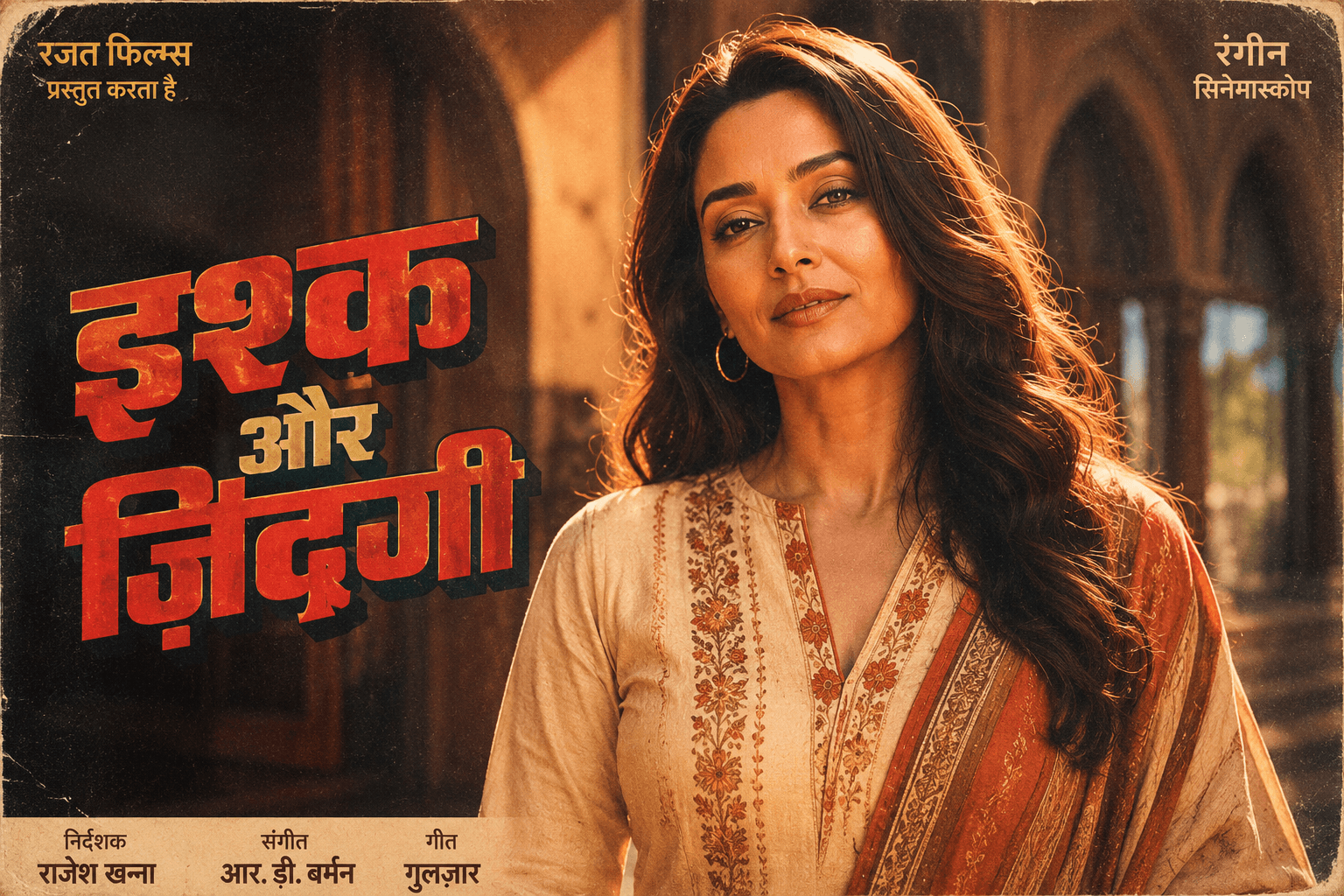
Transform your photo into a vintage 1970s Bollywood movie poster featuring classic Indian styling, warm faded colors, authentic film grain, and a nostalgic cinematic aesthetic.

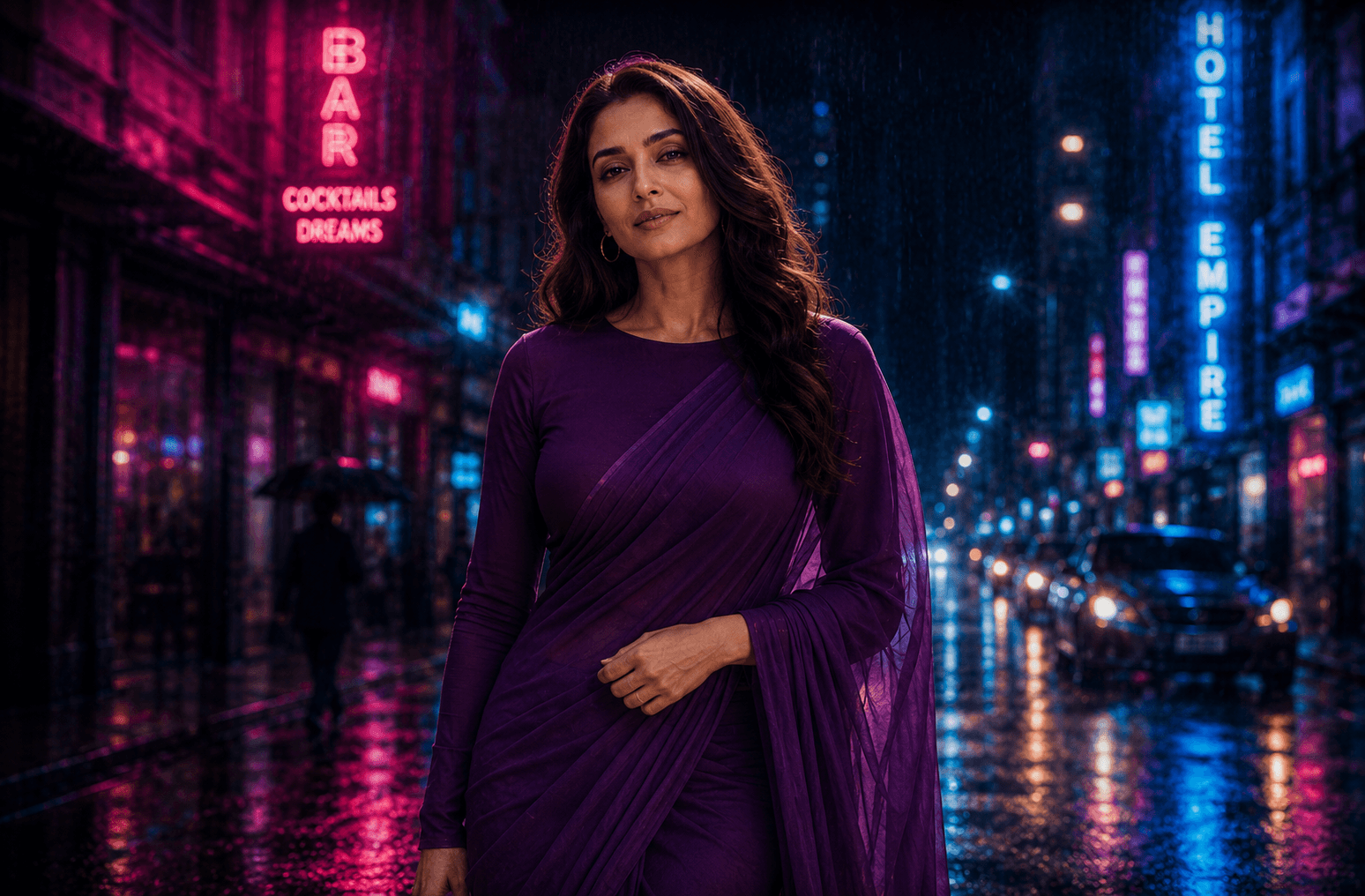
Create a moody cinematic rainy street portrait illuminated by vibrant pink and blue neon lights, featuring dramatic reflections, atmospheric rain, and a Bollywood-inspired urban night aesthetic.
Review the prompt below before copying it into your preferred AI image generator.
Follow these simple steps to generate the best possible AI image.
Use a reference photo where the person's face, hairstyle, skin tone, and overall appearance are clearly visible so the AI has enough visual information to maintain identity under the neon lighting.
Run the prompt as written first to see how the pink and blue lighting balances against the subject's natural skin tone.
If the face looks oversaturated with pink or blue, that's the detail most likely to need a correction pass.
Confirm the subject looks like they're genuinely mid-motion rather than posed statically in a walking stance.
Once the pose and lighting are right, adjust rainfall density and reflection brightness to taste.
Follow these best practices to create higher-quality AI images with better consistency and realism.
Balanced neon lighting should shape the environment more than the face. If skin looks artificially tinted, dial back how strongly the colored light is described as touching the subject directly.
Words like 'confidently' don't reliably translate into dynamic body language. Describing the specific stride or arm position produces a more convincing sense of movement.
Uniformly bright reflections across the entire wet pavement look artificial. Some variation in reflection brightness, tied to proximity to each neon sign, reads as more realistic.
Find answers to the most common questions about using this AI image prompt.
Ask for 'pink and blue light affecting the environment and clothing, with facial skin tone remaining natural and only subtly influenced.' Left unspecified, some models let the neon color saturate the face more heavily than intended.
This prompt benefits from image models that can combine reference-image consistency with realistic nighttime lighting and controlled color bleed onto the subject.
Tends to keep neon color influence on the face more restrained and natural, which is the main thing to watch for in this composition.
Useful for experimenting with different neon signage layouts, rain intensity, and reflection detail once the color balance on the subject looks right.
Discover more prompts from this category.
Explore hundreds of free AI prompts across different categories. Whether you're creating realistic images, cinematic scenes, anime artwork, seasonal content, sports visuals, or social media graphics, PromptGenz has prompts designed to help you get better AI-generated results.