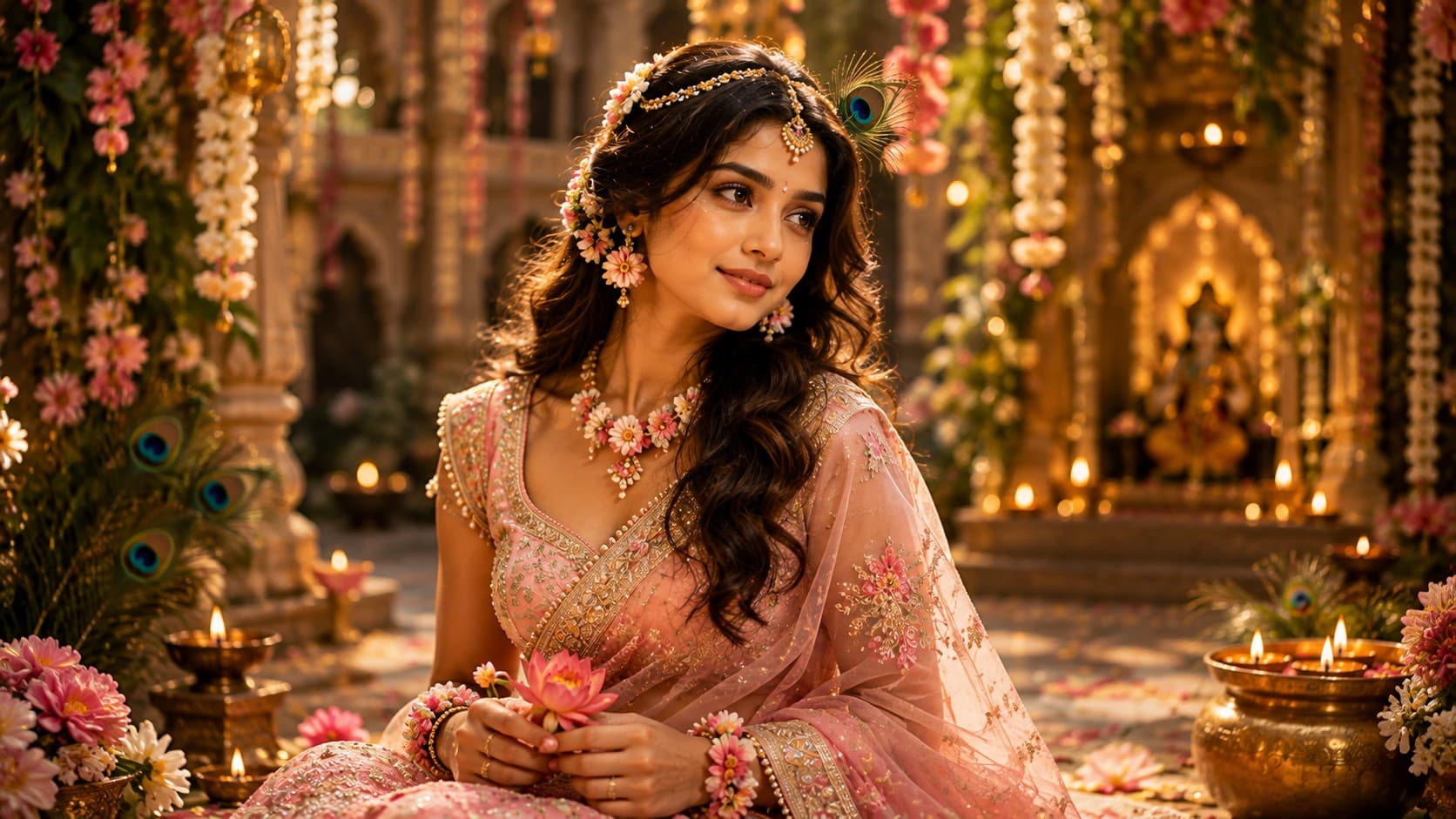
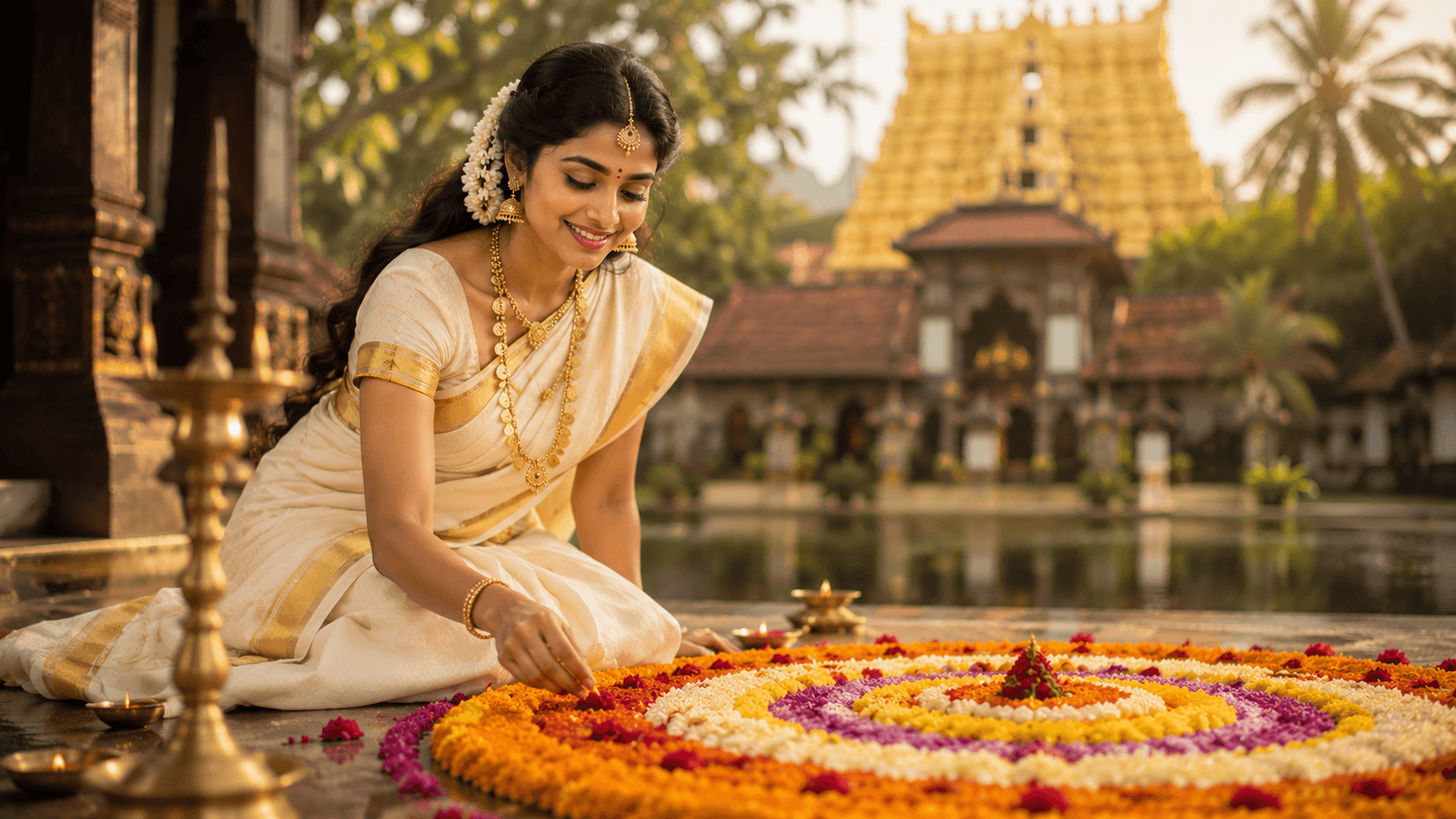
Onam Pookalam Portrait
Create an elegant traditional Onam portrait featuring a classic Kerala kasavu saree, a vibrant Pookalam flower rangoli, and a serene temple-inspired festive atmosphere.

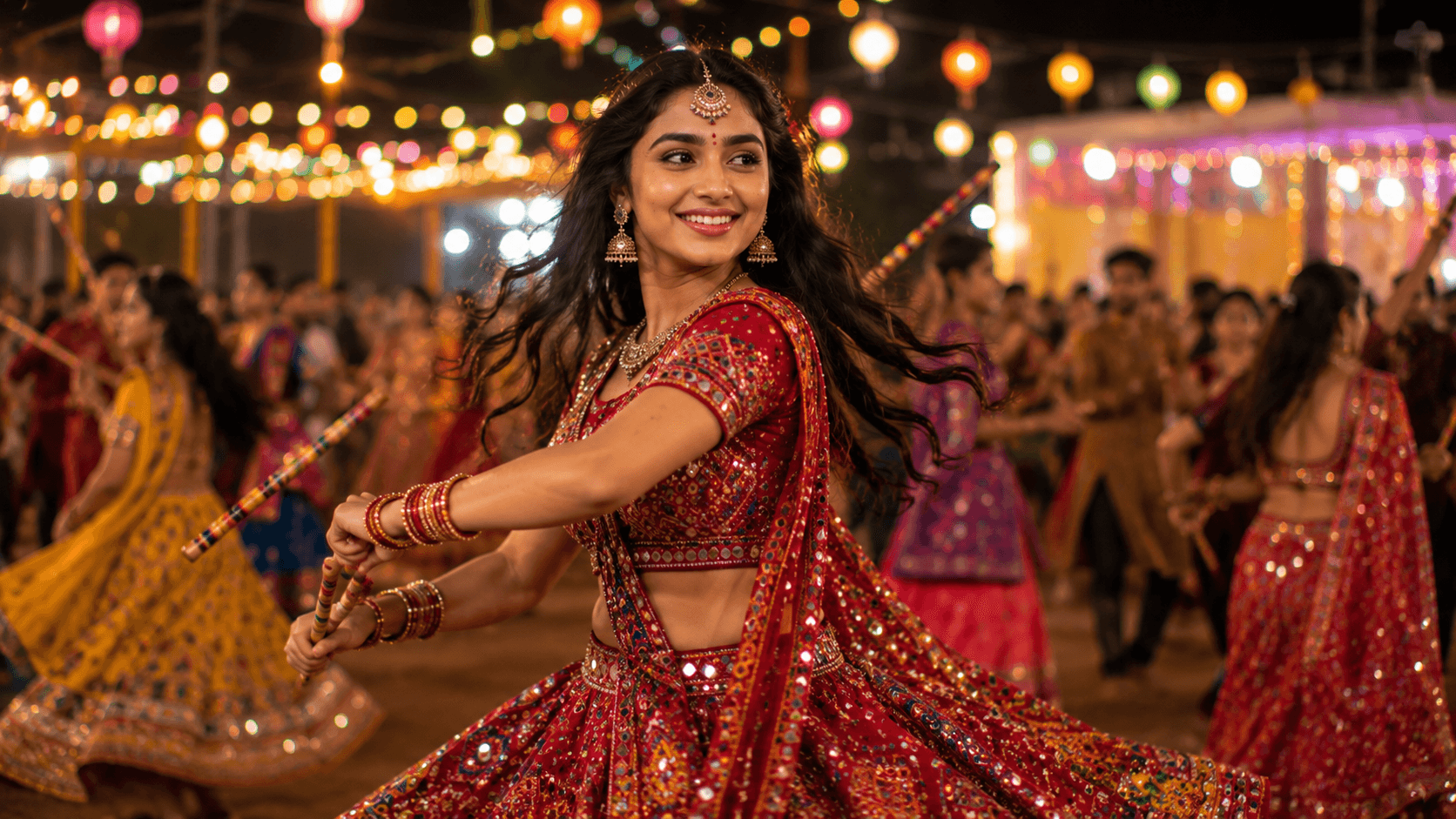
Create a vibrant cinematic Navratri Garba portrait featuring traditional mirror-work attire, energetic dance movements, festive lights, and the joyful spirit of Gujarat's iconic celebration.
Review the prompt below before copying it into your preferred AI image generator.
Follow these simple steps to generate the best possible AI image.
Use a clear reference image that shows enough of the subject's body to establish a natural dance pose. A visible body position gives the model more information for creating the mid-twirl composition.
Keep the reference image attached so the generated portrait maintains recognizable facial features while introducing the traditional chaniya choli, jewellery, hairstyle, and festive styling.
Generate the subject in a graceful mid-twirl with the lehenga naturally following the movement and the dandiya sticks positioned convincingly in her hands.
Let the model establish the outdoor Garba venue with colorful string lights, lanterns, decorations, and a softly blurred crowd to create depth without distracting from the dancer.
Generate multiple variations and select the result with the most natural body balance, flowing fabric, hand placement, and dandiya positioning while keeping the face clearly visible.
Follow these best practices to create higher-quality AI images with better consistency and realism.
A reference showing the subject's full or three-quarter body helps the model construct believable movement and reduces awkward positioning in the arms, legs, and torso.
The reflective elements of the chaniya choli should remain individually defined without becoming excessive visual noise. Fine textile detail helps the traditional outfit look authentic.
Inspect both sticks carefully after generation. They should align naturally with the hands and follow the direction of the dance movement rather than appearing disconnected or distorted.
The flowing skirt should communicate the momentum of the twirl while maintaining believable folds, fabric weight, and proportions.
Keep the celebration crowd softly defocused so it adds energy and scale without competing with the dancer, jewellery, or expressive facial features.
This prompt benefits from an image model that can maintain a recognizable subject while generating traditional Gujarati clothing, complex dance movement, detailed accessories, and a lively festival environment.
A strong option when maintaining the subject's appearance while refining the dance pose, traditional outfit, jewellery, and overall Garba portrait composition.
Useful for experimenting with colorful Garba venues, decorative lighting, crowd atmosphere, flowing costumes, and energetic festive compositions.
Discover more prompts from this category.
Explore hundreds of free AI prompts across different categories. Whether you're creating realistic images, cinematic scenes, anime artwork, seasonal content, sports visuals, or social media graphics, PromptGenz has prompts designed to help you get better AI-generated results.