
Poster & Collage Effects
Editorial Moodboard
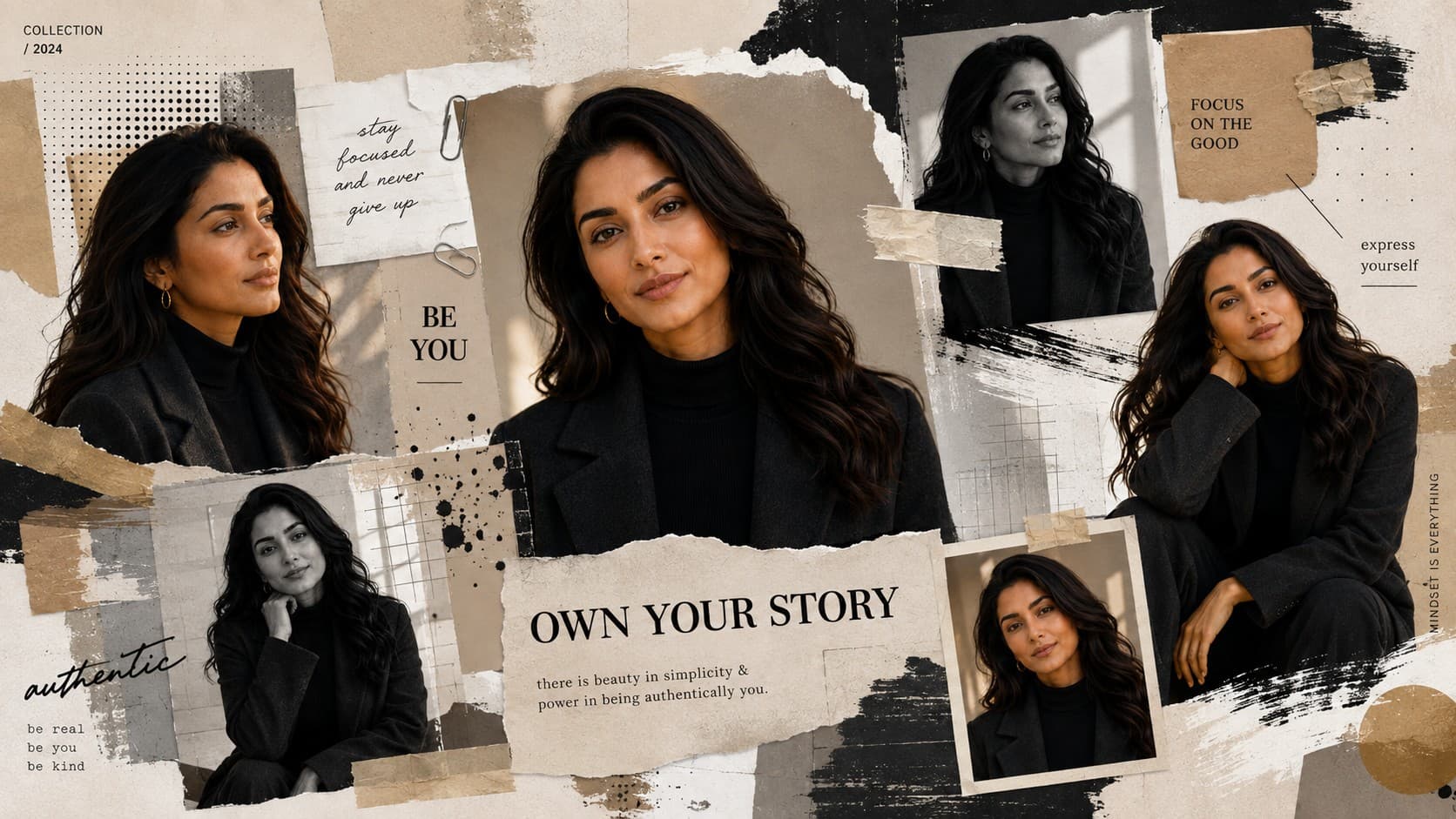
Create a premium magazine-inspired moodboard featuring layered graphics, textures, portraits, and luxury editorial styling.
✨ AI Image Prompt
Review the prompt below before copying it into your preferred AI image generator.
If reference image(s) are provided, preserve the facial features, hairstyle, body type, skin tone, and overall appearance of the person or couple naturally while adapting them to the described scene. Otherwise, generate photorealistic subject(s) that naturally fit the scene.
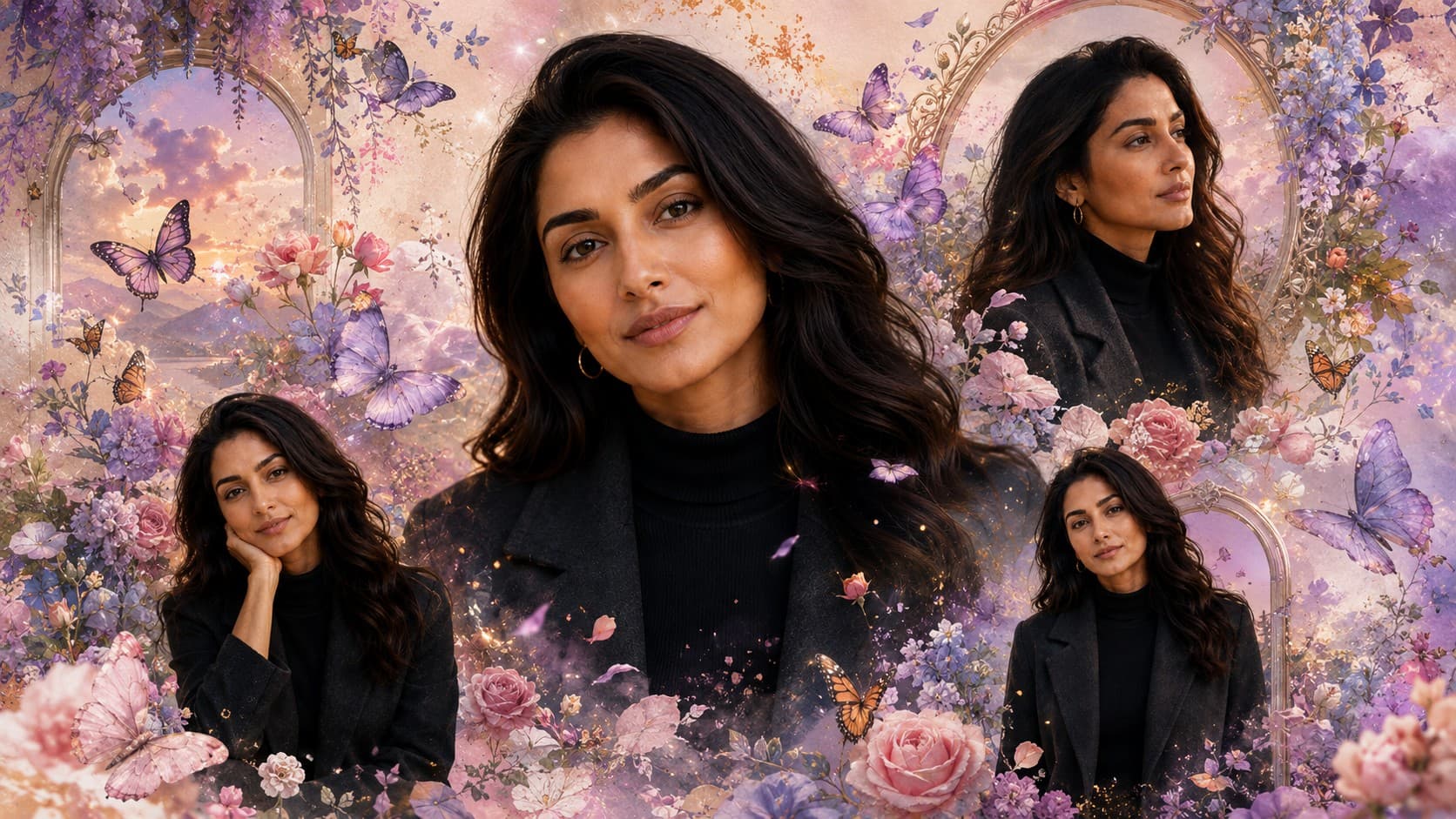
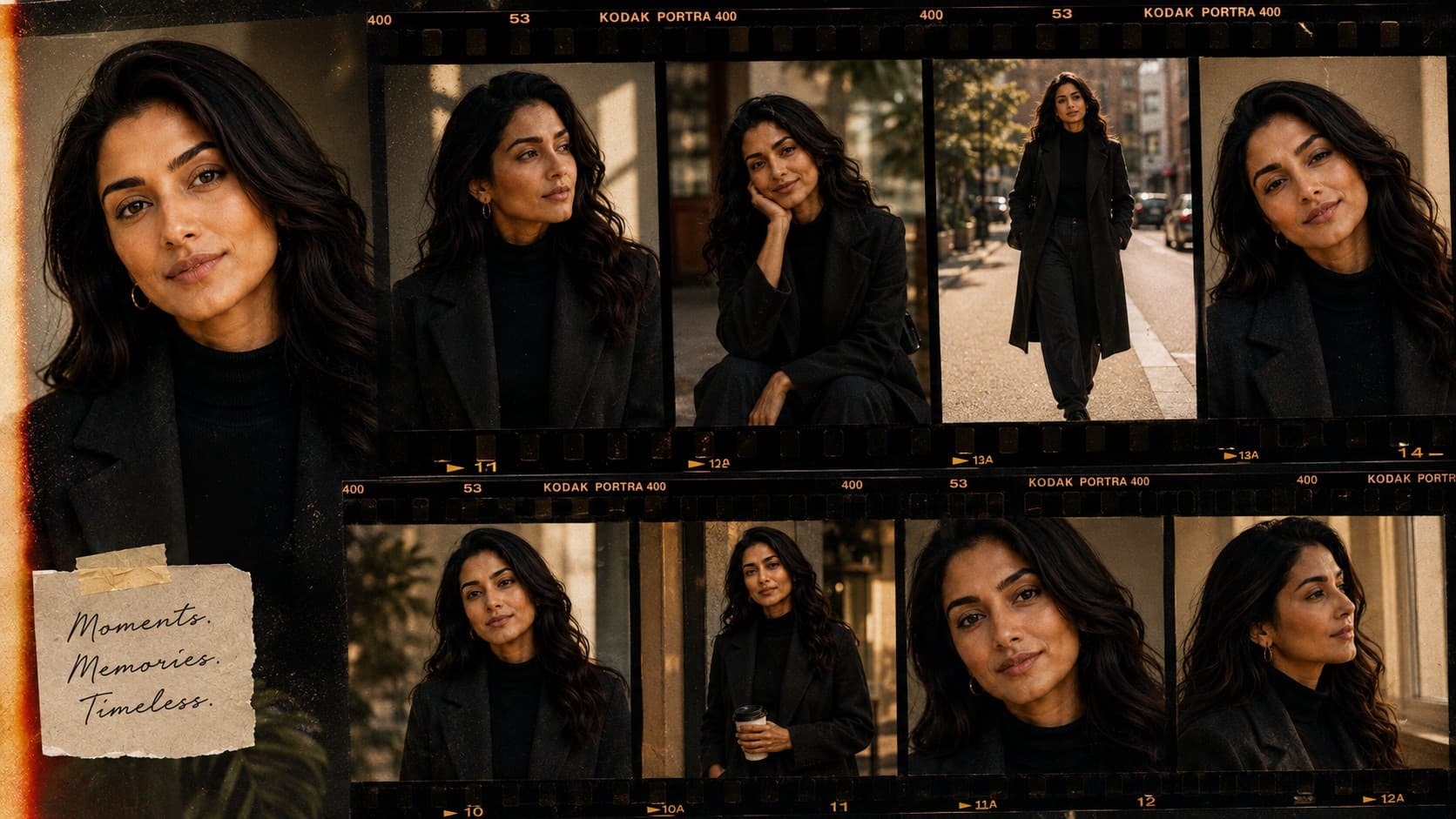
Create a premium editorial moodboard featuring multiple portrait cutouts surrounded by layered paper textures, geometric graphics, paint brush strokes, masking tape, halftone patterns, abstract design elements, premium magazine layouts, dramatic studio lighting, luxury commercial styling, ultra-realistic portrait photography, highly detailed mixed-media composition, 8K quality.
📘 How to Use This Prompt
Follow these simple steps to generate the best possible AI image.
1
Prepare Consistent Portrait References
Use clear portrait references with recognizable facial features and good lighting. Multiple images with consistent appearance will help create a cohesive set of portrait cutouts throughout the moodboard.
2
Build the Editorial Portrait Layout
Generate several portrait cutouts with different expressions, crops, and poses while keeping the subject recognizable. Arrange the portraits at varied scales to create visual hierarchy without making the composition feel crowded.
3
Add Layered Graphic Materials
Introduce torn paper, masking tape, halftone patterns, paint strokes, geometric shapes, and subtle printed textures around the portraits. Keep these elements layered naturally so the design feels physically assembled rather than digitally cluttered.
4
Create the Magazine Art Direction
Guide the composition toward a sophisticated magazine moodboard with intentional spacing, overlapping elements, strong visual hierarchy, and areas of negative space. Keep the portraits visually dominant while supporting them with restrained graphic details.
5
Refine the Mixed-Media Finish
Generate multiple variations and select the version with the strongest portrait consistency, believable paper layering, balanced typography space, realistic material textures, and polished luxury-editorial presentation.
⭐ Tips for Best Results
Follow these best practices to create higher-quality AI images with better consistency and realism.
✓
Use High-Quality Portrait References
Sharp reference images with clearly visible facial features produce stronger portrait cutouts and make it easier for the generated moodboard to maintain a consistent subject appearance.
✓
Create Visual Hierarchy
Use one or two larger portraits as the dominant visual anchors and let smaller portrait fragments and graphic elements support them. This prevents every element from competing for attention.
✓
Keep Paper Textures Believable
Ask for visible paper fibers, folded edges, subtle creases, realistic shadows, and natural overlaps between layers. These details make the collage feel tactile and professionally assembled.
✓
Control Graphic Density
Combine geometric graphics, brush marks, halftone patterns, and tape selectively. Leaving clean areas between clusters of design elements gives the moodboard a more expensive and intentional editorial appearance.
✓
Preserve a Luxury Color Balance
Use a controlled palette where accent colors complement the portraits instead of overwhelming them. Neutral paper tones combined with a few carefully selected graphic accents can create a refined magazine aesthetic.
🤖Recommended AI Models
This prompt benefits from an image model that can maintain consistent portrait details while constructing layered editorial graphics, realistic paper materials, mixed-media textures, and a carefully organized magazine-style composition.
ChatGPT
Great for Editorial CompositionA strong option for creating polished portrait layouts with coherent visual hierarchy, realistic subject details, layered graphic elements, and sophisticated magazine-inspired art direction.
Gemini
Great for Mixed-Media VariationsUseful for exploring alternative moodboard arrangements with paper textures, graphic patterns, portrait combinations, abstract elements, and contemporary editorial styling.
More Related Prompts
Discover more prompts from this category.
Discover More AI Prompts
Explore hundreds of free AI prompts across different categories. Whether you're creating realistic images, cinematic scenes, anime artwork, seasonal content, sports visuals, or social media graphics, PromptGenz has prompts designed to help you get better AI-generated results.