
Poster & Collage Effects
Photo Booth Contact Sheet
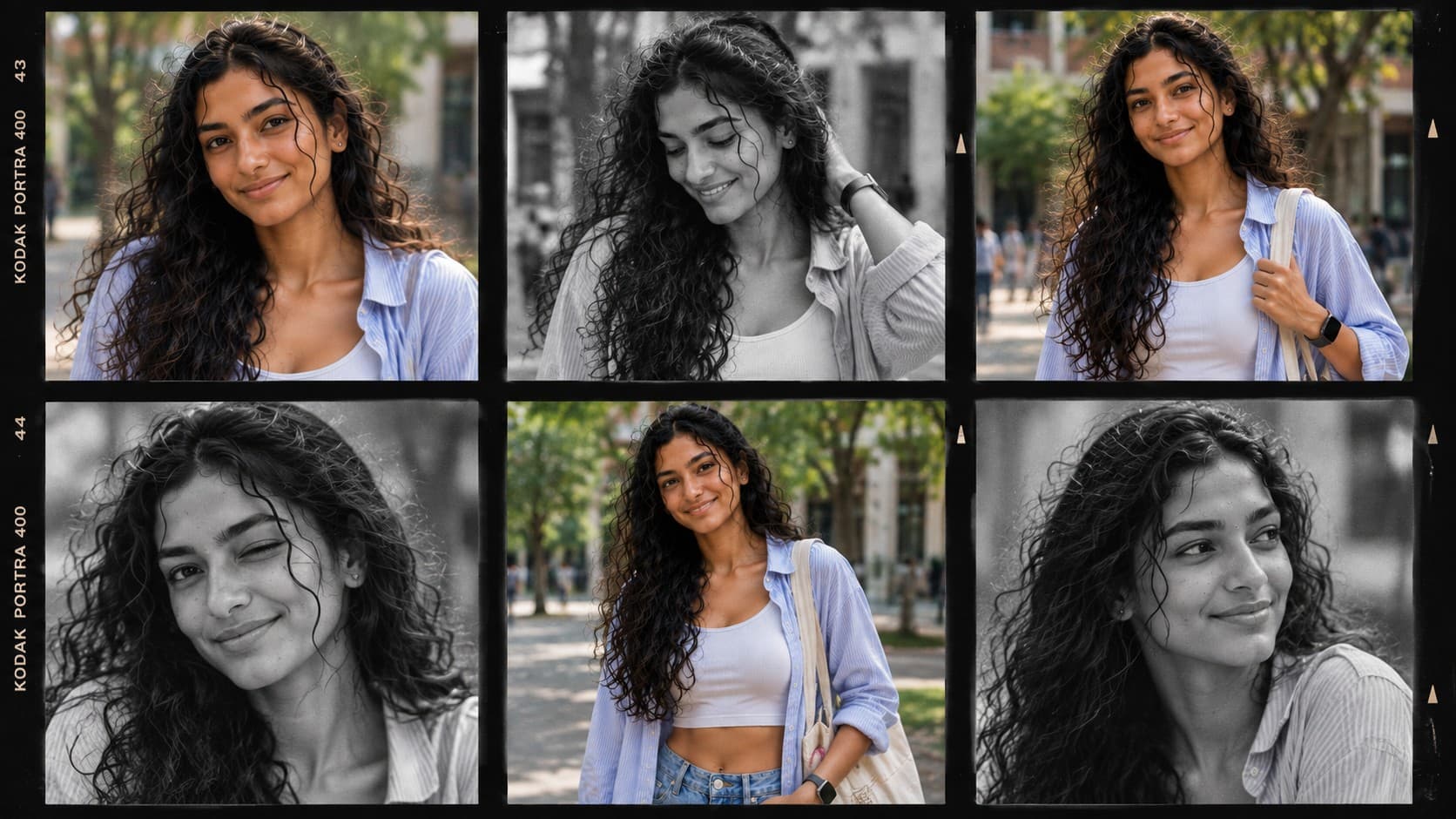
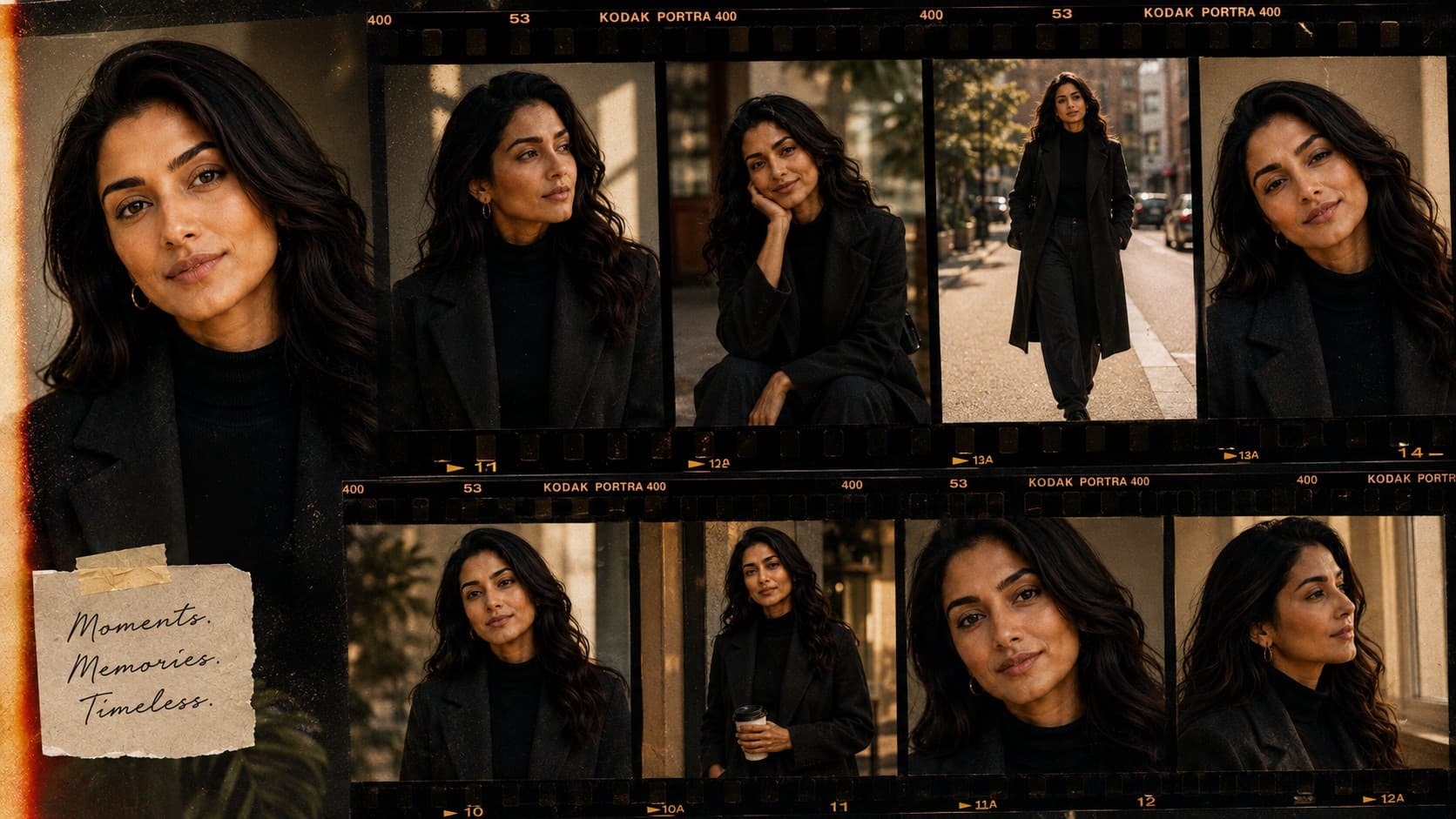
Create a stylish contact sheet featuring multiple candid expressions arranged like a professional photography proof.
✨ AI Image Prompt
Review the prompt below before copying it into your preferred AI image generator.
If reference image(s) are provided, preserve the facial features, hairstyle, body type, skin tone, and overall appearance of the person or couple naturally while adapting them to the described scene. Otherwise, generate photorealistic subject(s) that naturally fit the scene.
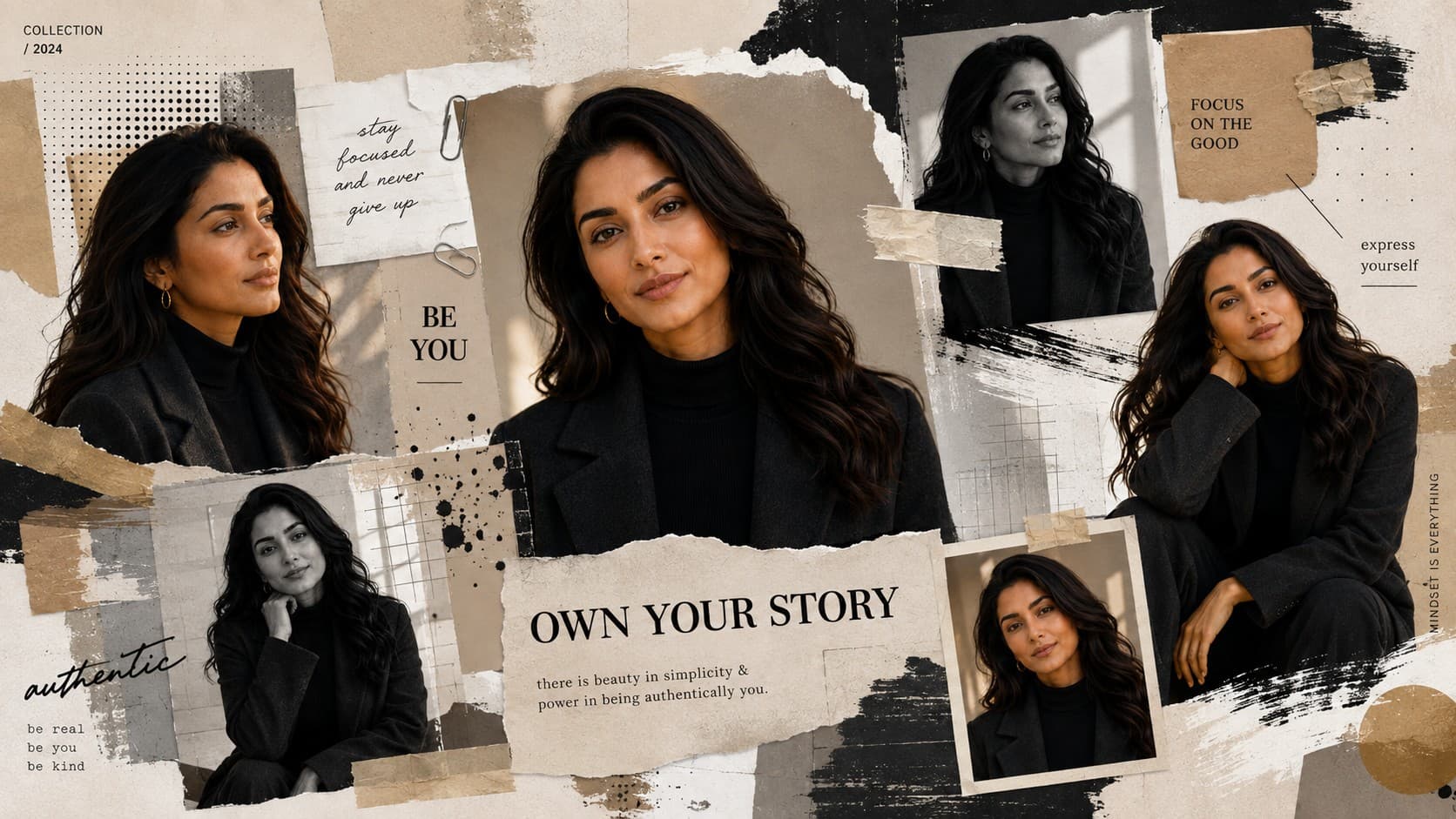
Create a premium photo booth contact sheet featuring multiple portraits with different natural expressions, angles, smiles, and candid moments arranged in a professional photography proof layout. Blend monochrome and color portraits, subtle film grain, soft shadows, premium portrait lighting, clean editorial presentation, ultra-realistic skin, highly detailed, timeless photography aesthetic, 8K quality.
📘 How to Use This Prompt
Follow these simple steps to generate the best possible AI image.
1
Choose a Clear Portrait Reference
Use a sharp reference image with the subject's face clearly visible. A well-lit reference gives the model a stronger foundation for maintaining recognizable facial features throughout the contact sheet.
2
Create Multiple Expressions
Generate a variety of natural expressions and subtle emotional moments, such as relaxed smiles, thoughtful looks, playful reactions, and candid glances while keeping the same subject consistent.
3
Vary the Camera Angles
Ask for different portrait angles and framing, including straight-on views, slight profiles, close-ups, and relaxed compositions. Keep the subject recognizable across every frame.
4
Build the Contact Sheet Layout
Arrange the generated portraits into a clean professional proof-sheet grid with consistent spacing, aligned frames, and a balanced combination of color and monochrome photographs.
5
Refine the Photography Details
Generate several variations and select the contact sheet with the strongest facial consistency, natural expressions, realistic skin texture, subtle film grain, soft shadows, and cohesive portrait lighting.
⭐ Tips for Best Results
Follow these best practices to create higher-quality AI images with better consistency and realism.
✓
Use a High-Quality Reference
A clear, front-facing reference with good facial visibility helps maintain consistent identity across the different portraits and expressions.
✓
Keep Expressions Natural
Favor subtle changes in expression rather than exaggerated emotions. Small differences in smiles, eye direction, and facial mood make the contact sheet feel more like genuine photography.
✓
Mix Color and Monochrome Carefully
Use a deliberate balance between black-and-white and color frames so the combination feels like a curated photography proof rather than unrelated images placed together.
✓
Maintain Consistent Lighting
Keep the portrait lighting soft and cohesive across the frames. Consistent illumination helps the different expressions and camera angles feel like they belong to the same photography session.
✓
Preserve a Clean Proof Layout
Keep the frames evenly aligned with consistent spacing and restrained visual styling. The structured arrangement should showcase the expressions without distracting borders or excessive decorative elements.
🤖Recommended AI Models
This prompt benefits from an image model that can maintain strong facial consistency across multiple frames while generating varied expressions, camera angles, monochrome and color treatments, and a cohesive professional contact-sheet layout.
ChatGPT
Great for Consistent PortraitsA strong option for preserving recognizable facial features while generating multiple natural expressions, varied portrait angles, realistic skin texture, and a polished photography-proof presentation.
Gemini
Great for Expression VariationsUseful for exploring different candid expressions, portrait framings, monochrome treatments, subtle film grain, and clean editorial contact-sheet compositions.
More Related Prompts
Discover more prompts from this category.
Discover More AI Prompts
Explore hundreds of free AI prompts across different categories. Whether you're creating realistic images, cinematic scenes, anime artwork, seasonal content, sports visuals, or social media graphics, PromptGenz has prompts designed to help you get better AI-generated results.