Navratri Garba Night
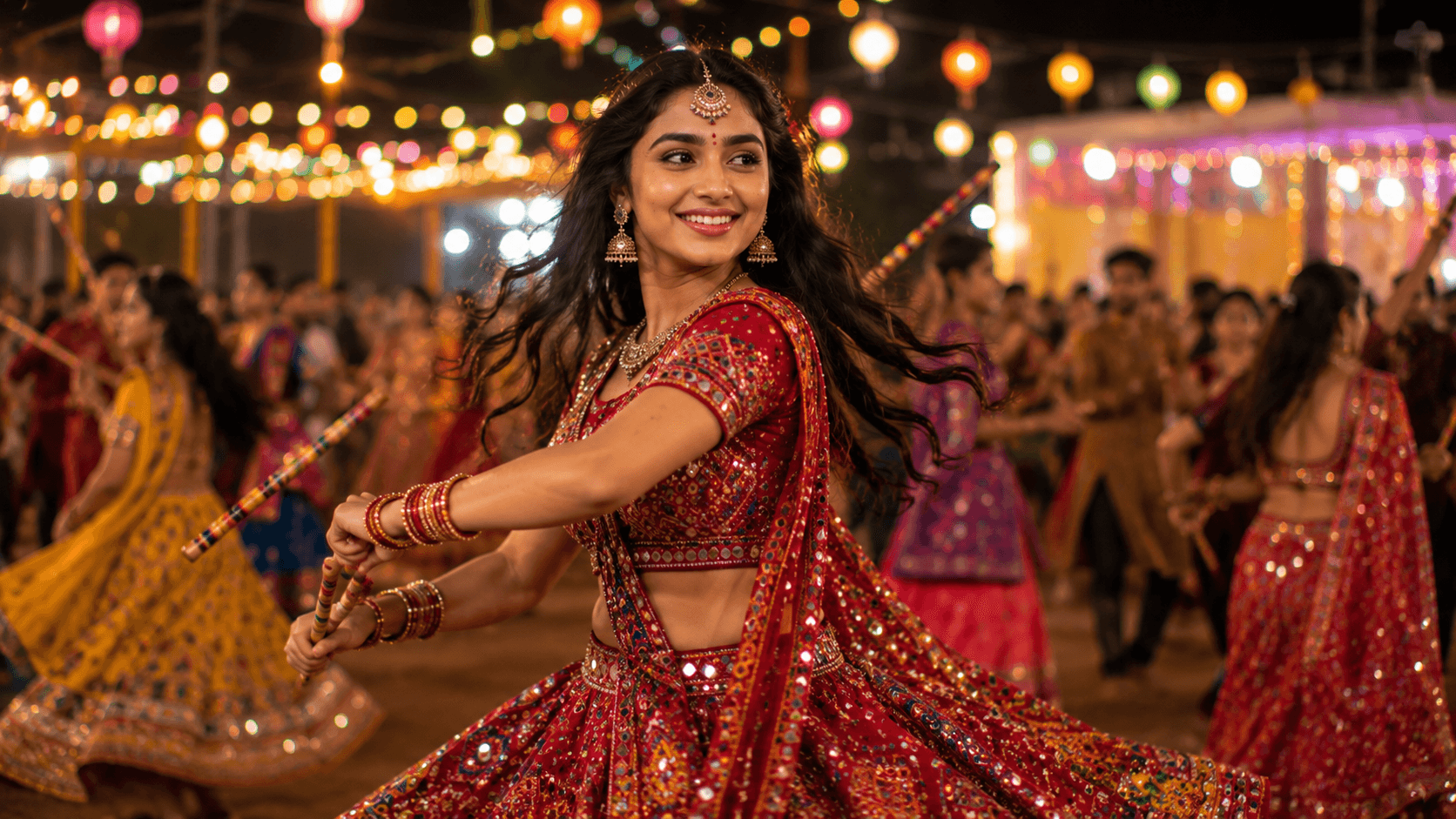
Create a vibrant cinematic Navratri Garba portrait featuring traditional mirror-work attire, energetic dance movements, festive lights, and the joyful spirit of Gujarat's iconic celebration.

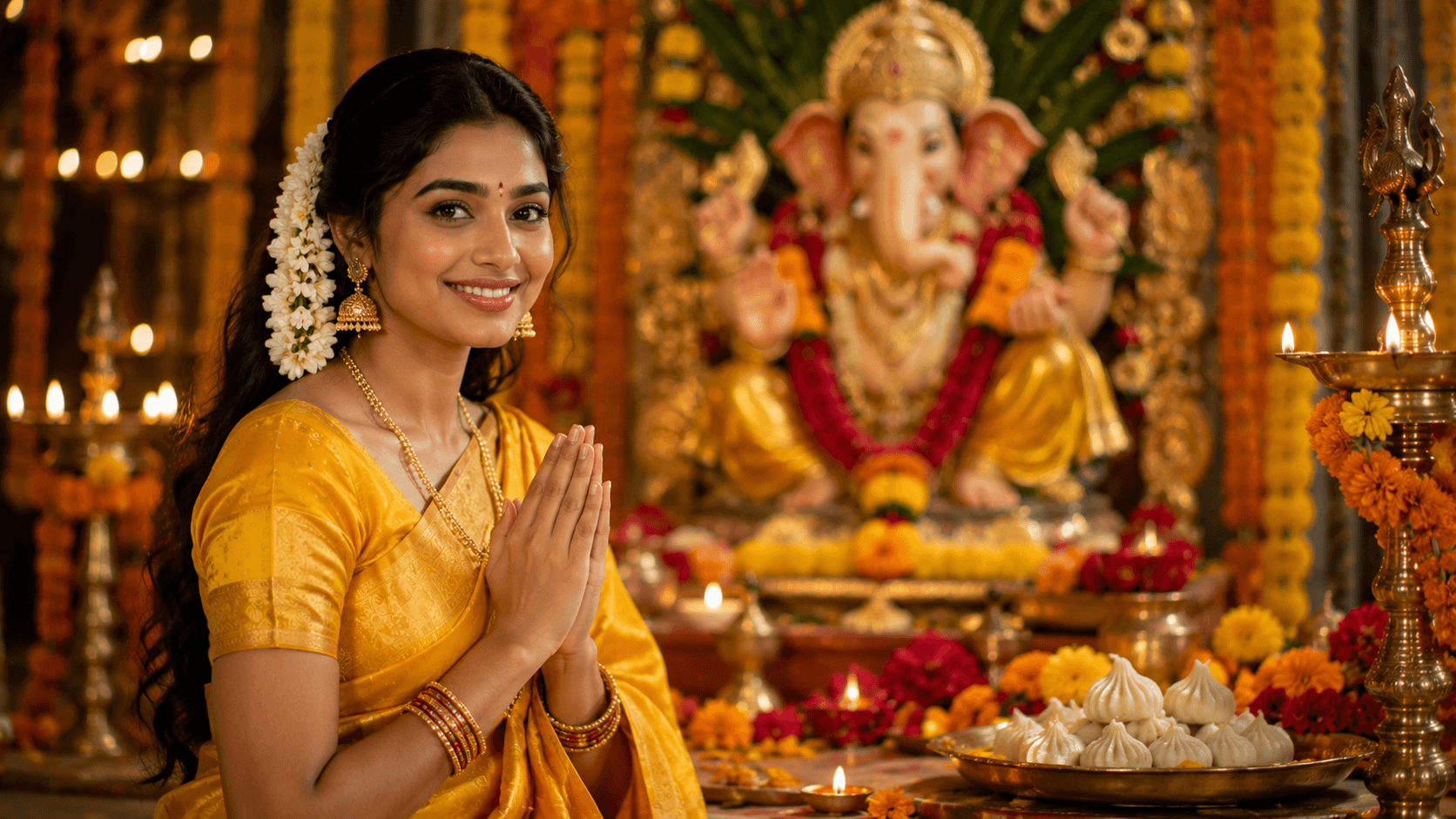
Create a vibrant devotional Ganesh Chaturthi portrait featuring traditional Indian attire, a beautifully decorated Ganesh idol, marigold flowers, and a warm festive atmosphere.
Review the prompt below before copying it into your preferred AI image generator.
Follow these simple steps to generate the best possible AI image.
Upload a well-lit reference photo with the face clearly visible. A straightforward portrait works especially well when the goal is to preserve the subject while adding traditional festive styling.
Allow the generated composition to place the subject in a respectful folded-hands gesture. Check the hands and fingers carefully because natural anatomy is important for a convincing devotional portrait.
Generate the complete festive environment with the decorated Ganesha idol, marigold torans, diyas, flowers, and modak offerings so the celebration feels like a cohesive ceremonial setting.
If the first result feels crowded, refine the arrangement of flowers, lamps, offerings, and background decorations while keeping the woman and Ganesha idol as the primary visual subjects.
Follow these best practices to create higher-quality AI images with better consistency and realism.
A clear reference with visible facial features gives the model a stronger foundation for maintaining the subject's recognizable appearance after introducing the saree, gajra, and festive environment.
The Ganesha idol should remain clearly recognizable without overpowering the woman. A controlled depth of field can help establish the devotional relationship between both subjects.
Inspect the hands after generation for natural finger placement and proportions. Regenerate or refine the image if the prayer gesture looks anatomically incorrect.
Keep the yellow silk texture and gold border sharp enough to appear realistic while avoiding excessive decorative detail that could distract from the devotional expression.
Use the warm glow from diyas and surrounding decorations to create atmosphere while keeping the woman's face naturally exposed and the important details of the idol visible.
This prompt is well suited to image models that can preserve a reference portrait while generating traditional Indian clothing, devotional gestures, detailed festival décor, and a realistic Ganesha celebration setting.
A strong option when preserving the subject's appearance while adding the traditional saree, prayer gesture, Ganesha idol, and detailed Ganesh Chaturthi environment.
Useful for exploring different festive arrangements, floral decorations, diya lighting, idol presentations, and devotional compositions.
Discover more prompts from this category.
Explore hundreds of free AI prompts across different categories. Whether you're creating realistic images, cinematic scenes, anime artwork, seasonal content, sports visuals, or social media graphics, PromptGenz has prompts designed to help you get better AI-generated results.