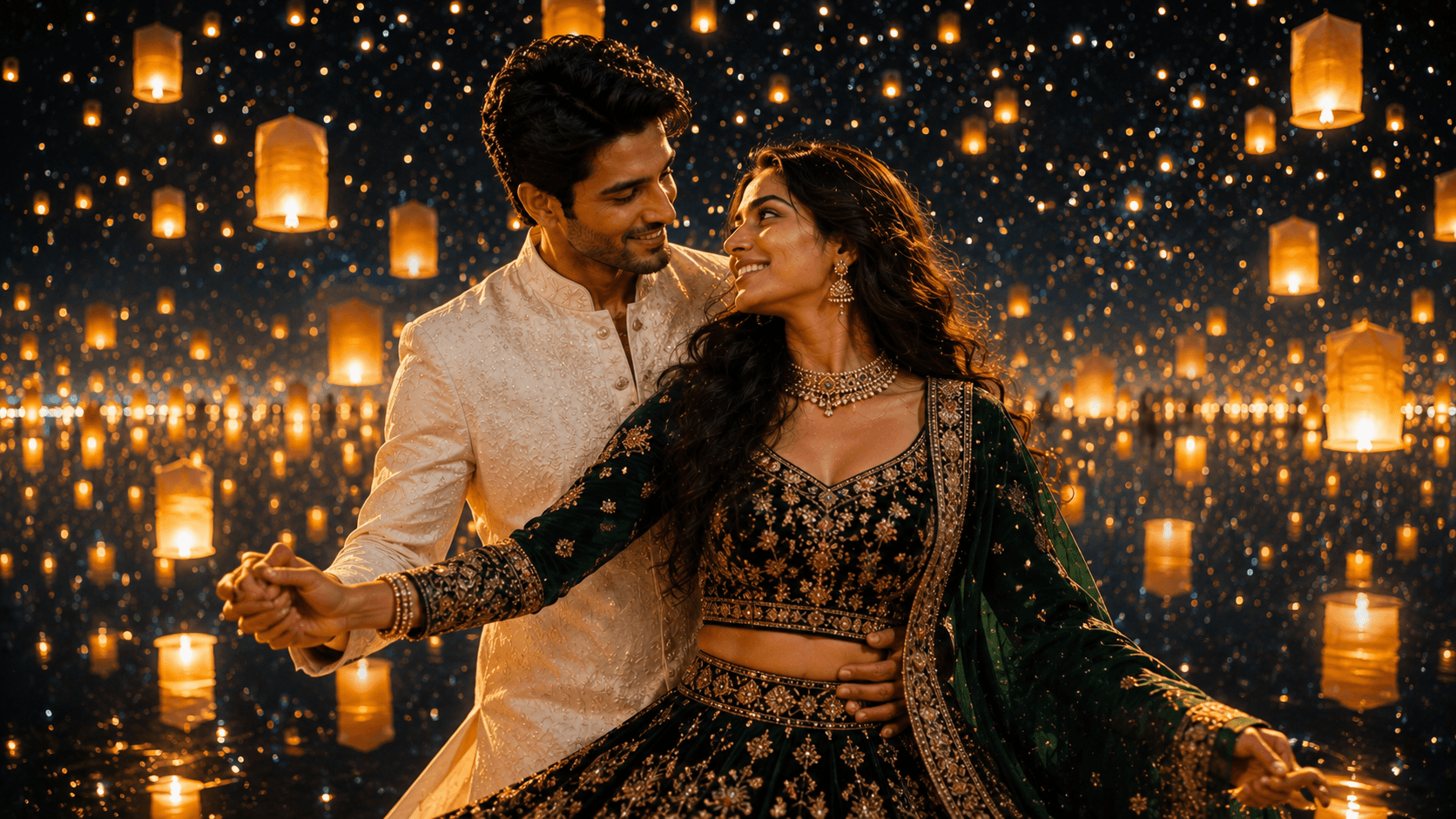
Starry Night Lanterns
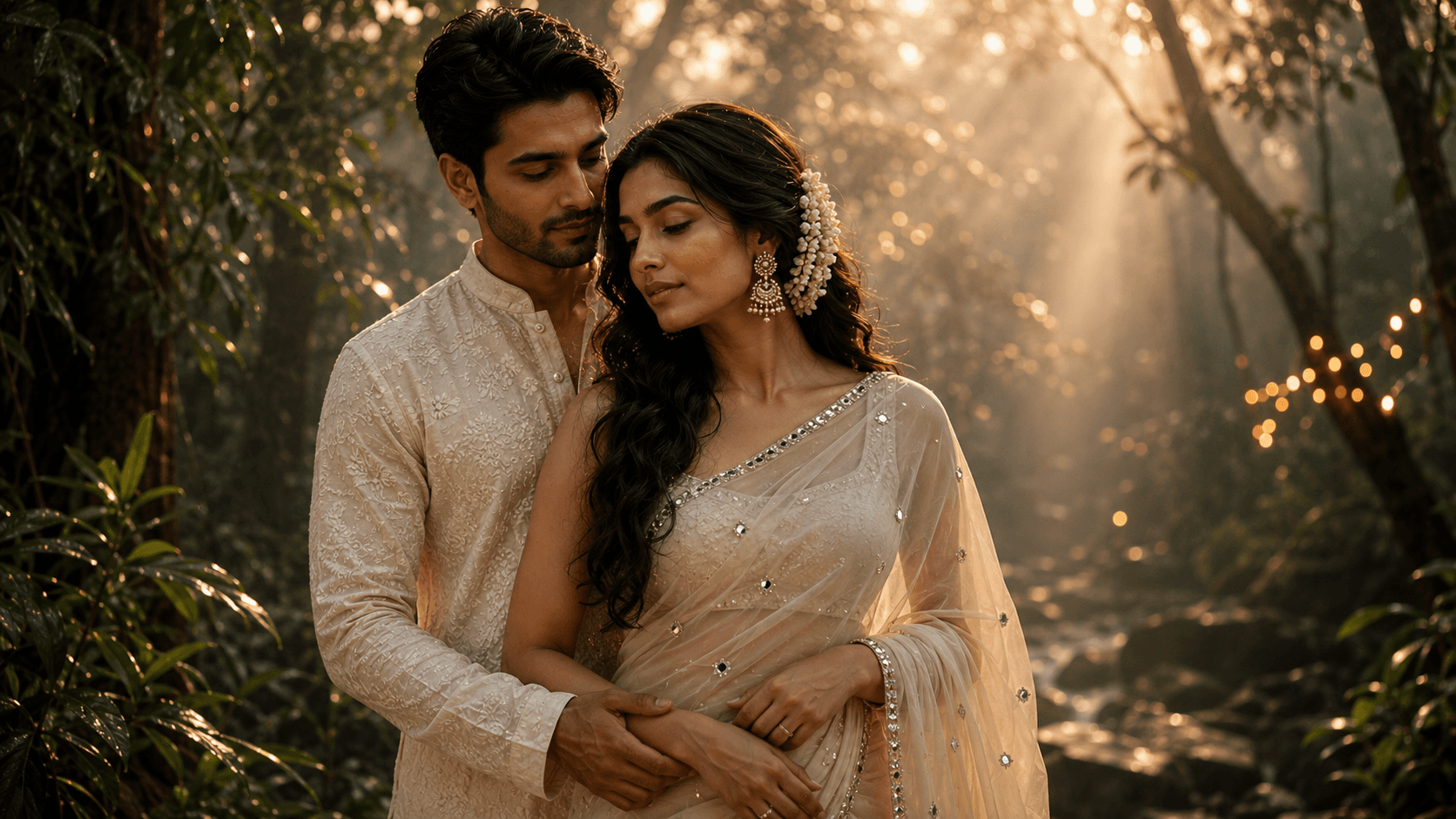
Create an epic fantasy-inspired pre-wedding portrait beneath a breathtaking starry sky filled with glowing floating lanterns, magical fireflies, and cinematic romance.

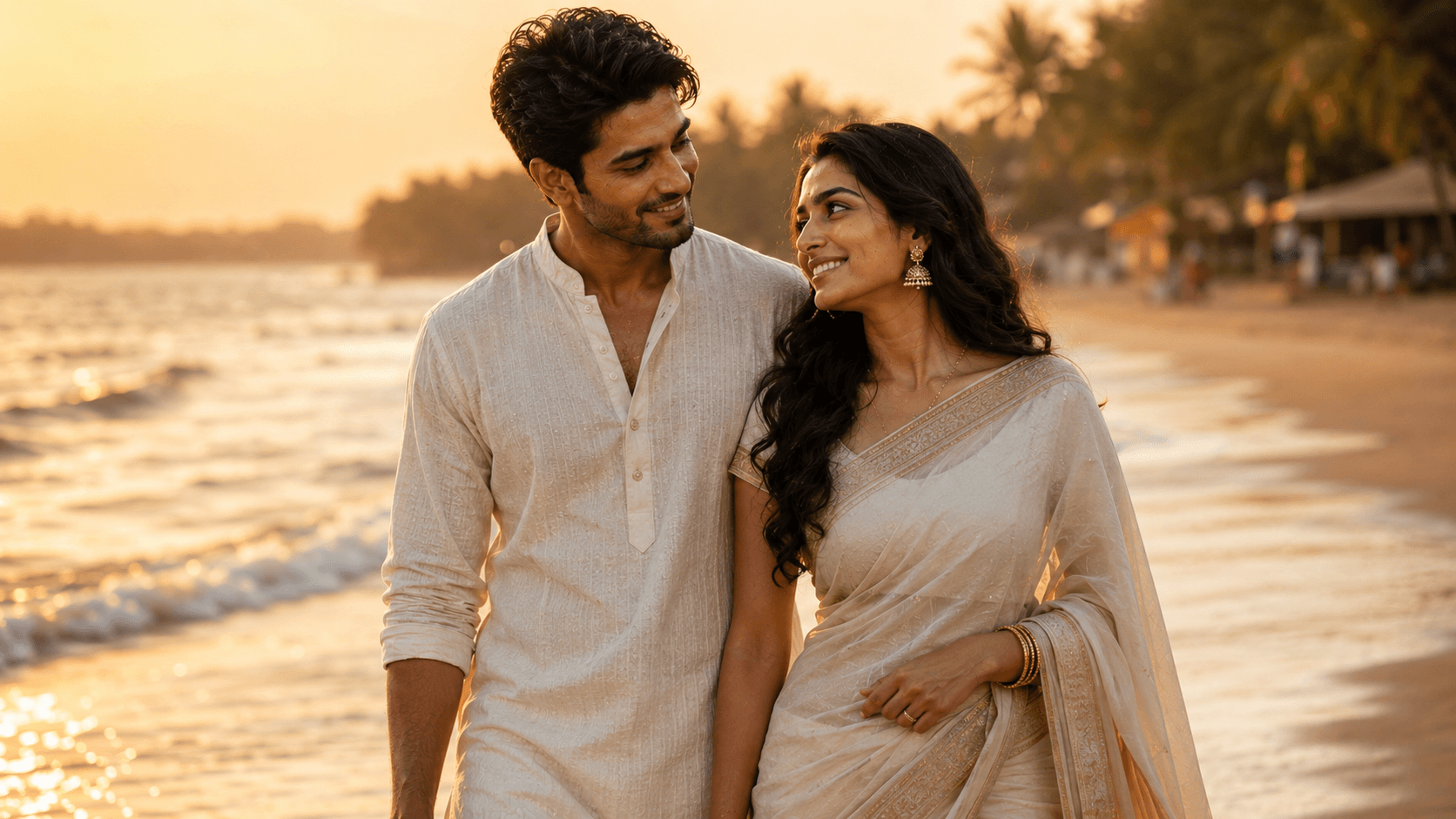
Create a romantic cinematic couple portrait on a peaceful Goa beach at golden hour, featuring barefoot walks, glowing sunset light, and an intimate coastal atmosphere.
Review the prompt below before copying it into your preferred AI image generator.
Follow these simple steps to generate the best possible AI image.
Since the scene includes some distance and movement, start with references where both faces are sharp and clearly visible to give the model the strongest identity foundation.
Run the full prompt first to see how the waves, lighting, and couple's walking pose come together.
This is the area most prone to distortion. If the feet look wrong, consider a composition that shows less of them in sharp detail.
Look for visible foam or motion in the waves rather than a flat, static water surface.
Check that the saree and kurta show some natural movement rather than looking stiff against the coastal setting.
Follow these best practices to create higher-quality AI images with better consistency and realism.
If repeated attempts keep distorting the feet, consider a slightly wider or higher-angle composition that naturally de-emphasizes this detail rather than fighting to fix it directly.
Waves described only as 'touching their feet' can render as flat and static. Describing visible foam and movement produces a more convincing result.
Describing wind movement helps both the fabric and the hair look more natural and less posed, reinforcing the candid, unposed mood the prompt is going for.
Find answers to the most common questions about using this AI image prompt.
Feet are a known weak point for image models generally, and wet sand adds reflection complexity on top of that. If the feet look wrong, try asking for a slightly higher framing that shows less of the lower legs and feet, which reduces the model's need to render this difficult detail in sharp focus.
This prompt benefits from image models that render water motion and lower-body anatomy reliably, since feet in shallow water are the most fragile detail in this composition.
Tends to produce more convincing wave motion and water reflections, which is one of the harder elements to get right in this beach setting.
Useful for experimenting with different shoreline angles and sunset intensity once the water and feet are rendering cleanly.
Discover more prompts from this category.
Explore hundreds of free AI prompts across different categories. Whether you're creating realistic images, cinematic scenes, anime artwork, seasonal content, sports visuals, or social media graphics, PromptGenz has prompts designed to help you get better AI-generated results.