Monsoon Romance
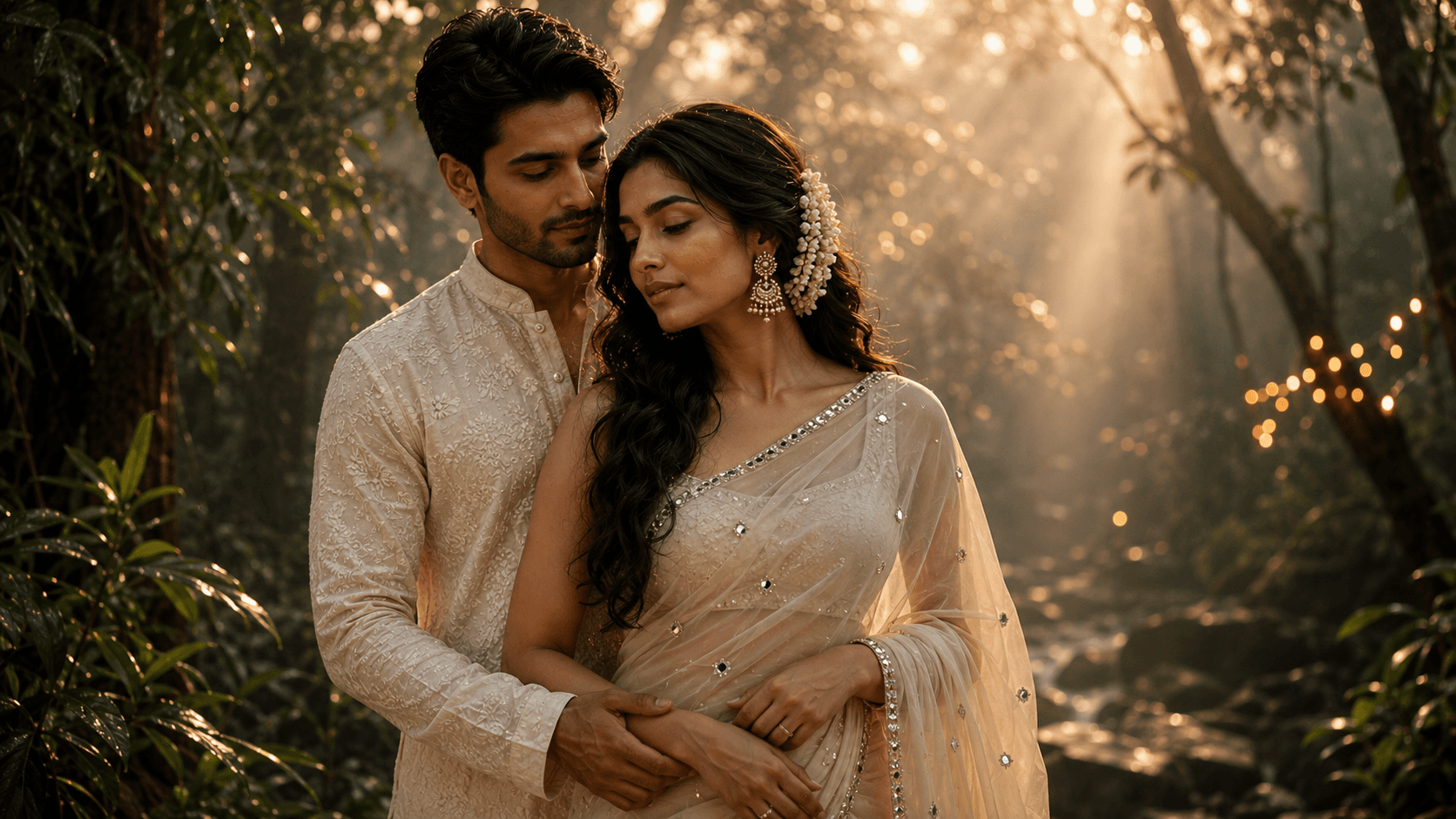
Create a dreamy cinematic monsoon couple portrait surrounded by lush greenery, soft golden sun rays, gentle mist, and a romantic editorial atmosphere.

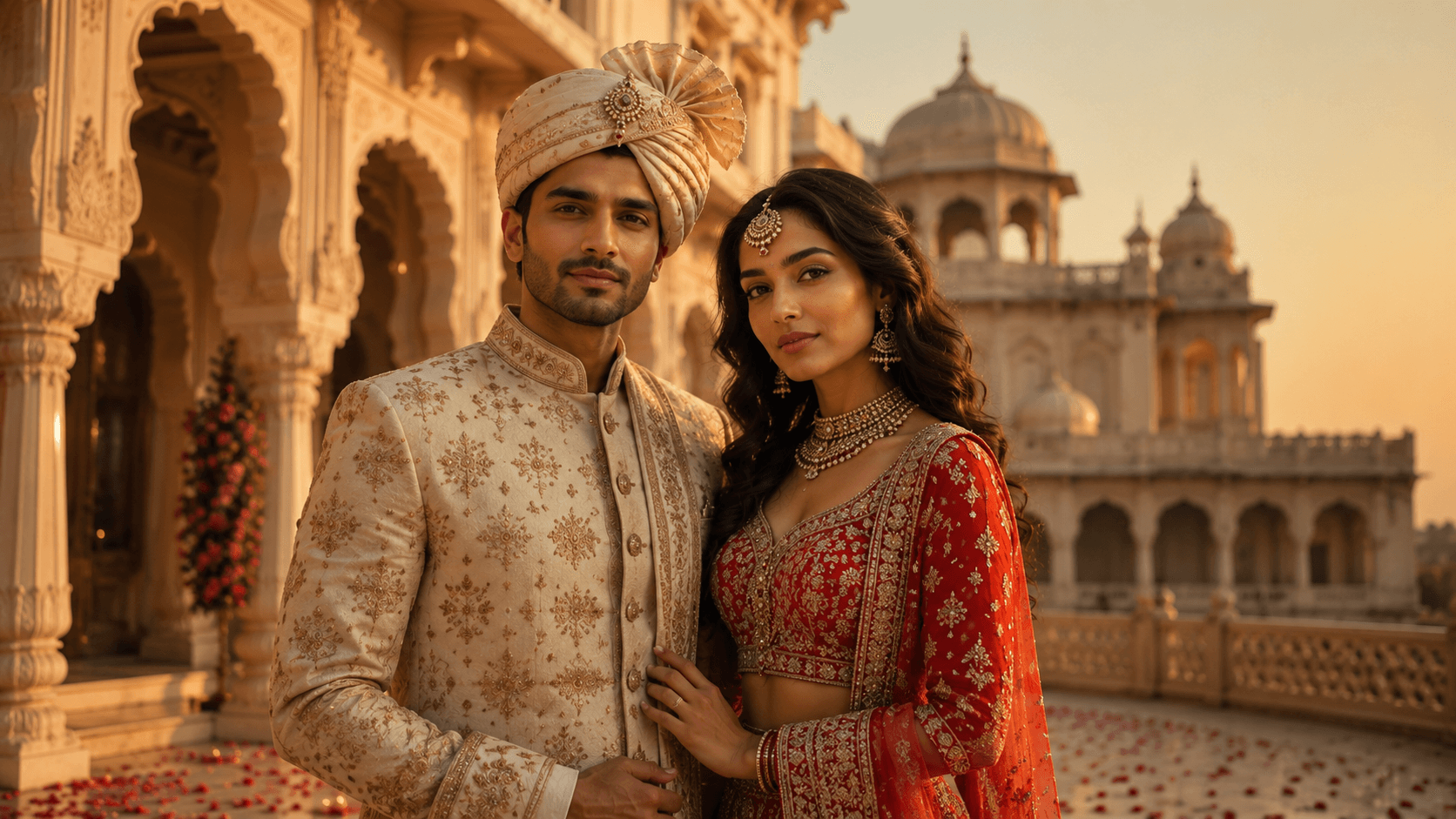
Create a royal cinematic pre-wedding portrait of an Indian couple at a majestic Rajasthani palace during golden hour, featuring traditional attire, warm sunset lighting, and a luxurious heritage aesthetic.
Review the prompt below before copying it into your preferred AI image generator.
Follow these simple steps to generate the best possible AI image.
Use photos where both faces are unobstructed and reasonably similar in size within the frame — this gives the model balanced information for preserving both identities.
Run the complete prompt first to see how the palace architecture, lighting, and both people's likenesses come together before making targeted fixes.
This is the detail most prone to asymmetry or distortion. Inspect it closely before evaluating anything else about the groom's styling.
Look at each person individually rather than assessing the couple as a whole — it's common for one face to hold up noticeably better than the other.
Scan the bridal jewelry and sherwani embroidery for blurring or melted-looking detail, especially if they're a focal point for you.
Follow these best practices to create higher-quality AI images with better consistency and realism.
More than the architecture or lighting, the turban shape is where this prompt is most likely to need a second pass. Describe it more specifically if the first attempt looks uneven.
If one person's face is significantly smaller or more angled away from the camera in your source photo, expect their likeness to come through less accurately in the result.
The jharokha arches and palace details should recede slightly behind the couple. If the background starts pulling focus, ask for it to be 'softly blurred behind the sharply focused couple.'
Find answers to the most common questions about using this AI image prompt.
Turbans are a genuinely difficult headwear item for most models to render consistently. Add a more specific description like 'symmetrical, neatly wrapped royal safa with a small decorative brooch at the front' to reduce the chance of an asymmetric or oddly shaped result.
This prompt benefits from image models that can preserve two separate facial identities at once while handling complex traditional headwear and detailed jewelry.
Generally more consistent at balancing both people's likeness when they're both prominent in the frame, which is the main challenge in this composition.
Useful for exploring different palace compositions and courtyard arrangements once both likenesses are holding steady.
Discover more prompts from this category.
Explore hundreds of free AI prompts across different categories. Whether you're creating realistic images, cinematic scenes, anime artwork, seasonal content, sports visuals, or social media graphics, PromptGenz has prompts designed to help you get better AI-generated results.