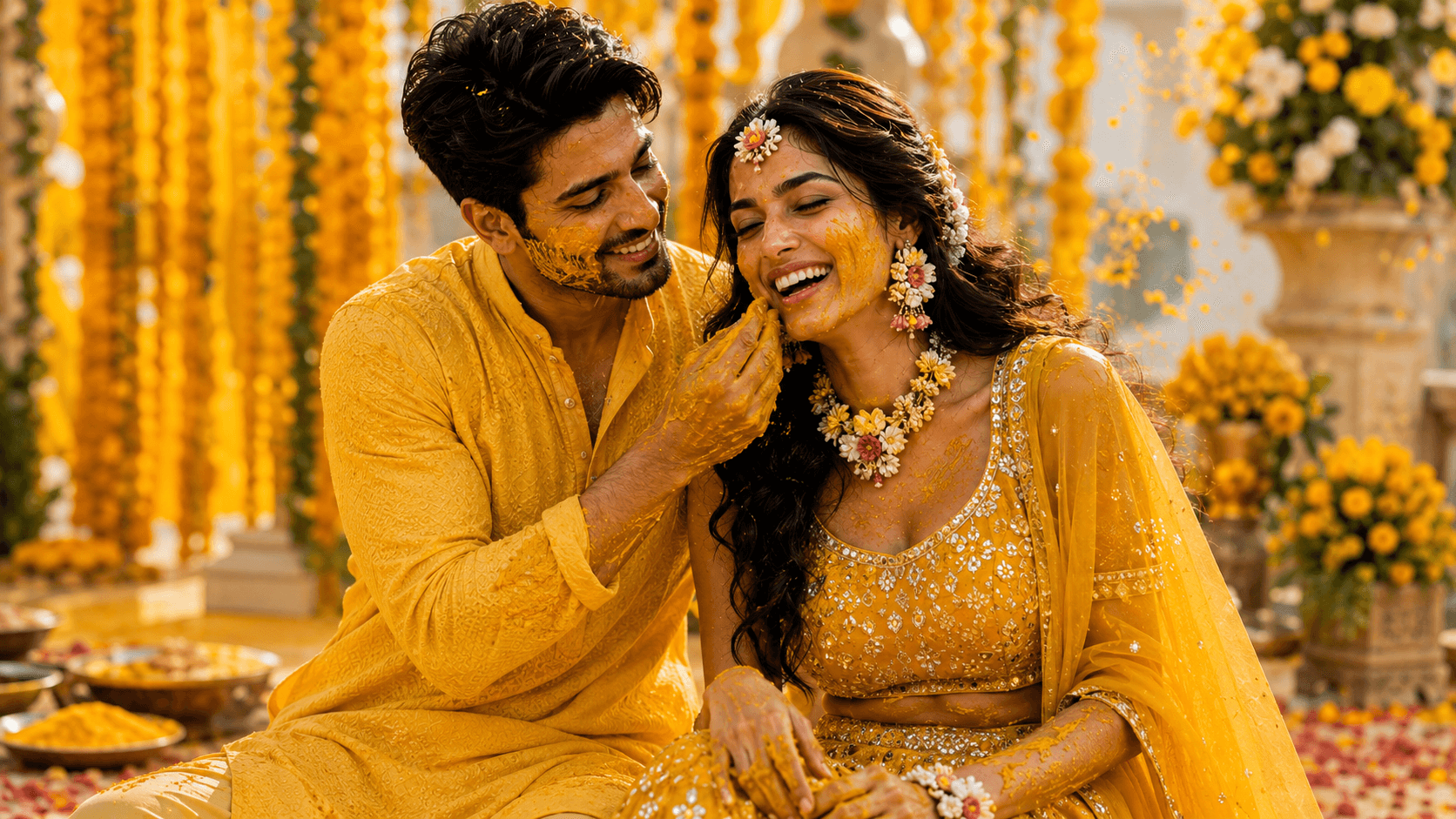
Haldi Ceremony Joy
Create a vibrant cinematic Haldi ceremony portrait capturing joyful laughter, traditional Indian wedding rituals, marigold decorations, and warm festive celebrations.

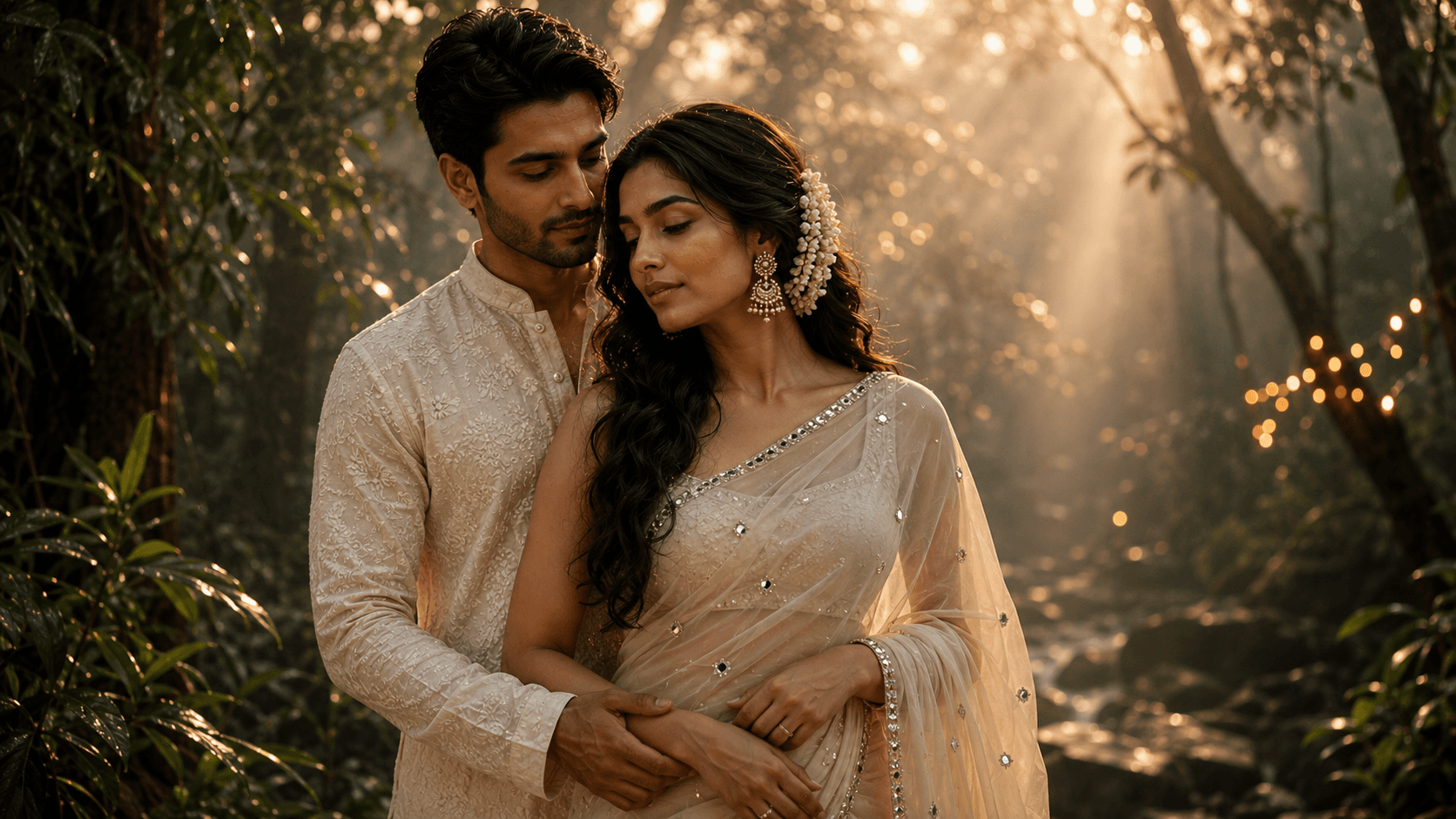
Create a dreamy cinematic monsoon couple portrait surrounded by lush greenery, soft golden sun rays, gentle mist, and a romantic editorial atmosphere.
Review the prompt below before copying it into your preferred AI image generator.
Follow these simple steps to generate the best possible AI image.
If possible, use a reference where the couple is already standing near each other — this tends to produce more believable physical contact than combining two separate individual photos.
Run the full prompt first to see how the mist, sun rays, and couple positioning come together before making corrections.
Look closely at where the groom's hand meets the bride's waist — this is the detail most likely to look anatomically off.
Confirm the pallu has believable fabric folds and isn't rendered as a flat, static shape.
The fairy-light bokeh should look like it's coming from within the greenery, not floating disconnected from the scene.
Follow these best practices to create higher-quality AI images with better consistency and realism.
Wherever the couple is touching — hand on waist, held hands, or similar — check that anatomy carefully. This is consistently the highest-risk detail in couple portraits.
Rather than just saying 'flowing,' describing a specific breeze direction gives the model something concrete to work from for the saree's movement.
The most convincing results have mist at varying depths through the forest rather than a uniform haze covering the whole frame evenly.
Find answers to the most common questions about using this AI image prompt.
Points of physical contact between two people are a known weak spot for image models. Try specifying 'hand naturally resting flat against the waist, fingers relaxed and visible' to give clearer anatomical direction.
This prompt benefits from image models that handle physical contact between two people and flowing fabric convincingly, since these are the two most fragile elements in the composition.
Tends to produce more believable hand placement and physical closeness between two people, which is the main risk area in this prompt.
Useful for adjusting mist density, sun-ray intensity, and bokeh placement once the couple's pose and contact look right.
Discover more prompts from this category.
Explore hundreds of free AI prompts across different categories. Whether you're creating realistic images, cinematic scenes, anime artwork, seasonal content, sports visuals, or social media graphics, PromptGenz has prompts designed to help you get better AI-generated results.