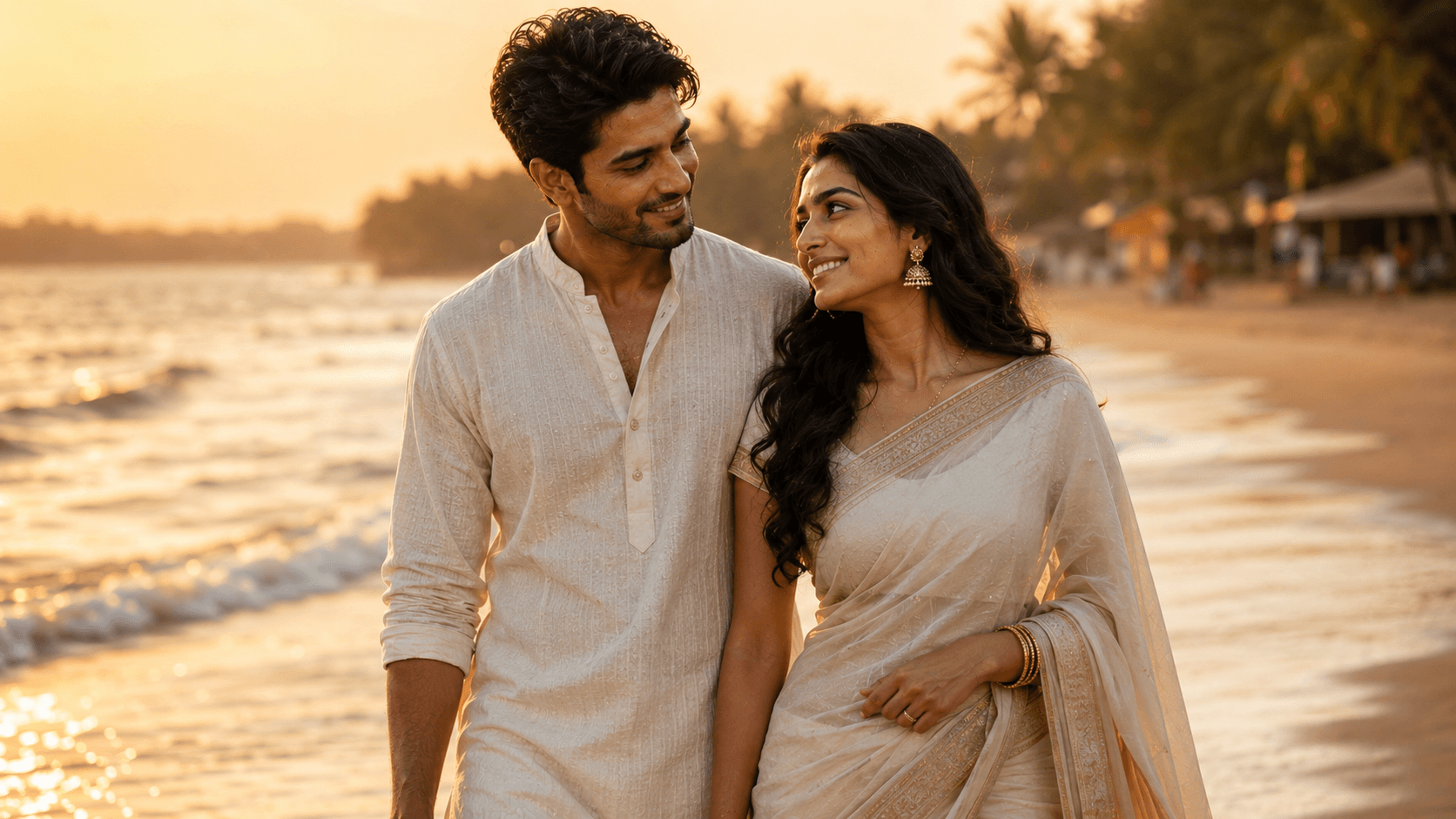
Goa Beach Sunset
Create a romantic cinematic couple portrait on a peaceful Goa beach at golden hour, featuring barefoot walks, glowing sunset light, and an intimate coastal atmosphere.

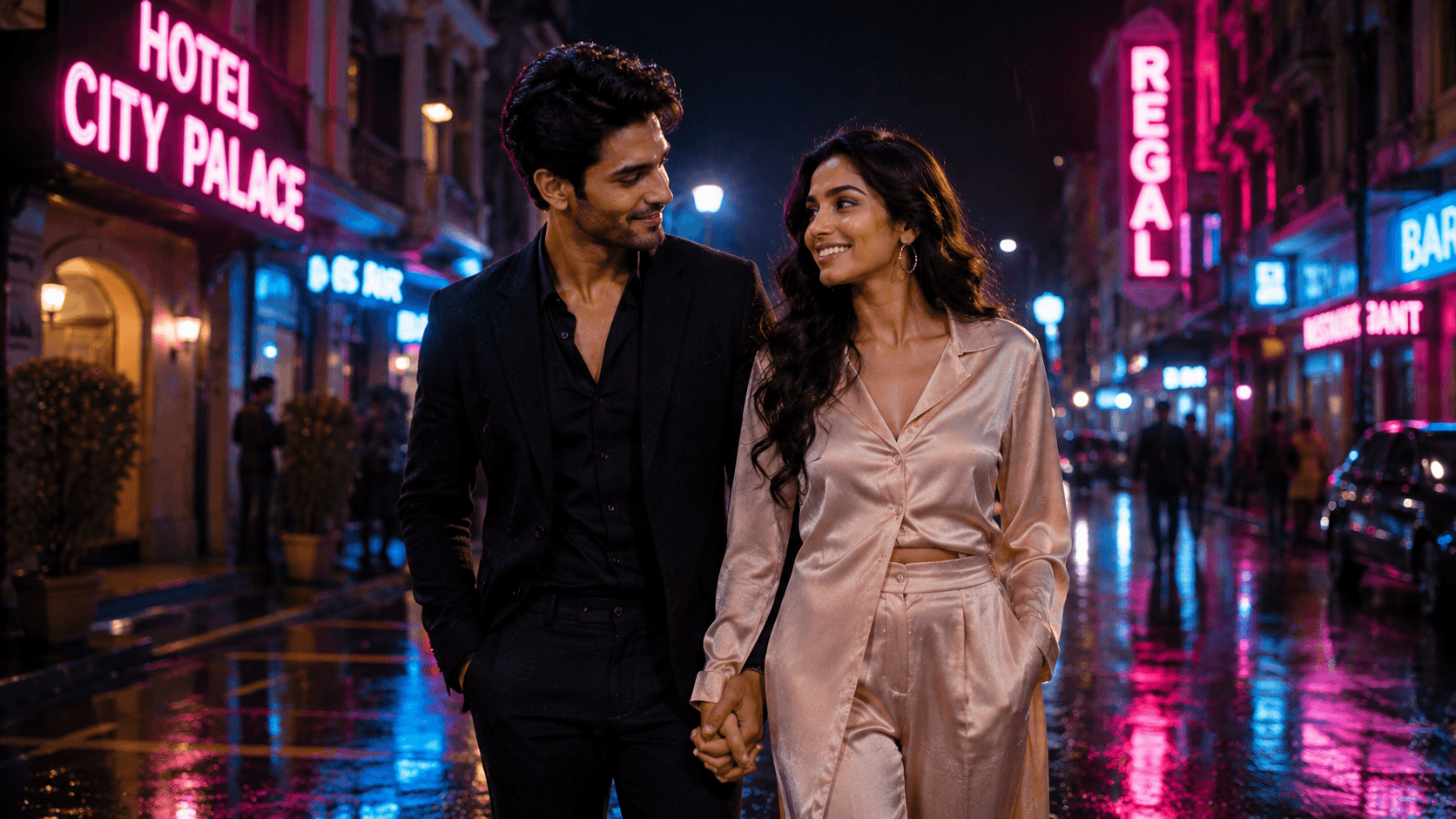
Create a stylish cinematic urban couple portrait walking through a neon-lit city street at night, featuring rain-soaked reflections, vibrant colors, and a modern Bollywood-inspired atmosphere.
Review the prompt below before copying it into your preferred AI image generator.
Follow these simple steps to generate the best possible AI image.
If your source photos show hands clearly, the model has better anatomical information to work from when generating the hand-holding pose.
Run the full prompt first to see how the neon lighting, rain, and couple's movement come together.
This is the highest-risk detail in the composition. Zoom in on the fingers before evaluating anything else.
Look at whether the neon reflections on the pavement correspond logically to the signs above, rather than appearing as disconnected colored patches.
Check that the couple's expressions read as relaxed and candid rather than stiffly posed for the camera.
Follow these best practices to create higher-quality AI images with better consistency and realism.
More than any other detail in this scene, interlaced fingers are where distortion is most likely. Always zoom in before finalizing.
Strong results have pavement reflections that clearly correspond to the neon signs above them — mismatched or floating color patches weaken the realism.
General urban descriptions produce more reliable results than requesting an exact recognizable building or street, which models often render inaccurately.
Find answers to the most common questions about using this AI image prompt.
Hand-holding is one of the most common failure points across all image models. Specify 'fingers loosely interlaced, both hands clearly separate and anatomically distinct' to reduce the chance of merged or distorted fingers.
This prompt benefits from image models that handle hand-to-hand contact and reflective surfaces reliably, since these are the two most fragile details in an otherwise strong night-street composition.
Generally more consistent with interlaced-finger hand-holding poses, which is the single riskiest detail in this composition.
Useful for experimenting with different neon color combinations and rain intensity once the hand-holding pose looks correct.
Discover more prompts from this category.
Explore hundreds of free AI prompts across different categories. Whether you're creating realistic images, cinematic scenes, anime artwork, seasonal content, sports visuals, or social media graphics, PromptGenz has prompts designed to help you get better AI-generated results.