Champion's Celebration
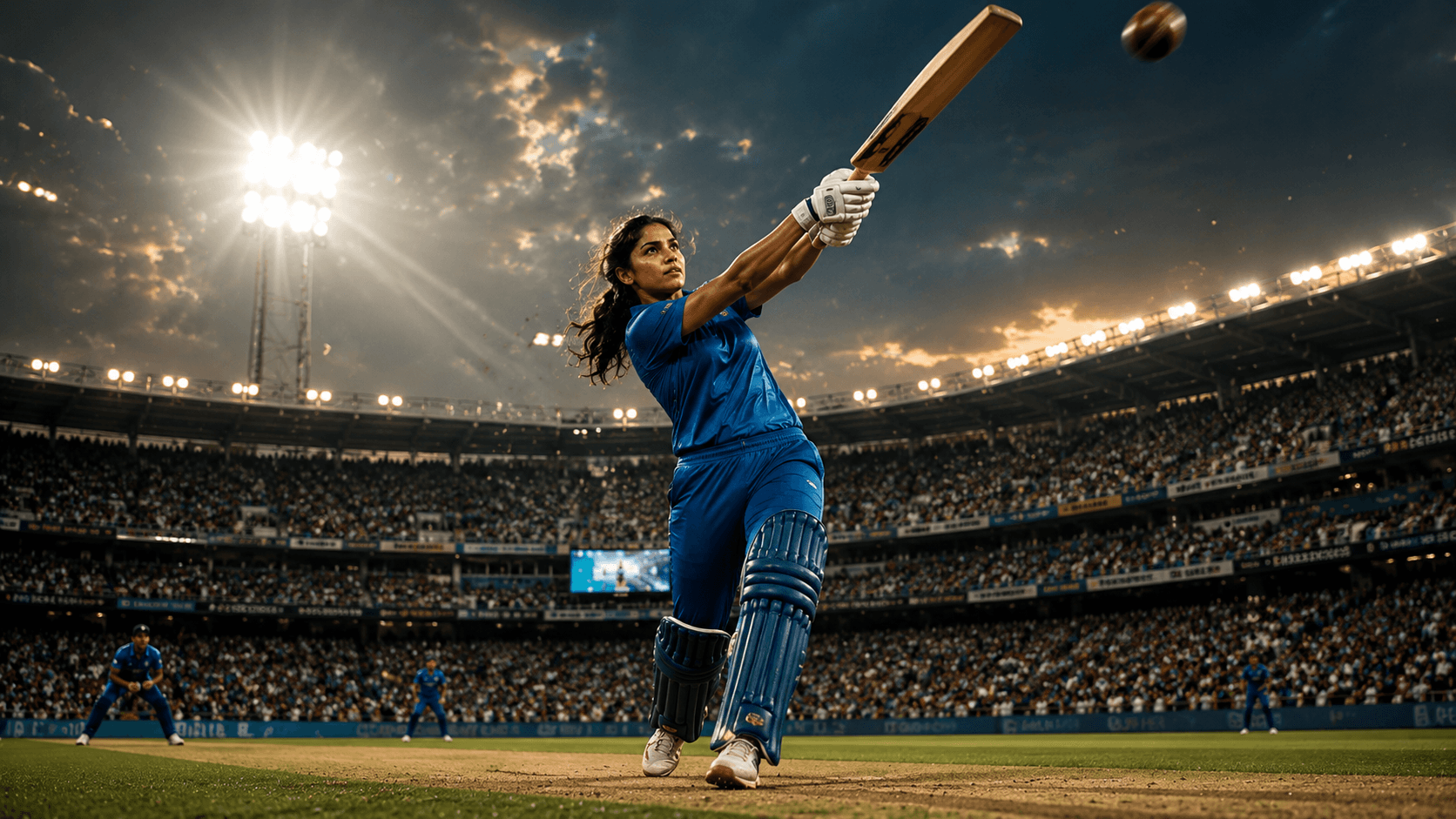
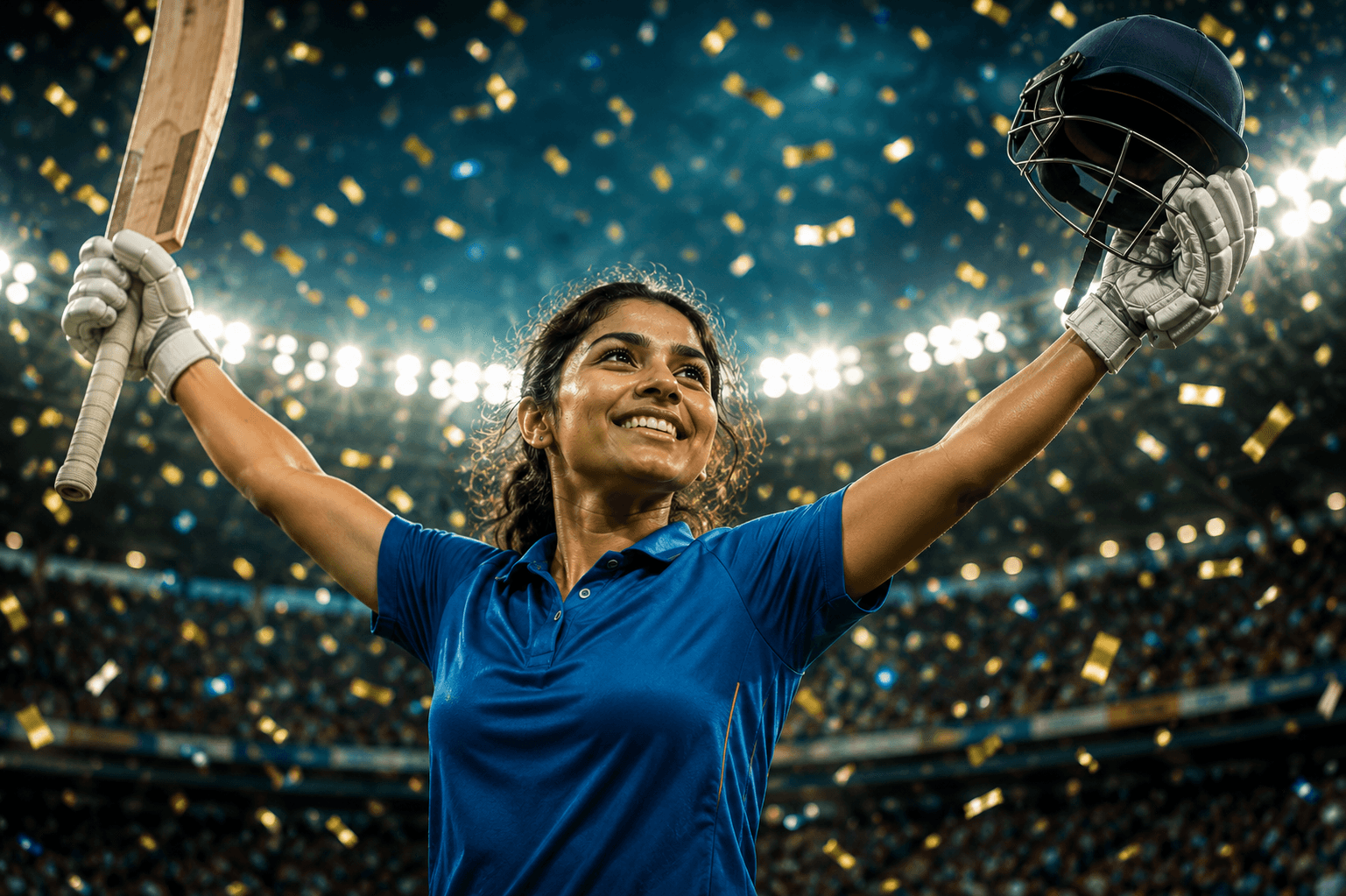
Create an emotional cinematic women's cricket victory portrait featuring stadium confetti, glowing floodlights, and the unforgettable joy of a championship-winning celebration.

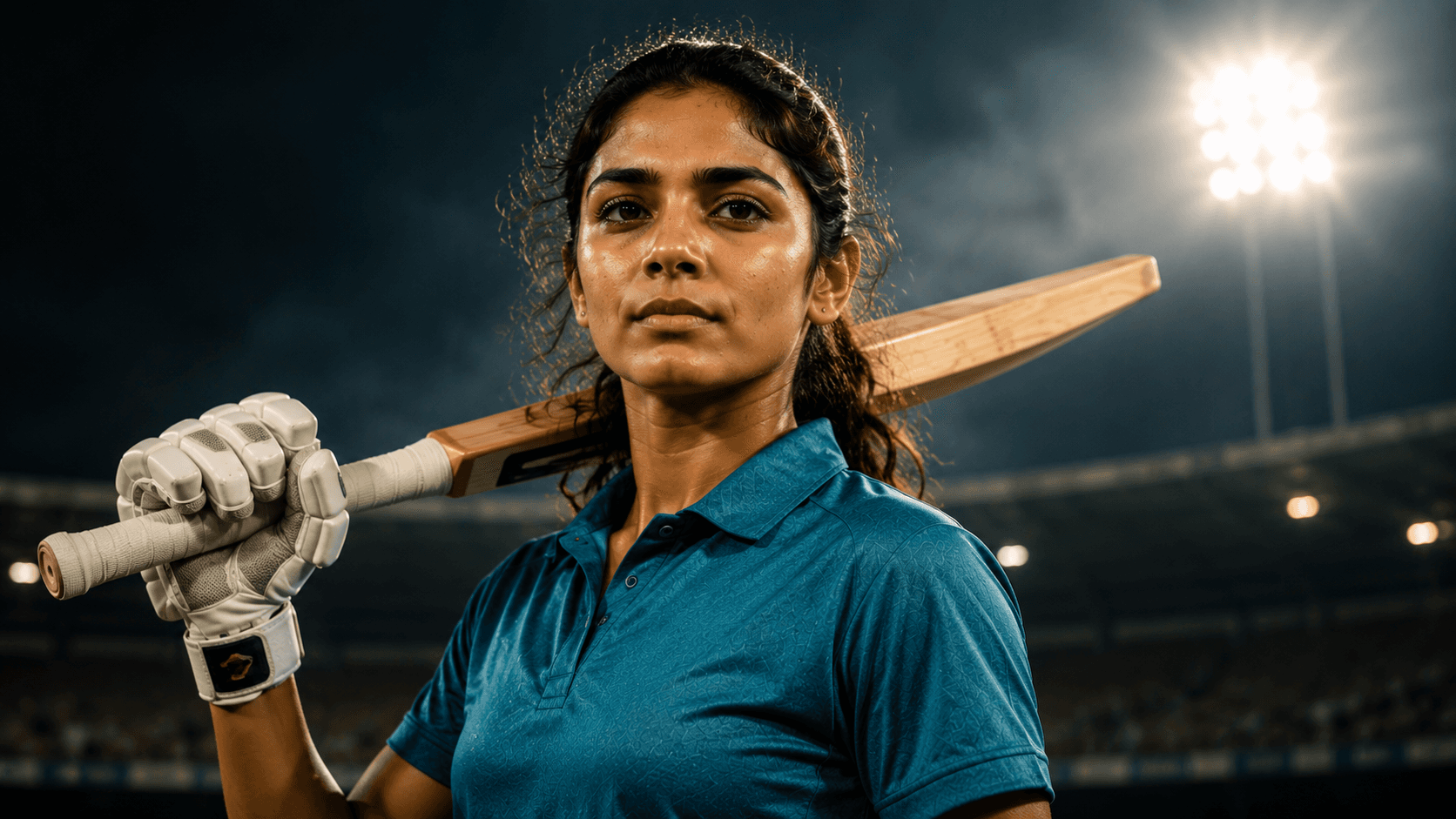
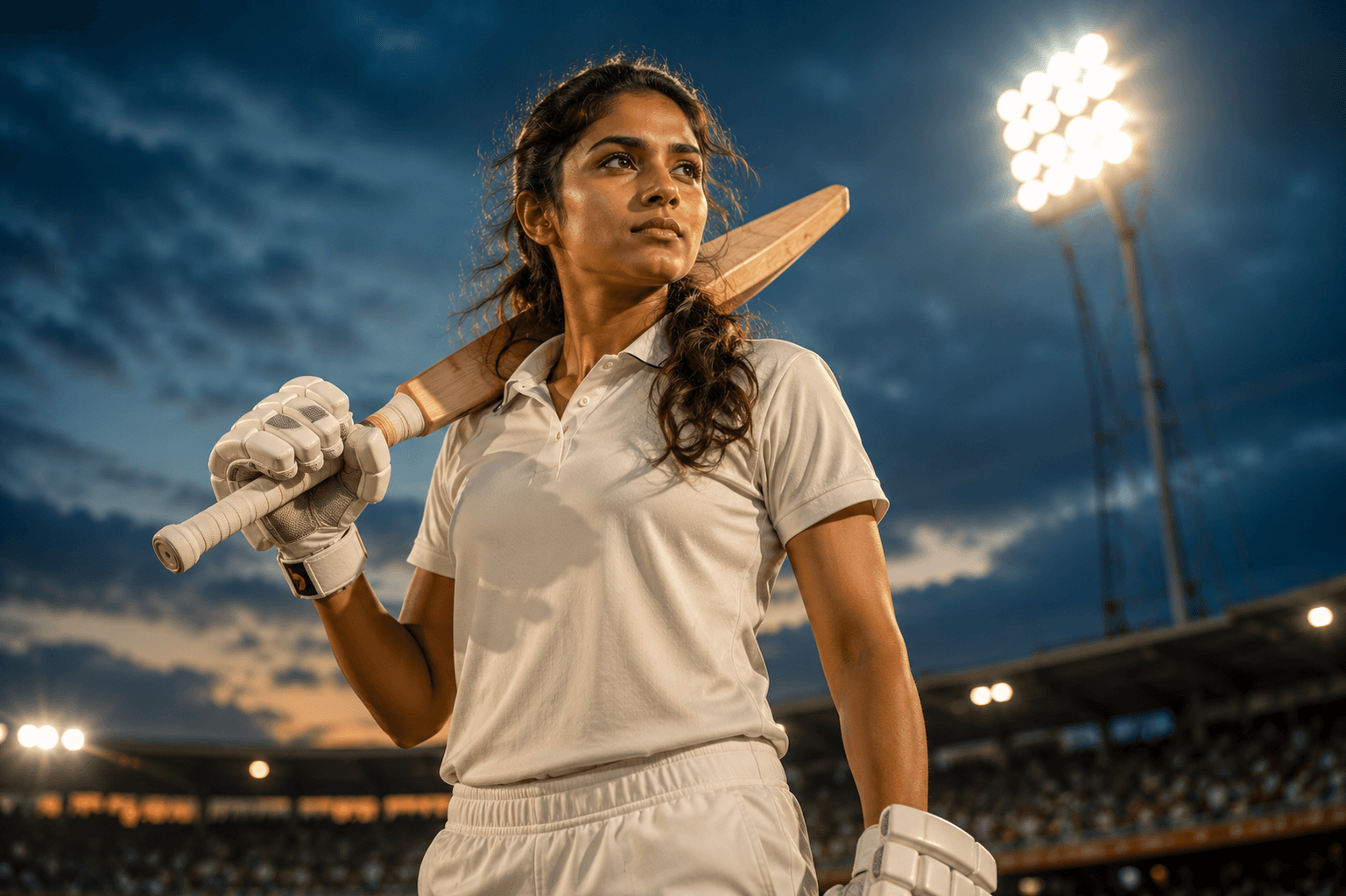
Create a powerful cinematic women's cricket portrait under glowing stadium floodlights, featuring confidence, determination, and a premium sports editorial aesthetic.
Review the prompt below before copying it into your preferred AI image generator.
Follow these simple steps to generate the best possible AI image.
Use a clear reference image where the subject's face and upper body are visible. A well-defined reference helps preserve recognizable facial features while introducing the professional cricket styling.
Keep the reference image attached so the generated portrait maintains the person's facial features, hairstyle, skin tone, body type, and overall appearance while adding authentic cricket equipment.
Generate the subject standing confidently with the cricket bat resting naturally over one shoulder. Ensure the grip, shoulder position, arms, and bat orientation appear physically believable.
Let the model establish a professional cricket stadium at dusk with a softly blurred crowd, glowing floodlights, and a deep blue evening sky that creates the premium match-day atmosphere.
Generate multiple variations and select the result with the strongest combination of confident expression, natural cricket posture, realistic equipment placement, and dramatic hero framing.
Follow these best practices to create higher-quality AI images with better consistency and realism.
Check that the cricket bat rests convincingly over the shoulder and that the hands and arms connect naturally with it. Avoid awkward grips or floating equipment.
Maintain realistic batting gloves, cricket whites, footwear, and equipment proportions so the portrait feels like a professional sports photograph rather than a generic fitness image.
The stadium floodlights should create dramatic highlights without washing out the face. Keep the eyes, facial structure, and natural skin texture clearly visible.
The combination of warm floodlight highlights and the deep blue evening sky creates the strongest visual contrast. Preserve this balance without making the lighting look artificial.
Allow the cheering stadium crowd to remain softly defocused. It should communicate the scale and excitement of professional cricket without competing with the cricketer.
This prompt benefits from an image model that can preserve a recognizable subject while generating authentic cricket equipment, a convincing bat-over-shoulder pose, realistic athletic proportions, dramatic stadium lighting, and a premium sports editorial atmosphere.
A strong option when maintaining the subject's appearance while refining the confident expression, cricket equipment, bat positioning, stadium lighting, and professional sports portrait composition.
Useful for experimenting with professional cricket stadium environments, dusk skies, floodlight effects, crowd atmosphere, and cinematic sports photography.
Discover more prompts from this category.
Explore hundreds of free AI prompts across different categories. Whether you're creating realistic images, cinematic scenes, anime artwork, seasonal content, sports visuals, or social media graphics, PromptGenz has prompts designed to help you get better AI-generated results.