Six Over the Boundary
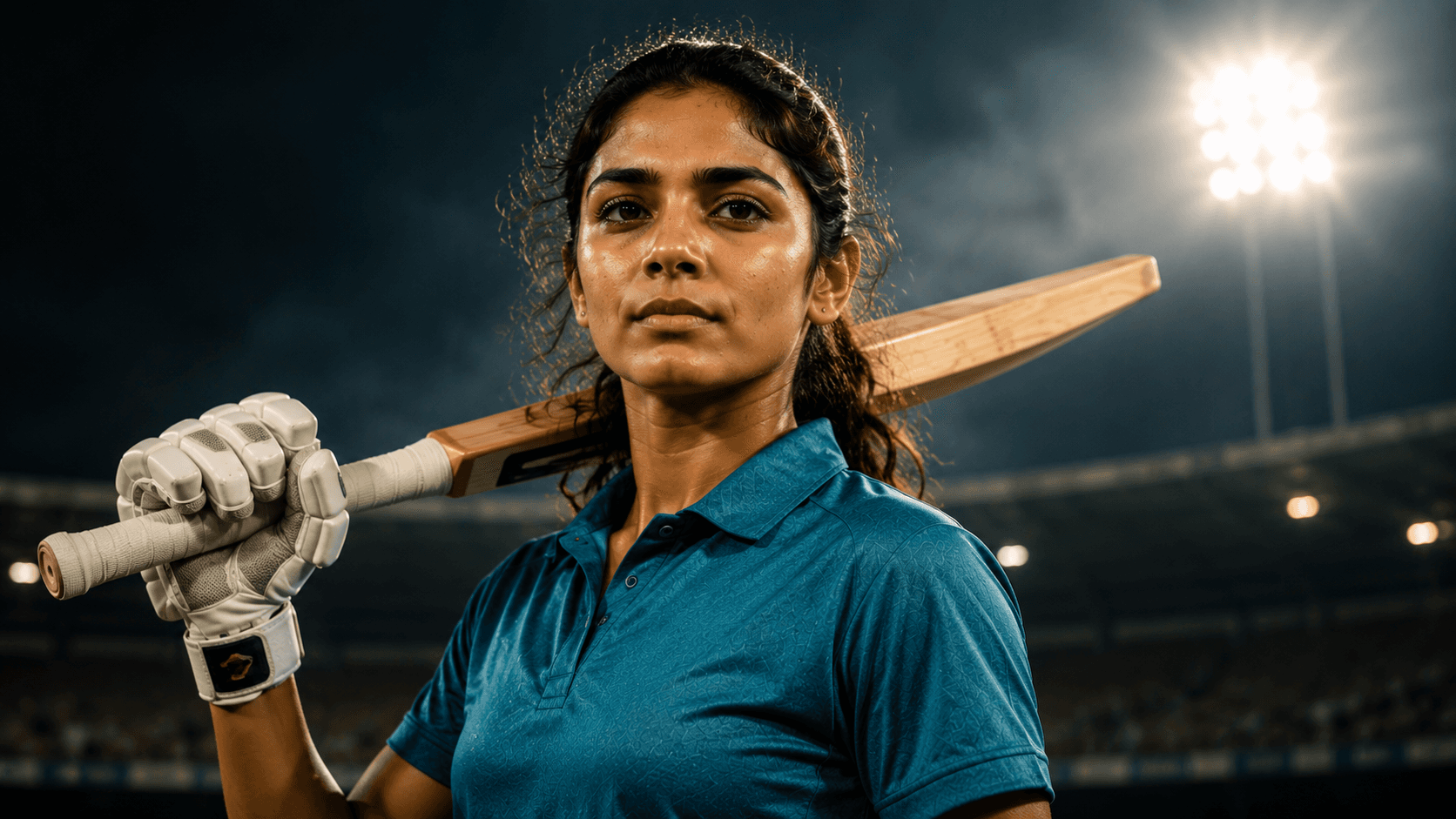
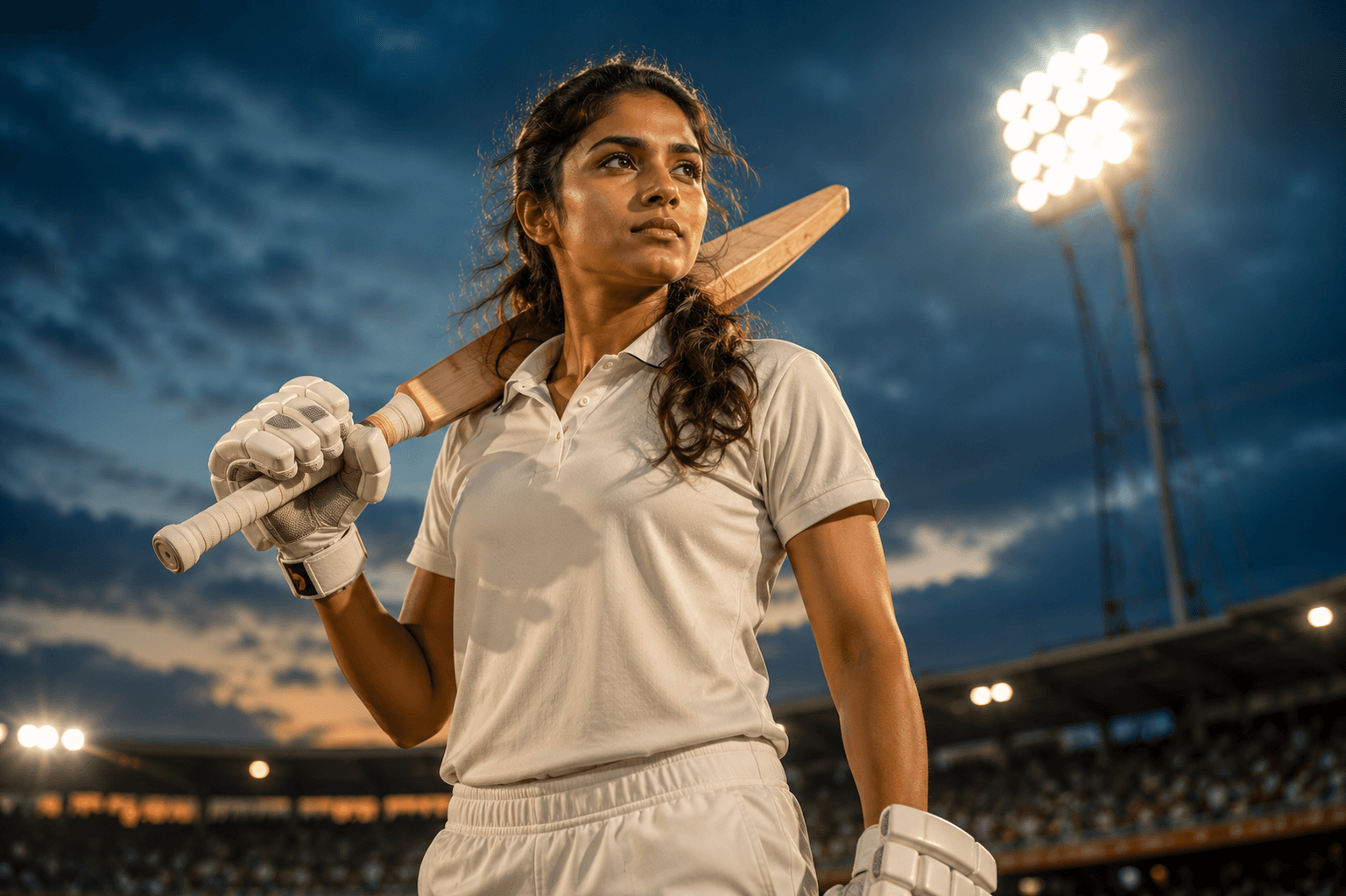
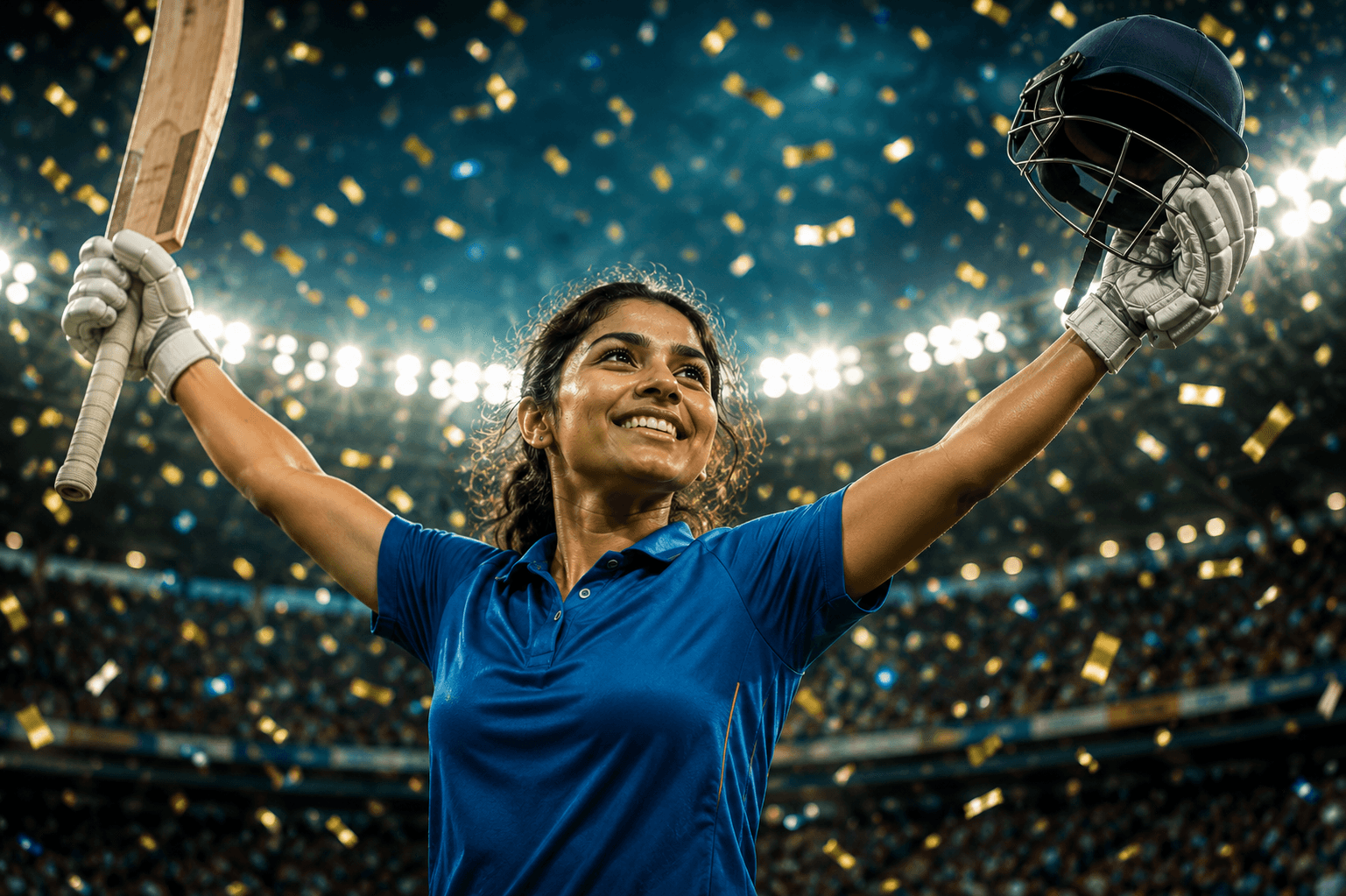
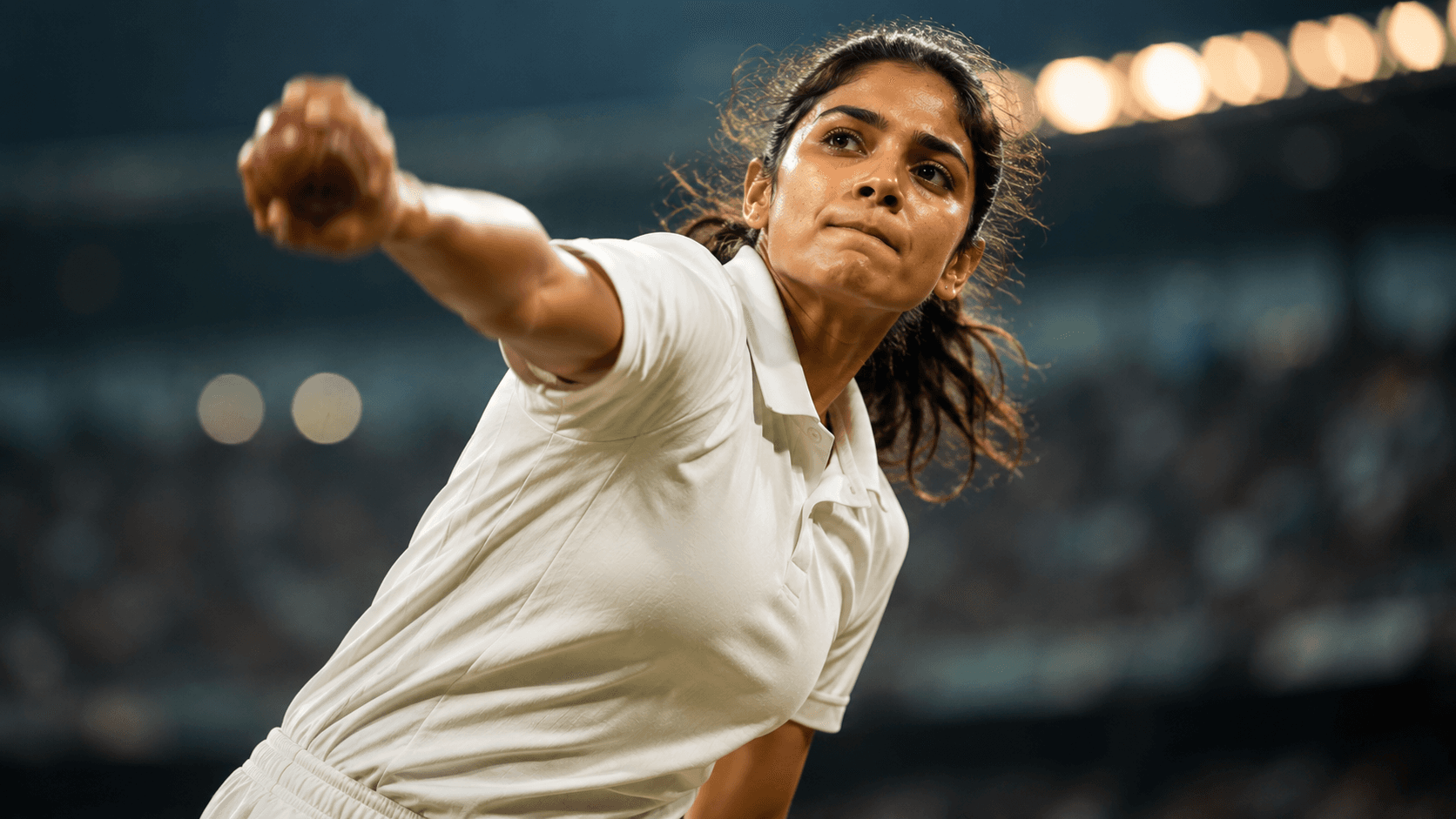
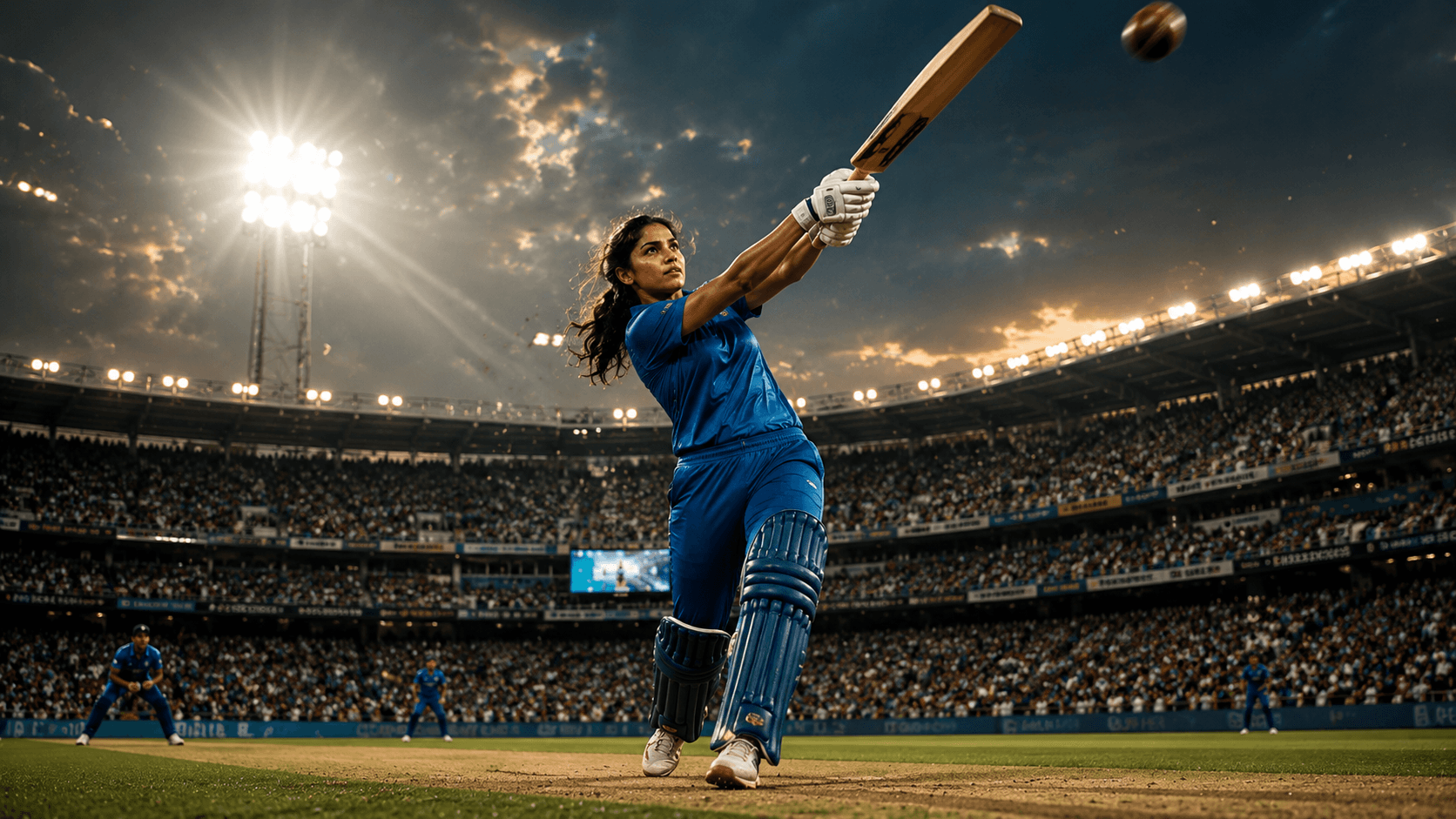
Create an explosive cinematic women's cricket batting portrait capturing the power, precision, and excitement of a match-winning six under dramatic stadium floodlights.

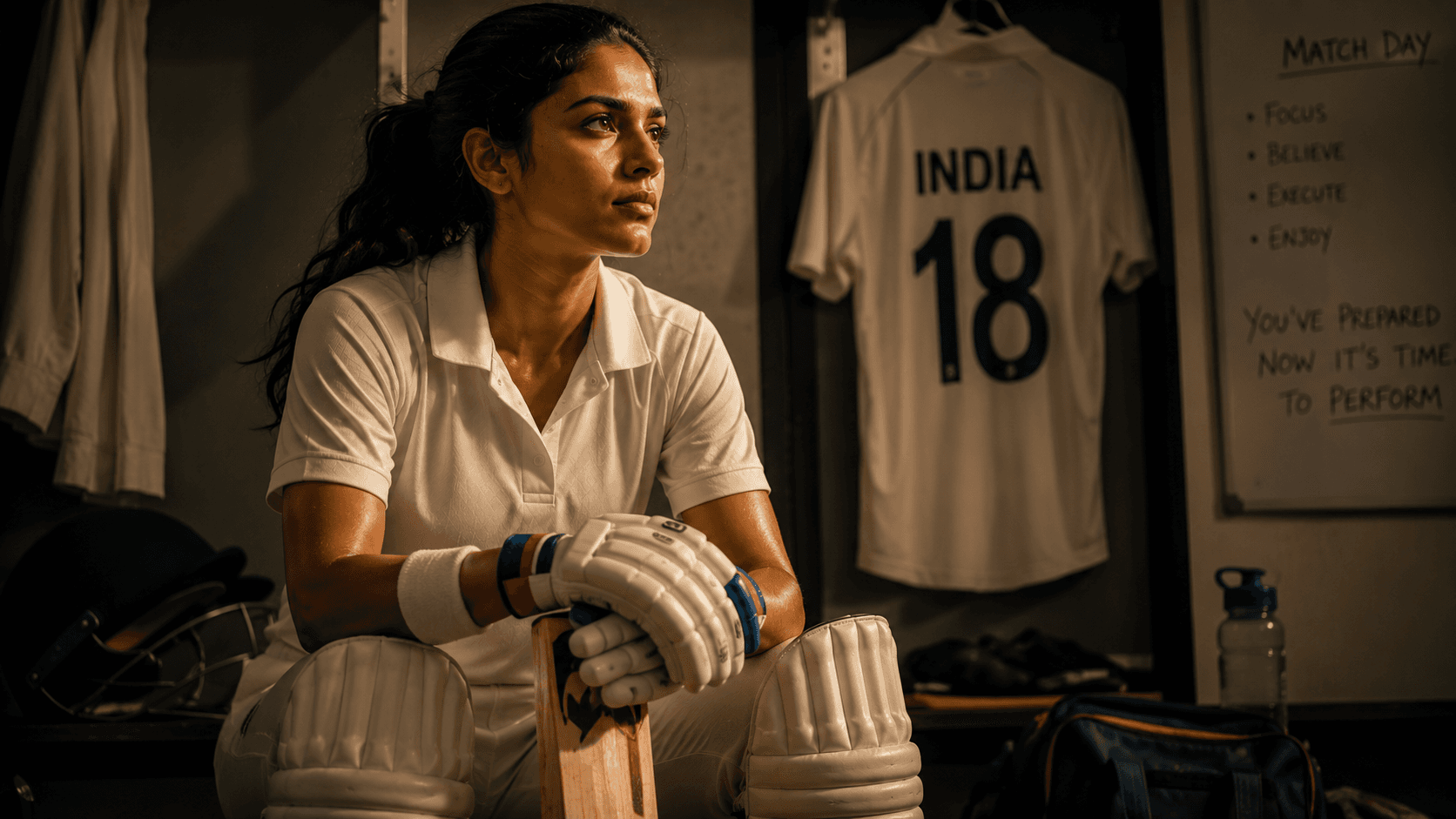
Create a cinematic pre-match dressing room portrait capturing the focus, determination, and leadership of a professional women's cricketer before taking the field.
Review the prompt below before copying it into your preferred AI image generator.
Follow these simple steps to generate the best possible AI image.
Use a clear reference image where the subject's facial features are easy to recognize. A well-lit face helps maintain identity while placing the subject naturally into the professional dressing room setting.
Keep the reference attached and generate a calm seated pose with a focused expression. The subject should appear mentally prepared and confident rather than actively celebrating or posing for the camera.
Place the cricket bat horizontally across the subject's knees with believable hand and body positioning. The bat should feel like part of the player's preparation rather than a decorative prop.
Let the model establish lockers, hanging cricket clothing, batting equipment, pads, gloves, wrist tape, and other match-day items around the subject while keeping the environment realistic and organized.
Generate multiple variations and select the composition with the strongest facial expression, natural seated posture, believable equipment placement, and convincing documentary-style dressing room atmosphere.
Follow these best practices to create higher-quality AI images with better consistency and realism.
A reference with a relaxed or serious expression works especially well because the final portrait depends on communicating quiet concentration rather than an exaggerated emotion.
Inspect the cricket bat carefully for realistic length, thickness, grip, and positioning across the knees. The hands should interact naturally with the bat.
Look for believable cricket equipment such as gloves, pads, wrist tape, and lockers. These details should support the story without making the background feel overcrowded.
The warm dressing room lighting should shape the face gently and create subtle shadows. Avoid variations where harsh highlights or excessive darkness hide important facial details.
The locker area and cricket equipment should establish context while remaining slightly softer than the subject. This keeps the leadership expression and pre-match mood as the visual focus.
This prompt benefits from an image model that can preserve a recognizable subject while constructing a believable professional cricket dressing room, realistic equipment placement, quiet pre-match emotion, and documentary-style sports lighting.
A strong option for refining the subject's identity, focused expression, seated composition, cricket equipment placement, and intimate pre-match storytelling.
Useful for experimenting with realistic dressing rooms, lockers, cricket equipment, warm indoor lighting, and professional pre-match environments.
Discover more prompts from this category.
Explore hundreds of free AI prompts across different categories. Whether you're creating realistic images, cinematic scenes, anime artwork, seasonal content, sports visuals, or social media graphics, PromptGenz has prompts designed to help you get better AI-generated results.