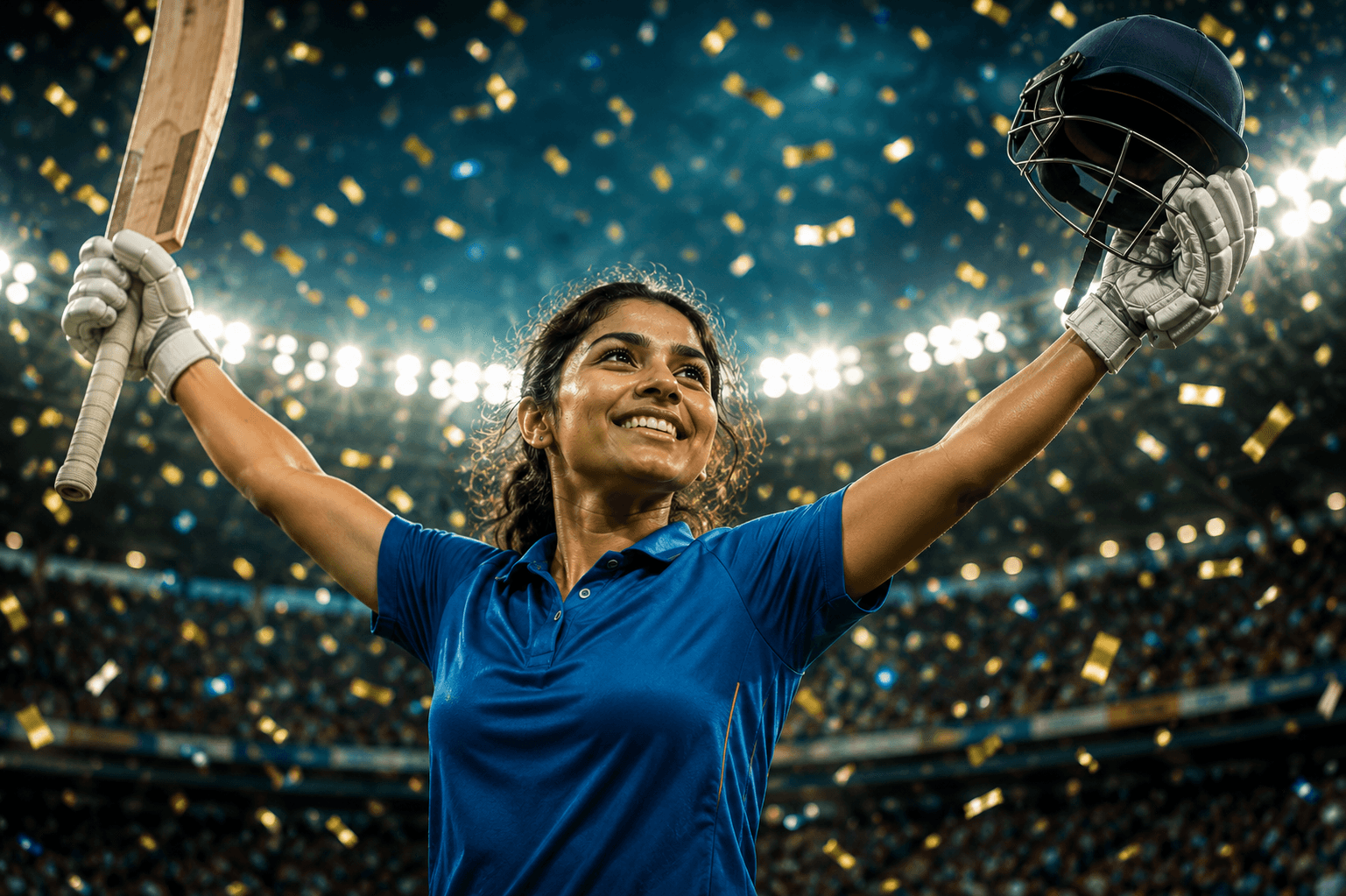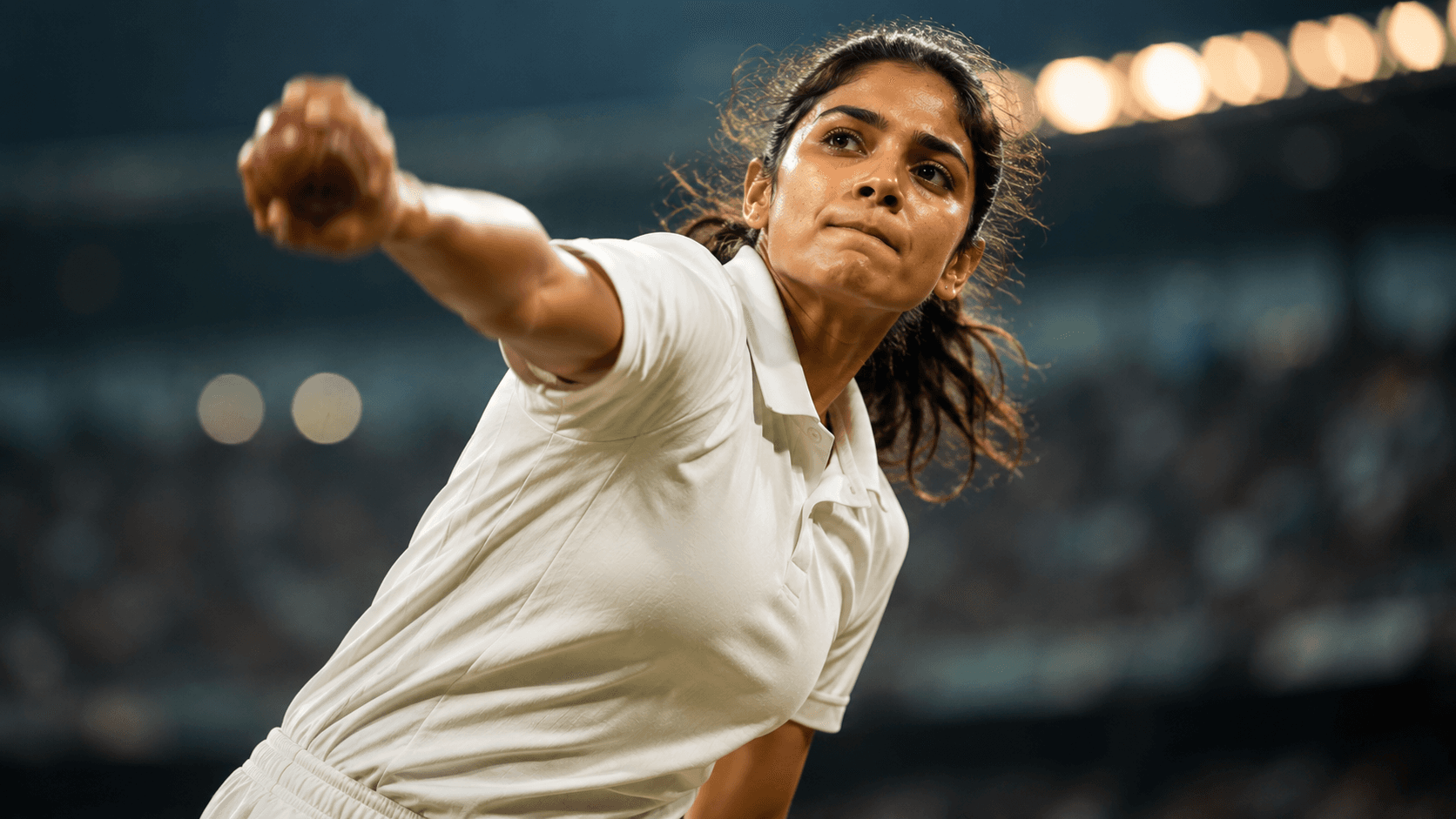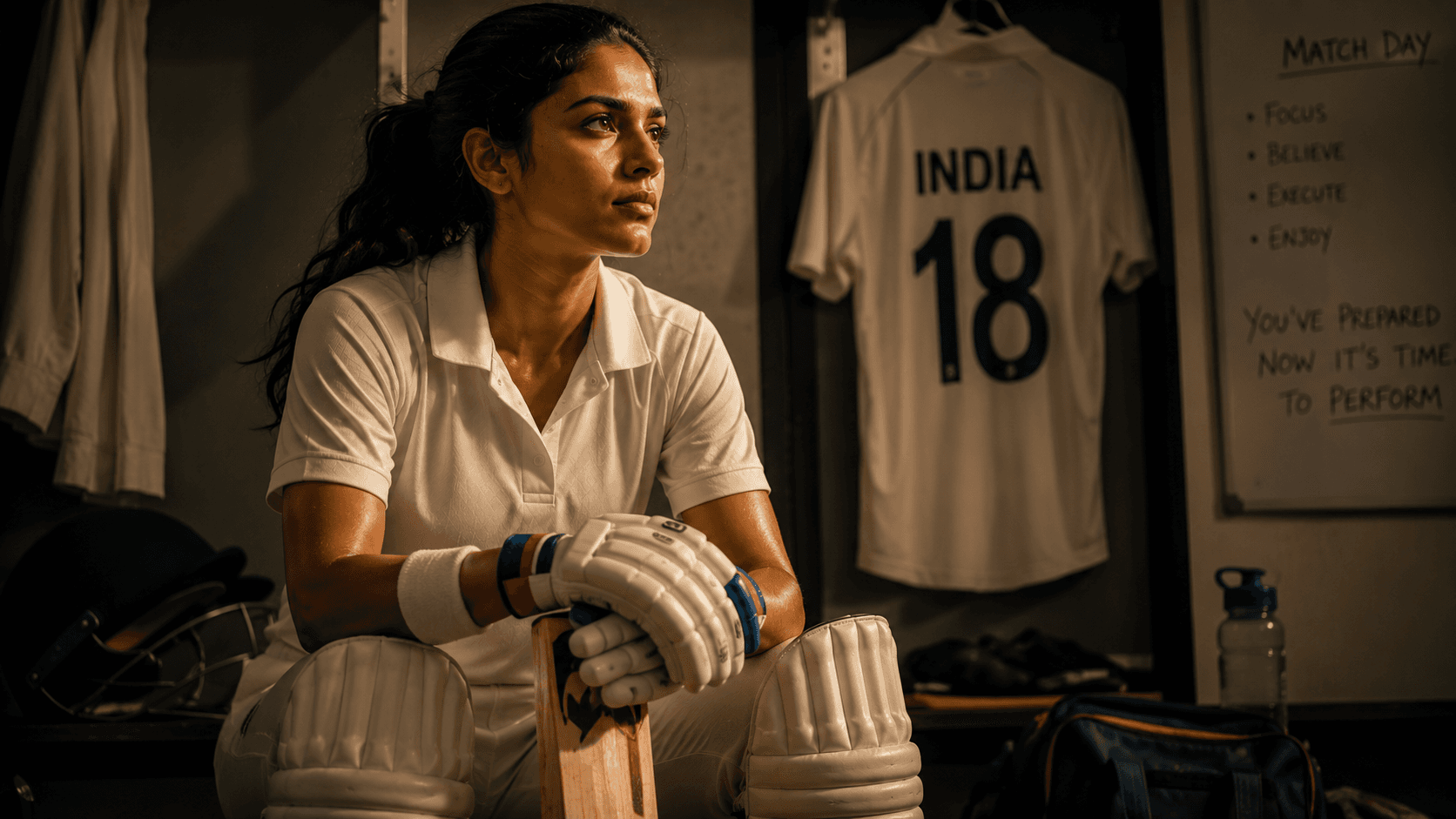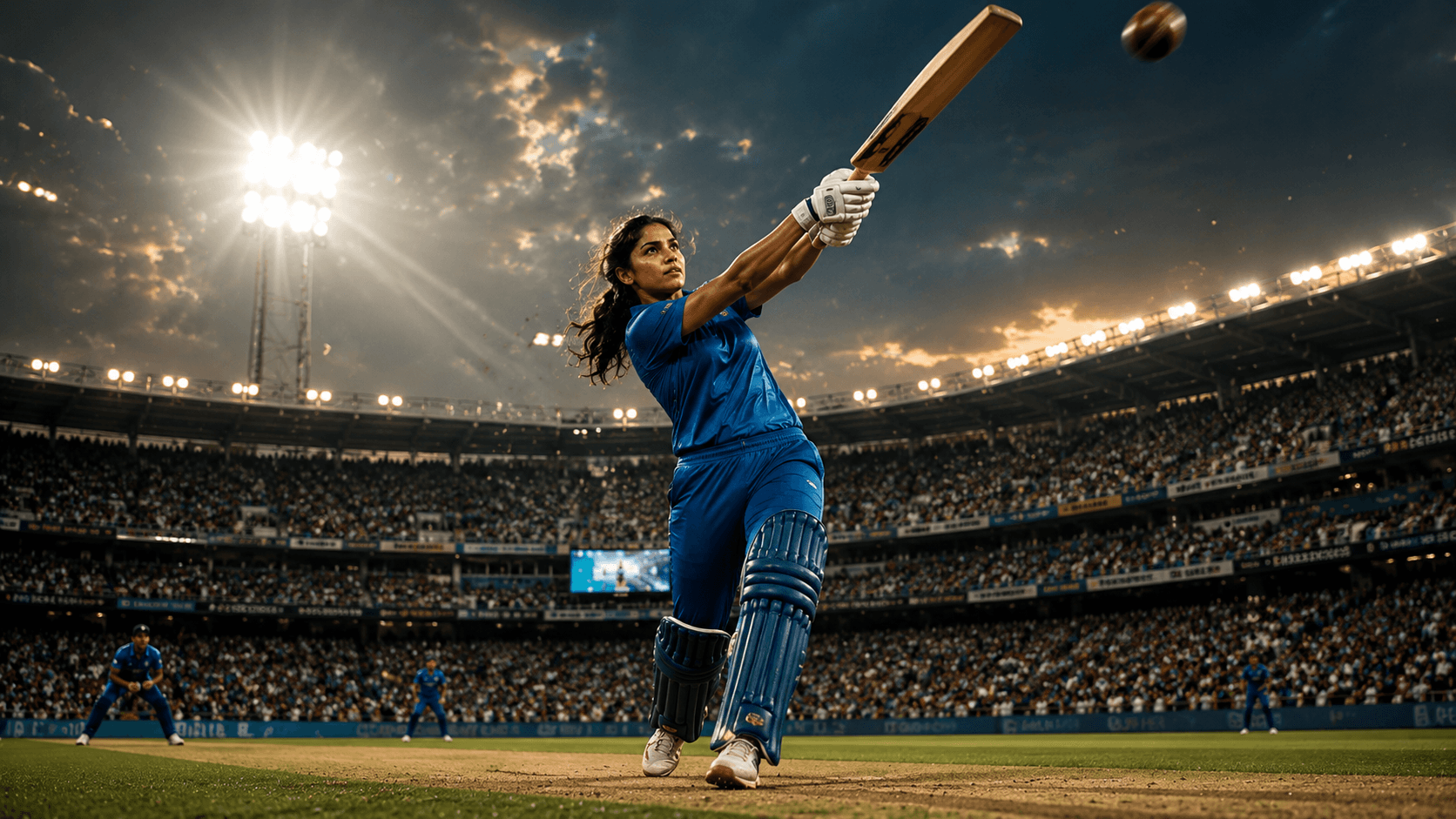
Cricket Queen Portrait
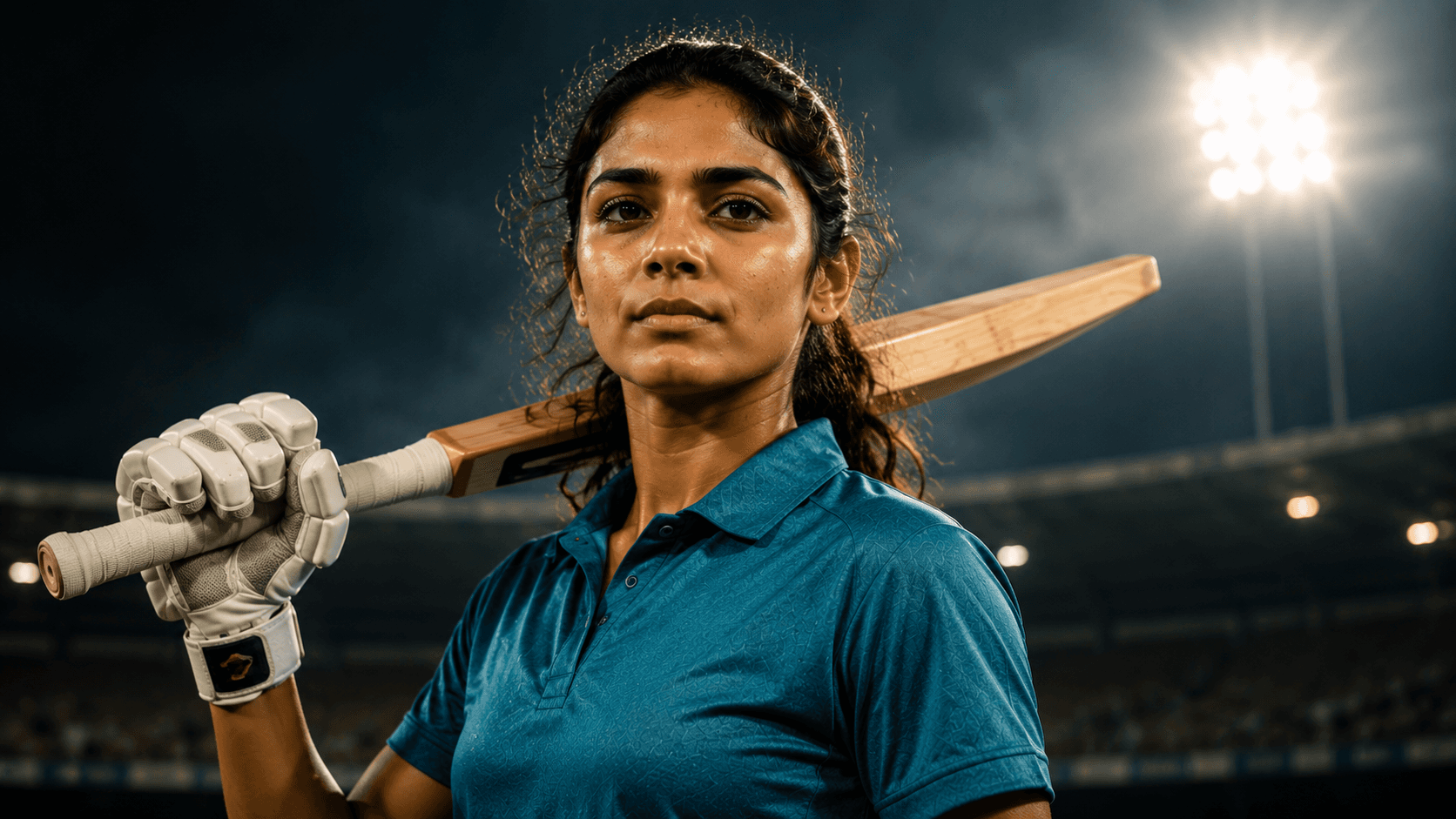
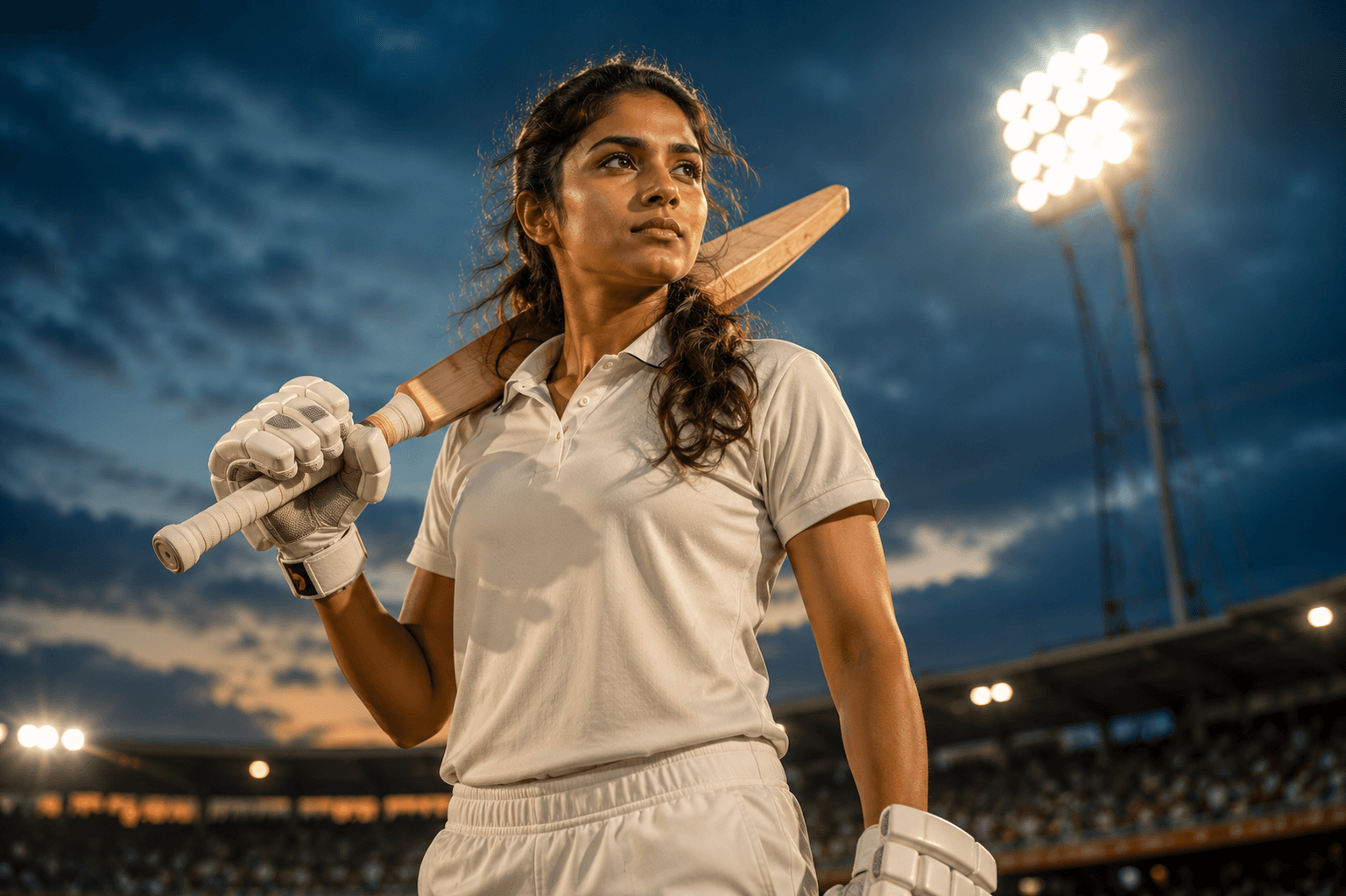
Create a powerful cinematic women's cricket portrait under glowing stadium floodlights, featuring confidence, determination, and a premium sports editorial aesthetic.

Create a premium sports magazine cover portrait of a rising Indian female cricketer, featuring confident editorial styling, studio-quality lighting, and an inspiring championship atmosphere.
Review the prompt below before copying it into your preferred AI image generator.
Follow these simple steps to generate the best possible AI image.
Use a clear reference image with the subject's face visible and well defined. This gives the model a strong foundation for preserving recognizable features in the polished magazine portrait.
Keep the reference attached while introducing the clean teal cricket jersey, professional sports styling, cricket bat, and confident appearance described in the prompt.
Generate a relaxed but confident standing pose with the cricket bat resting naturally over one shoulder. The posture should communicate ambition and leadership without looking overly staged.
Combine a subtle stadium atmosphere with controlled studio-style lighting. Keep the background refined and understated so the portrait maintains the polished appearance of a premium sports publication.
Generate multiple variations and select the result with the strongest facial clarity, natural bat placement, confident posture, balanced lighting, and sufficient visual space for a magazine-cover layout.
Follow these best practices to create higher-quality AI images with better consistency and realism.
A sharp reference image helps preserve facial structure and recognizable features, which is especially important for a close editorial portrait.
The bat should reinforce the athlete's identity without becoming the dominant element. Check that it rests naturally on the shoulder and maintains realistic proportions.
Look for an expression that combines determination with a natural, approachable presence. This helps the portrait feel like a professional athlete profile rather than an aggressive action shot.
Studio-style illumination should produce clean facial highlights and controlled shadows. Avoid excessive dramatic effects that could make the portrait feel more like a match-action image.
Select a composition with clean negative space around the subject, particularly near the upper portion of the frame, so magazine headlines or cover elements can be added later without covering the face.
This prompt benefits from an image model capable of maintaining subject identity while producing polished sports-editorial portraits, professional studio lighting, realistic cricket equipment, confident posing, and magazine-ready composition.
A strong option for refining the subject's appearance, confident posture, facial expression, cricket styling, lighting, and overall magazine-cover presentation.
Useful for experimenting with polished cricket portraits, subtle stadium backgrounds, professional lighting, athletic styling, and premium sports-editorial compositions.
Discover more prompts from this category.
Explore hundreds of free AI prompts across different categories. Whether you're creating realistic images, cinematic scenes, anime artwork, seasonal content, sports visuals, or social media graphics, PromptGenz has prompts designed to help you get better AI-generated results.