Rising Star Edit
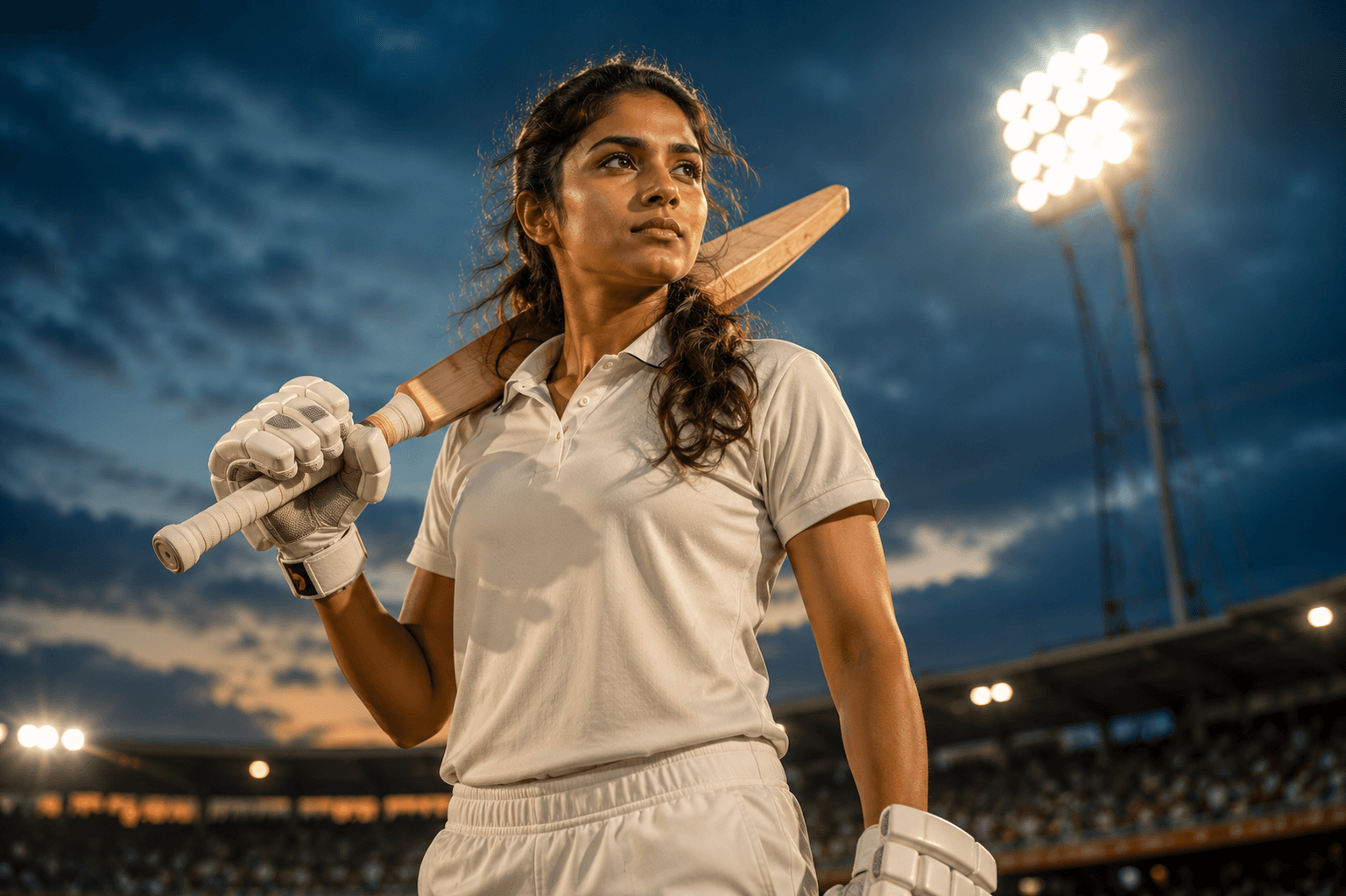
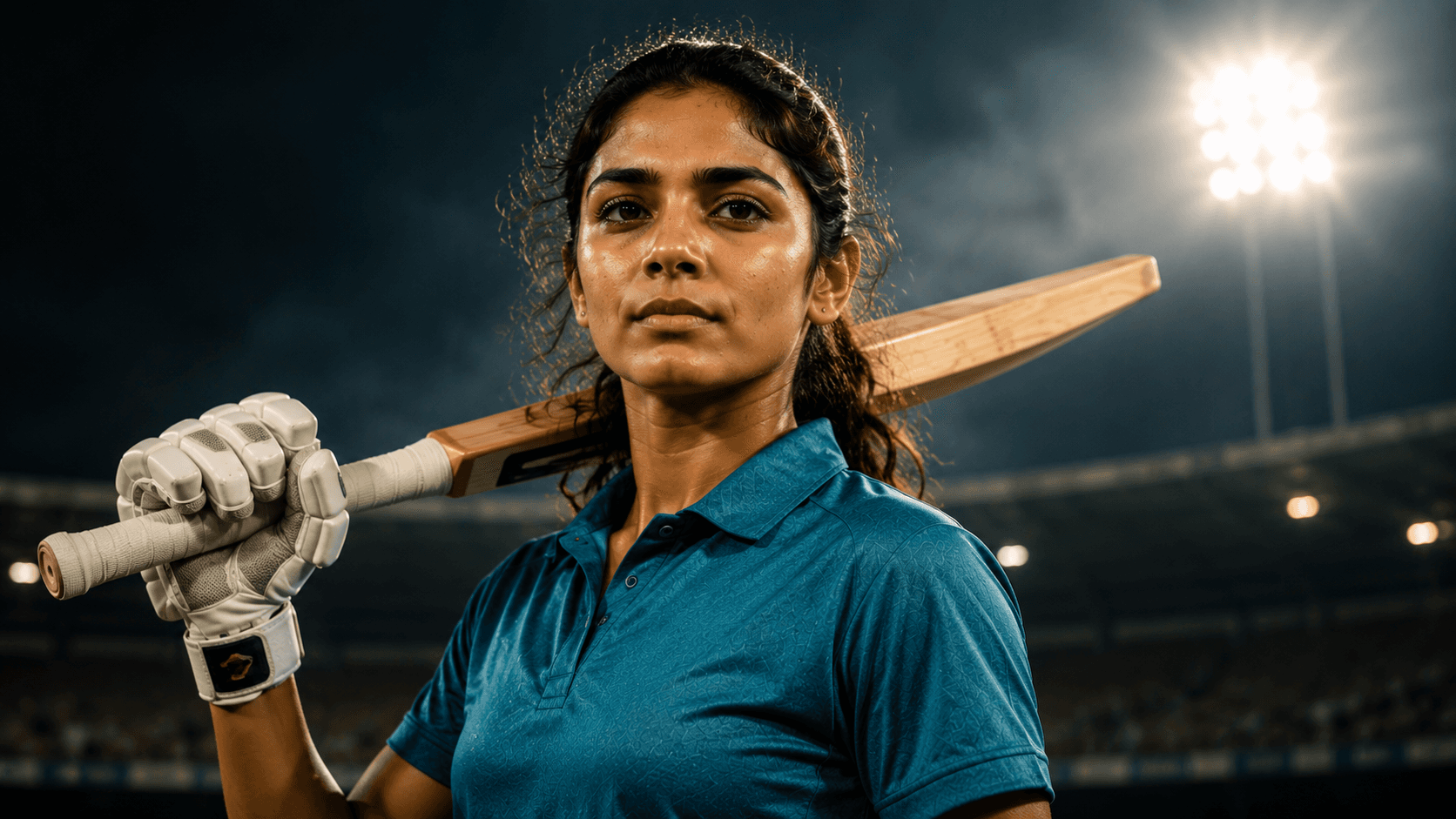
Create a premium sports magazine cover portrait of a rising Indian female cricketer, featuring confident editorial styling, studio-quality lighting, and an inspiring championship atmosphere.

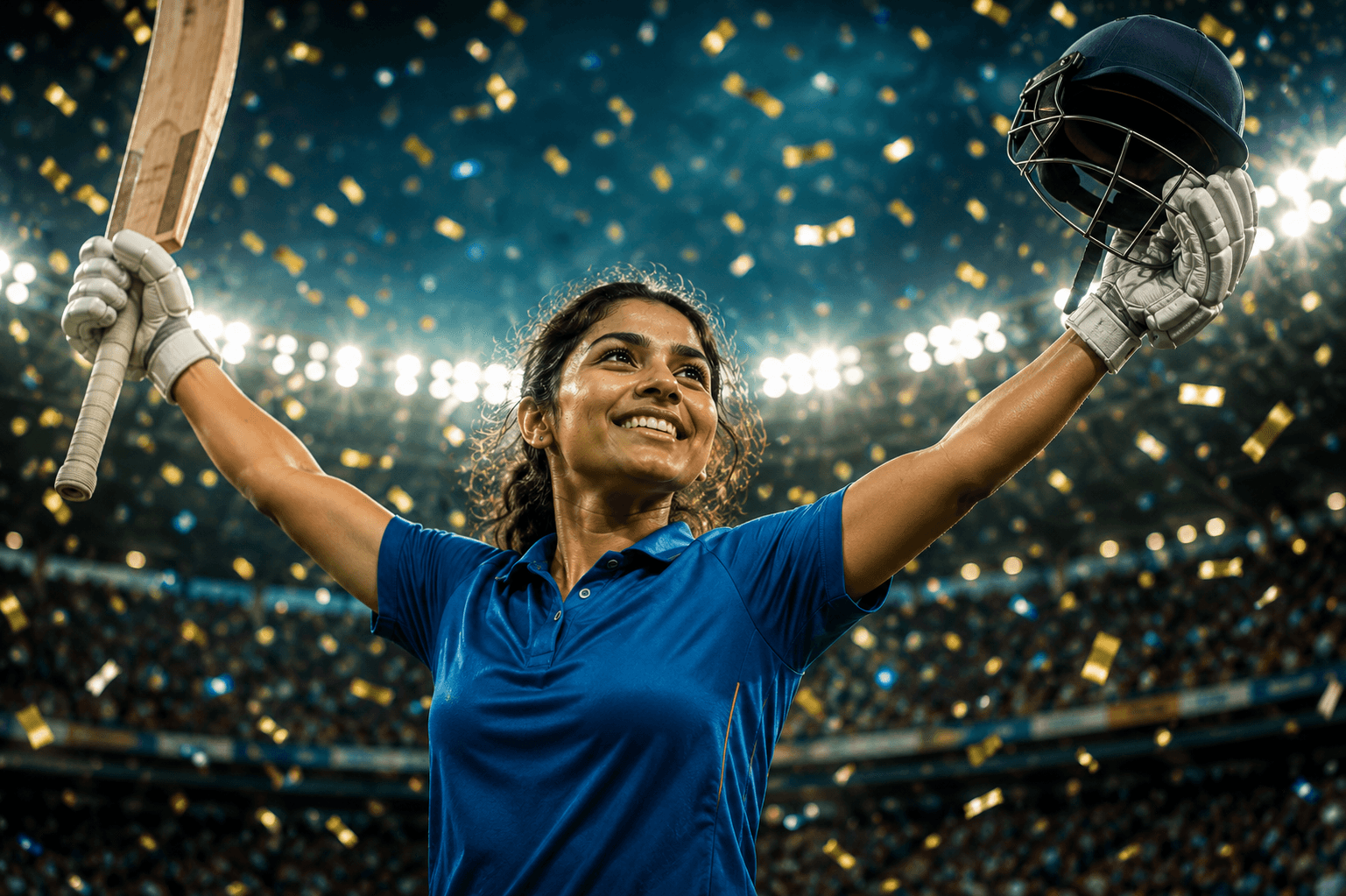
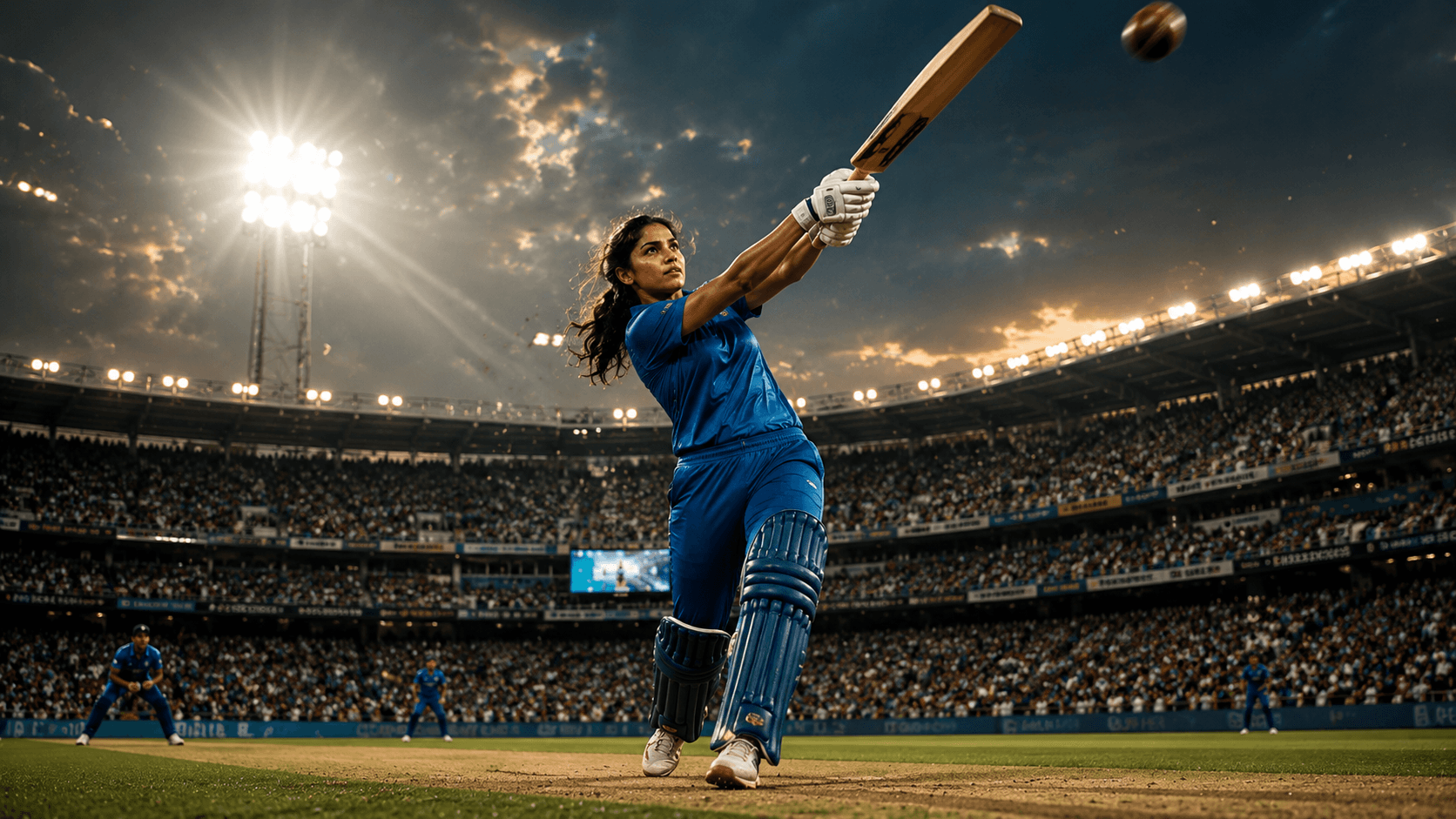
Create an explosive cinematic women's cricket batting portrait capturing the power, precision, and excitement of a match-winning six under dramatic stadium floodlights.
Review the prompt below before copying it into your preferred AI image generator.
Follow these simple steps to generate the best possible AI image.
Use a clear reference image where the subject's face and upper body are recognizable. A useful reference helps preserve identity while allowing the model to construct the powerful post-shot batting pose.
Keep the reference attached and generate the player immediately after connecting with the ball. The bat should be fully extended with a believable follow-through and balanced athletic posture.
Position the cricket ball naturally toward the upper portion of the frame with controlled motion blur. The ball's trajectory should visually communicate the power and speed of the shot.
Create a packed stadium filled with cheering spectators and dramatic floodlights. Use the background energy and god rays to reinforce the importance of the match-winning shot.
Generate several variations and inspect the bat angle, grip, shoulders, hips, legs, and foot placement. Select the frame with the most convincing follow-through and athletic balance.
Follow these best practices to create higher-quality AI images with better consistency and realism.
A sharp face makes identity preservation easier when the generated pose introduces significant body movement and a wide-angle sports composition.
The hands should grip the bat naturally and the bat should connect convincingly with the player's arms. Inspect the handle, fingers, and bat proportions carefully.
The player's shoulders, hips, arms, and legs should work together as one continuous batting movement. Avoid poses where the body appears frozen or mechanically arranged.
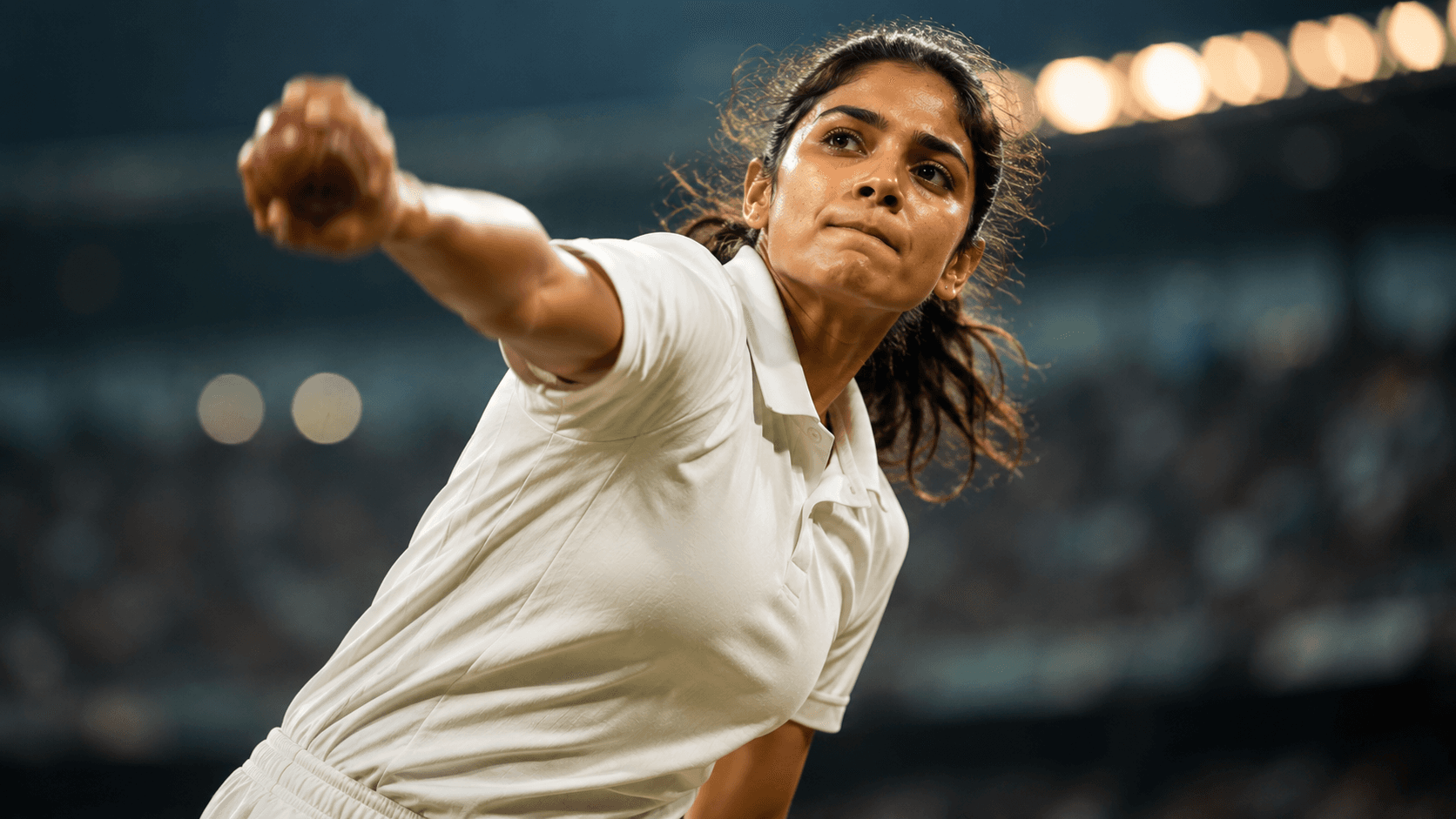
The cricket ball should show enough motion blur to communicate speed while remaining identifiable. Excessive blur can make the ball appear distorted or disconnected from the shot.
The low-angle 35mm composition should make the player feel powerful while retaining realistic proportions. Check that the wide perspective does not unnaturally enlarge the hands, bat, or feet.
This prompt benefits from an image model capable of generating believable cricket batting mechanics, dynamic follow-through movement, realistic ball motion, accurate athletic anatomy, and dramatic stadium lighting while preserving the subject's recognizable appearance.
A strong option for refining the batting follow-through, facial identity, hand and bat positioning, athletic balance, and cinematic sports composition.
Useful for experimenting with packed stadium environments, dramatic floodlights, cheering crowds, motion effects, and energetic cricket action scenes.
Discover more prompts from this category.
Explore hundreds of free AI prompts across different categories. Whether you're creating realistic images, cinematic scenes, anime artwork, seasonal content, sports visuals, or social media graphics, PromptGenz has prompts designed to help you get better AI-generated results.