Dressing Room Leader
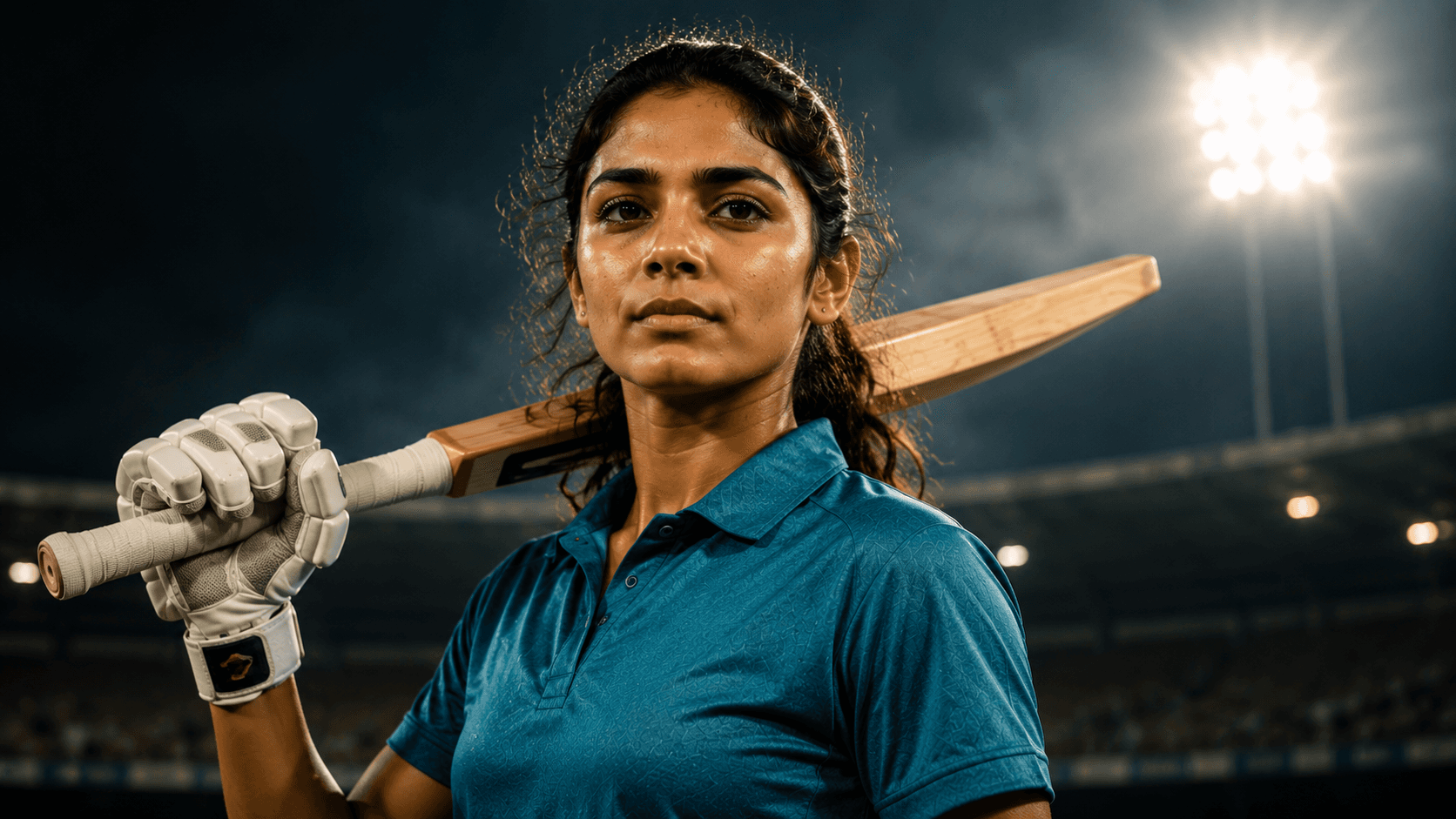
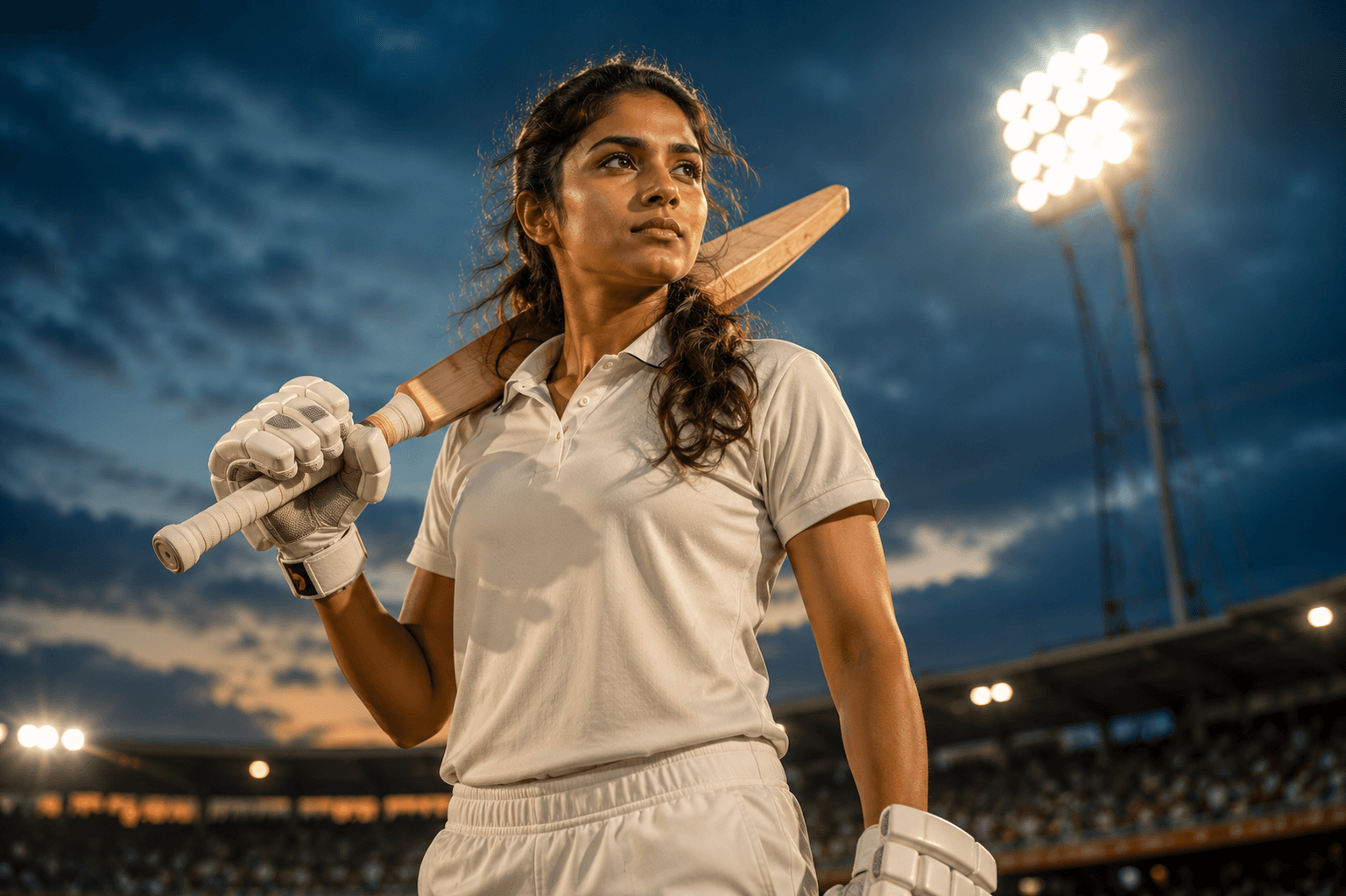
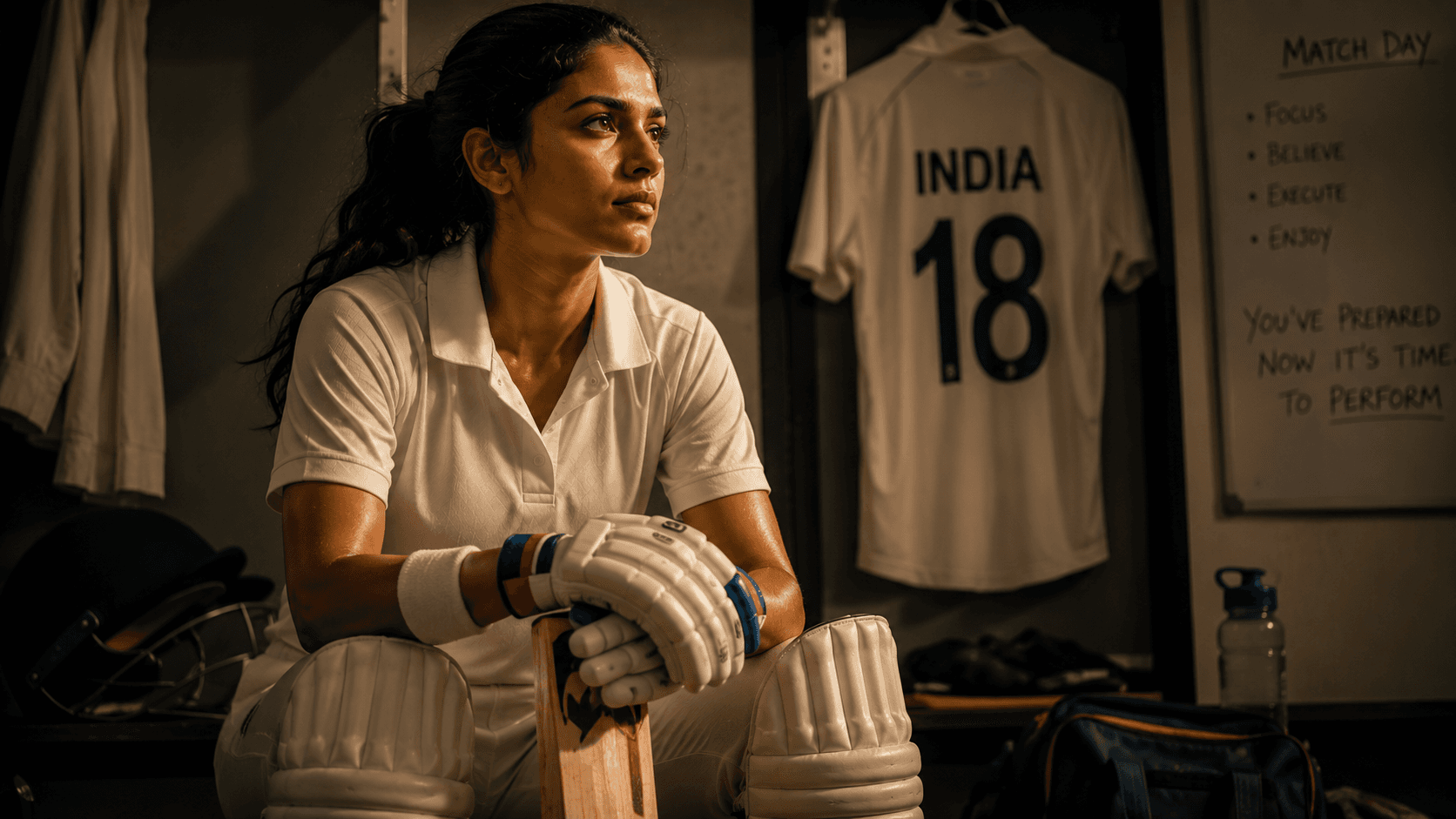
Create a cinematic pre-match dressing room portrait capturing the focus, determination, and leadership of a professional women's cricketer before taking the field.

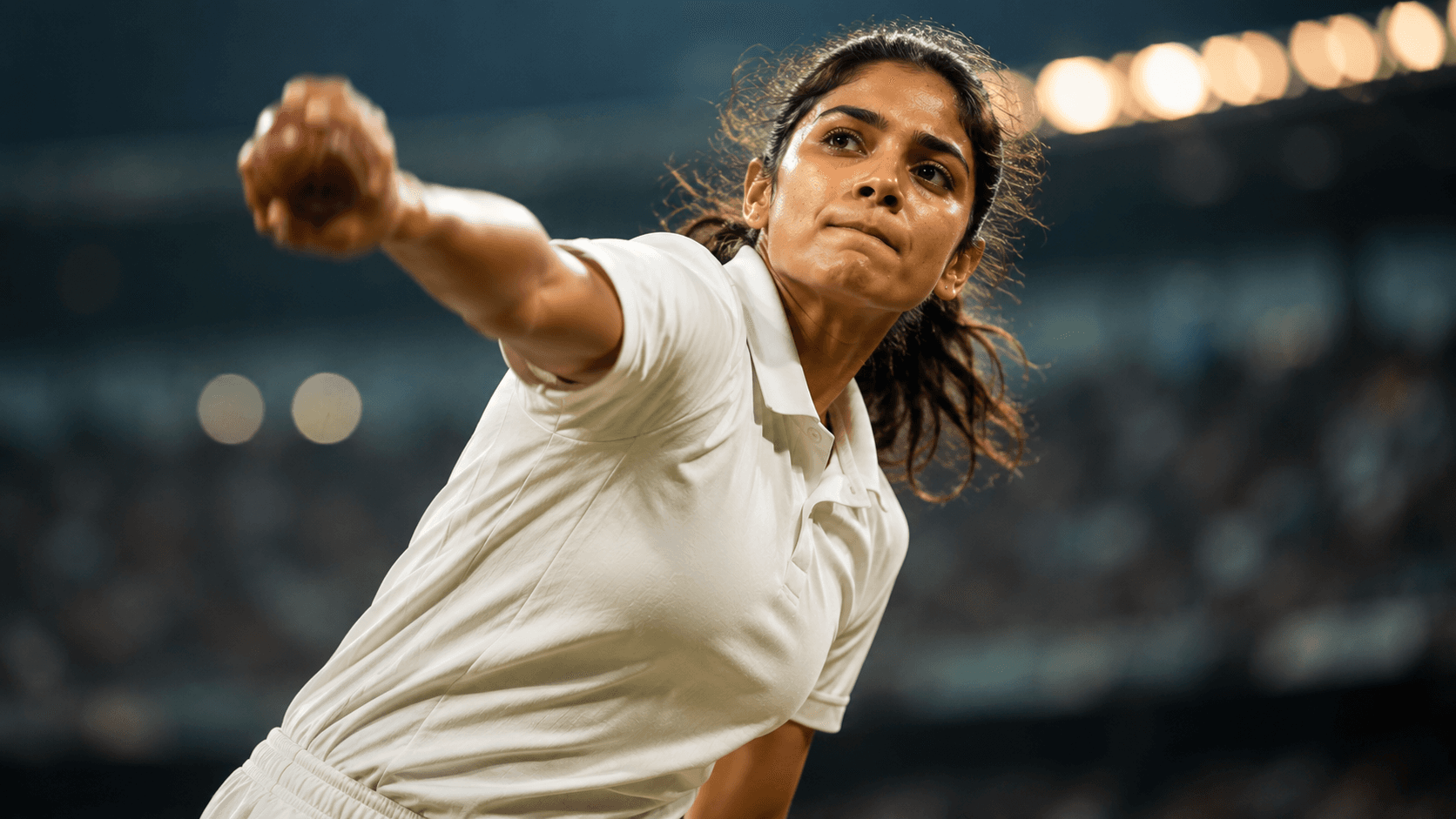
Create a dynamic cinematic women's cricket bowling portrait capturing explosive pace, intense focus, and dramatic stadium lighting in a premium sports editorial style.
Review the prompt below before copying it into your preferred AI image generator.
Follow these simple steps to generate the best possible AI image.
Use a clear reference image with the subject's face and upper body visible. A recognizable face gives the model a stronger foundation for preserving identity during the high-energy bowling transformation.
Keep the reference attached and generate the subject in a realistic fast-bowling delivery stride, with the bowling arm fully extended and the body positioned naturally at the point of ball release.
Keep the facial area crisp while allowing controlled motion blur around the bowling arm and other fast-moving elements. This creates the impression of explosive pace without sacrificing facial clarity.
Create the professional match environment with powerful stadium floodlights, subtle rim lighting, atmospheric depth, and a softly blurred crowd behind the bowler.
Generate several variations and inspect the bowling arm, shoulders, legs, cricket shoes, body balance, and release position. Select the frame with the most convincing athletic movement and anatomy.
Follow these best practices to create higher-quality AI images with better consistency and realism.
A sharp facial reference helps maintain recognizable features even when the generated composition introduces a completely different athletic pose and professional cricket environment.
The extended bowling arm should connect naturally to the shoulder and hand. Look for believable elbow positioning, correct proportions, and motion blur that follows the direction of movement.
The contrast between a sharp face and controlled motion blur is a key visual feature of this prompt. Avoid variations where blur spreads across the eyes or facial structure.
Inspect the bowler's legs and feet for natural balance during delivery. Cricket shoes should remain correctly attached to the feet and positioned consistently with the bowling action.
Strong stadium lights should create a subtle glowing edge around the athlete without washing out the subject. This helps separate the bowler from the darker stadium background.
This prompt benefits from an image model capable of handling realistic athletic motion, cricket bowling mechanics, facial identity preservation, controlled motion blur, and dramatic stadium lighting while maintaining accurate human anatomy.
A strong option for refining the bowling pose, facial clarity, athletic proportions, motion effects, and cinematic sports portrait composition.
Useful for experimenting with professional cricket stadiums, floodlight effects, atmospheric backgrounds, athletic movement, and dramatic action photography.
Discover more prompts from this category.
Explore hundreds of free AI prompts across different categories. Whether you're creating realistic images, cinematic scenes, anime artwork, seasonal content, sports visuals, or social media graphics, PromptGenz has prompts designed to help you get better AI-generated results.