Distance Can't Break Our Bond
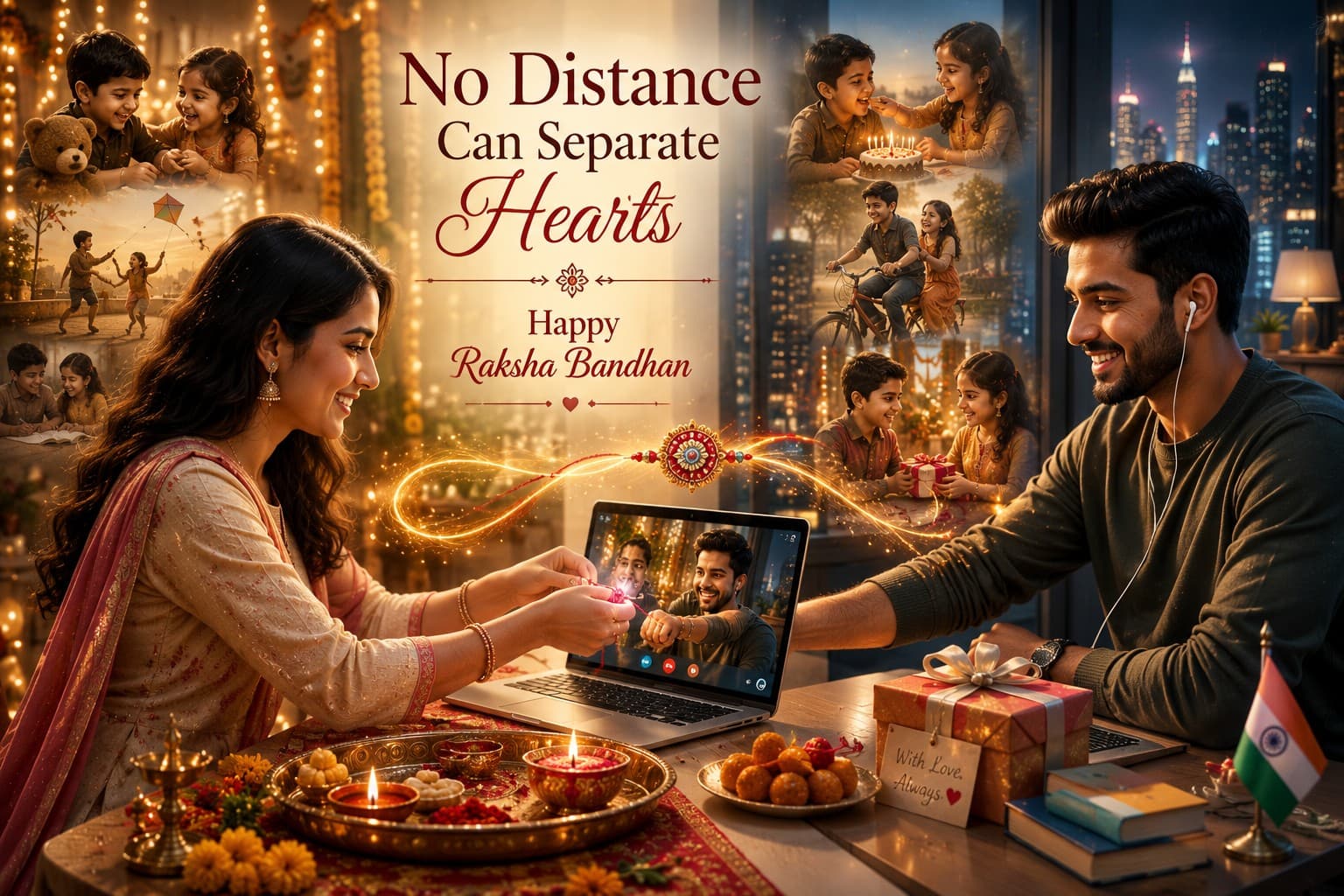
Create a heartfelt Raksha Bandhan portrait celebrating the unbreakable bond between siblings across cities and countries through an emotional virtual celebration and cinematic storytelling.

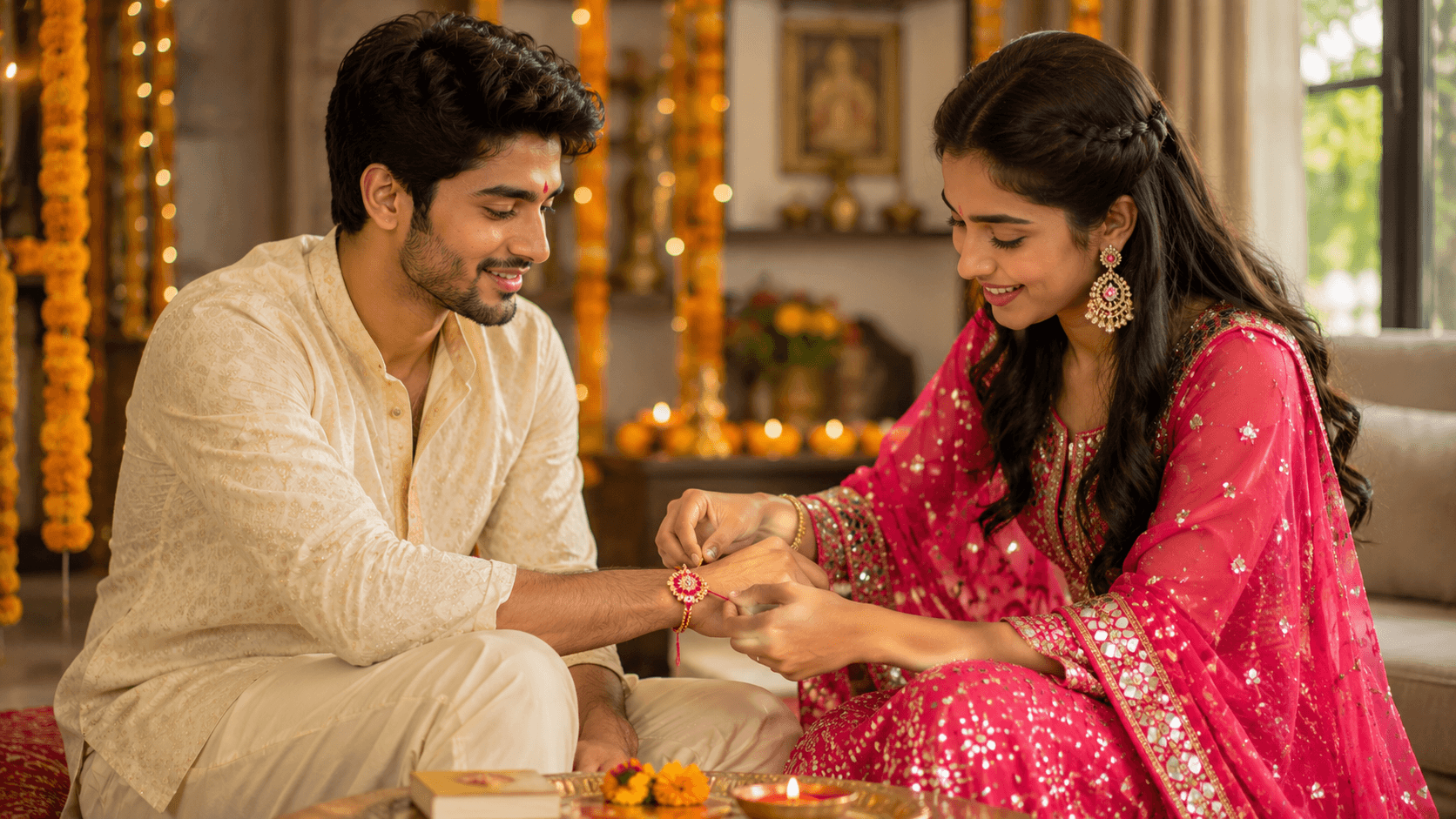
Create a heartfelt Raksha Bandhan portrait celebrating the beautiful bond between brother and sister with traditional Indian attire, warm family moments, and festive home décor.
Review the prompt below before copying it into your preferred AI image generator.
Follow these simple steps to generate the best possible AI image.
Upload clear reference images of the brother and sister when available. Individual photos with visible faces help preserve both identities naturally in the shared portrait.
Select references with relaxed or cheerful expressions. This makes it easier to create the genuine warmth and sibling connection required for the Raksha Bandhan moment.
Run the complete prompt and allow the AI to compose the rakhi-tying interaction, traditional clothing, decorated home, and soft window-light setting together.
If the hands, Rakhi, clothing, or sibling positioning look unnatural, regenerate while focusing the refinement on that specific element.
Follow these best practices to create higher-quality AI images with better consistency and realism.
When supplying two photos, use images with reasonably similar image quality and lighting so both siblings can be integrated more naturally.
The sister tying the Rakhi should remain the central action. Make sure the brother's wrist and the Rakhi are clearly visible in the final composition.
Marigold garlands, diyas, and rangoli should enrich the festive setting without becoming more prominent than the siblings.
The vibrant pink lehenga and cream kurta create useful visual separation between the siblings. Keep their outfits distinct and naturally detailed.
Inspect the final image for natural hand anatomy, correct Rakhi placement, realistic jewellery, and believable fabric details before selecting the strongest result.
This family portrait benefits from models that can manage two-person identity preservation, hand interactions, traditional clothing, and intimate indoor storytelling while maintaining realistic facial details.
A strong option when preserving both sibling appearances and accurately following the specific Rakhi-tying interaction are the main priorities.
Useful for exploring warm family compositions with traditional décor, natural indoor lighting, and festive storytelling.
Discover more prompts from this category.
Explore hundreds of free AI prompts across different categories. Whether you're creating realistic images, cinematic scenes, anime artwork, seasonal content, sports visuals, or social media graphics, PromptGenz has prompts designed to help you get better AI-generated results.