Watercolor Portrait
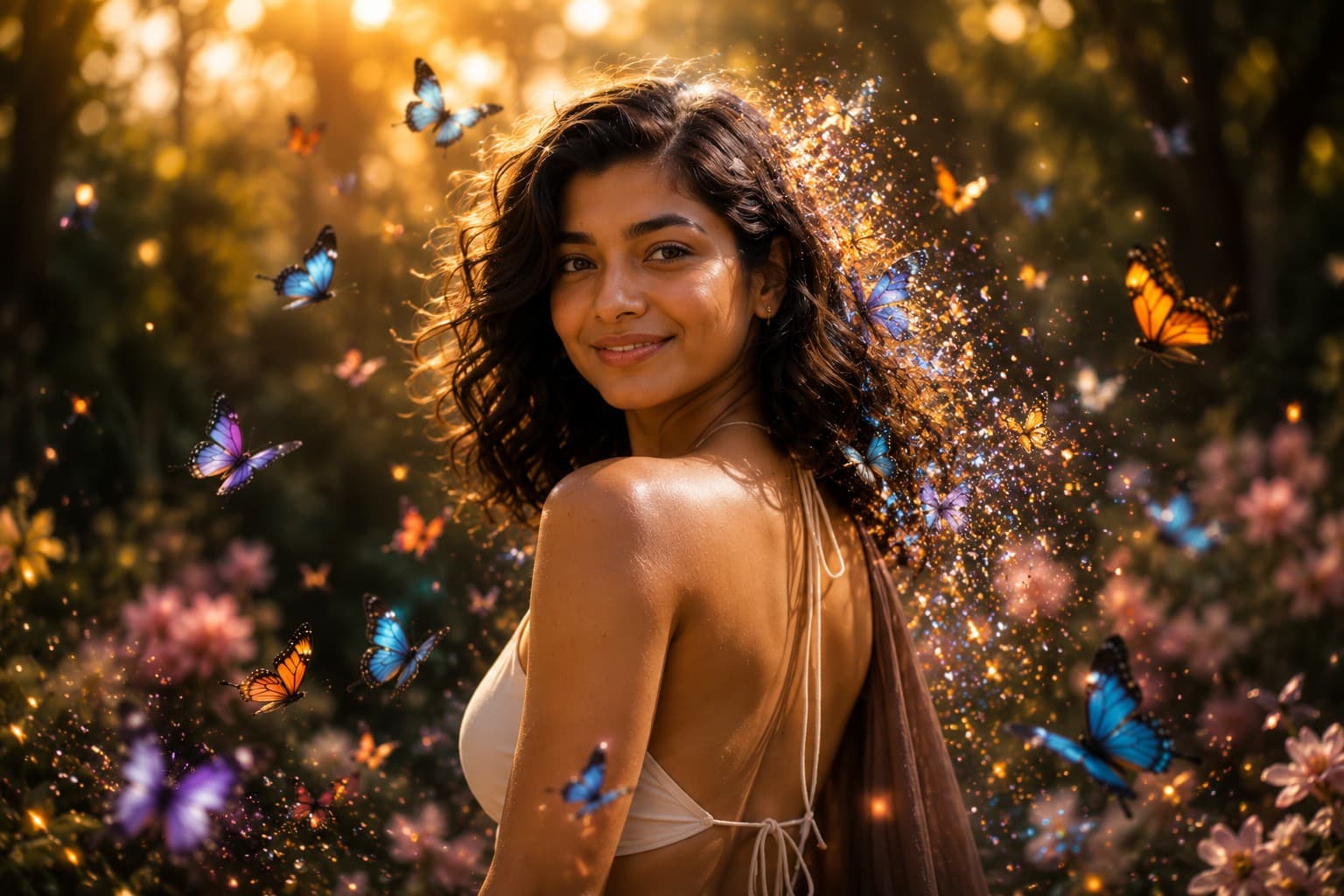
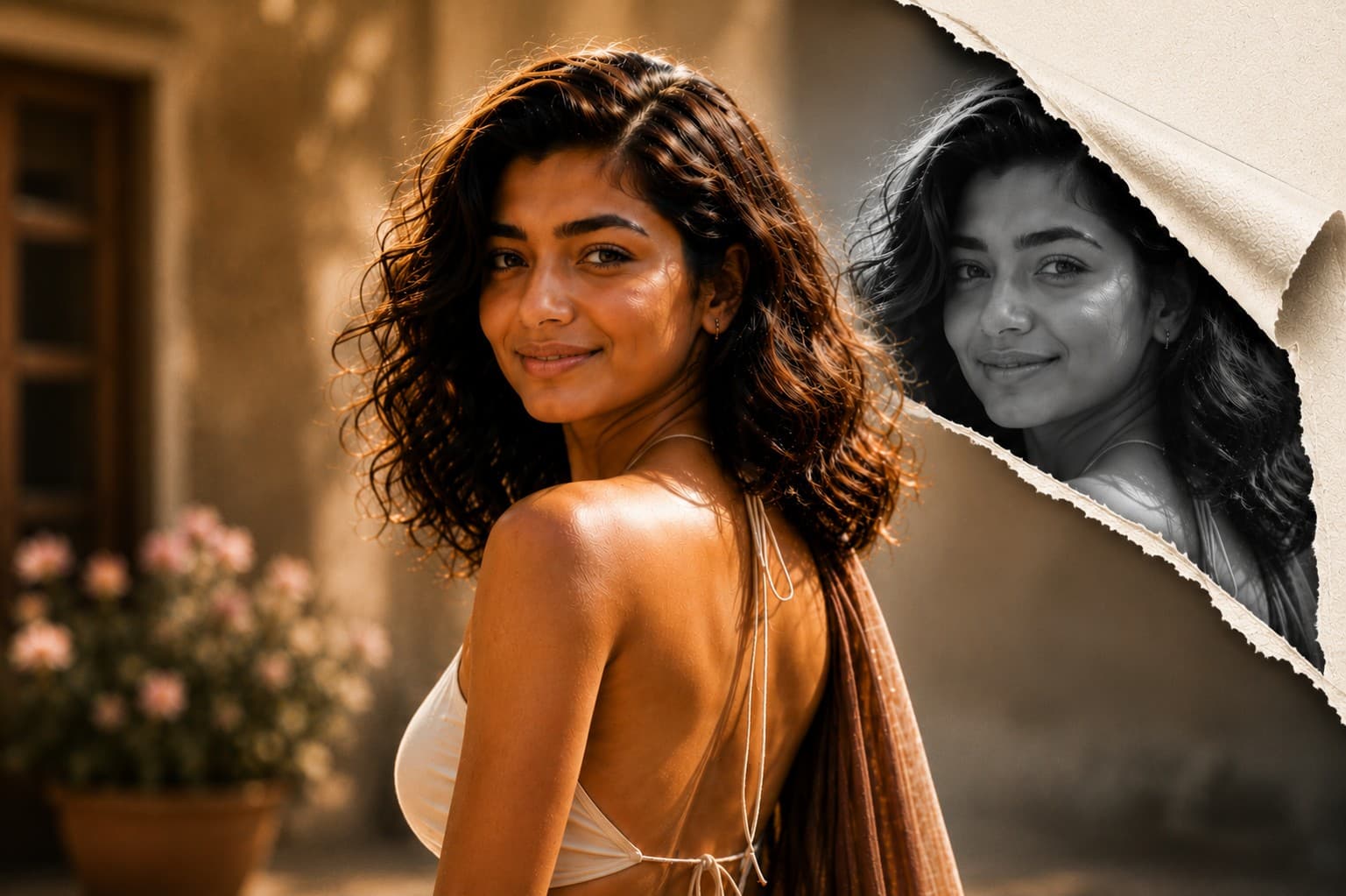
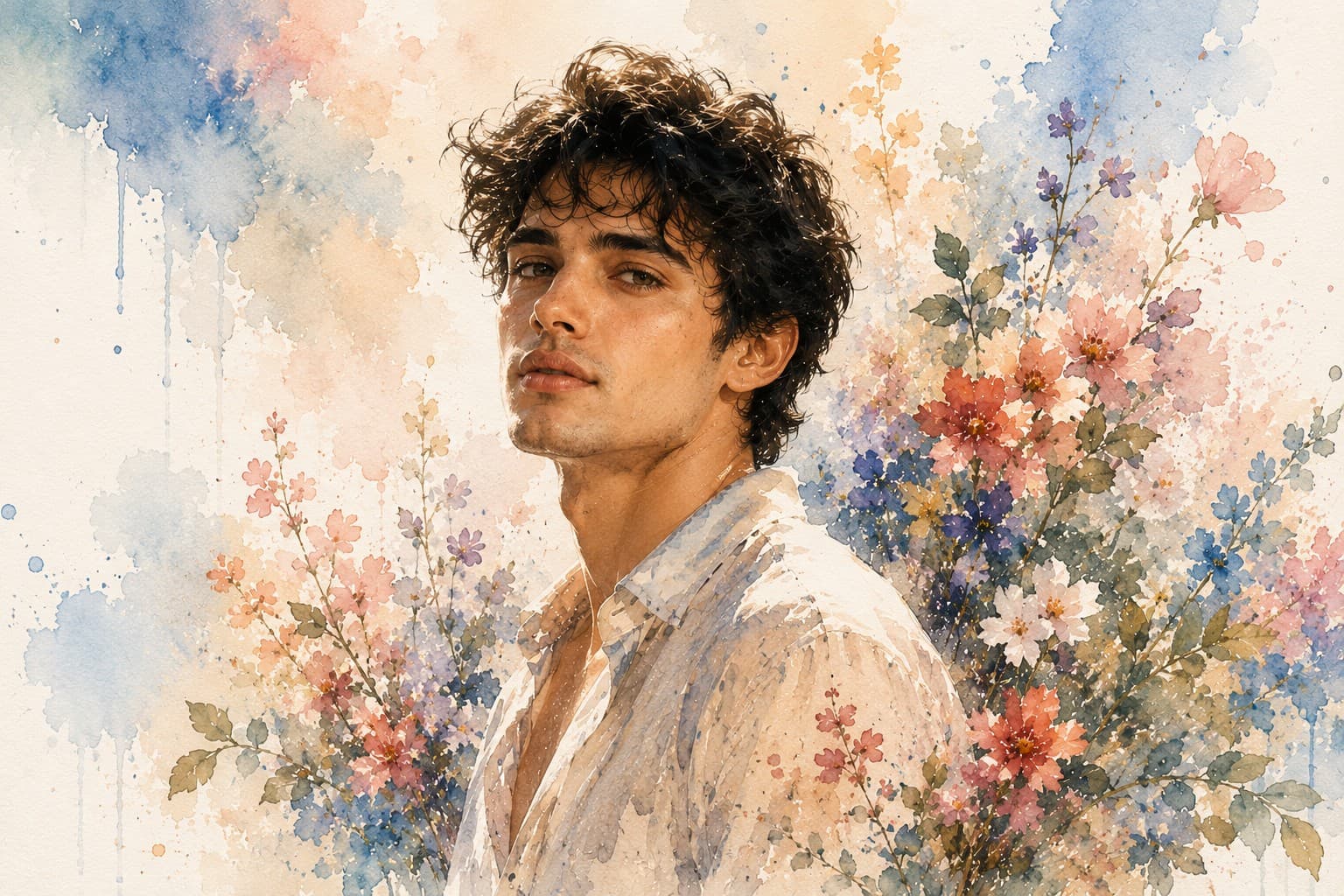
Transform your portrait into a stunning watercolor masterpiece featuring soft flowing brush strokes, delicate paint splashes, and an elegant handcrafted fine art aesthetic.

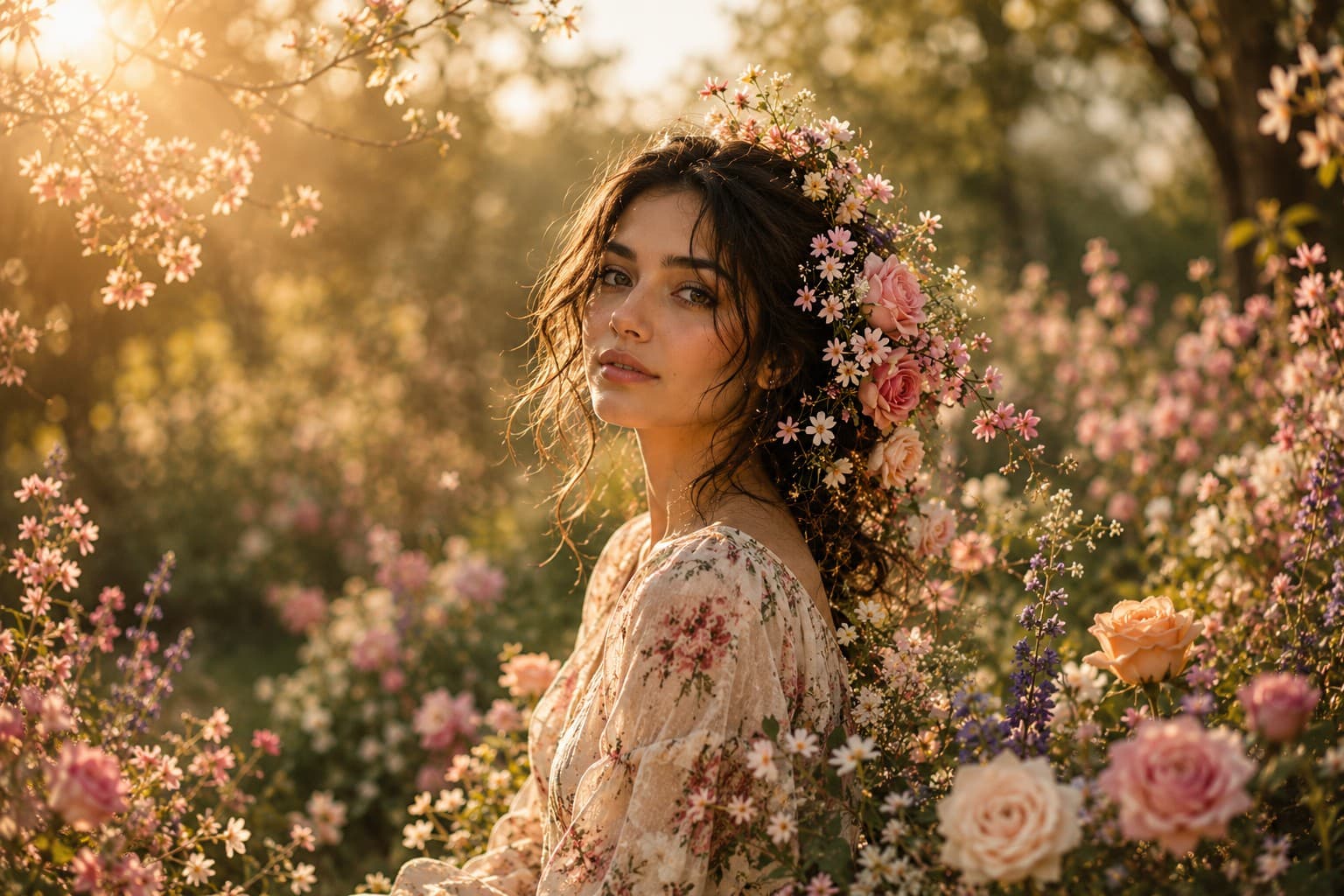
Transform your portrait into a breathtaking floral masterpiece where vibrant blooming flowers blend seamlessly with your hair, clothing, and surroundings in an elegant fine art composition.
Review the prompt below before copying it into your preferred AI image generator.
Follow these simple steps to generate the best possible AI image.
Use a clear portrait with the face, hair, shoulders, and upper clothing visible. A well-lit reference gives the model enough information to preserve the subject while building the floral composition around them.
Keep the reference image attached so the generated artwork maintains recognizable facial features, natural skin texture, hairstyle, and overall appearance while introducing the fine art floral transformation.
Let the flowers emerge organically from the hair, shoulders, and clothing rather than appearing as separate objects placed around the subject. The botanical elements should feel naturally connected to the portrait.
Generate soft golden sunlight, floating petals, pastel tones, and gentle atmospheric depth to create the magical fine art feeling while keeping the subject's face as the visual anchor.
Generate several variations and select the result with the most natural flower placement, balanced composition, realistic botanical detail, and unobstructed facial features.
Follow these best practices to create higher-quality AI images with better consistency and realism.
A portrait with the face clearly visible provides a stronger foundation for identity preservation and allows the floral elements to frame the subject instead of competing with facial details.
Make sure roses, petals, and botanical elements enhance the portrait without covering the eyes, nose, mouth, or important facial contours. The face should remain the clearest area of the artwork.
Use roses, peonies, cherry blossoms, and wildflowers as complementary elements. Avoid excessive floral density so the composition remains elegant rather than visually crowded.
Inspect the generated flowers for realistic petals, stems, leaves, and overlapping structures. Botanical details should look physically believable while retaining the artistic quality of the concept.
Keep the floral colors harmonious and softly integrated with the subject's clothing and surroundings. A restrained pastel palette helps maintain the premium fine art aesthetic.
This prompt benefits from an image model that can preserve recognizable facial features while integrating detailed flowers, botanical textures, soft atmospheric lighting, and a cohesive fine art composition around the subject.
A strong option for maintaining the subject's appearance while refining flower placement, facial visibility, pastel styling, lighting, and the overall fine art portrait composition.
Useful for experimenting with botanical arrangements, dreamy backgrounds, floating petals, atmospheric lighting, and imaginative floral transformations.
Discover more prompts from this category.
Explore hundreds of free AI prompts across different categories. Whether you're creating realistic images, cinematic scenes, anime artwork, seasonal content, sports visuals, or social media graphics, PromptGenz has prompts designed to help you get better AI-generated results.