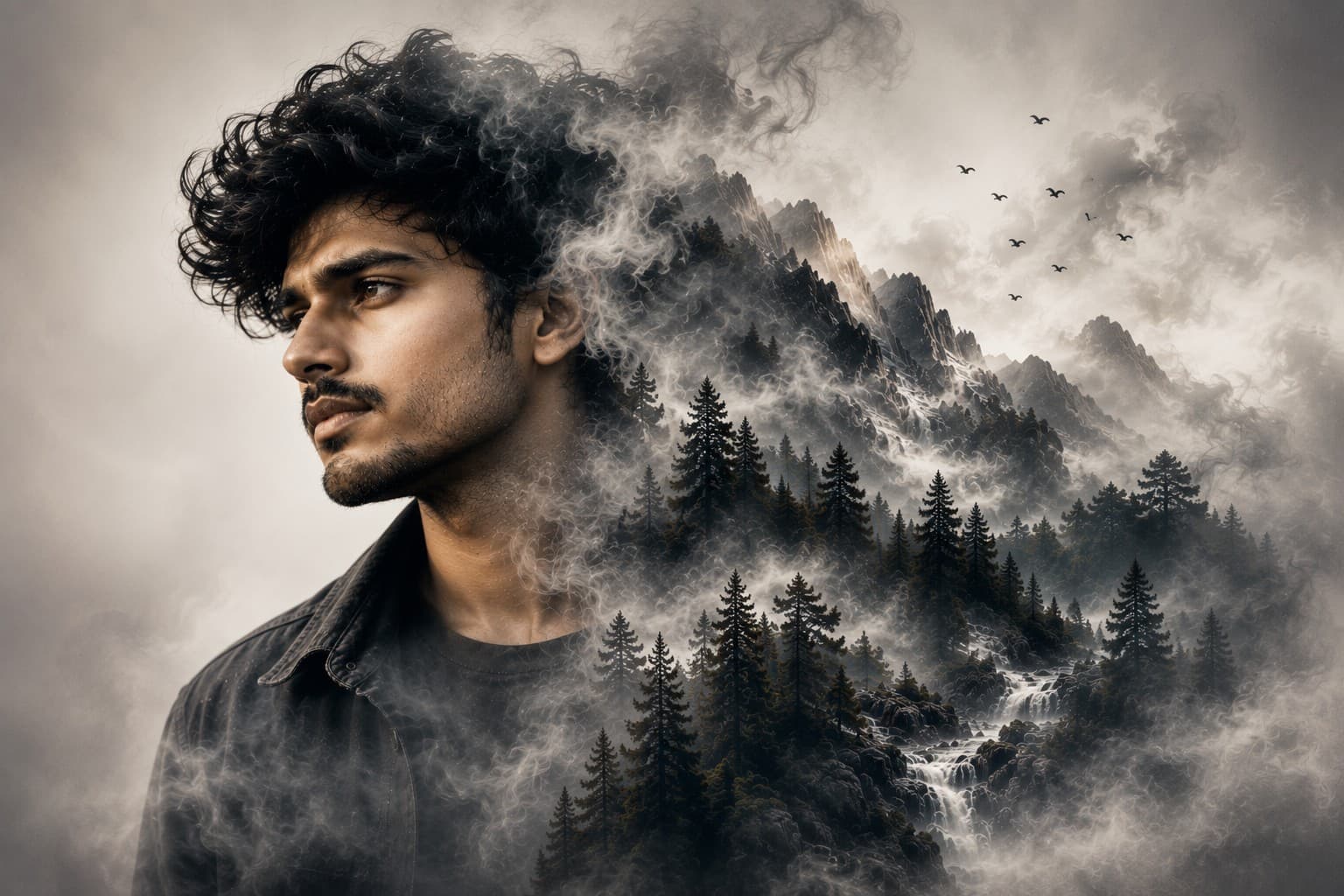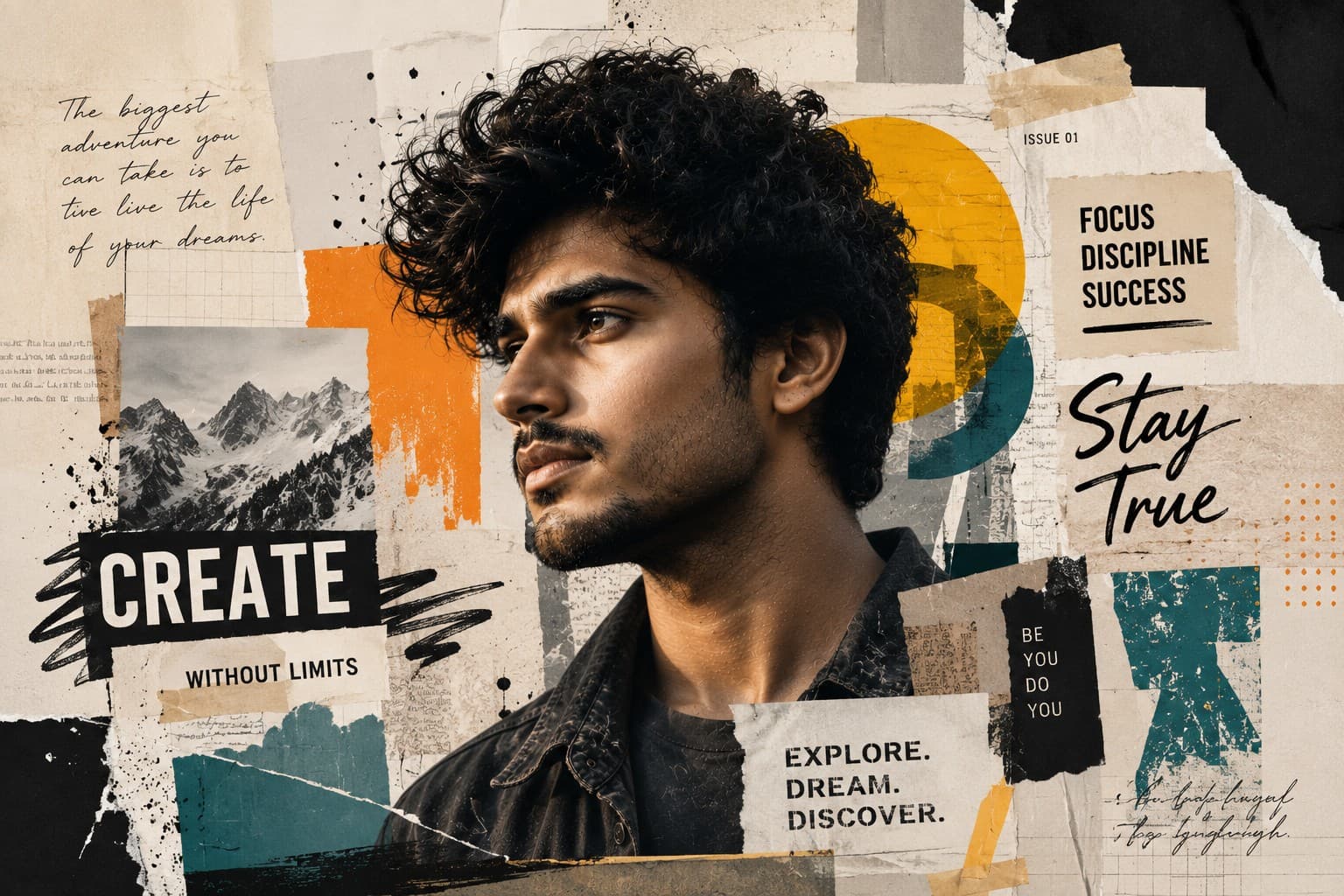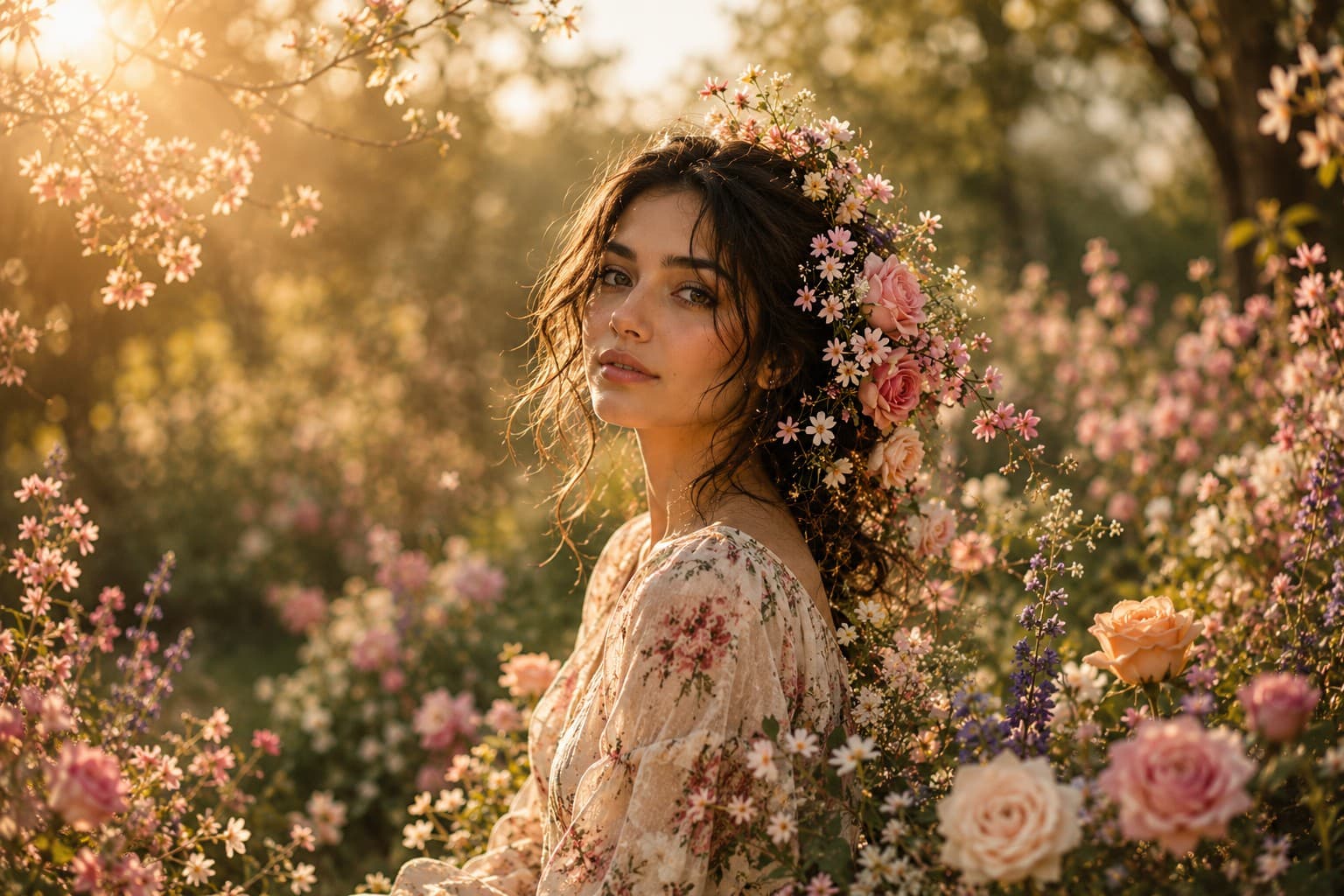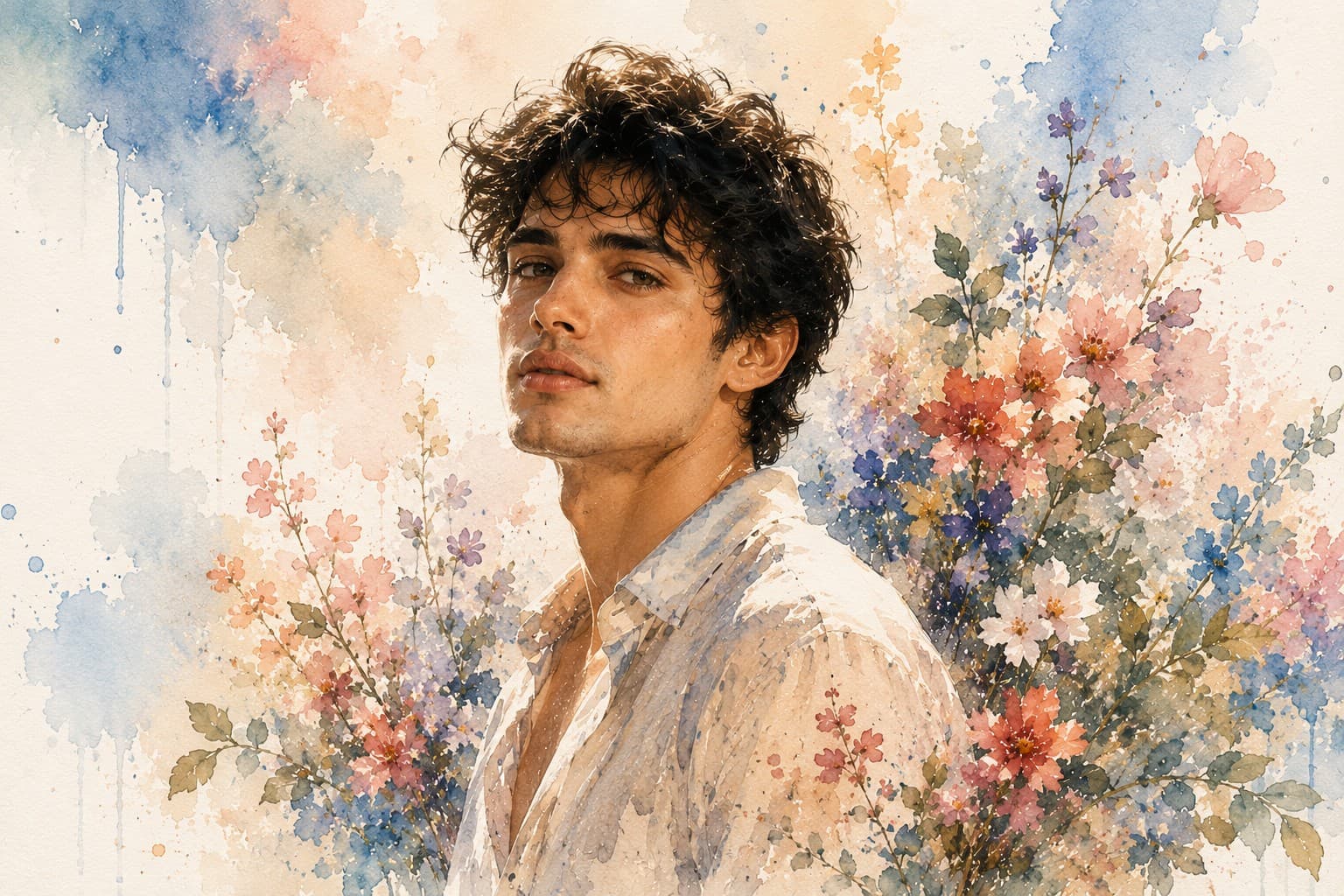
Torn Paper Portrait
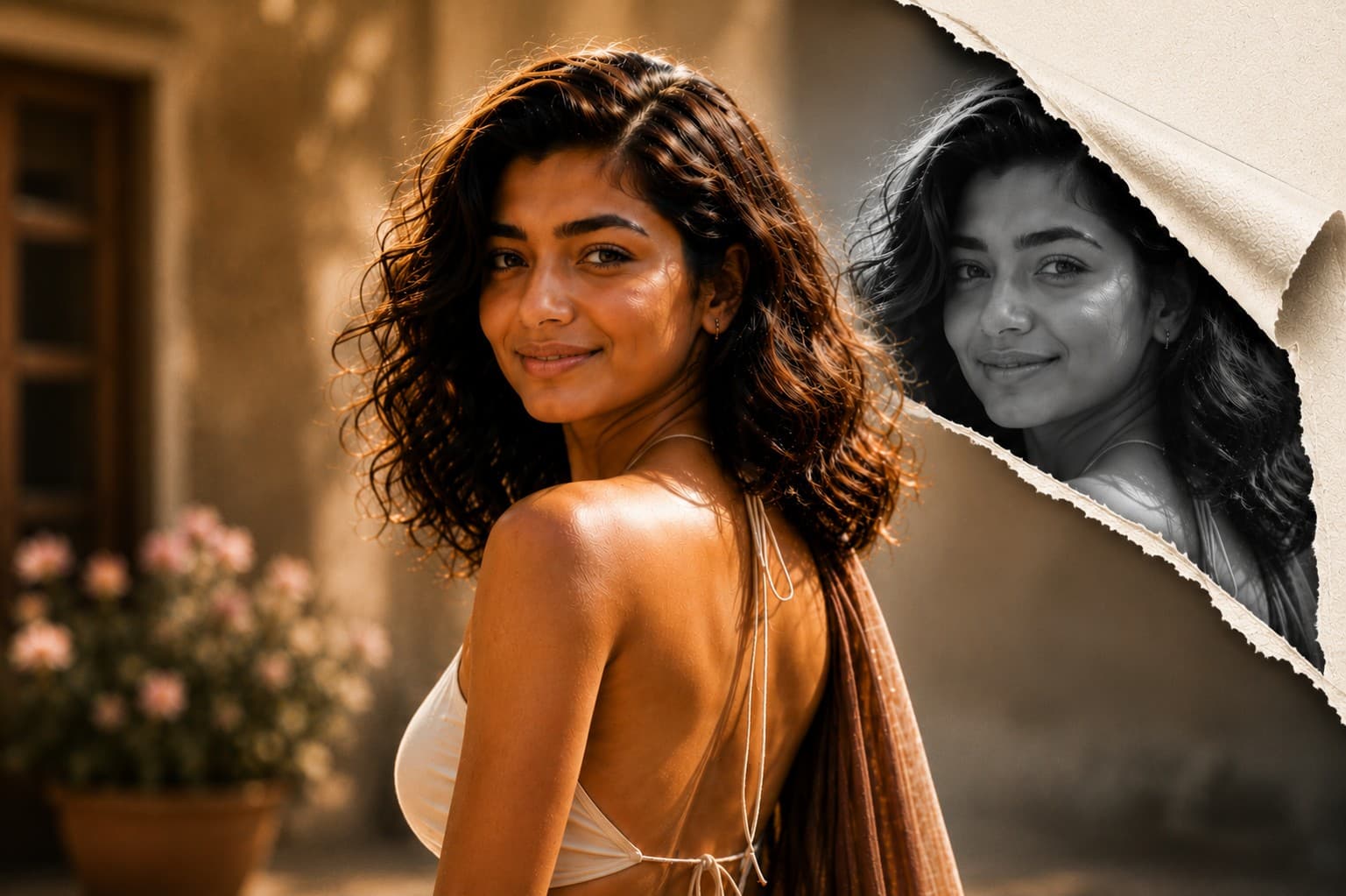
Create a premium editorial portrait with a realistic torn paper reveal effect, blending modern graphic design, luxury magazine aesthetics, and ultra-realistic photography.

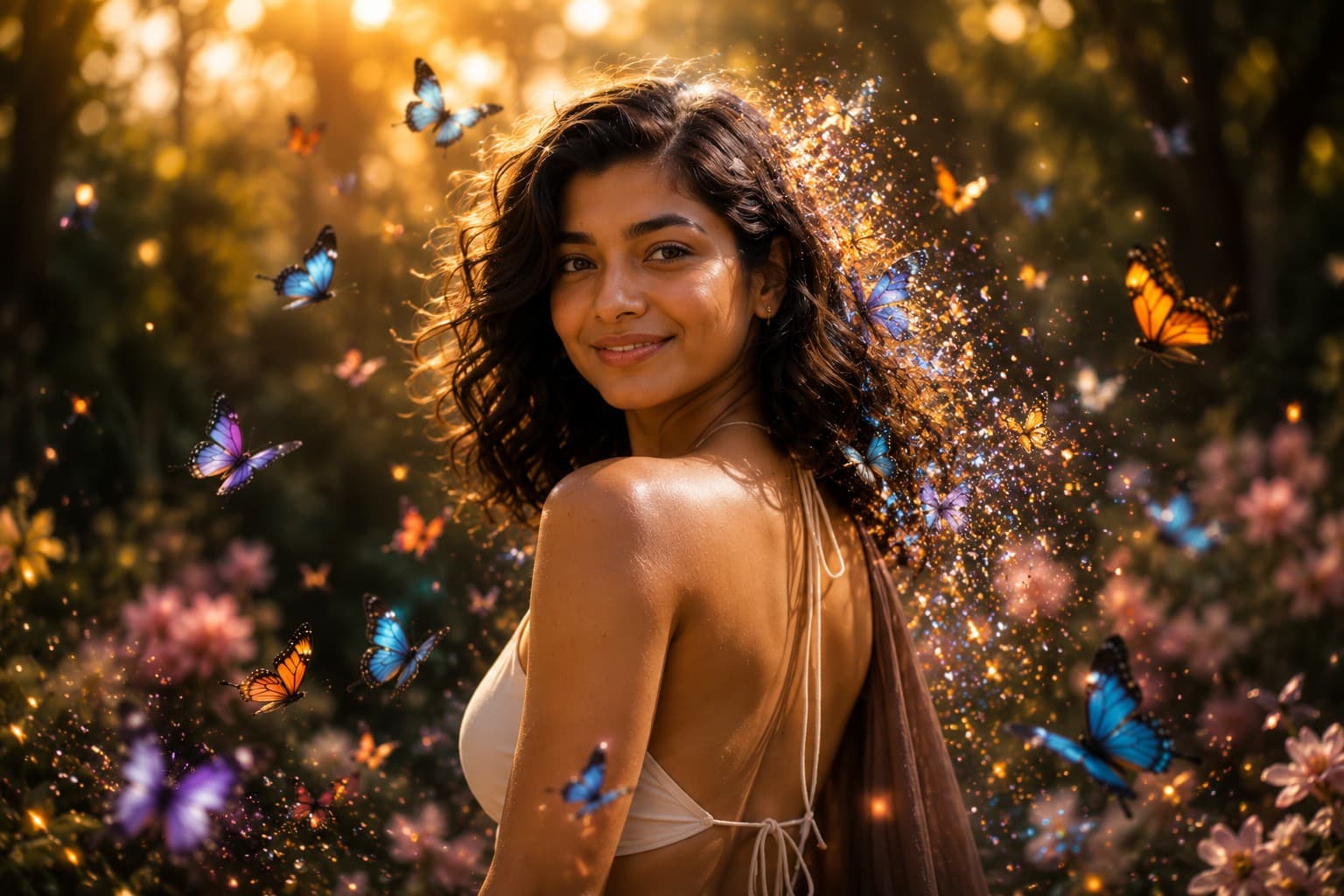
Transform your portrait into a magical fantasy artwork surrounded by vibrant butterflies, glowing particles, and dreamy cinematic lighting in an elegant fine art composition.
Review the prompt below before copying it into your preferred AI image generator.
Follow these simple steps to generate the best possible AI image.
Use a clear portrait where the face, hair, and shoulders are visible. A well-framed reference gives the model enough information to preserve the subject while naturally building the butterfly composition around them.
Keep the reference image attached so the generated artwork maintains recognizable facial features, natural proportions, hairstyle, skin texture, and expression while introducing the fantasy elements.
Place butterflies naturally around the face, hair, and shoulders with varied distances and orientations. Their movement should feel organic rather than appearing as repeated decorative objects.
Allow selected butterflies to gradually dissolve into tiny glowing particles that drift through the surrounding air, creating a believable transition between the butterflies and the magical atmosphere.
Generate multiple variations and select the composition with the strongest balance between the subject, butterfly details, golden forest lighting, atmospheric depth, and unobstructed facial features.
Follow these best practices to create higher-quality AI images with better consistency and realism.
Butterflies should frame and complement the face without covering the eyes, nose, mouth, or major facial contours. Facial identity should remain the strongest visual anchor.
Look for butterflies appearing at different depths and angles around the subject. A natural distribution creates stronger depth and avoids the artificial appearance of duplicated or uniformly positioned butterflies.
Inspect the butterfly wings for realistic symmetry, delicate patterns, fine textures, and believable lighting. Detailed wings make the magical realism effect much more convincing.
Blue, orange, purple, and white butterflies should work together without overwhelming the portrait. Keep the color distribution balanced so the subject remains visually dominant.
Soft golden backlighting should illuminate the butterfly edges and floating particles while creating gentle separation between the subject and the forest background.
This prompt benefits from an image model that can preserve a recognizable subject while generating multiple detailed butterflies, natural wing positions, glowing particle effects, and a cohesive magical forest environment with cinematic depth.
A strong option for maintaining the subject's appearance while refining butterfly placement, glowing particles, facial visibility, cinematic lighting, and the overall magical realism composition.
Useful for experimenting with butterfly environments, dreamy forests, atmospheric effects, colorful wings, golden backlighting, and imaginative fantasy portrait variations.
Discover more prompts from this category.
Explore hundreds of free AI prompts across different categories. Whether you're creating realistic images, cinematic scenes, anime artwork, seasonal content, sports visuals, or social media graphics, PromptGenz has prompts designed to help you get better AI-generated results.