Creative Collage Portrait
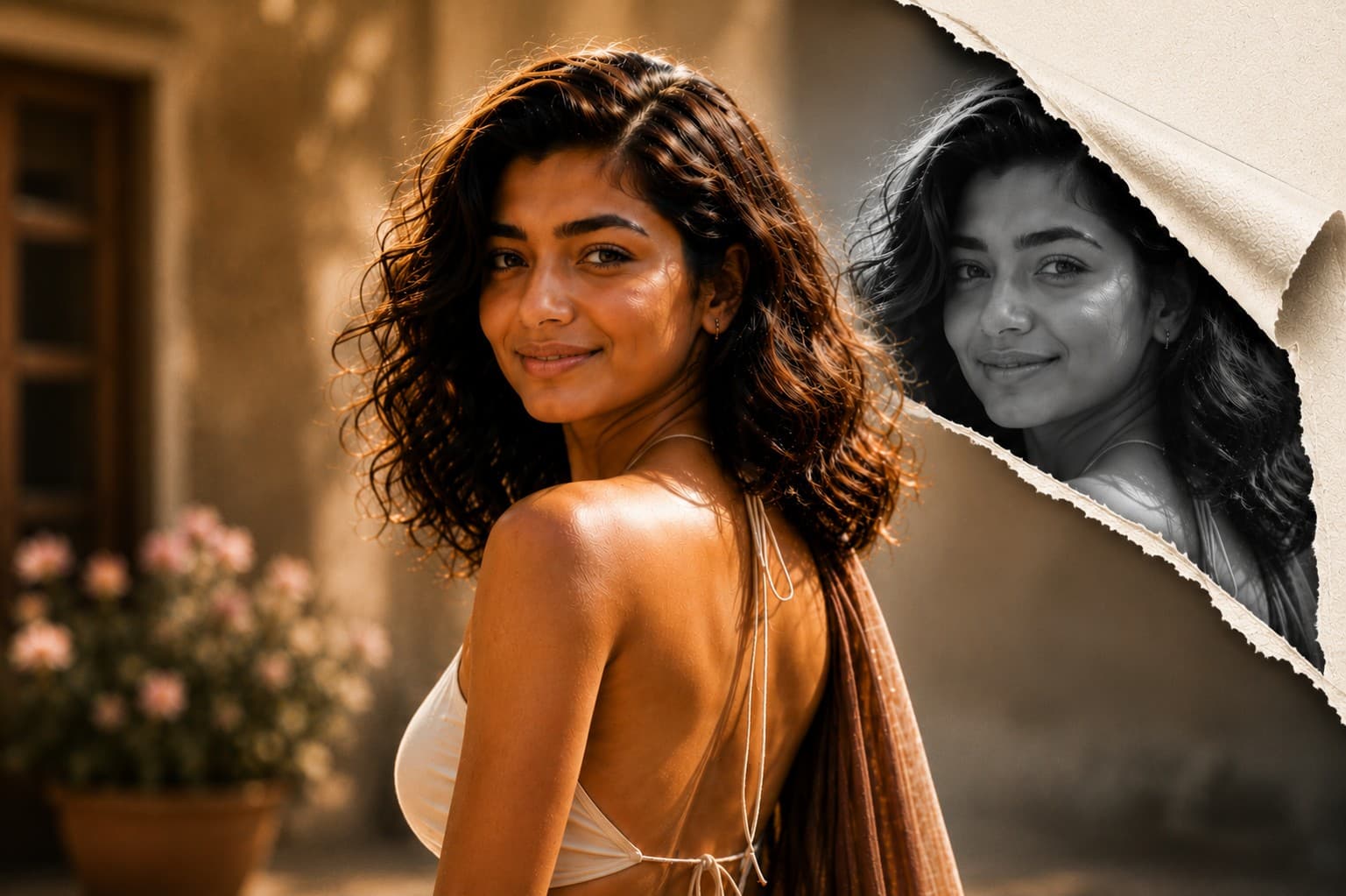
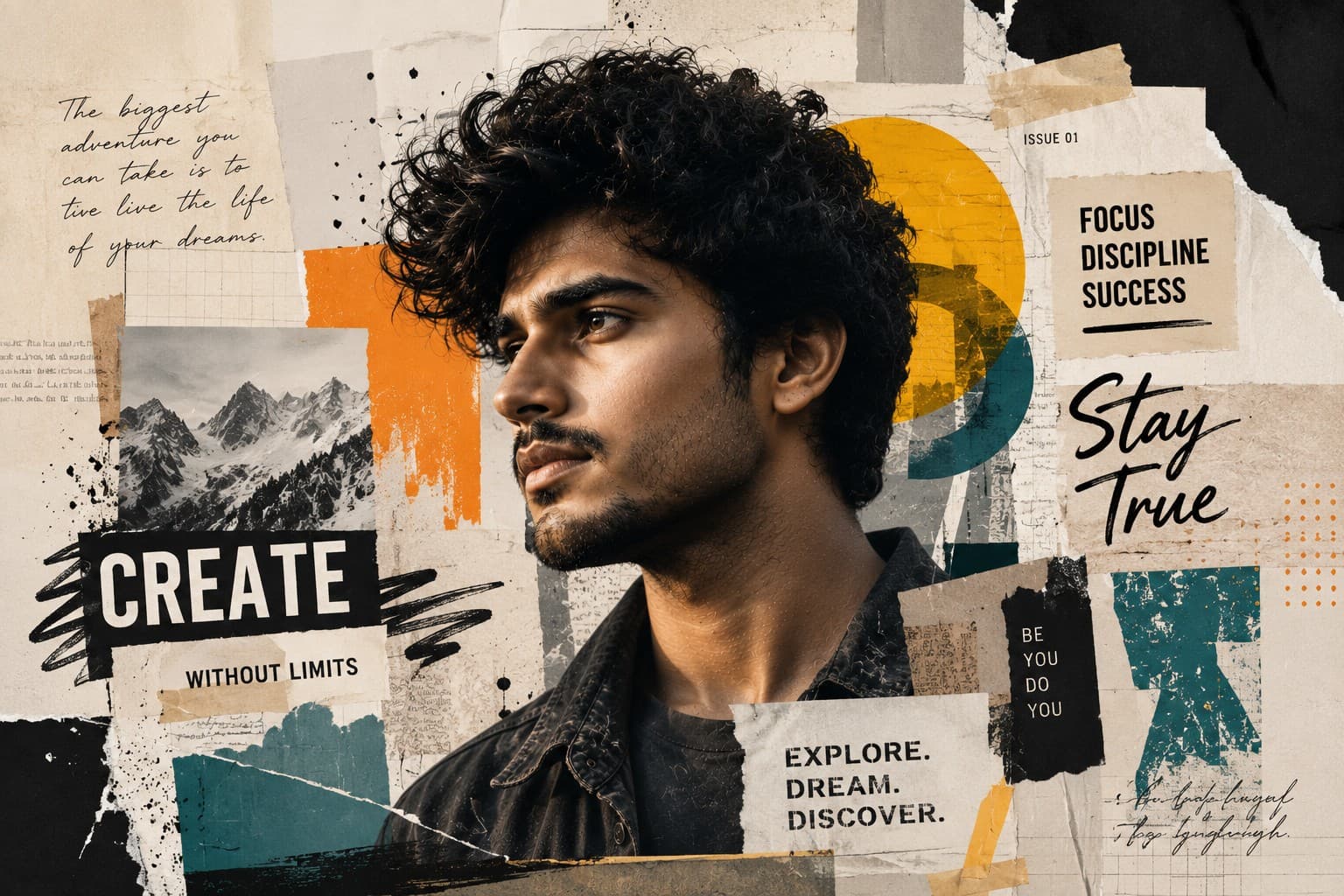
Transform your portrait into a premium editorial collage featuring layered paper textures, artistic graphics, bold typography, and modern magazine-inspired design.

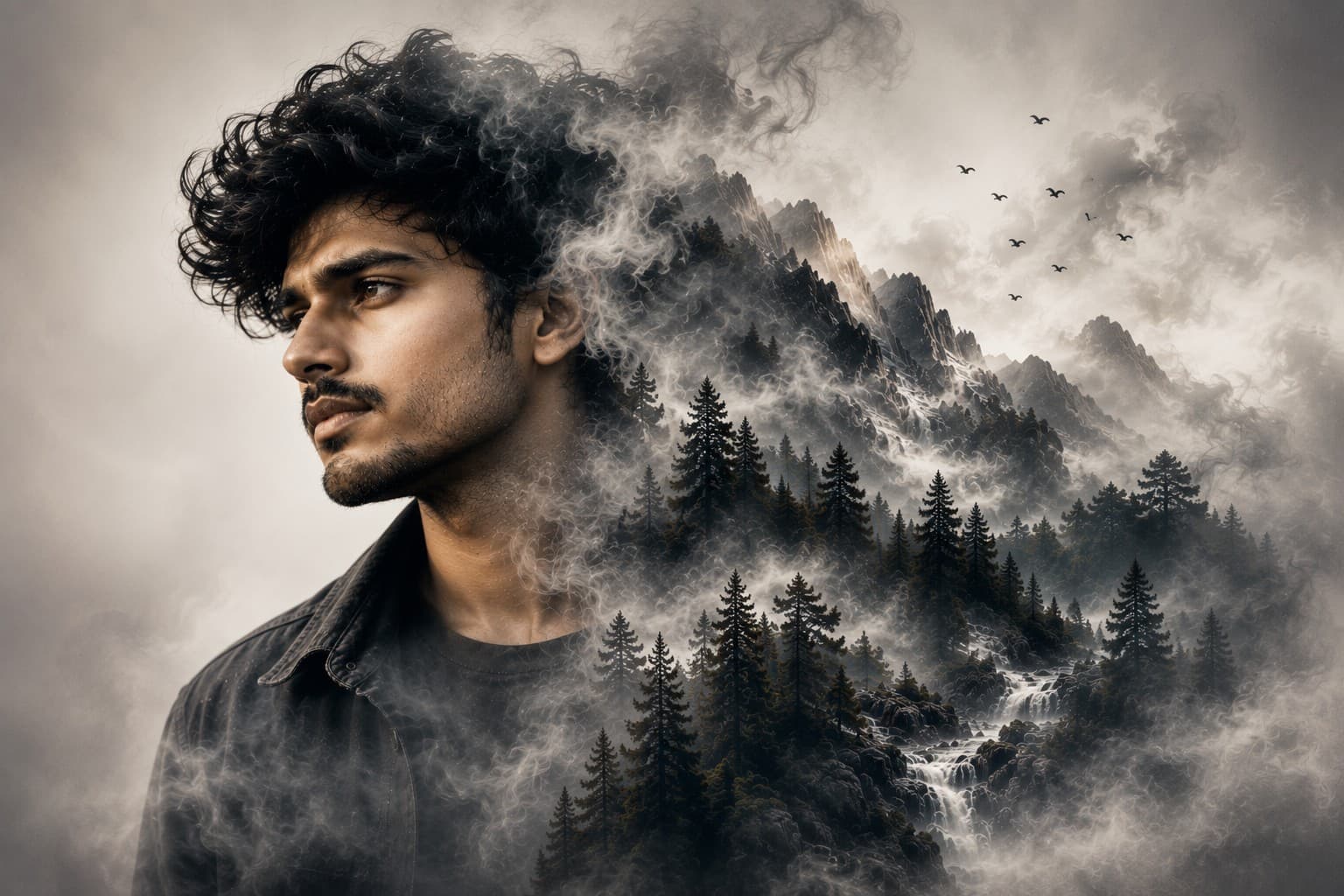
Transform your portrait into a breathtaking double exposure masterpiece where dramatic mountain landscapes blend seamlessly with your face in a premium cinematic editorial style.
Review the prompt below before copying it into your preferred AI image generator.
Follow these simple steps to generate the best possible AI image.
Use a clear front-facing or three-quarter portrait with visible facial contours and enough surrounding space. A well-defined silhouette gives the landscape elements a stronger shape to blend into.
Keep the reference image attached so the portrait retains recognizable facial structure, expression, hairstyle, skin tone, and natural proportions while the landscape develops within and around the face.
Introduce snow-capped peaks, evergreen forests, waterfalls, rivers, fog, and atmospheric elements so they emerge organically from one side of the portrait instead of appearing as a separate background image.
Allow the landscape to gradually dissolve through mist and atmospheric smoke toward the edges of the face. Soft transitions are important for creating a convincing double-exposure effect without harsh boundaries.
Generate several variations and select the result with the strongest balance between facial clarity, landscape detail, atmospheric blending, golden-hour lighting, and clean editorial negative space.
Follow these best practices to create higher-quality AI images with better consistency and realism.
A reference with clear facial contours makes it easier for the landscape to follow the shape of the subject's face and produces a more recognizable double-exposure composition.
Mountain peaks, forests, waterfalls, and fog should enhance the portrait rather than overpower it. Facial features should remain sharper and more visually prominent than the environmental details.
Avoid abrupt edges where the mountain scene begins or ends. Fog, atmospheric smoke, and soft tonal transitions should make the landscape feel naturally embedded within the portrait.
Combine distant peaks, midground forests, waterfalls, rivers, and foreground mist at different visual depths. This creates a richer double-exposure effect than placing all landscape elements at the same level.
Make sure the warm sunlight and volumetric rays interact naturally with both the face and landscape. Consistent lighting helps the two visual worlds feel like one cohesive artwork.
This prompt benefits from an image model that can preserve a recognizable facial silhouette while blending complex mountain scenery, atmospheric fog, waterfalls, forests, and golden-hour illumination into a seamless cinematic double-exposure composition.
A strong option for preserving the subject's identity while refining landscape placement, facial clarity, atmospheric transitions, lighting, and the overall cinematic storytelling effect.
Useful for experimenting with mountain environments, layered scenery, fog, waterfalls, golden-hour atmosphere, and creative double-exposure compositions.
Discover more prompts from this category.
Explore hundreds of free AI prompts across different categories. Whether you're creating realistic images, cinematic scenes, anime artwork, seasonal content, sports visuals, or social media graphics, PromptGenz has prompts designed to help you get better AI-generated results.