Bloom Portrait
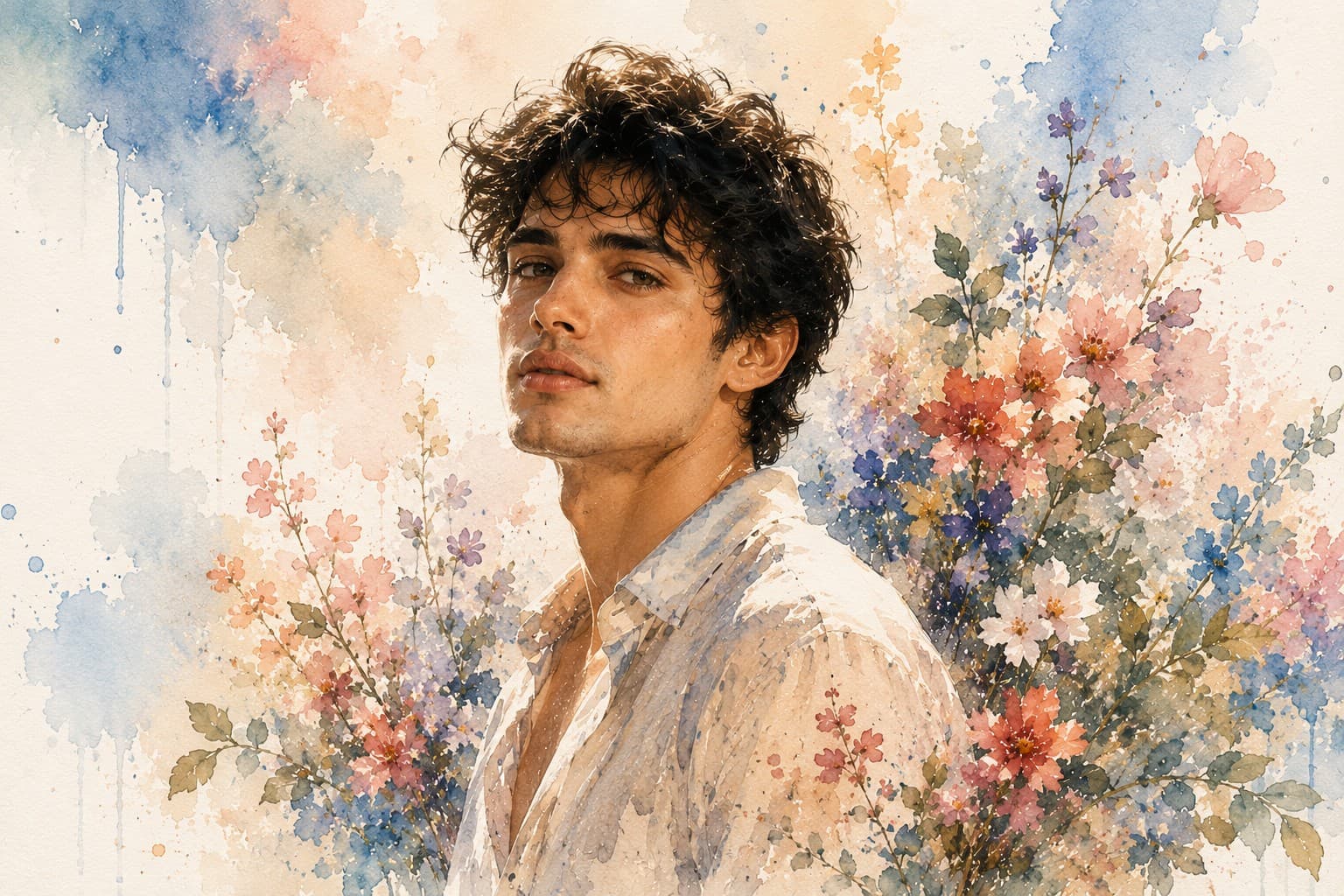
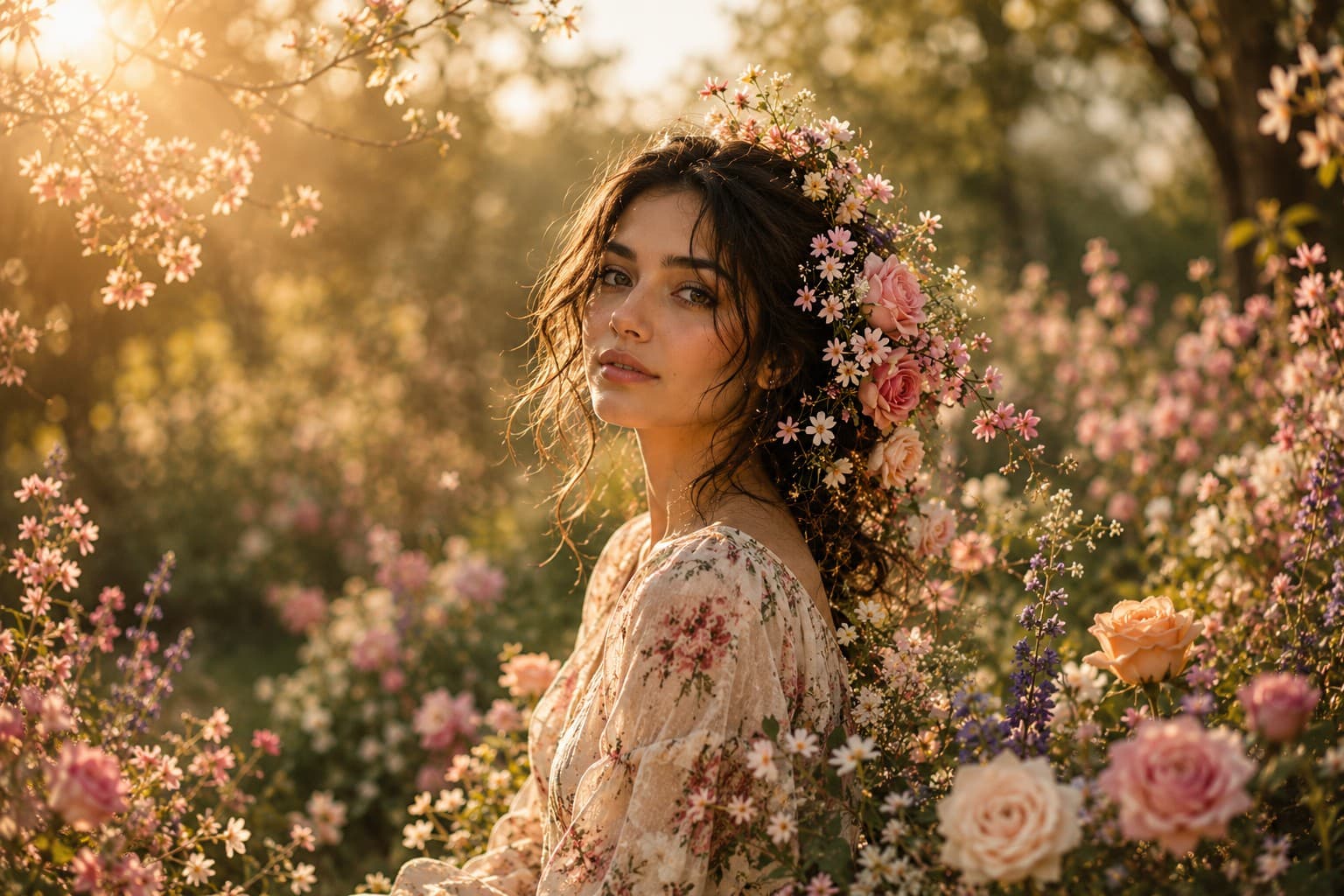
Transform your portrait into a breathtaking floral masterpiece where vibrant blooming flowers blend seamlessly with your hair, clothing, and surroundings in an elegant fine art composition.

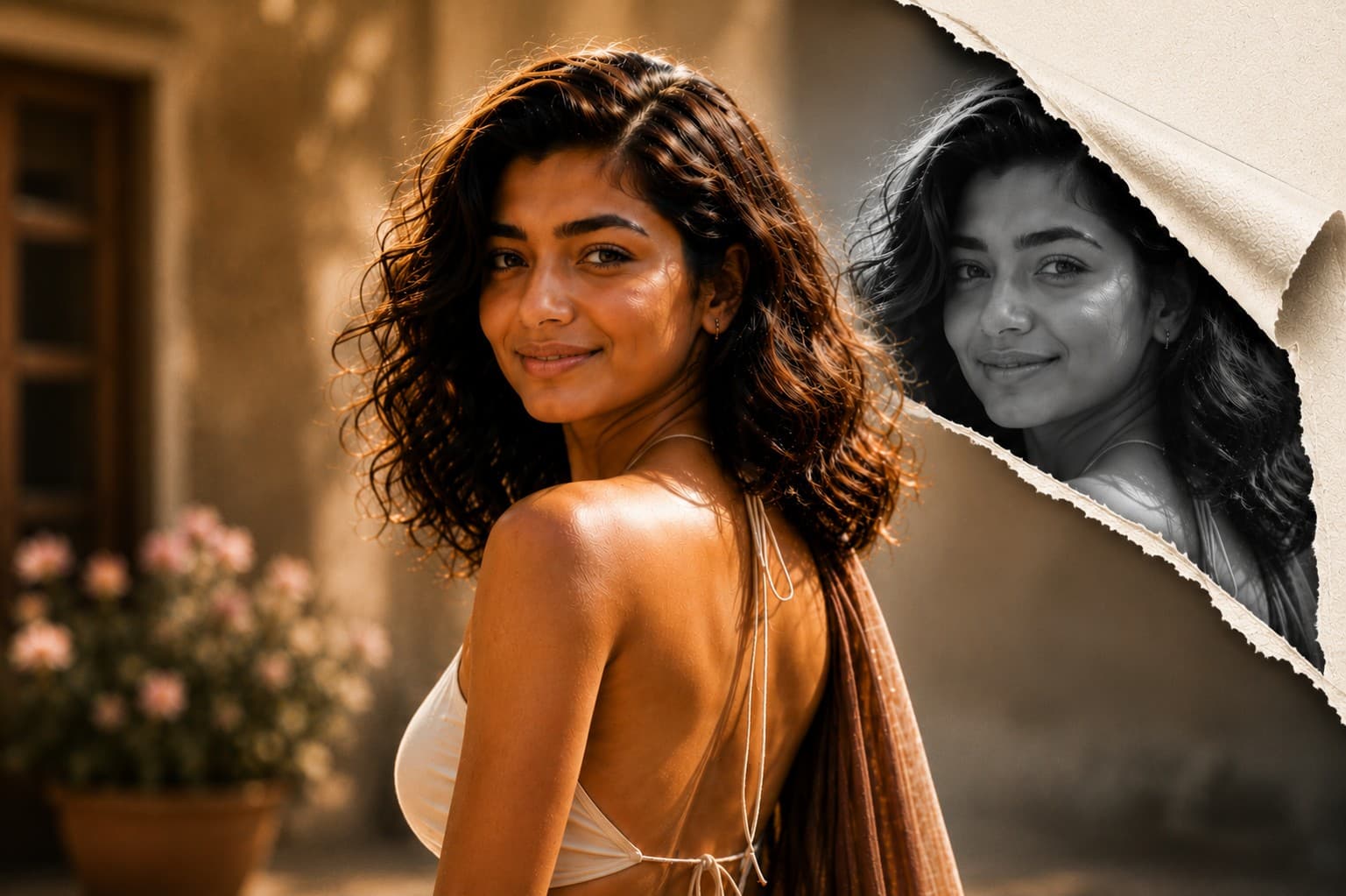
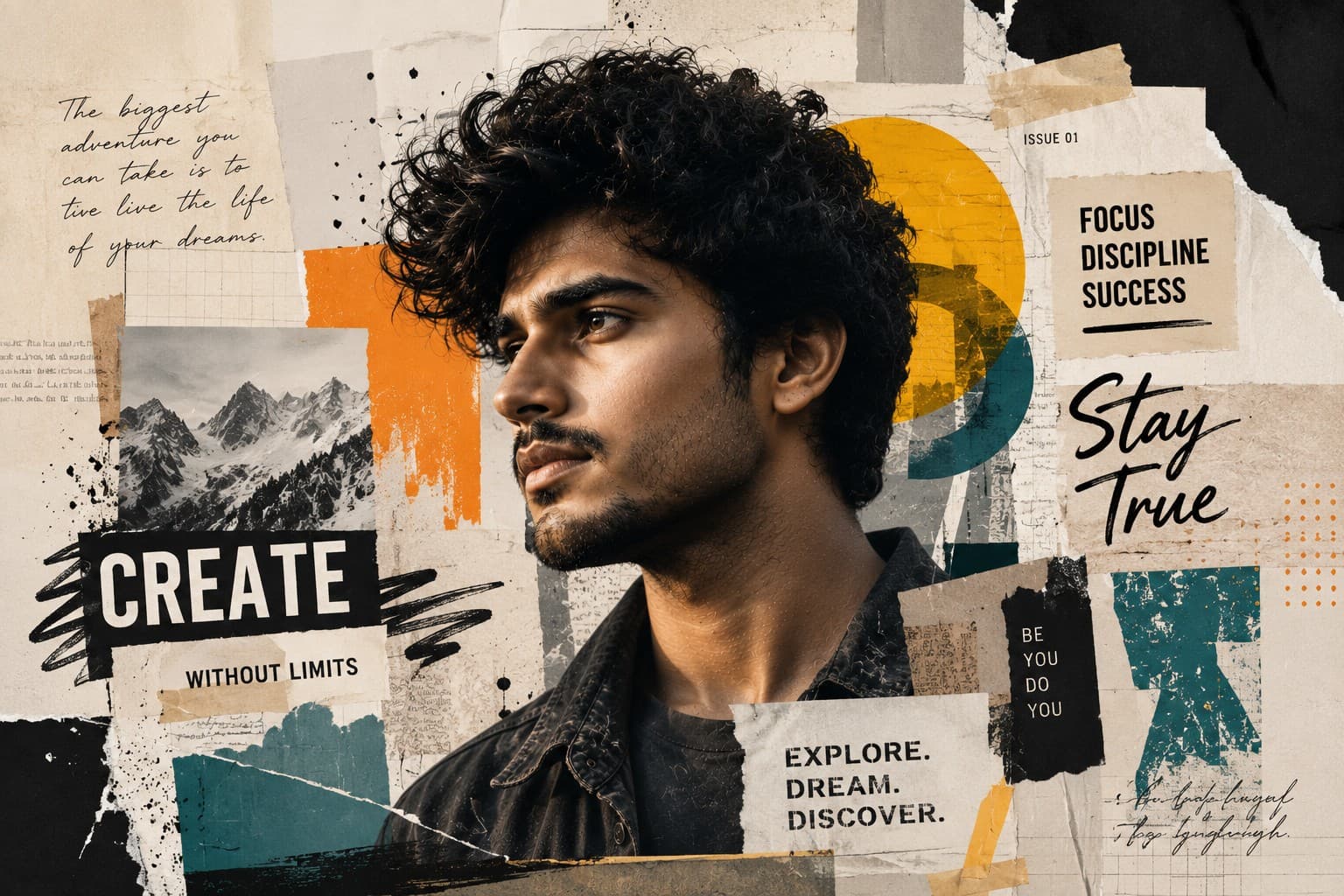
Transform your portrait into a premium editorial collage featuring layered paper textures, artistic graphics, bold typography, and modern magazine-inspired design.
Review the prompt below before copying it into your preferred AI image generator.
Follow these simple steps to generate the best possible AI image.
Use a sharp portrait reference with the face clearly visible and good lighting. A clean facial reference gives the model a stronger foundation for preserving identity while adding the collage elements.
Keep the reference image attached and prioritize recognizable facial features, proportions, hairstyle, and natural skin texture. The graphic elements should enhance the portrait rather than replace or distort the subject.
Allow the model to introduce torn magazine pieces, paper textures, paint strokes, masking tape, geometric shapes, ink splashes, and newspaper fragments around the portrait while keeping the face visually dominant.
Generate variations with different arrangements of abstract shapes, typography, paper layers, and brush marks. Keep the decorative elements balanced so the composition feels intentionally designed rather than visually cluttered.
Select the variation with the strongest combination of facial clarity, realistic textures, layered collage details, typography placement, and overall magazine-style composition.
Follow these best practices to create higher-quality AI images with better consistency and realism.
The portrait should remain the primary visual anchor. Avoid excessive paper fragments, paint strokes, or graphic elements crossing important facial features.
Paper fibers, torn edges, tape, and magazine fragments should have believable depth and texture. Subtle layering creates a more convincing handcrafted collage effect.
If the composition includes handwritten or editorial typography, keep it around the subject rather than directly across the eyes and facial features. Clean spacing helps preserve the premium magazine aesthetic.
Maintain a clear distinction between realistic photographic skin and the surrounding graphic elements. The strongest results make the mixed-media transition feel deliberate and professionally art-directed.
Use negative space strategically between geometric shapes, paper cutouts, paint marks, and abstract blocks. Too many competing elements can weaken the portrait's visual hierarchy.
This prompt benefits from an image model that can preserve recognizable facial identity while combining realistic portrait photography with layered graphic design, paper textures, typography, and mixed-media elements.
A strong option for refining the portrait identity while experimenting with layered collage elements, paper textures, graphic shapes, artistic effects, and polished editorial composition.
Useful for exploring contemporary collage layouts, magazine-inspired graphics, textured paper elements, typography treatments, and visually rich mixed-media portrait concepts.
Discover more prompts from this category.
Explore hundreds of free AI prompts across different categories. Whether you're creating realistic images, cinematic scenes, anime artwork, seasonal content, sports visuals, or social media graphics, PromptGenz has prompts designed to help you get better AI-generated results.