Butterfly Portrait
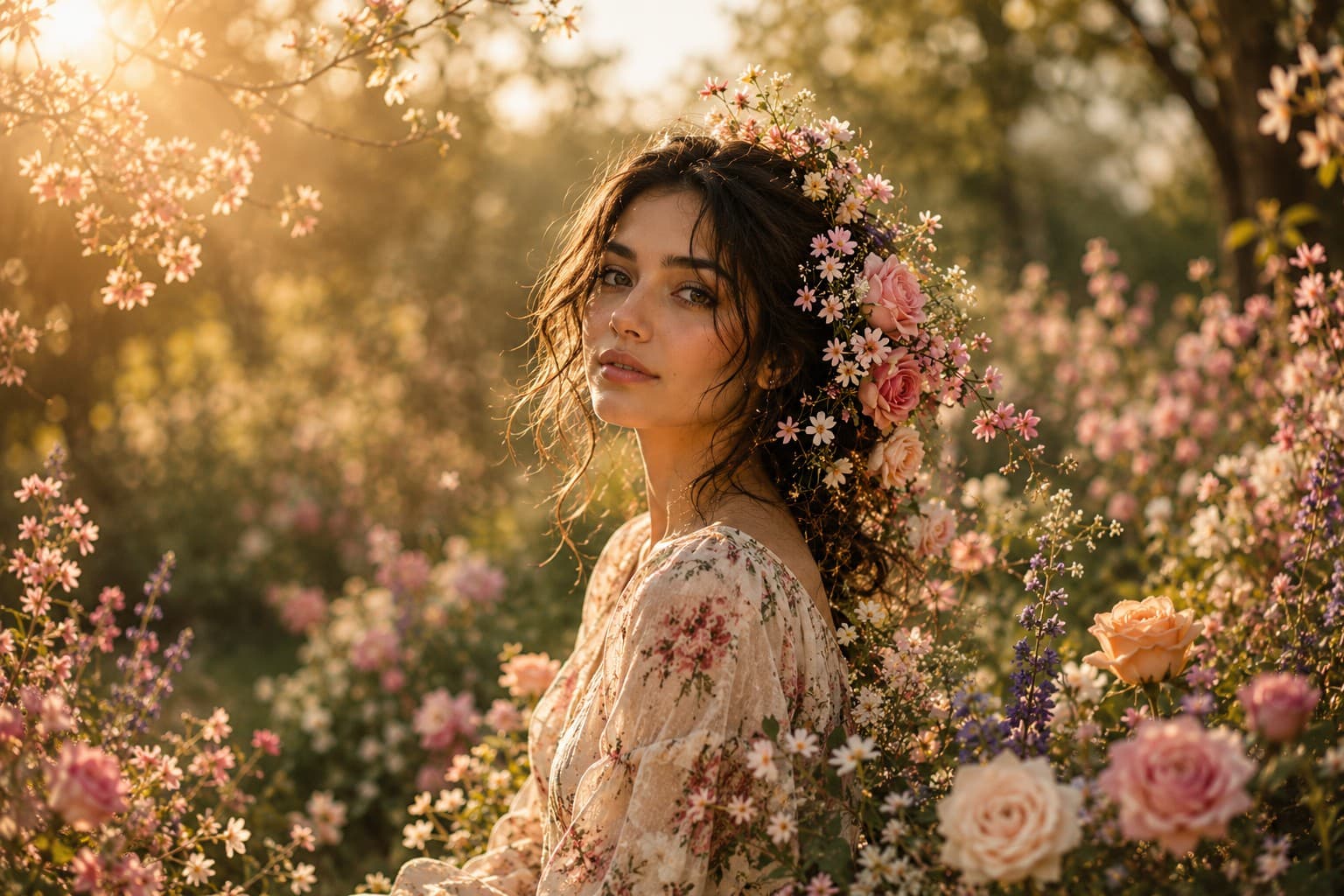
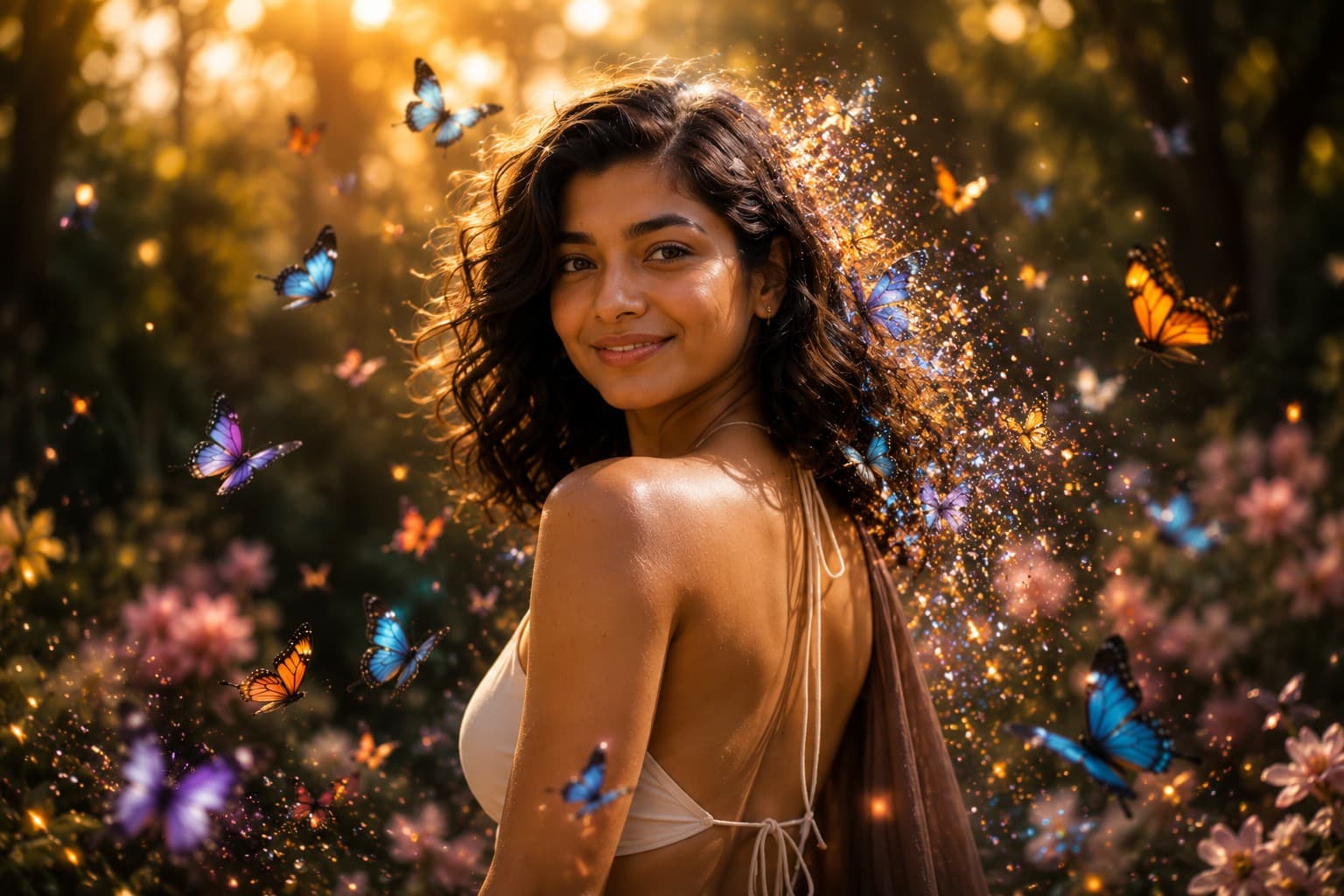
Transform your portrait into a magical fantasy artwork surrounded by vibrant butterflies, glowing particles, and dreamy cinematic lighting in an elegant fine art composition.

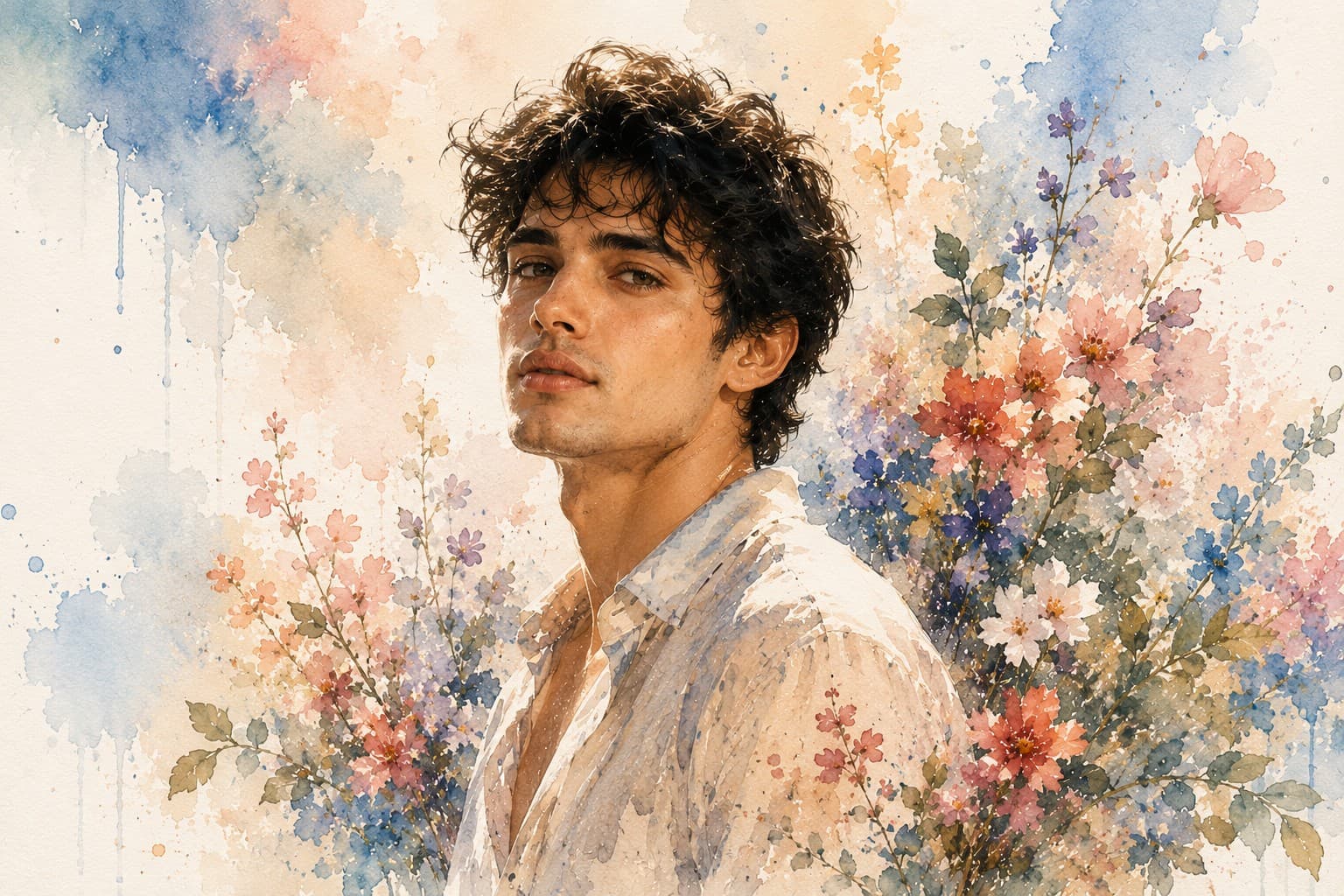
Transform your portrait into a stunning watercolor masterpiece featuring soft flowing brush strokes, delicate paint splashes, and an elegant handcrafted fine art aesthetic.
Review the prompt below before copying it into your preferred AI image generator.
Follow these simple steps to generate the best possible AI image.
Use a sharp portrait where the face is clearly visible and naturally lit. A clean reference helps the model retain recognizable facial structure while converting the photograph into a watercolor artwork.
Keep the reference image attached so the watercolor transformation retains the subject's facial proportions, hairstyle, expression, and recognizable appearance instead of turning the face into a generic painted character.
Apply soft flowing brush strokes, translucent color washes, delicate paint splashes, and subtle paper texture while keeping the important facial details crisp and clearly defined.
Allow the clothing and surrounding environment to gradually dissolve into watercolor textures and flowing washes. The transition should feel handcrafted rather than like a photograph with a simple filter.
Generate several variations and choose the result with the most natural brushwork, balanced color distribution, convincing watercolor texture, and clearly recognizable facial features.
Follow these best practices to create higher-quality AI images with better consistency and realism.
A well-focused reference with visible facial details produces better watercolor results because the model has stronger information for maintaining facial proportions and expression.
The face should retain sharper watercolor detailing than the surrounding areas. Avoid excessive paint bleeding across the eyes, nose, lips, and facial contours.
Let pastel blues, blush pinks, and warm earthy tones flow naturally through the artwork without allowing one color to dominate the entire portrait.
A subtle watercolor paper texture can strengthen the handcrafted appearance, but it should remain delicate enough that it does not compete with the painted subject.
The finished artwork should resemble a genuinely painted watercolor portrait rather than a photographic image with a generic watercolor effect. Look for natural brush variation, pigment flow, and softened edges.
This prompt benefits from an image model that can maintain recognizable facial features while translating photographic details into convincing watercolor brushwork, translucent color washes, paper texture, and handcrafted fine art styling.
A strong option for preserving the subject's recognizable appearance while controlling brush strokes, facial detail, color washes, paint splashes, and the overall handcrafted watercolor aesthetic.
Useful for exploring different watercolor compositions, flowing pigment effects, pastel palettes, textured paper backgrounds, and expressive fine art interpretations.
Discover more prompts from this category.
Explore hundreds of free AI prompts across different categories. Whether you're creating realistic images, cinematic scenes, anime artwork, seasonal content, sports visuals, or social media graphics, PromptGenz has prompts designed to help you get better AI-generated results.