Double Exposure Portrait
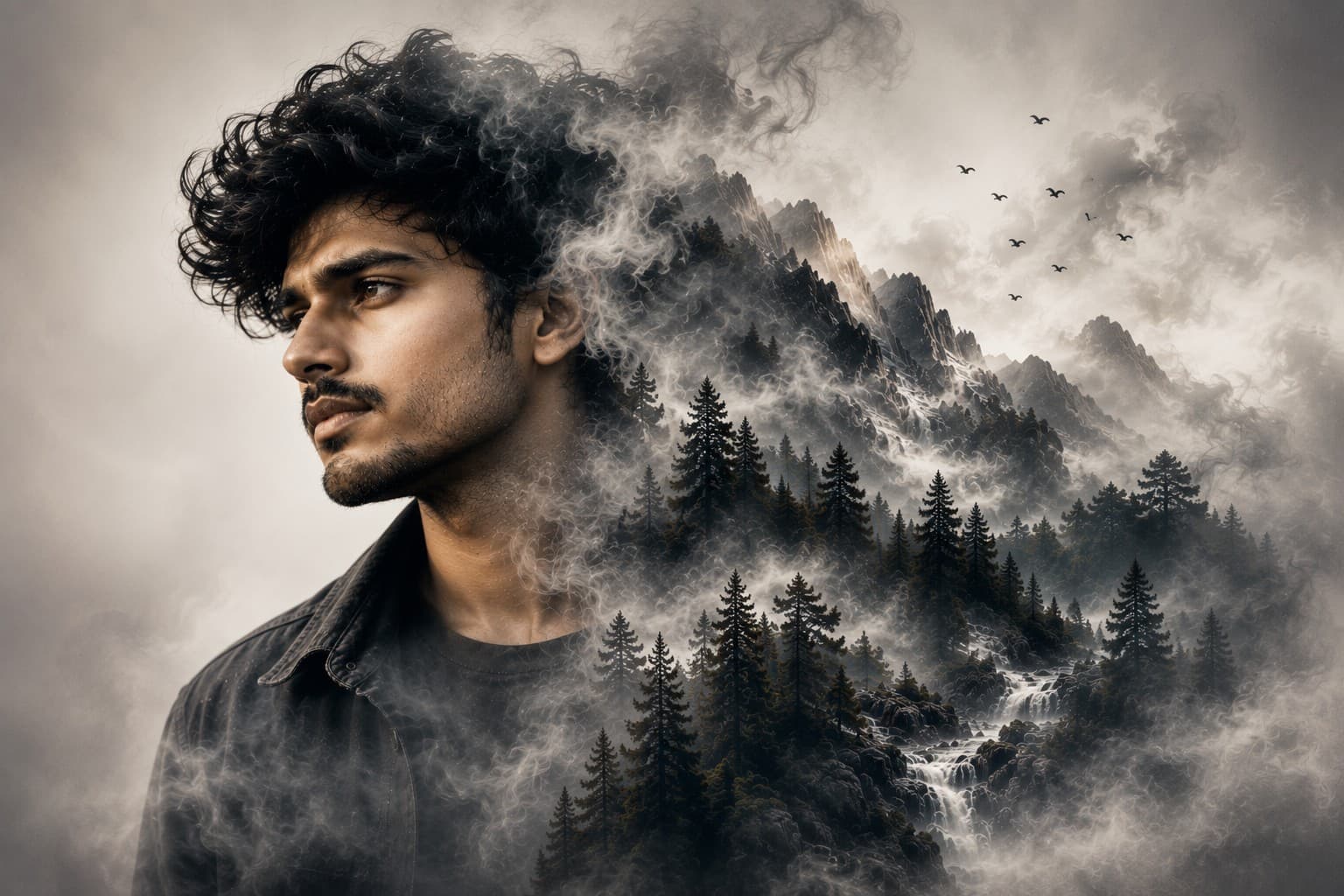
Transform your portrait into a breathtaking double exposure masterpiece where dramatic mountain landscapes blend seamlessly with your face in a premium cinematic editorial style.

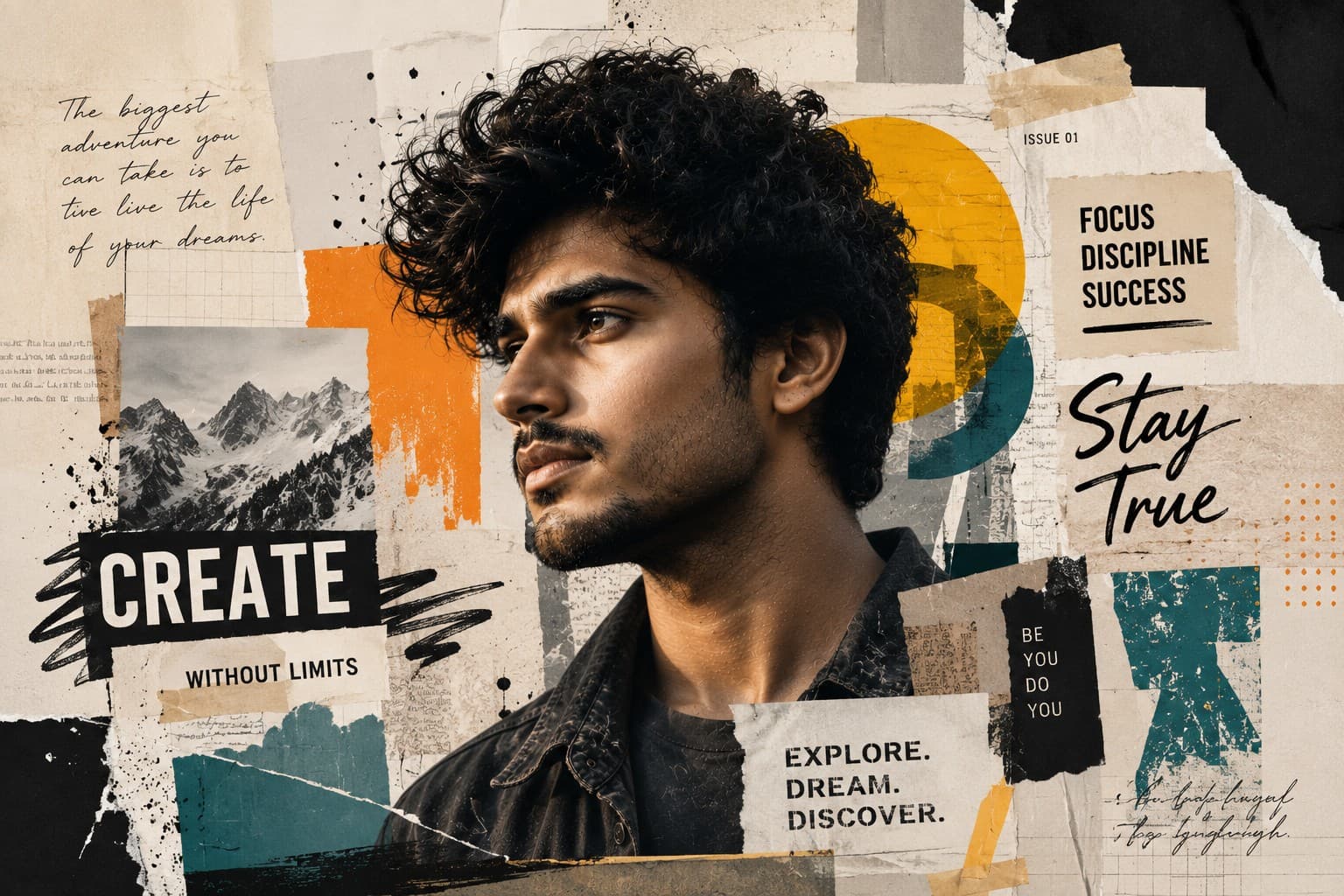
Create a premium editorial portrait with a realistic torn paper reveal effect, blending modern graphic design, luxury magazine aesthetics, and ultra-realistic photography.
Review the prompt below before copying it into your preferred AI image generator.
Follow these simple steps to generate the best possible AI image.
Use a clear portrait with strong facial visibility and enough surrounding space for the paper reveal. A clean composition helps preserve the subject while giving the folded paper effect room to develop naturally.
Keep the reference image attached so the main portrait retains the subject's recognizable facial features, expression, hairstyle, skin tone, and realistic proportions.
Generate a single folded paper peel emerging from the upper-right portion of the artwork. The paper should reveal the same portrait beneath in black and white rather than introducing a different person or unrelated image.
Let the model create convincing torn edges, visible paper fibers, folds, shadows, and layered depth so the peel looks physically attached to the artwork rather than digitally pasted onto it.
Generate several variations and select the result where the main color portrait remains dominant, the black-and-white reveal is clearly recognizable, and sufficient clean space remains for optional magazine-style typography.
Follow these best practices to create higher-quality AI images with better consistency and realism.
The color portrait should remain approximately 90–95% visible. The paper reveal works best as a restrained design element rather than covering a large portion of the subject.
Inspect the black-and-white section carefully. It should represent the same subject with matching facial structure, expression, hairstyle, and proportions rather than appearing as a separate portrait.
Look for irregular handcrafted edges, visible paper fibers, subtle folds, and believable thickness. These small physical details are important for making the paper effect convincing.
Make sure the folded or torn section does not interfere with the eyes, nose, mouth, or important facial contours. The primary face should remain sharp and unobstructed.
Keep the surrounding design clean and restrained so the contrast between the vibrant portrait and monochrome reveal becomes the main visual concept.
This prompt benefits from an image model that can preserve the same subject across a color and black-and-white treatment while accurately constructing a small dimensional paper peel with realistic fibers, torn edges, folds, shadows, and editorial composition.
A strong option for refining the torn-paper structure, preserving the subject across both portrait treatments, controlling the reveal area, and maintaining a clean premium editorial composition.
Useful for experimenting with paper textures, dimensional folds, monochrome portrait reveals, minimalist layouts, and modern magazine-inspired graphic compositions.
Discover more prompts from this category.
Explore hundreds of free AI prompts across different categories. Whether you're creating realistic images, cinematic scenes, anime artwork, seasonal content, sports visuals, or social media graphics, PromptGenz has prompts designed to help you get better AI-generated results.